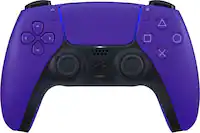
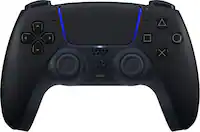
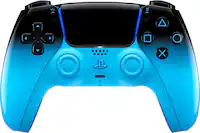
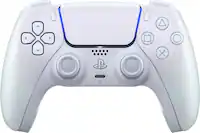
Nintendo Switch Pro Controller
Shop Nintendo Switch Pro Controller options to replace your current gamepad or add another controller for multiplayer gaming. Compare available listings for system and game compatibility, controller features, and what’s included to find the right fit for your setup.


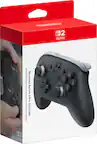
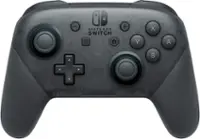


Nintendo Switch Pro Controller
FAQs
A Nintendo Switch Pro Controller uses a traditional, one-piece gamepad layout. Joy-Con controllers can attach to compatible Nintendo Switch consoles or be used separately in supported games. Some games require Joy-Con-specific controls, so check the game's supported controller types before choosing a controller.
Compatible wireless Pro controllers can connect to Nintendo Switch, Nintendo Switch – OLED Model, and Nintendo Switch Lite systems. Nintendo Switch Lite supports external controllers wirelessly but does not support TV mode. For third-party Pro-style controllers, check the manufacturer's listed system compatibility.
On the Nintendo Switch HOME Menu, select Controllers, then Change Grip/Order. Put the controller into pairing mode by following its instructions, which commonly involves holding a SYNC button until its indicator lights flash. Follow the on-screen prompts to finish connecting.
Connection options vary by controller. Some Pro-style controllers are wireless, some are wired, and others support both. A USB cable may provide charging without supporting wired gameplay, so check the controller's connection specifications rather than assuming any USB connection carries game inputs.
Compare features such as motion controls, rumble, amiibo support through NFC, a Capture button, and programmable buttons. These features are not included on every Pro-style controller, and game support varies. Check the controller's specifications against the features used by the games you play.