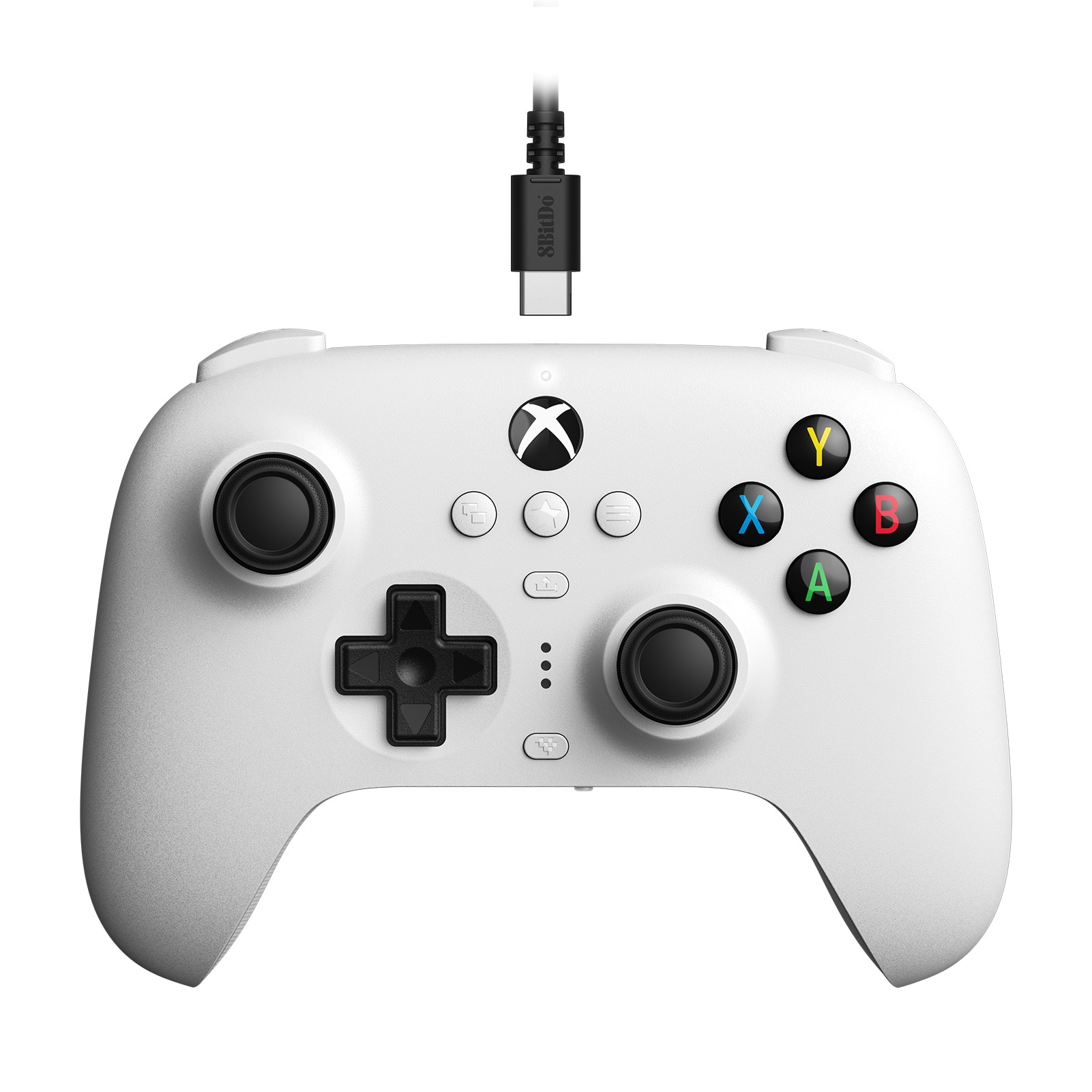
Best Switch Pro Controller
Finding the best Switch Pro controller for your play style starts with comfort, button layout and compatibility. Compare controller options for Nintendo Switch, and check each listing for connection type, supported features and included accessories to find a good fit for your console and the games you play.
What to look for in a Switch Pro controller
The best Switch Pro controller for you depends on your Nintendo Switch system, favorite games, and preferred play style.
1. System Compatibility
2. Comfort and Controls
3. Gameplay Features
4. Connectivity and Power
-
1

Nintendo - Switch 2 Pro Controller - Black
About this product
A sleek black wireless controller designed for immersive and responsive gaming on Nintendo Switch 2.
What customers like
(1,812)$89.99 Your price for this item is $89.99 -
2
Kitcheniva - Wireless Switch Pro Controller for Nintendo Switch/Lite/OLED,PC/Android/iOS - Black
About this product
A versatile black wireless controller offering ergonomic comfort and customizable buttons for multiple gaming platforms.
(0)$43.99 Your price for this item is $43.99 -
3
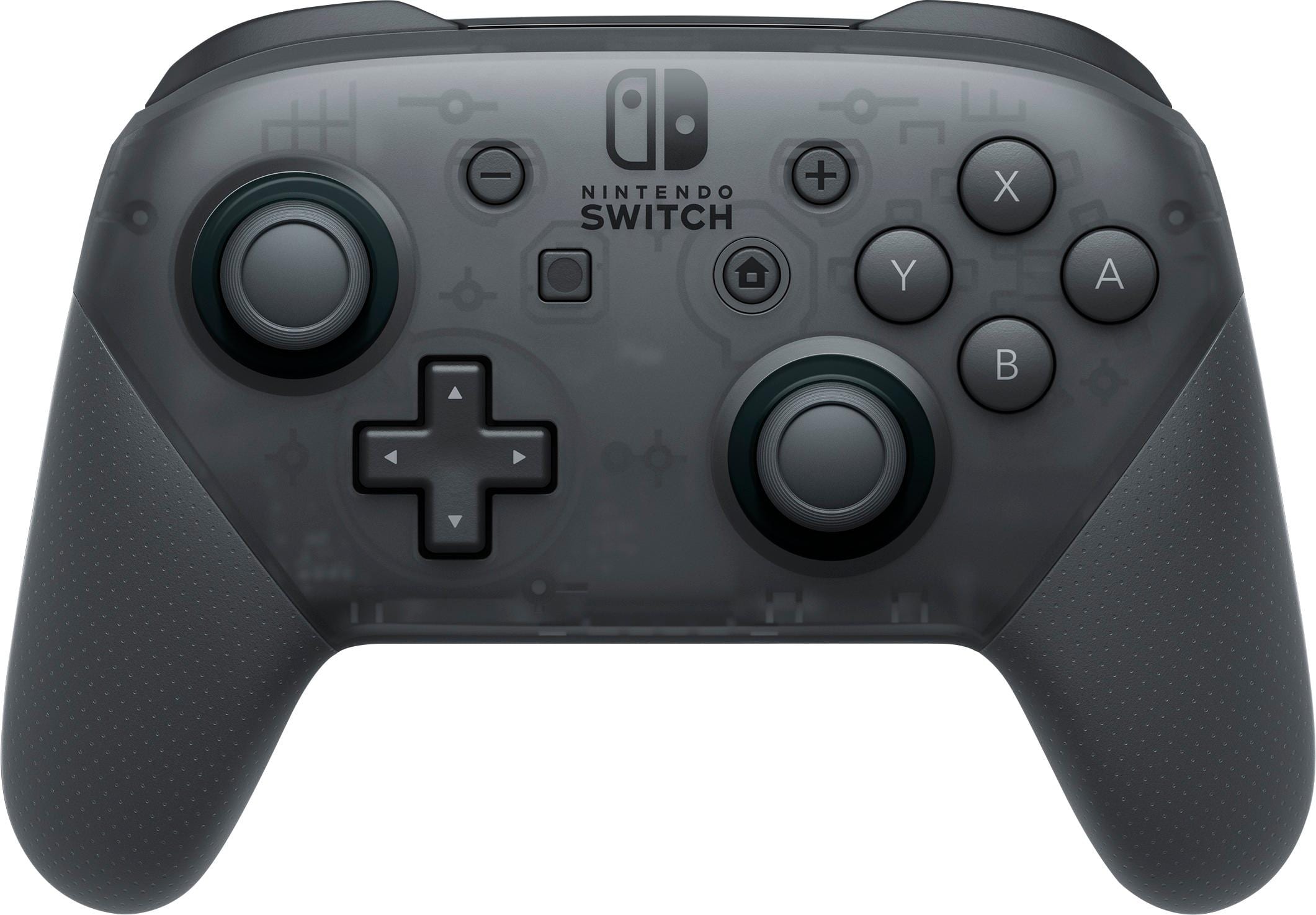
Pro Wireless Controller for Nintendo Switch - Black
About this product
A black wireless controller featuring motion controls, Amiibo compatibility, and comfortable grip for Nintendo Switch gaming.
What customers like
(13,881)$79.99 Your price for this item is $79.99 -
4

Kitcheniva - Wireless Pro Controller Bluetooth Gamepad For Nintendo Switch/Switch OLED/Lite - Black
About this product
A wireless black Bluetooth gamepad offering ergonomic comfort and precise control for Nintendo Switch consoles.
(0)$40.99 Your price for this item is $40.99 -
5

NEXT - Wireless Rechargeable Pro Controller for Switch 2 & Switch - Ember
About this product
An orange wireless controller with soft-touch coating, motion control, Turbo, and USB-C rechargeable battery.
What customers like
(552)$19.99Your price for this item is $19.99SAVE $10.00 -
6
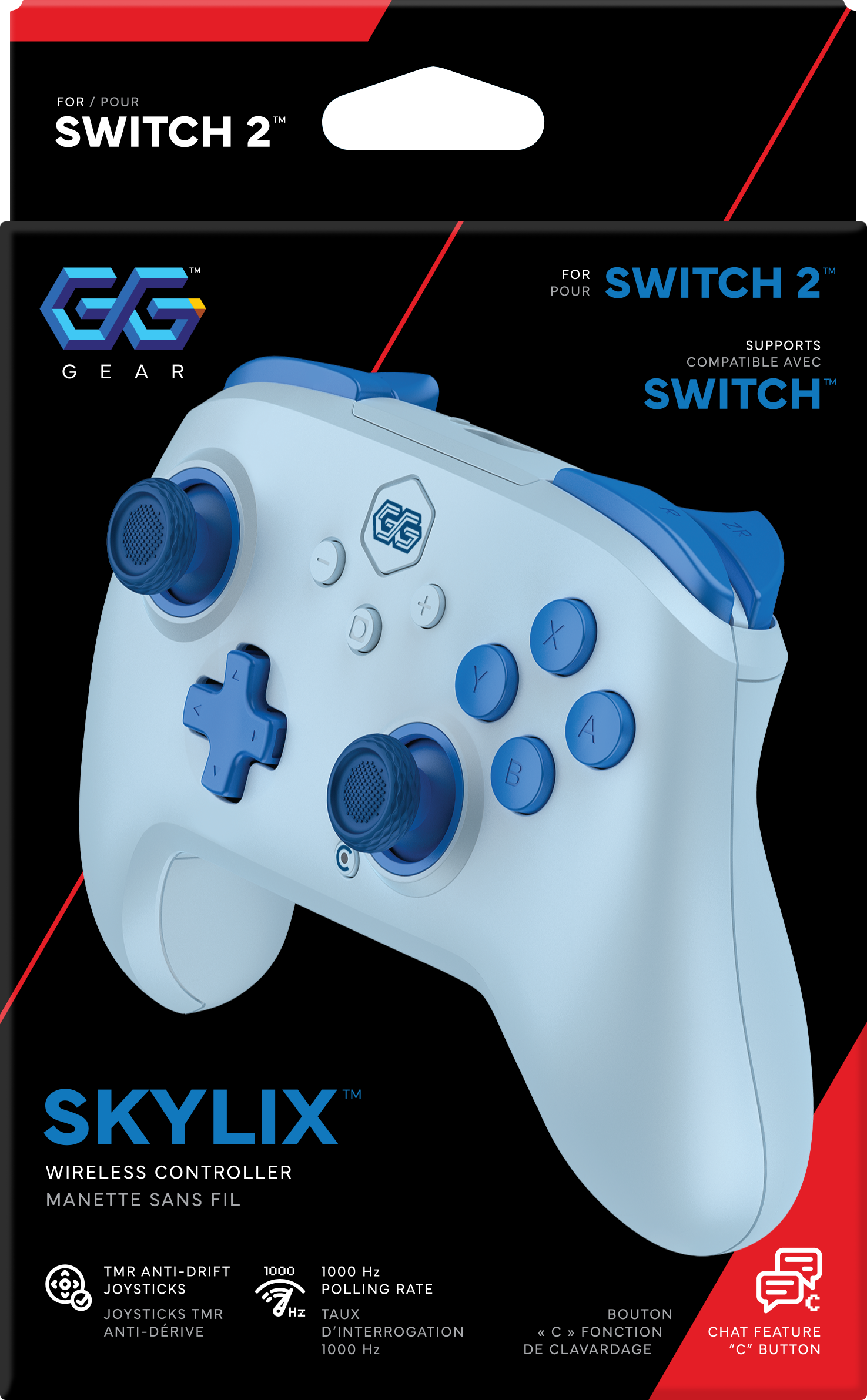
GG Gear - SKYRIX Pro Wireless Controller for Nintendo Switch 2 and Switch - Pink
About this product
A pink controller with drift-free TMR sticks, programmable back buttons, motion controls, and 20-hour battery life.
(0)$44.99 Your price for this item is $44.99 -
7

NEXT - Wireless Rechargeable Pro Controller for Switch 2 & Switch - Frost
About this product
A white wireless controller with soft-touch coating, motion controls, Turbo, and a rechargeable USB-C battery.
What customers like
(552)$19.99Your price for this item is $19.99SAVE $10.00 -
8

Kitcheniva - SW2 Wireless Pro Bluetooth Controller For Nintendo Switch Pro Controller - Black
About this product
A wireless black Bluetooth controller offering ergonomic comfort, precision controls, and stable performance for Nintendo Switch gaming.
(0)$56.99 Your price for this item is $56.99 -
9

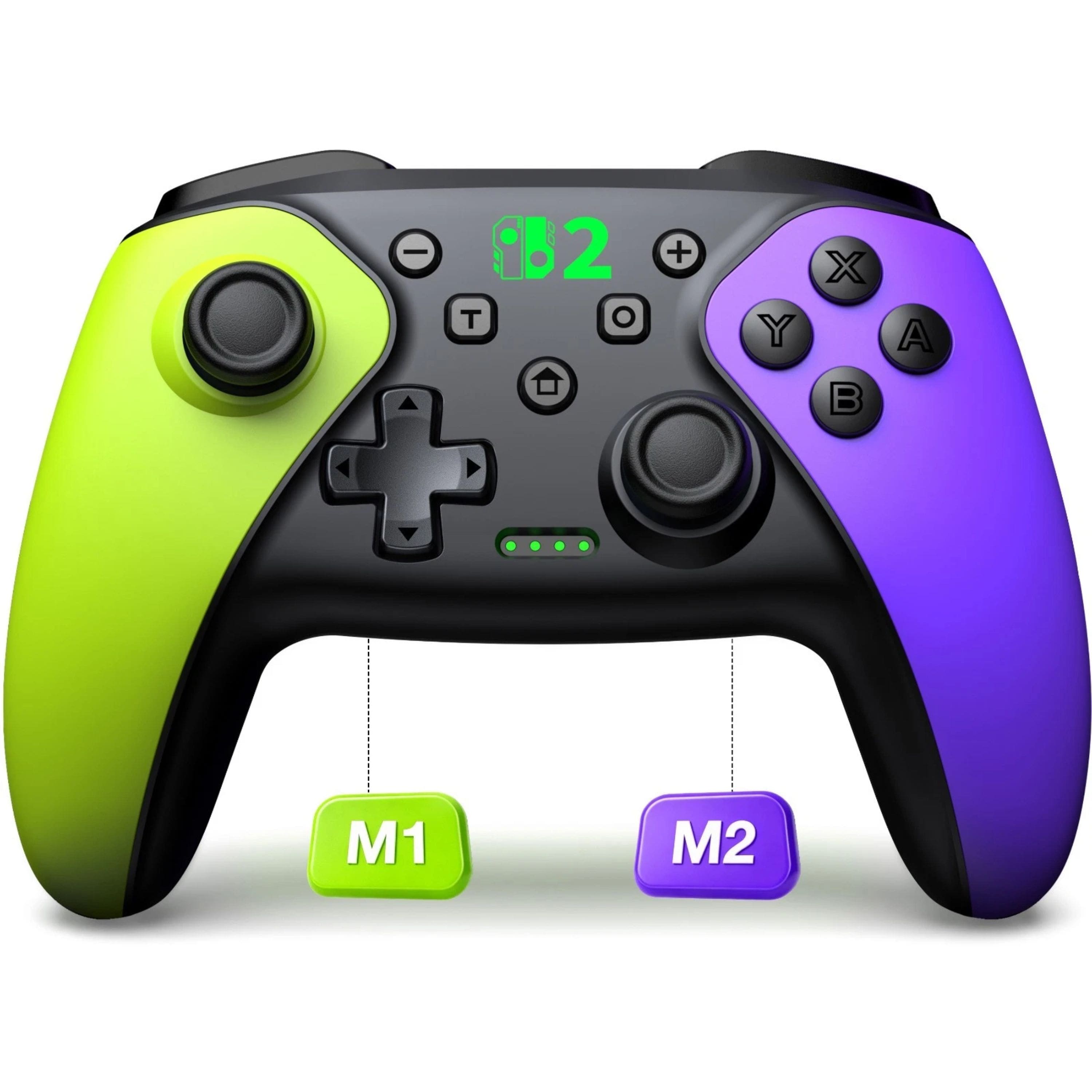
Kitcheniva - SW2 Wireless Pro Bluetooth Controller For Nintendo Switch 2/Switch 1/OLED/Lite - Green and Purple
About this product
A wireless Bluetooth controller in green and purple offering responsive buttons and ergonomic comfort for Switch consoles.
(0)$44.99 Your price for this item is $44.99 -
10

Kitcheniva - Pro Wireless Game Controller Gamepad Joystick Remote For Nintendo Switch / OLED - Black
About this product
A sleek black wireless controller offering responsive buttons, precision joysticks, and ergonomic comfort for Switch gaming.
(0)$43.99 Your price for this item is $43.99
Best Switch Pro Controller
FAQs
Compare connection options, button layout, motion controls, vibration features, and battery charging methods. If you use amiibo or want programmable buttons, check for those features specifically. The best Switch Pro controller for your setup depends on your preferred games and control options.
No. Feature support varies among Switch-compatible controllers. Motion controls, NFC support for amiibo, and HD Rumble are separate features, so a controller may include some without including all of them. Review the manufacturer's specifications for each feature you want.
For many wireless controllers, open Controllers from the Nintendo Switch HOME Menu, select Change Grip/Order, and hold the controller's pairing button until its indicator lights flash. Follow the manufacturer's instructions if your controller uses a different pairing process.
Some Switch-compatible controllers also support PC connections through Bluetooth, USB, or a dedicated wireless adapter. Supported connection methods, button mapping, and game compatibility vary by controller and operating system. Check the manufacturer's compatibility information before setting one up for PC gaming.
Depending on the model, customization options may include remappable buttons, additional rear buttons, adjustable vibration, and saved control profiles. Settings may be managed directly on the controller or through compatible software. Nintendo Switch system settings also offer button remapping for supported controllers.