Under-Desk Cable Trays - Best Buy
-
Turonic - DM2 Cable Management Under Desk Net Kit and Cable Organizer System - Nylon Mesh 50x25 cm, 11 lbs Load, 6-Point - Unknown
SKU: J3R84T79F2See all A/V Cable Management & ConcealmentProduct Description
A reinforced black nylon mesh net with adjustable bungee loops organizes and secures cables under desks.Your price for this item is $53.48Save $2The previous price was $56.15 -
Mount-It! - Clamp-On Under Desk Cable Management Tray for Desk Organization & Cable Storage, Tool-Free Installation - Black
SKU: J3GWP4Q38CGreat way to stay organized, especially with all the wires we have laying around....Love this cable management tray!...Love the concept.
See all A/V Cable Management & ConcealmentProduct Description
A black plastic clamp-on tray that organizes cables under your desk with tool-free, no-drill installation.Your price for this item is $39.99 -
Mount-It! - Under Desk Cable Tray Organizer for Wire Management with Multiple Cable Pass-Throughs & Easy Mount System - Black
SKU: J3GTF8ZZ93Great product...Super easy to install and works great. Would definitely recommend.
See all A/V Cable Management & ConcealmentProduct Description
A black steel under-desk tray that organizes and conceals cables with multiple pass-throughs for easy access.Your price for this item is $29.99 -
StarTech.com - Under Desk Cable Tray, 23.5"L x 4.5"D - Cable Organizer for Office/Desk (UDCMTRAY)
SKU: J7PHYXJ4XLSee all A/V Cable Management & ConcealmentProduct Description
A black under-desk cable tray that organizes cords, wires, and power strips for office or standing desks.Your price for this item is $64.09 -
Turonic - DM1 Under Desk Cable Management Tray Net Kit Cord Organizer for Desk - Nylon Mesh 50x25 cm, 11 lbs Load, 6-Point - Unknown
SKU: J3R84T7954See all A/V Cable Management & ConcealmentProduct Description
A reinforced black nylon mesh tray with adjustable bungee loops for organizing cables and power adapters under desks.Your price for this item is $45.49 -
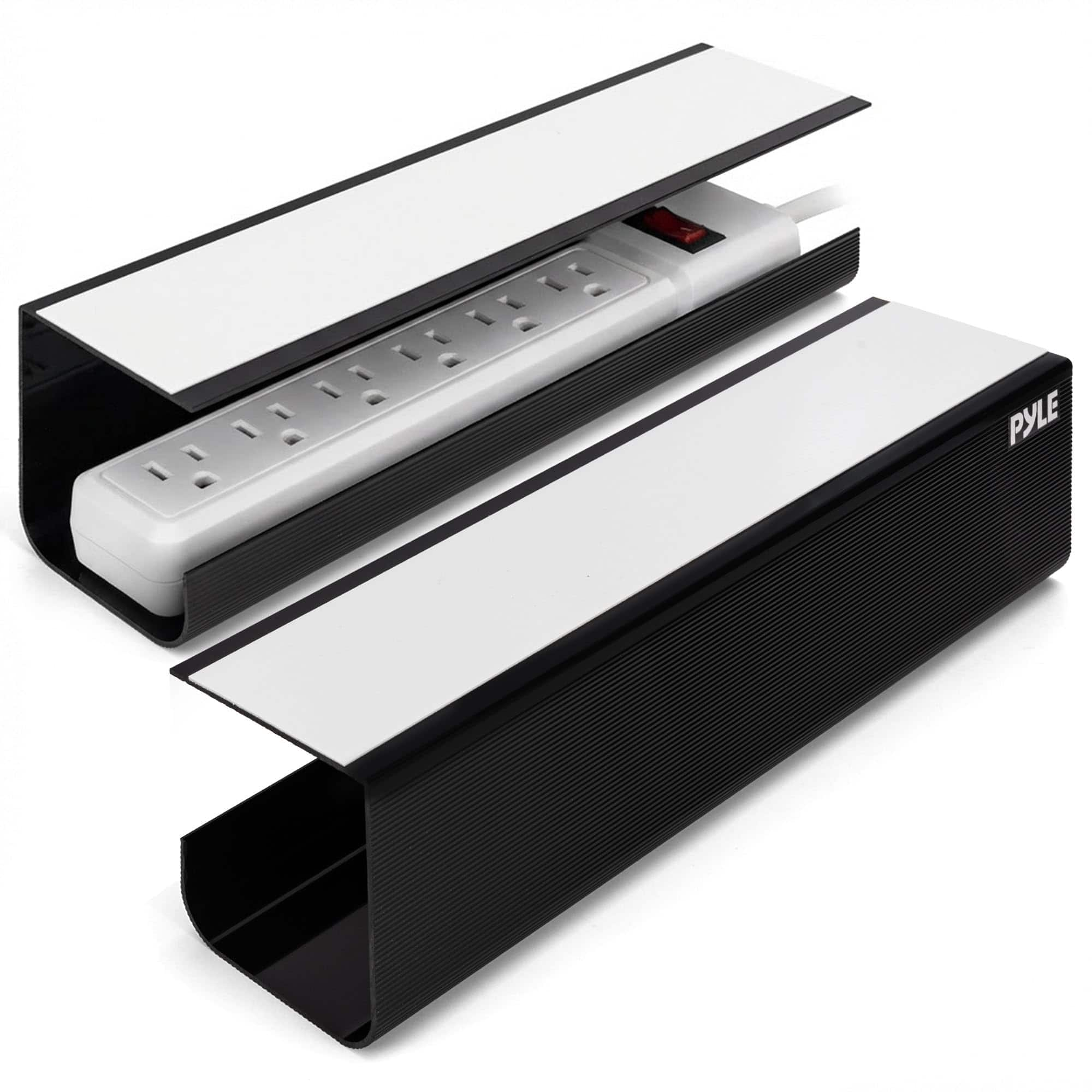
Pyle - 2-Pack 17" No-Screw Under Desk Cable Management Trays – Organize Cables without Drilling - Black
SKU: J36C98R37FSee all A/V Cable Management & ConcealmentProduct Description
A black, screwless cable-management solution with adhesive installation, sturdy construction, and heat-dissipating trays for organized workspaces.Your price for this item is $16.99 -
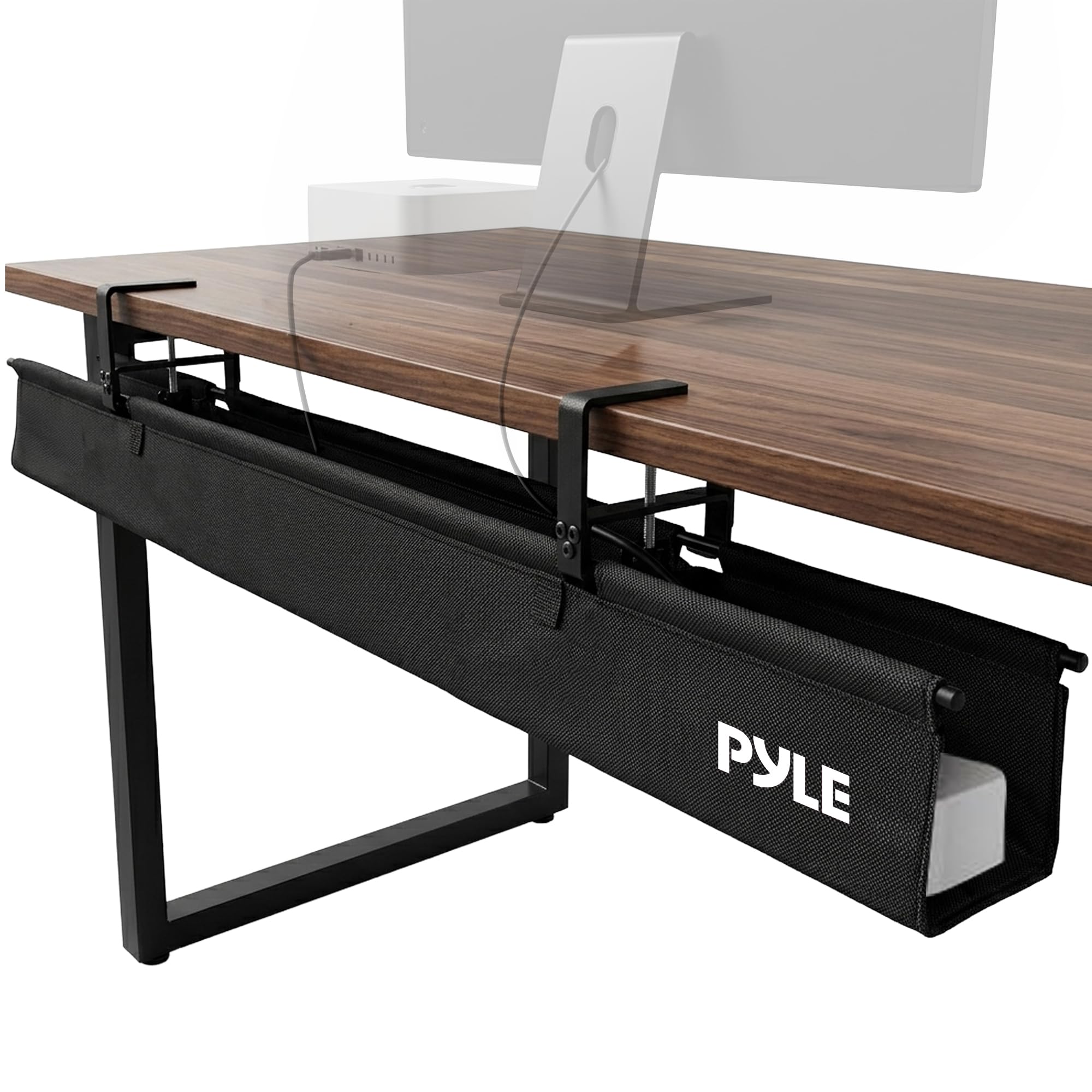
Pyle - 48" Clamp/Screw Mount Fabric Cable Management Tray – Large, Durable Tray for Cable Organization - Black
SKU: J36C98R378See all A/V Cable Management & ConcealmentProduct Description
A durable black fabric cable tray with a rigid bottom, breathable design, and flexible clamp-or-screw mounting.Your price for this item is $29.99 -
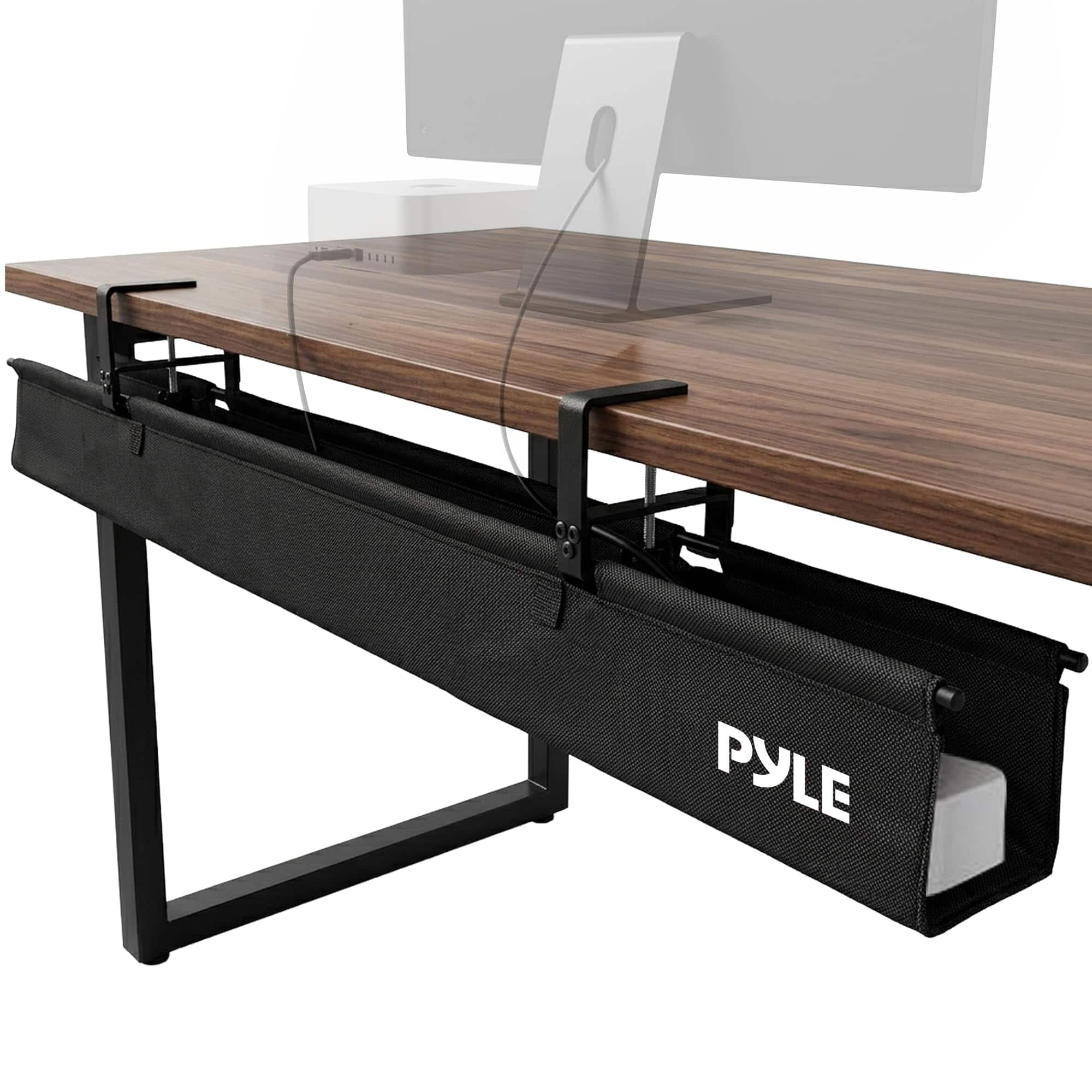
Pyle - 36" Clamp/Screw Mount Fabric Cable Management Tray – Durable for Desks and Entertainment Centers - Black
SKU: J36C98RXVVSee all A/V Cable Management & ConcealmentProduct Description
A black fabric cable tray with rigid bottom and clamp/screw mounting organizes desks and entertainment centers.Your price for this item is $39.99


Best Sellers




Related Pages


FAQ
No. Mounting methods can include clamps, adhesive attachments or screws. Check the installation instructions for the tray you’re considering, along with your desk’s material and surface requirements, before choosing a mounting style.
Cable trays can be made from metal, plastic, fabric or mesh. Some designs combine flexible fabric with a rigid base. Compare the construction and access style rather than assuming every tray uses the same material.
An under-desk cable tray typically attaches beneath the desktop and provides a place to route or gather cables. A cable management box is a separate enclosure for cords or compatible power accessories and may sit on the floor or another surface.
A standing desk has connections that travel with the desktop and others that lead to stationary outlets or devices. Plan both routes across the desk’s full range of movement, following the desk and cable tray manufacturers’ installation guidance.
Keep frequently disconnected cables, charging connections and any power-strip switch accessible. Labels at each end of a cord can also make it easier to identify connections without tracing every cable through the tray.