Upgradable Desktop Computers
-
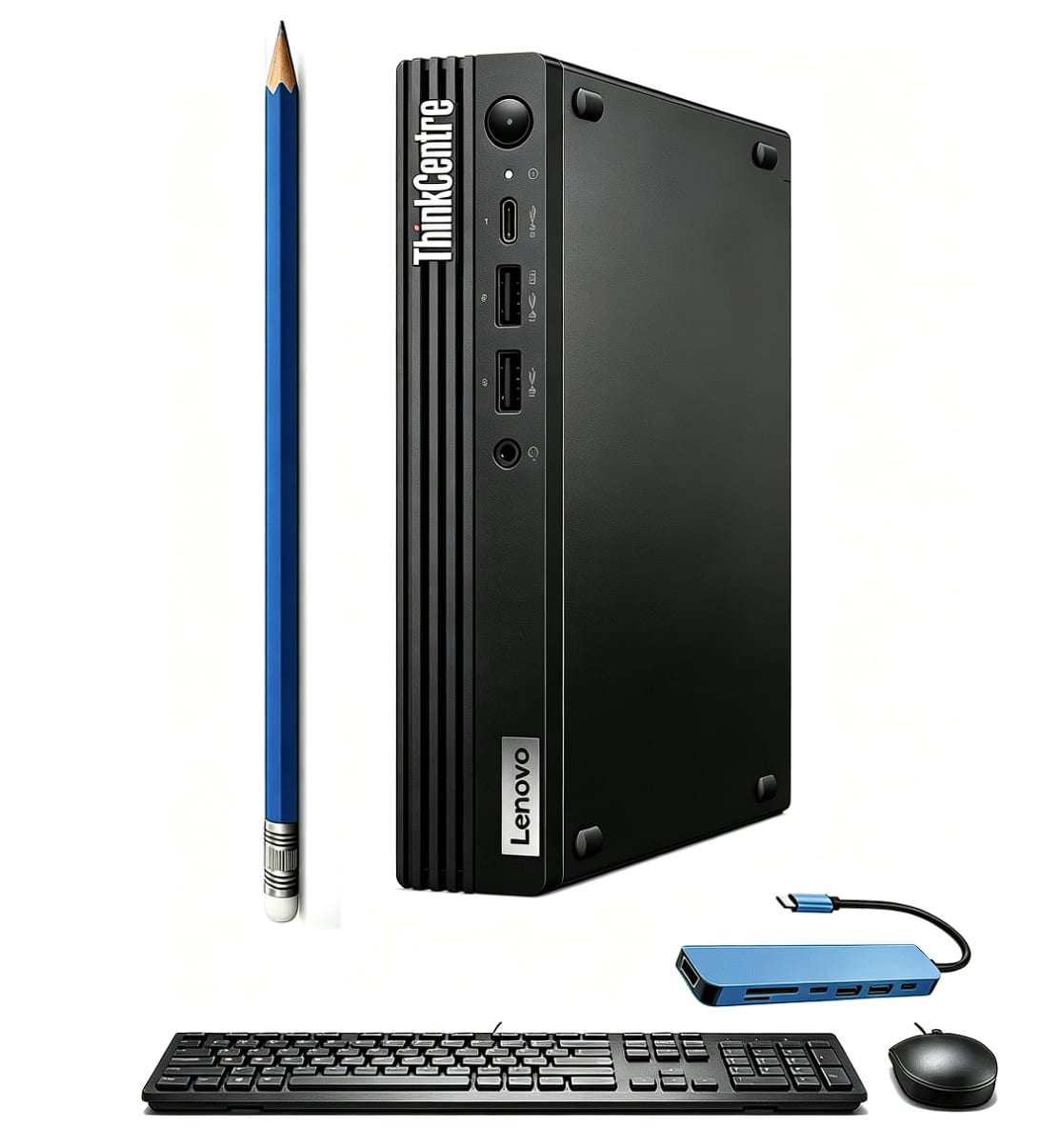
Lenovo - Upgraded - ThinkCentre M70q Gen 5 Desktop - Intel Core i5-14400T - Tiny Business Desktop - 16GB RAM - 512GB SSD - Win 11 Pro - Black
SKU: J3GWQRFY89See all Mini PCsProduct Description
A compact black desktop featuring a 10-core i5 processor, 16GB RAM, 512GB SSD, and Windows 11 Pro.Your price for this item is $899.99 -
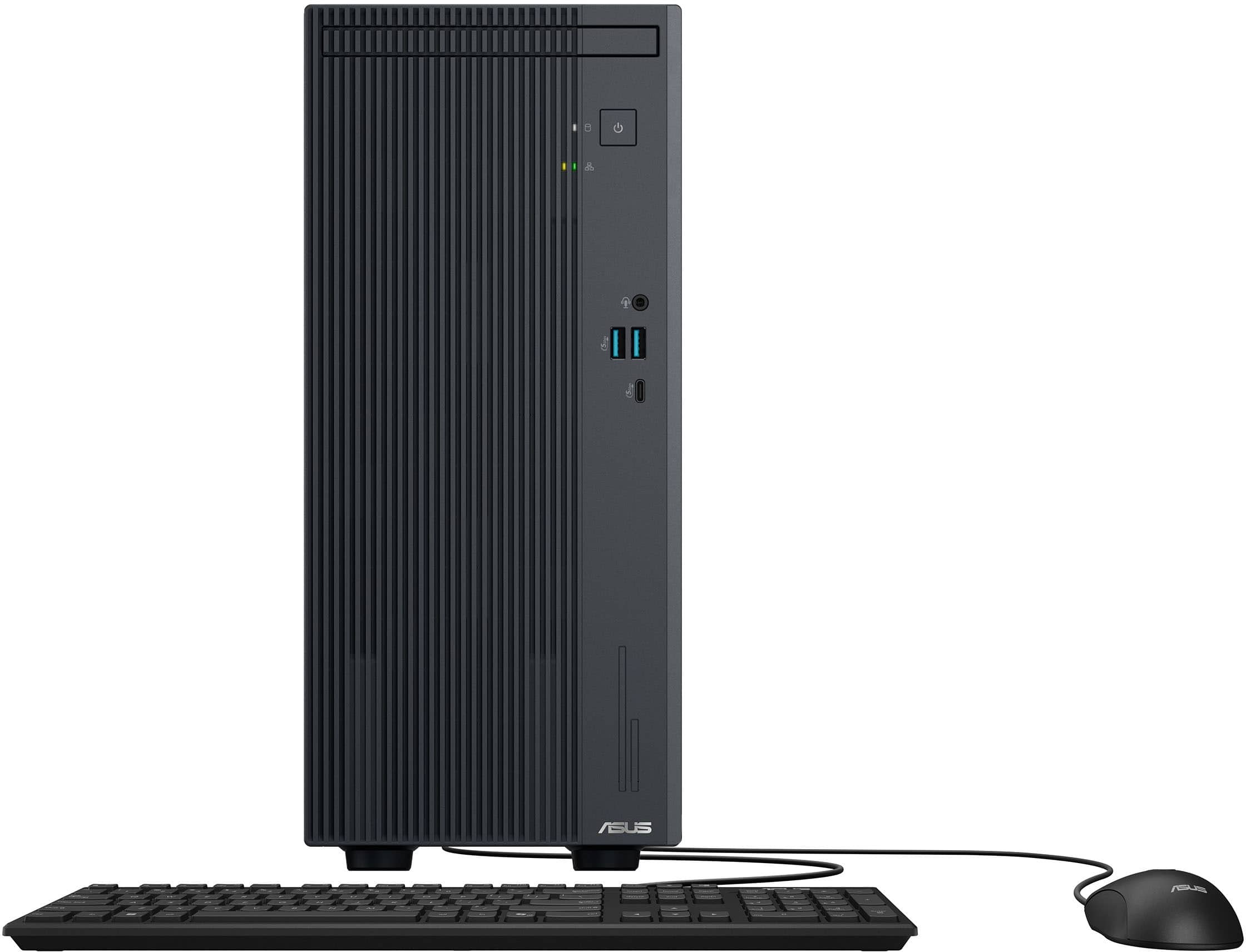
ASUS - V500 Desktop - Intel Core i7 13620H (2023) - 16GB Memory - 1TB SSD Storage - Dark Gray
SKU: JJGGLH2GQ7The best....Love this computer it is so fast....Great PC. Fast. Reliable. Powerful....Didn't like the keyboard or mouse but that's the manufacturer's error not Best Buy
See all Computer TowersProduct Description
A powerful dark grey desktop featuring an Intel Core i7, 16GB memory, and 1TB SSD for seamless multitasking.Your price for this item is $1,099.99 -
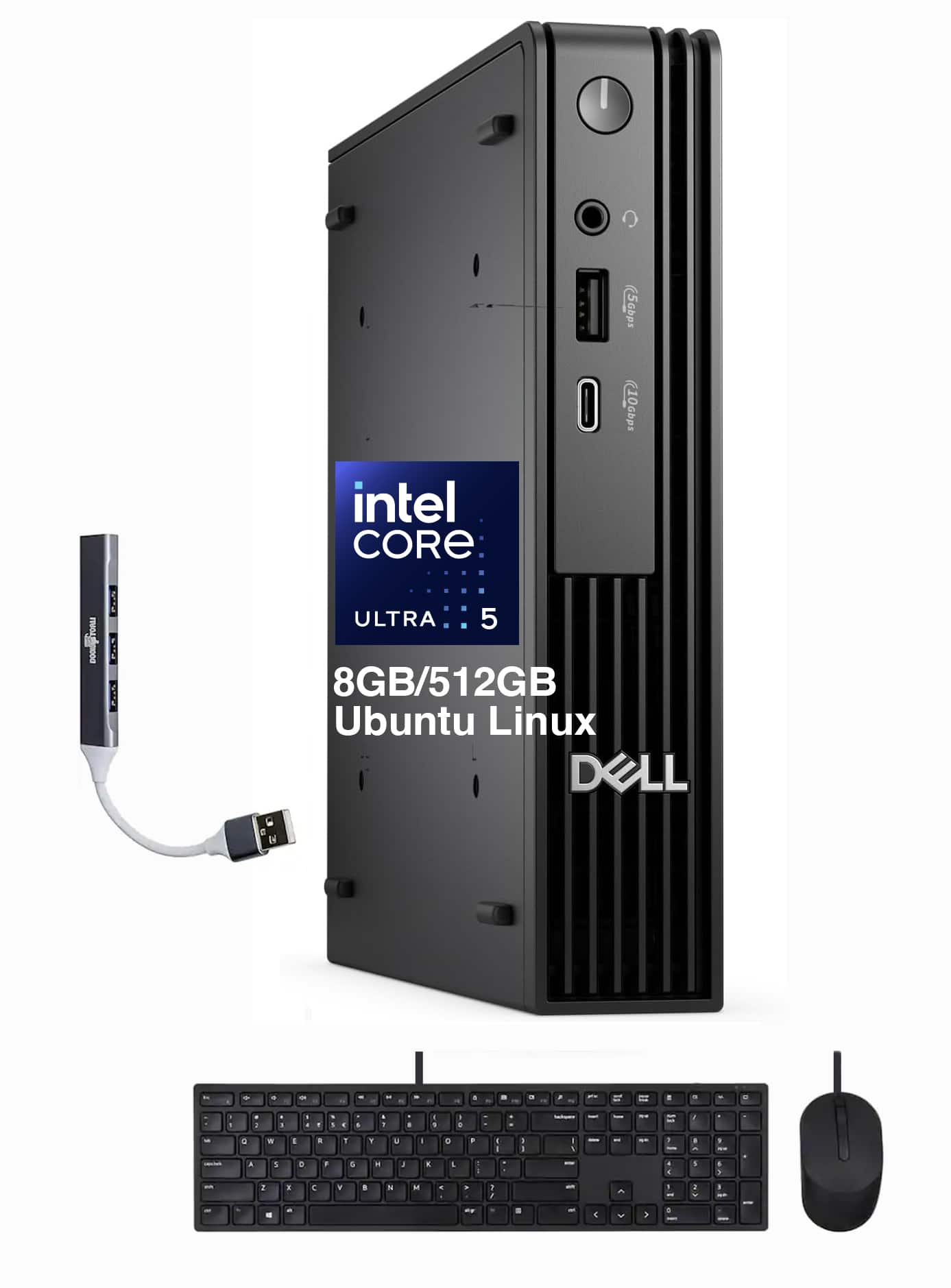
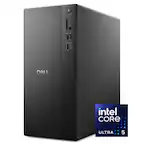
Dell - Upgraded - Pro Micro QCM1250 Mini Desktop (Ultra 5-235T, 8GB, 512GB SSD, Integrated Graphics, Ubuntu Linux 18.04) w/USB Hub - Black
SKU: JJGHT5JTX3See all Mini PCsProduct Description
A black mini desktop featuring an Ultra 5-235T processor, 8GB DDR5 RAM, and Ubuntu Linux.Your price for this item is $909.99 -
Lenovo - Upgraded - ThinkCentre M70q Gen 5 Desktop PC - Intel Core i5 1440T with 32GB Memory - 1TB SSD - Mouse - Keyboard - WiFi - Win 11Pro - Black
SKU: J3GWQRFGGSSee all Computer TowersProduct Description
A compact black desktop featuring Intel Core i5, 32GB RAM, 1TB SSD, Wi-Fi 6, and Windows 11 Pro.Your price for this item is $1,199.99 -
Lenovo - Upgraded - ThinkCentre M70q Gen 5 Desktop PC - Intel Core i5 1440T - 16GB Memory - 512GB SSD - Mouse - Keyboard - WiFi - Win11Pro - Black
SKU: J3GWQRF6KGSee all Mini PCsProduct Description
A compact black desktop featuring a 14th Gen Intel Core i7, 16GB DDR5 RAM, and 1TB SSD.Your price for this item is $899.99Save $350The previous price was $1,249.99 -
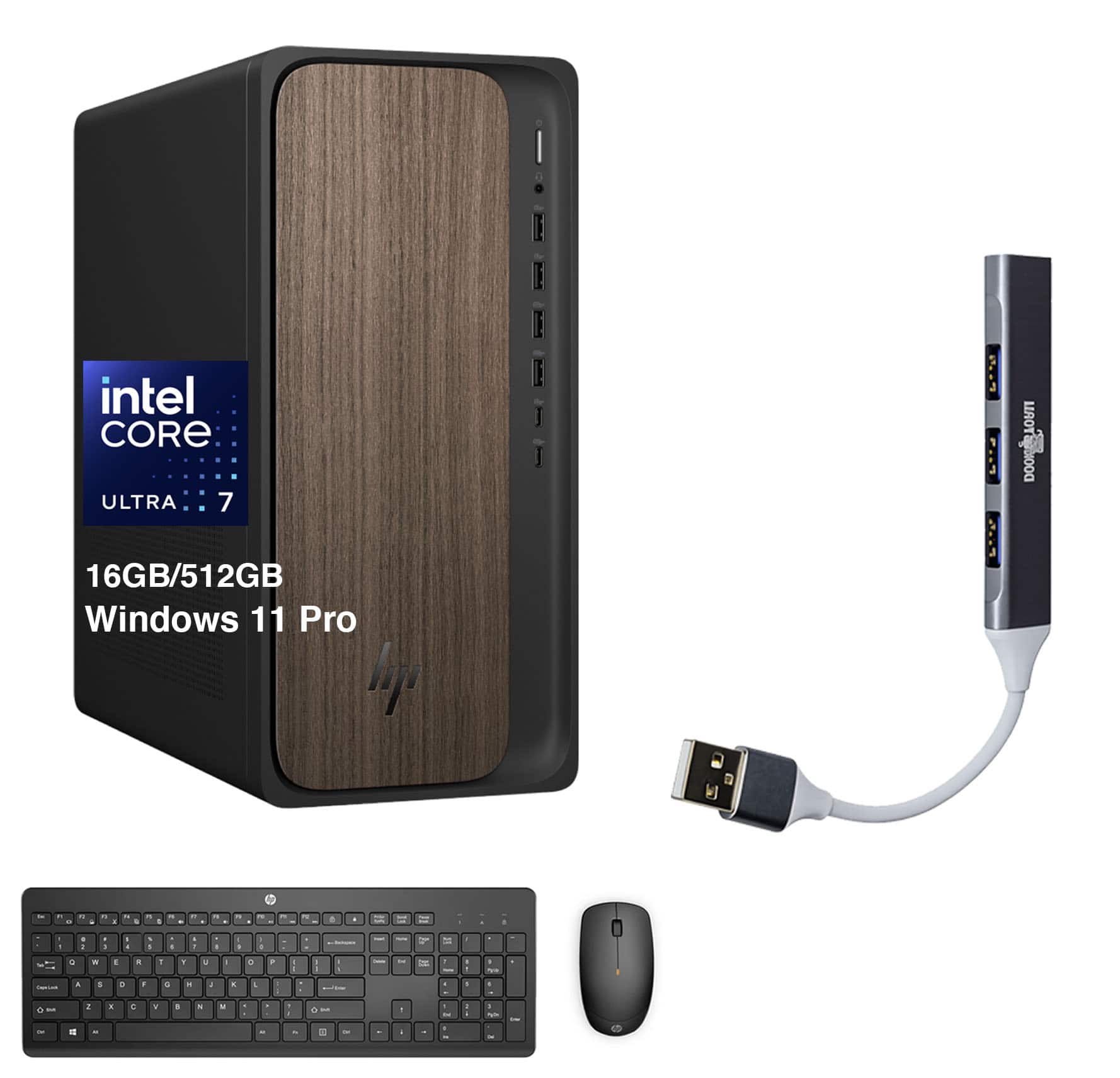
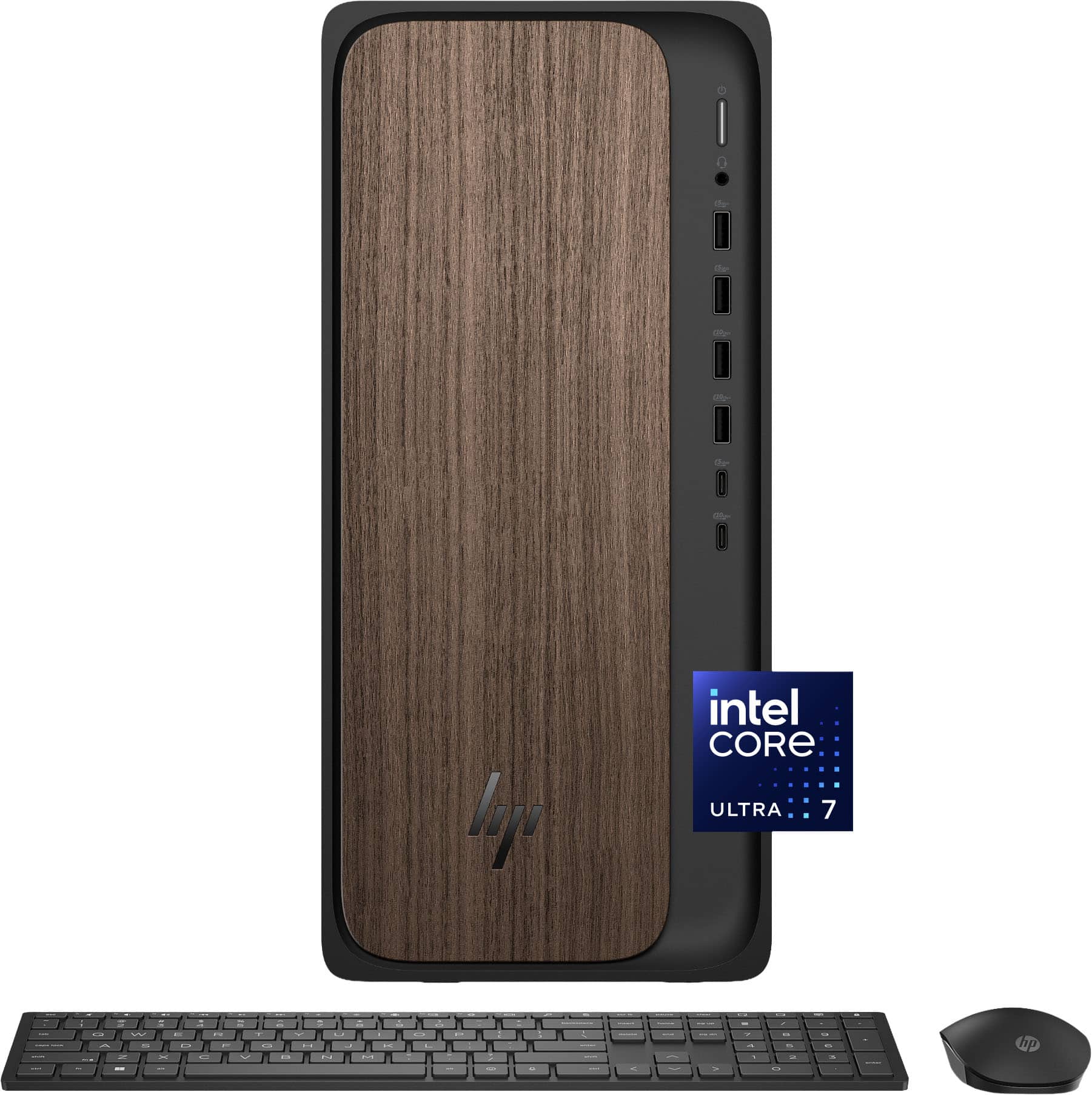
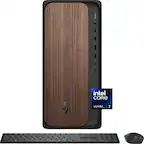
HP - Upgraded - OmniDesk Desktop (Ultra 7-265, 16GB, 512GB SSD, Intel Graphics, Win 11 Pro ) - Dark Wood
SKU: JJGHT4PZ76See all Computer TowersProduct Description
A dark wood desktop featuring Ultra 7-265, 16GB DDR5 RAM, 512GB SSD, and Windows 11 Pro.Your price for this item is $989.99 -
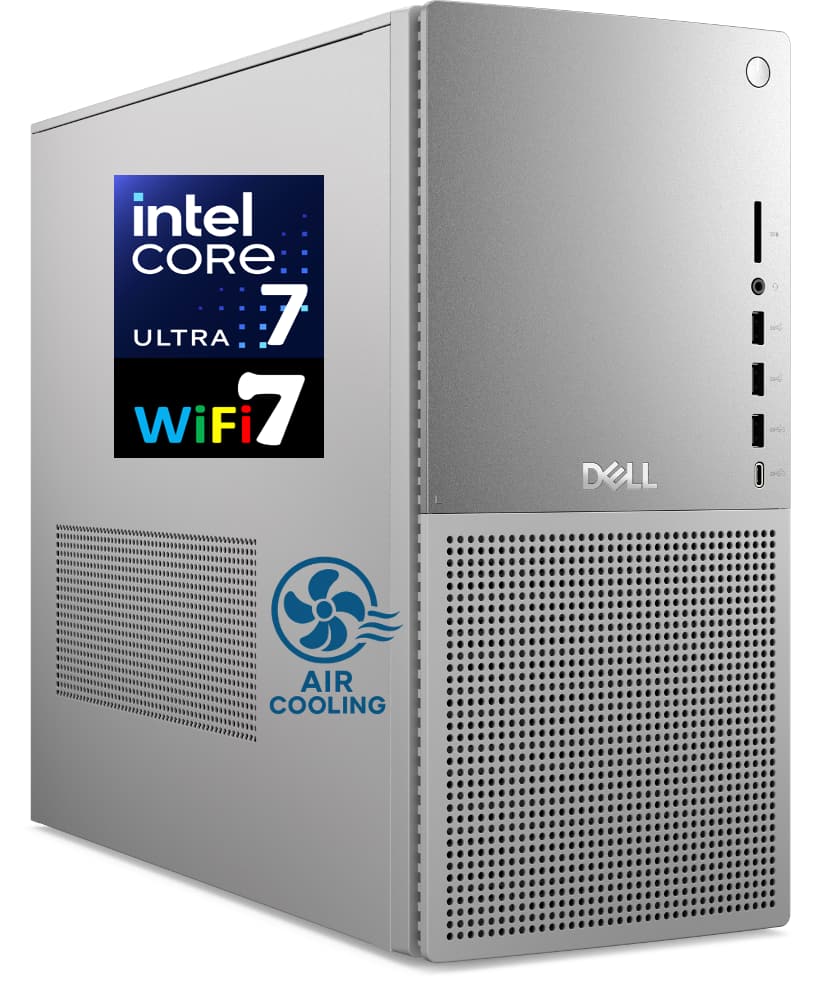
Dell - Upgraded - Tower Plus Desktop (Ultra 7-265, 16GB, 512GB SSD, Integrated Graphics, Win 11 Pro ) - Platinum
SKU: JJGHT46KZQSee all Computer TowersProduct Description
A platinum desktop featuring a 15th Gen Ultra 7 processor, 16GB DDR5 RAM, and 512GB SSD.Your price for this item is $1,099.99 -
Dell - Upgraded - Tower Plus Desktop (Ultra 7-265, 16GB, 1TB SSD, Integrated Graphics, Win 11 Pro ) - Platinum
SKU: JJGHT46KKCSee all Computer TowersProduct Description
A platinum desktop featuring a 15th Gen Ultra 7 processor, 16GB DDR5 RAM, and 1TB SSD.Your price for this item is $1,199.99 -
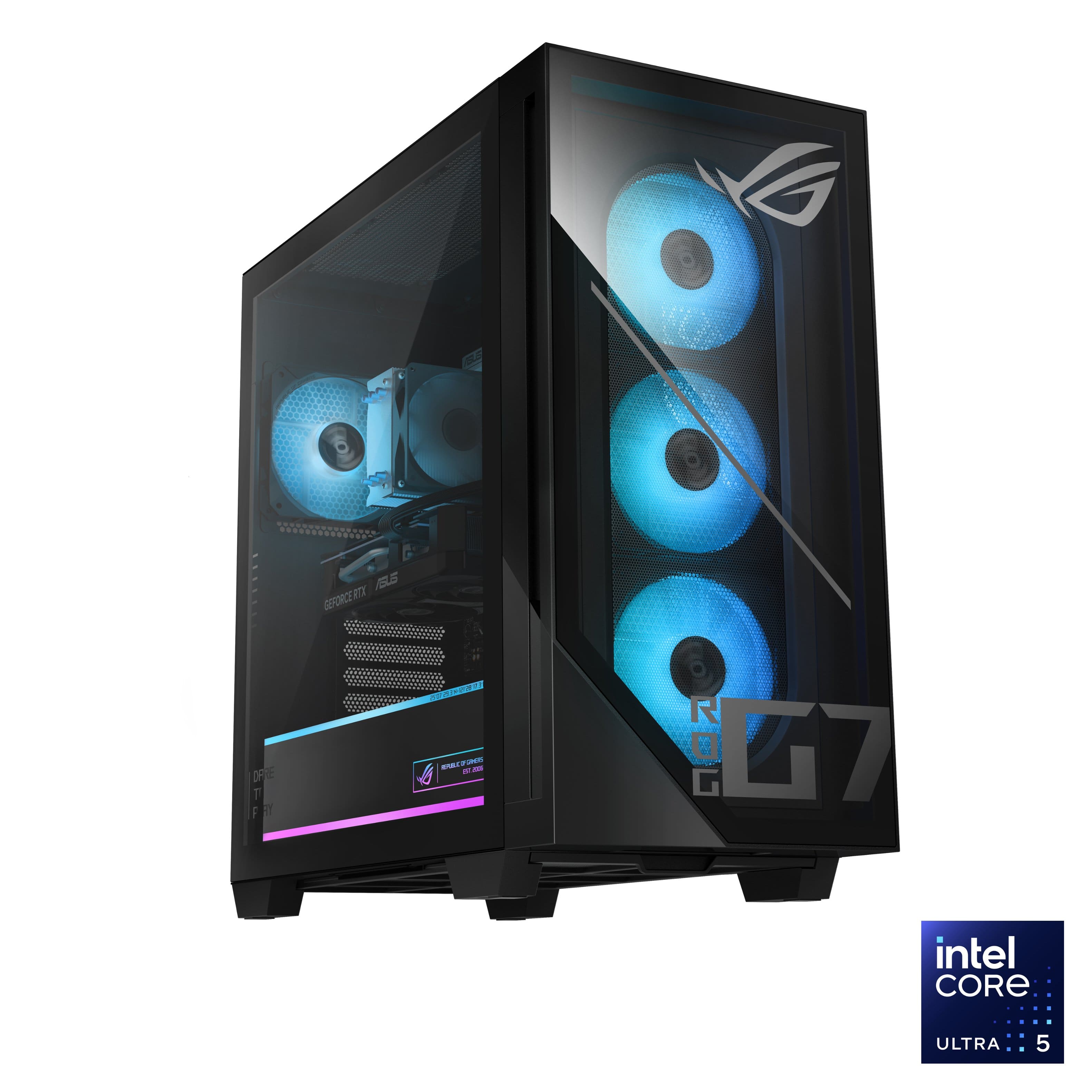
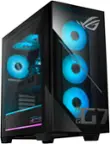
ASUS - ROG G700 Gaming Desktop - Intel Core Ultra 5 225F (2025) - 16GB Memory - NVIDIA GeForce RTX 5060 8GB - 1TB Storage - Black
SKU: JJGGLH353RGreat gaming pc...Love my pc i use for gaming and streaming best purchase ever!...I love it don’t have no problem with it the best pc I got from them
See all Gaming DesktopsProduct Description
A powerful black gaming desktop featuring Intel Core Ultra 5, RTX 5060, 16GB RAM, and 1TB SSD.Your price for this item is $1,424.99 -
HP - OmniDesk Desktop - Intel Core Ultra 7 265F 2025 - 32GB Memory - NVIDIA GeForce RTX 5060 - 1TB SSD - Dark Wood
SKU: JJGH2YZQ8TKeyboard is mediocre at best....Best Buy, is great
See all Computer TowersProduct Description
A powerful dark wood desktop featuring Intel Core Ultra 7, 32GB memory, RTX 5060, and 1TB SSD.Your price for this item is $1,799.00Save $580The previous price was $2,379.99
Best Sellers




Related Pages




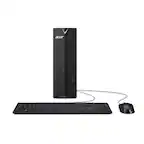
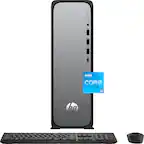
FAQ
An upgradable desktop computer is designed with accessible components, such as RAM, storage drives, graphics cards, and sometimes the processor, allowing users to easily replace or add parts to improve performance over time.
The most commonly upgradable components are RAM (memory), storage drives (HDD or SSD), graphics cards (GPU), and sometimes the power supply. Many upgradable desktops also allow users to add expansion cards or upgrade the CPU.
Most upgradable desktop computers are designed for easy access and only require basic tools, such as a Phillips-head screwdriver, to open the case and swap out parts. Always refer to the manufacturer’s instructions before attempting any upgrades.
While many upgradable desktops support a range of brands, it’s important to check compatibility with your system’s motherboard and power supply. Refer to the desktop’s specifications for supported RAM types and GPU sizes.
Upgrading certain components, like RAM or storage, typically does not void the warranty, but modifying core components or causing damage during upgrades might. Always review the warranty terms provided by the manufacturer before making any changes.