Upgrading PCs
-
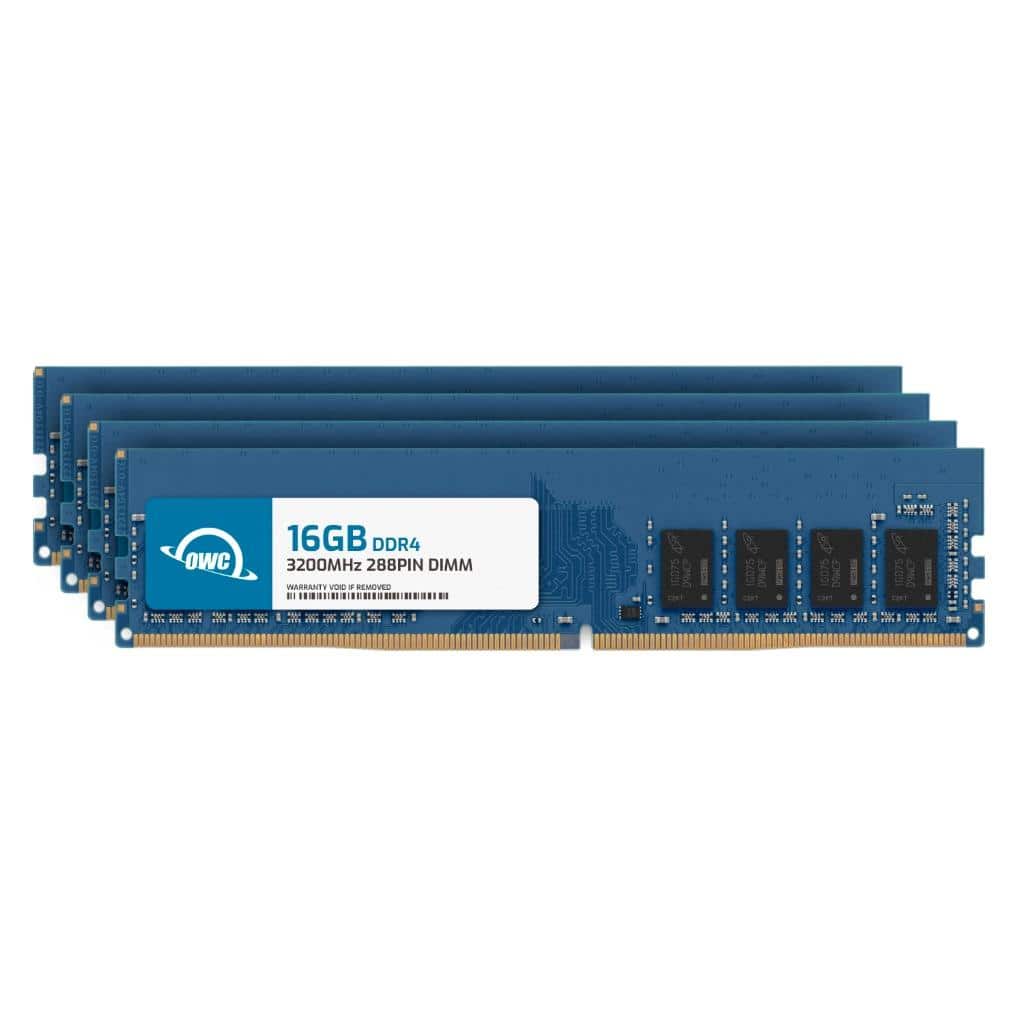
OWC - 64GB (4x16GB) DDR4 3200MHz PC4-25600 CL22 1RX8 Non-ECC UDIMM 1.2V 288-pin Desktop Memory RAM Upgrade for PC - Black Chips
SKU: J3GWXL95ZVSee all Computer Memory (RAM)Product Description
A 64GB DDR4 3200MHz desktop memory kit with black chips, 1.2V, and non-ECC unbuffered modules.Your price for this item is $439.08 -
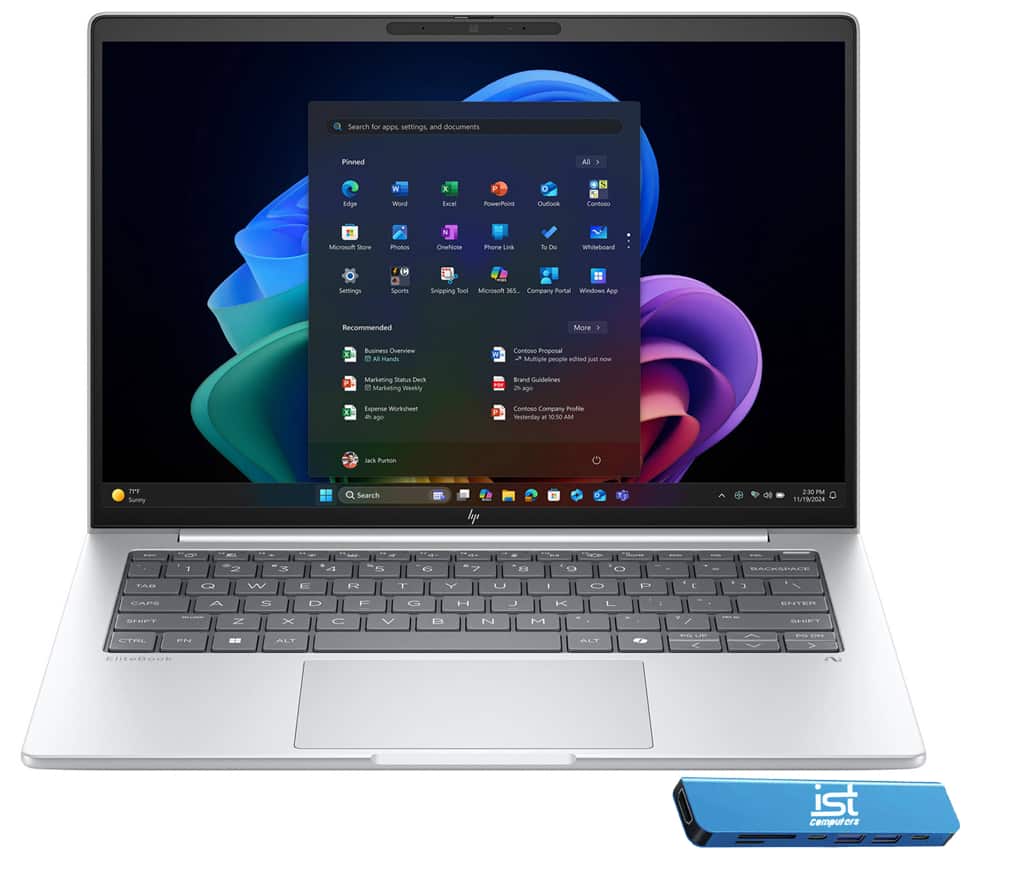
HP - Upgraded - EliteBook 8 G1a 14" FHD+ Touchscreen Business Laptop - AMD Ryzen AI 5 PRO with 16GB RAM - 512GB SSD - Windows 11 Pro - Glacier Silver
SKU: J3GWQRF8P3See all All LaptopsProduct Description
A sleek silver business laptop with a 14" FHD+ touchscreen, AMD Ryzen AI processor, and 16GB RAM.Your price for this item is $1,349.99Save $50The previous price was $1,399.99 -
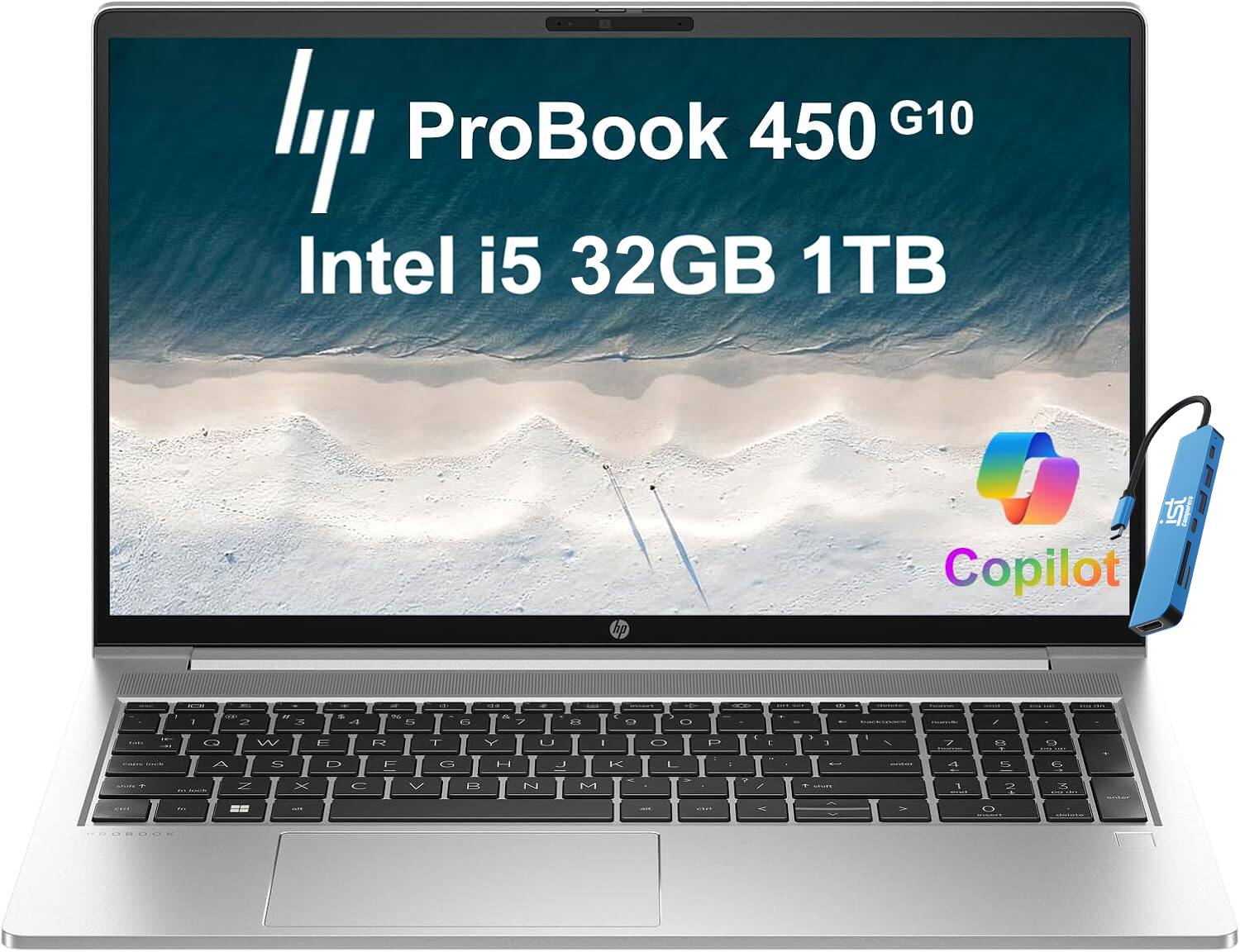
HP - Upgraded - ProBook 450 G10 15.6" FHD Laptop - Intel Core i5 - 32GB RAM - 1TB SSD - Windows 11 Pro - Silver
SKU: J3GWQRFS89See all All LaptopsProduct Description
A sleek silver laptop featuring Intel Core i5, 32GB RAM, 1TB SSD, and Windows 11 Pro.Your price for this item is $1,249.99 -
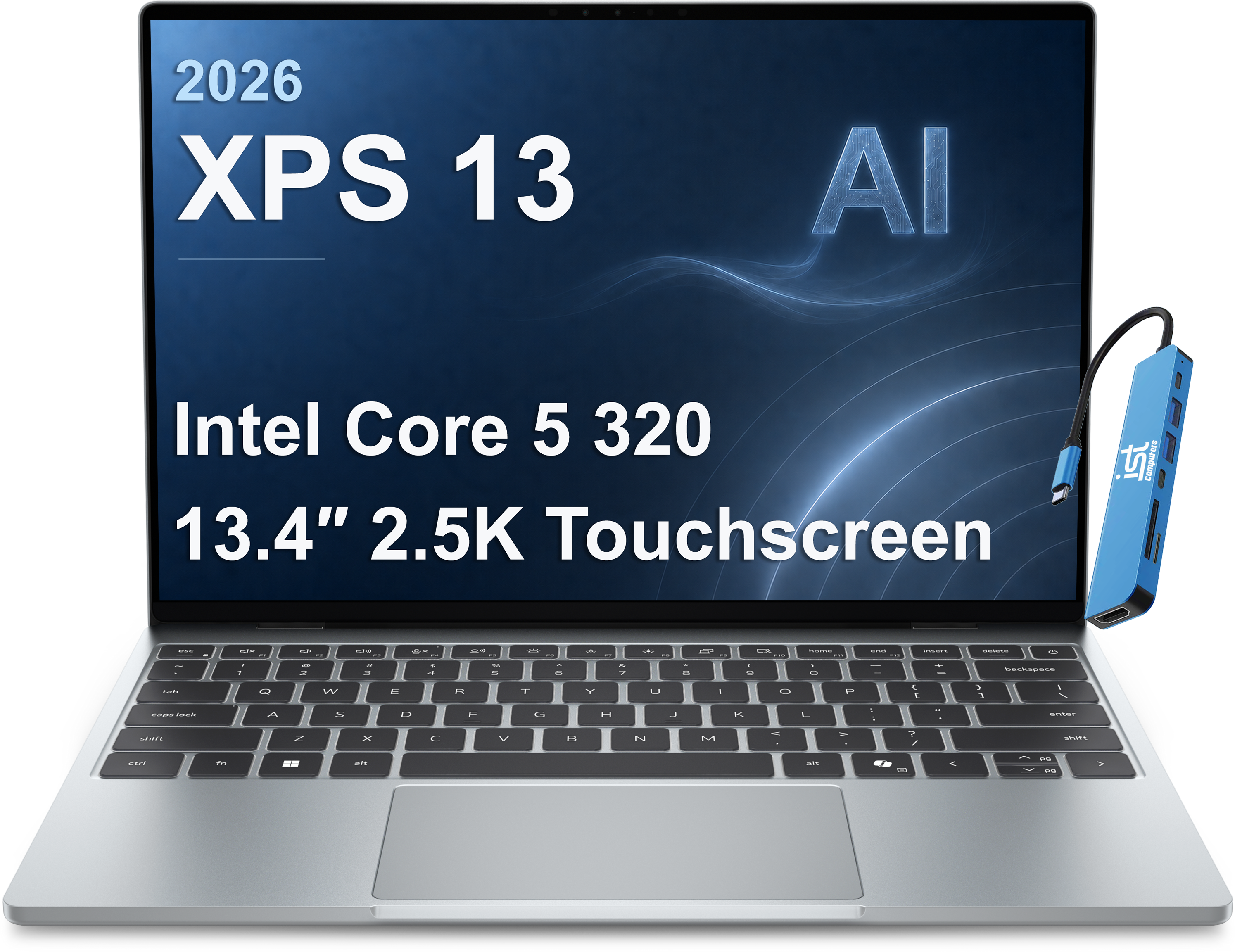
Dell - Upgraded - XPS - 13.4" 2.5K 120Hz Touchscreen Laptop - AI PC - Intel Core 5 320 2026 - Wi-Fi 7 - 8GB RAM - 1TB SSD - Windows 11 - sky
SKU: J3GWQRF863Great for travel and user friendly! I had the older version and it’s very similar....Battery life is great!...Love it
See all All LaptopsProduct Description
A platinum laptop featuring Intel Core Ultra 5, 16GB RAM, 1TB SSD, WUXGA display, and Thunderbolt 4.Your price for this item is $949.99Save $400The previous price was $1,349.99 -
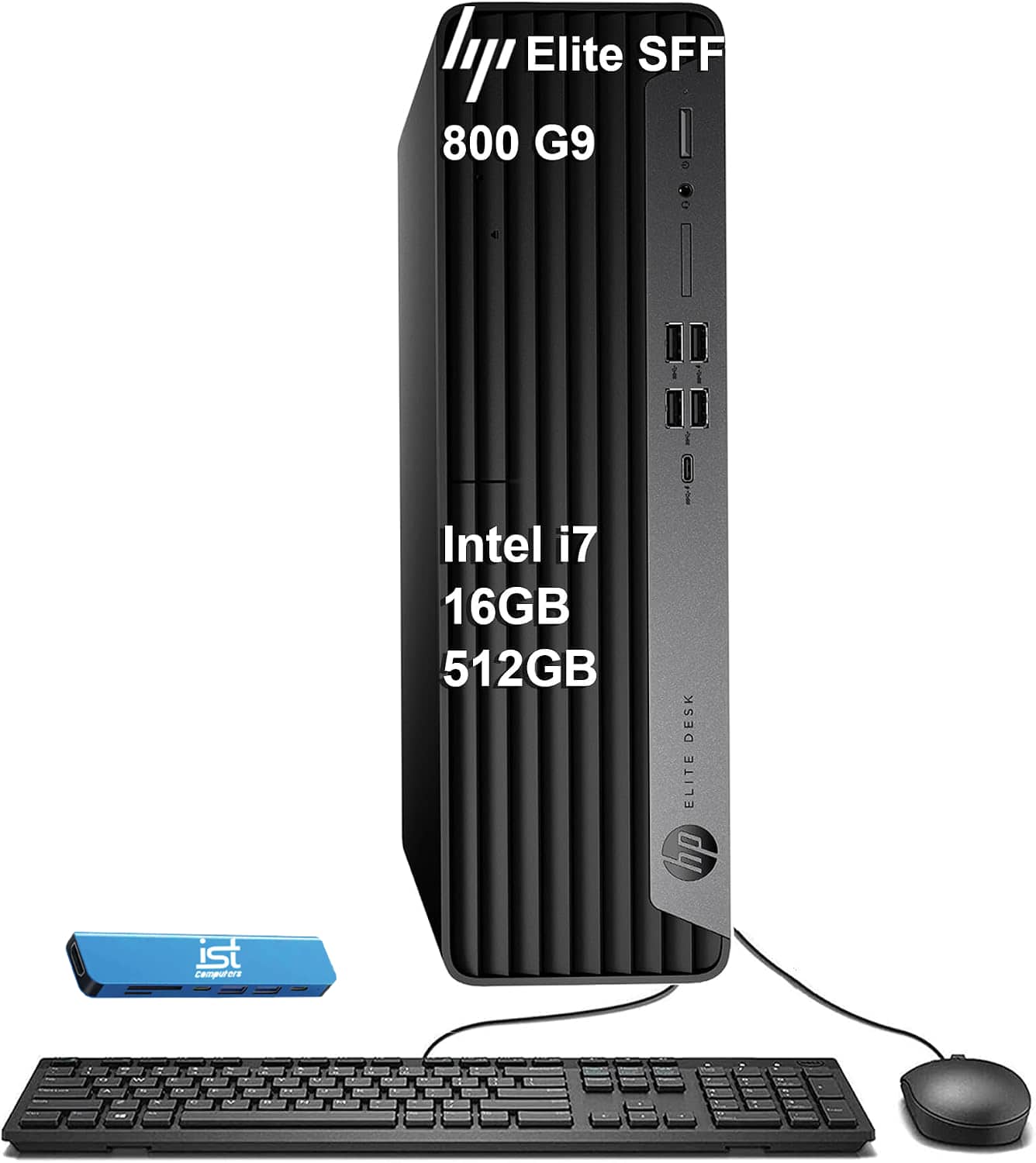
HP - Upgraded - Elite Desk SFF 800 G9 Business Desktop PC - Intel Core i7-14700 - 16GB RAM - 512GB SSD - Mouse/Keyboard - Windows 11Pro - Black
SKU: J3GWQRFHL9See all Computer TowersProduct Description
A black business desktop featuring Intel Core i7-14700, 16GB RAM, 512GB SSD, and Windows 11 Pro.Your price for this item is $1,149.99Save $350The previous price was $1,499.99 -
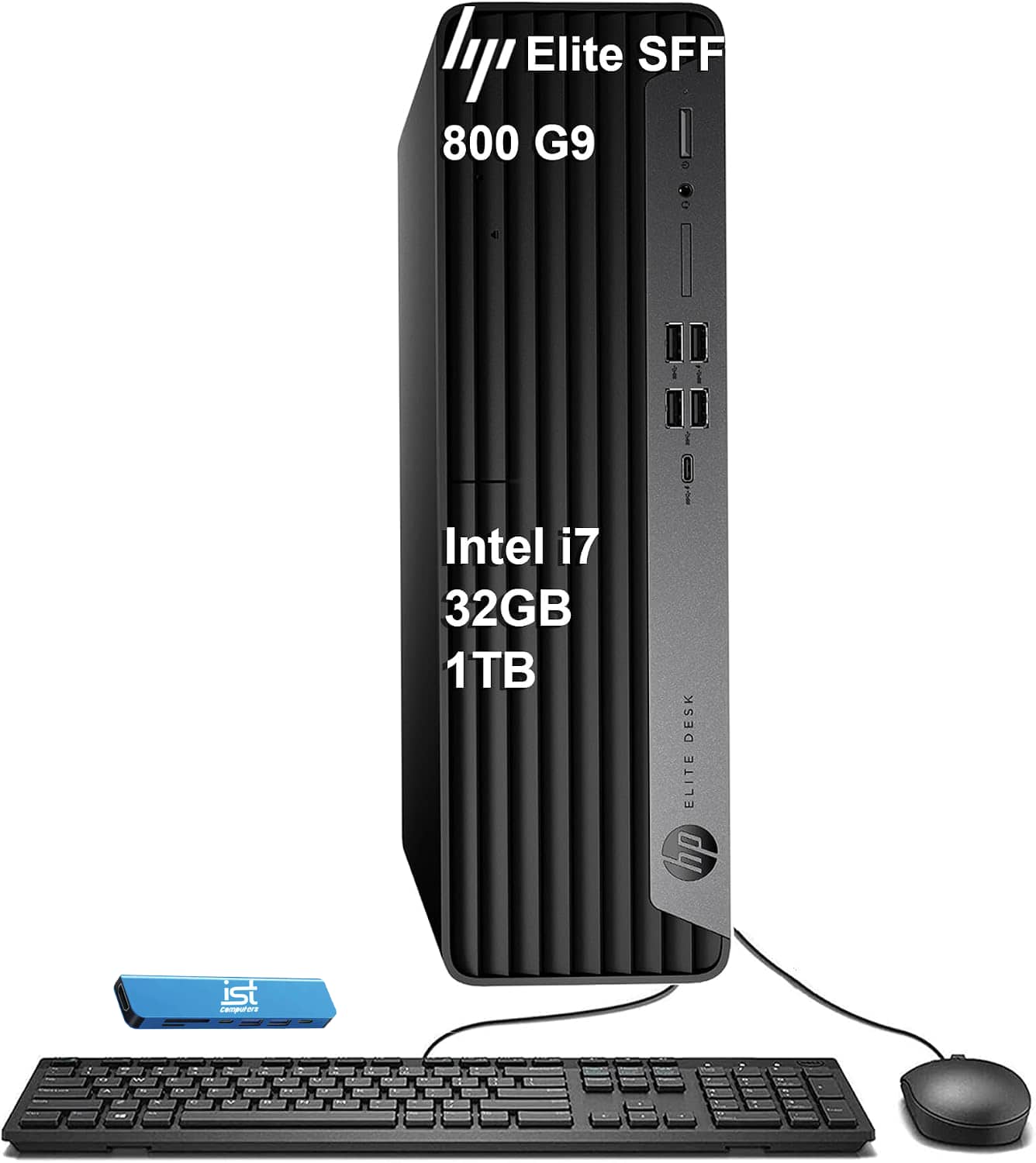
HP - Upgraded - Elite Desk SFF 800 G9 Business Desktop PC - Intel Core i7-14700 - 32GB RAM - 1TB SSD - Mouse - Keyboard - Win 11Pro - Black
SKU: J3GWT6Q6Z2See all Computer TowersProduct Description
A powerful black business desktop featuring Intel Core i7-14700, 32GB RAM, 1TB SSD, and Windows 11 Pro.Your price for this item is $1,399.99Save $600The previous price was $1,999.99 -
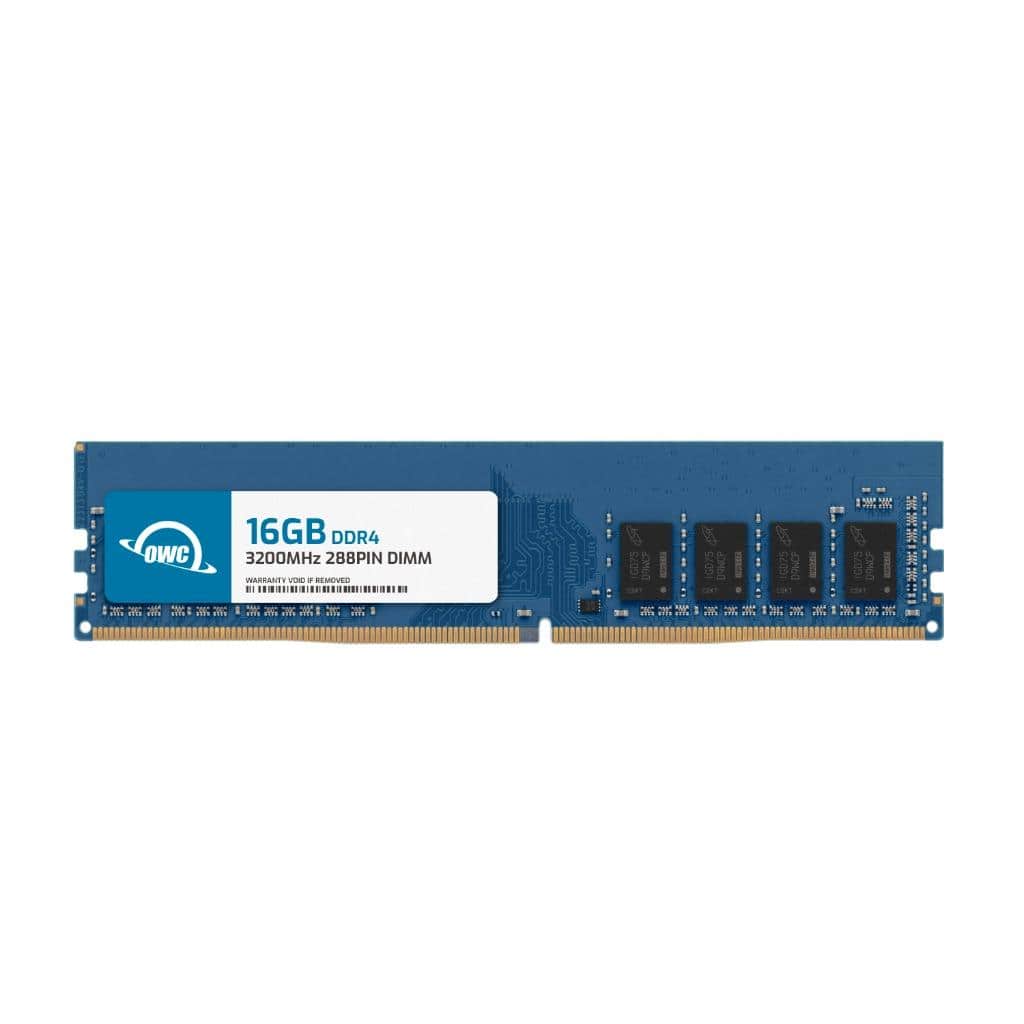
OWC - 16GB DDR4 3200MHz PC4-25600 CL22 1RX8 Non-ECC UDIMM 1.2V 288-pin Desktop Memory RAM Upgrade for PC - Black Chips
SKU: J3GWXL95Z7See all Computer Memory (RAM)Product Description
A 16GB DDR4 3200MHz desktop memory module with black chips, non-ECC, 288-pin, and 1.2V voltage.Your price for this item is $109.99 -
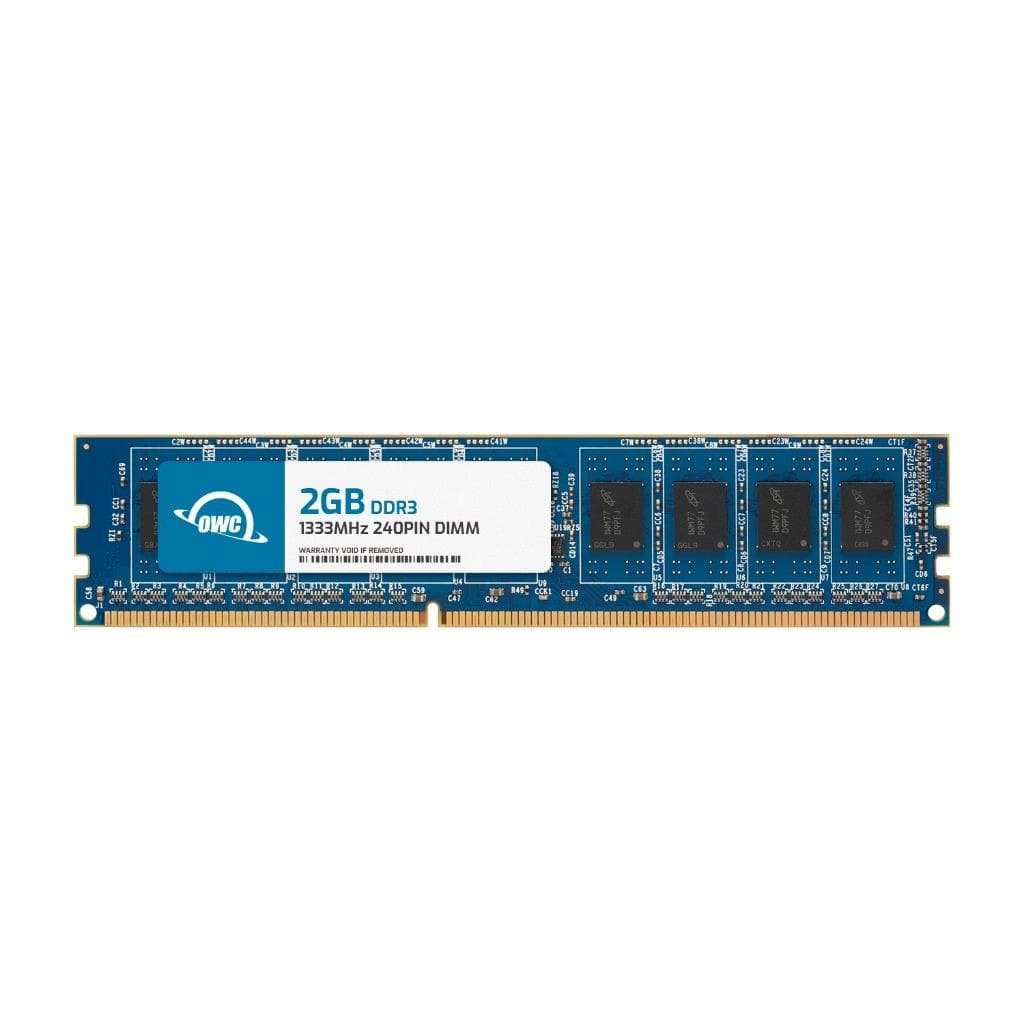
OWC - 2GB Memory RAM For HP 6000 Pro 6005 Pro SFF 6005 Pro Tower 6200 Pro SFF 6200 Pro Tower - Black Chips
SKU: J3GWY2J66KSee all Computer Memory (RAM)Product Description
A 2GB DDR3 1333MHz non-ECC desktop memory module with black chips for select HP Pro systems.Your price for this item is $23.50 -
OWC - 32GB DDR4 3200MHz PC4-25600 CL22 2RX8 Non-ECC UDIMM 1.2V 288-pin Desktop Memory RAM Upgrade for PC - Black Chips
SKU: J3GWXL95VFSee all Computer Memory (RAM)Product Description
A high-performance 32GB DDR4 3200MHz desktop memory module with black chips and 288-pin UDIMM design.Your price for this item is $229.99 -
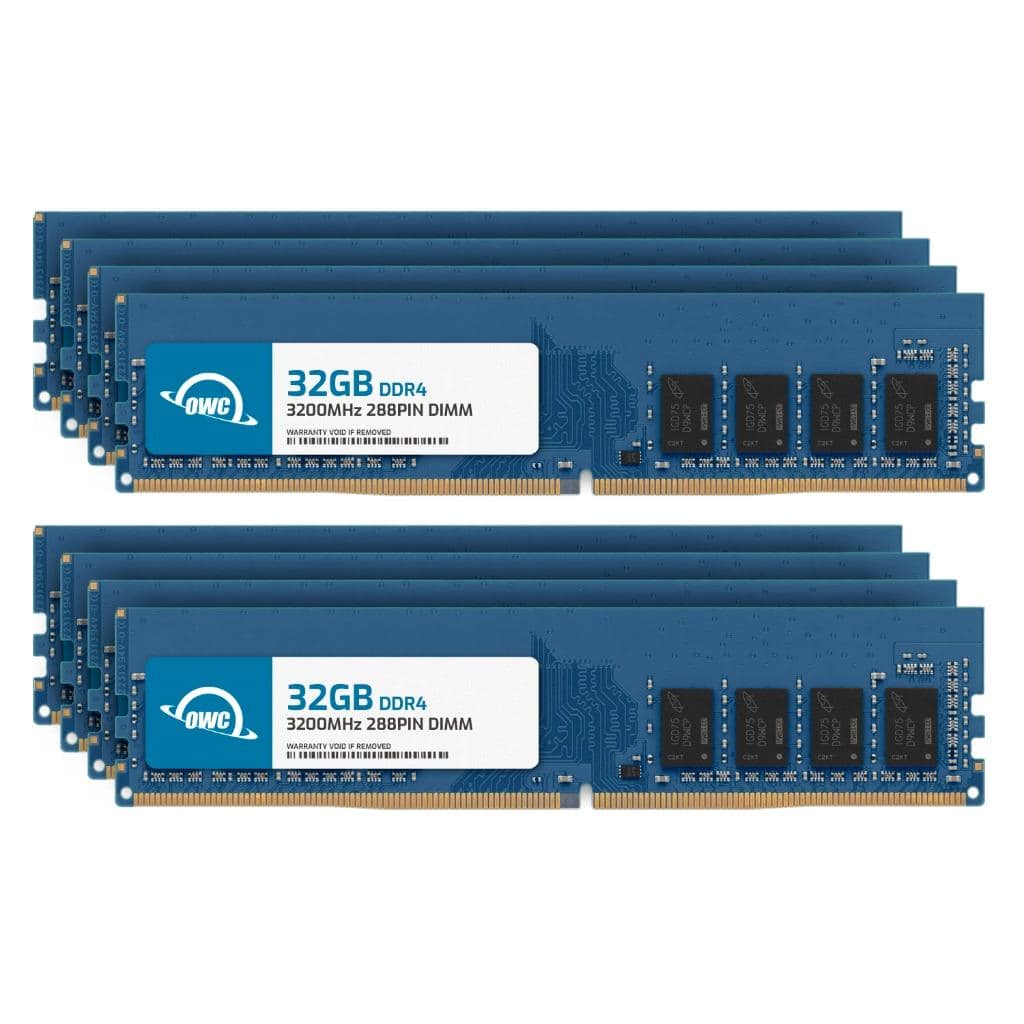
OWC - 256GB (8x32GB) DDR4 3200MHz PC4-25600 CL22 2RX8 Non-ECC UDIMM 1.2V 288-pin Desktop Memory RAM Upgrade for PC - Black Chips
SKU: J3GWXL9FJXSee all Computer Memory (RAM)Product Description
A high-performance 256GB DDR4 3200MHz desktop memory kit with black chips and 1.2V voltage.Your price for this item is $1,838.08

Best Sellers
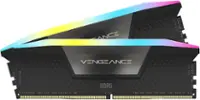

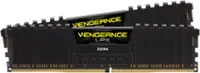
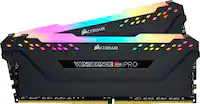
Related Pages
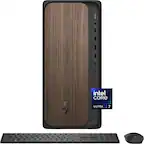



FAQ
The most common PC upgrades include increasing RAM for better multitasking, upgrading to a solid-state drive (SSD) for faster performance, installing a more powerful graphics card for gaming or creative work, and replacing or adding storage drives for more capacity.
Yes, you can usually upgrade components like RAM, storage drives, and graphics cards without affecting your files. However, it's always a good idea to back up your data before making any hardware changes.
Most PC upgrades can be done with basic tools such as a Phillips-head screwdriver. It's also helpful to have an anti-static wrist strap to prevent damage to sensitive components.
Check your PC's specifications and compare them with the requirements of the new component. Look for details like motherboard socket type for CPUs, RAM type and speed, and available slots for graphics cards or storage drives.
Some manufacturers allow upgrades without voiding the warranty, while others may have restrictions. It's best to review your warranty terms or contact the manufacturer before making any changes.