VGA Computers
-
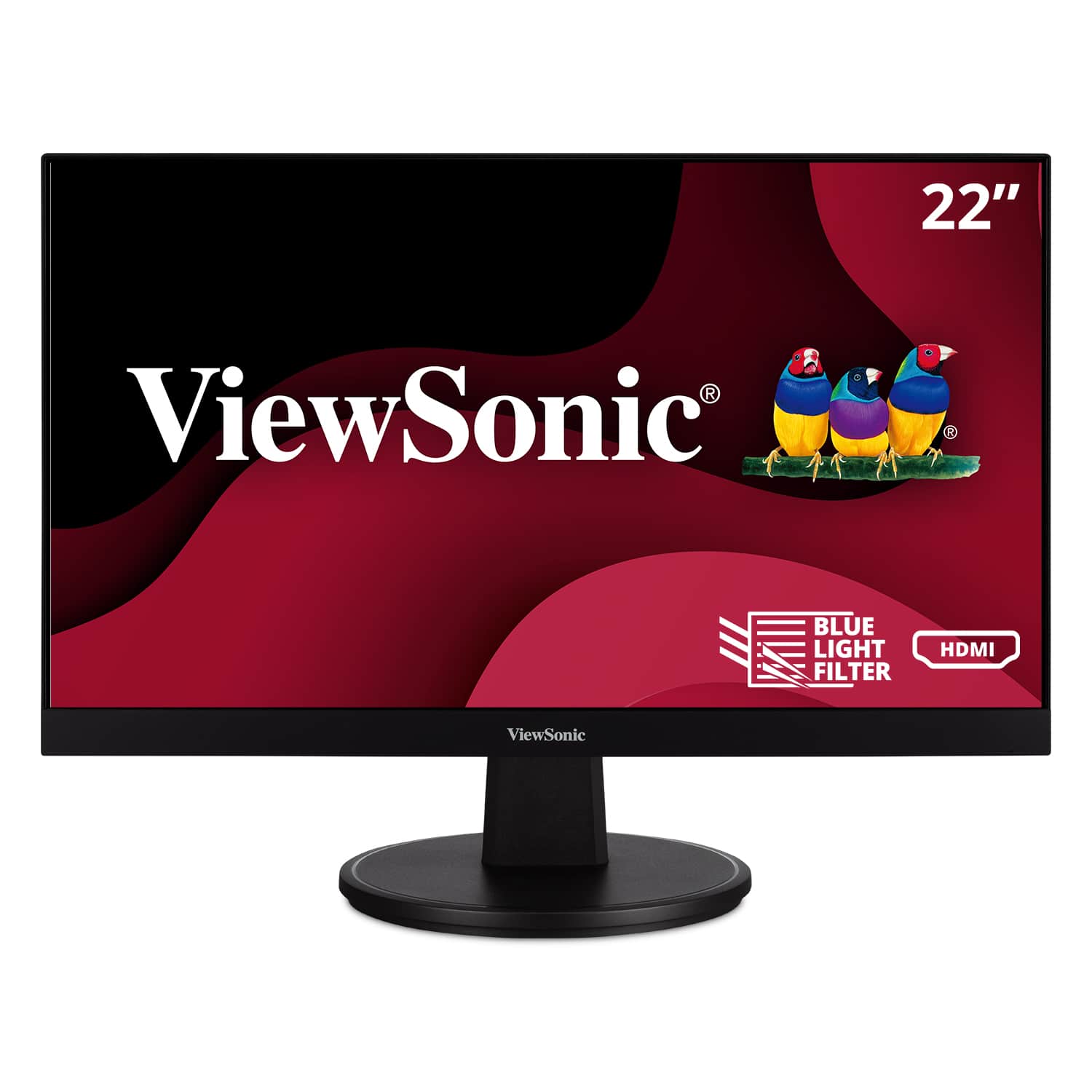
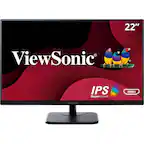
ViewSonic - VA2247-MH 22" LCD FHD Adaptive Sync Monitor (HDMI, VGA) - Black
SKU: J37H88FT93See all All MonitorsProduct Description
A black LED monitor with 1080p resolution, 100Hz refresh rate, Adaptive Sync, and wide-angle MVA panel.Your price for this item is $79.99 -
ViewSonic - VA3209M 32" IPS LED FHD Monitor (HDMI, VGA) - Black
SKU: J37H88VS9PExcellent for the cost, sharp picture, great color, like blue light filter, controls on the front, and...Great monitor for the price. Images, color is true. Love this monitor that I got 2...Great bang...
See all All MonitorsProduct Description
A black IPS LED monitor with 32" FHD display, HDMI and VGA ports, and integrated speakers.Your price for this item is $149.99Save $23The previous price was $173.65 -
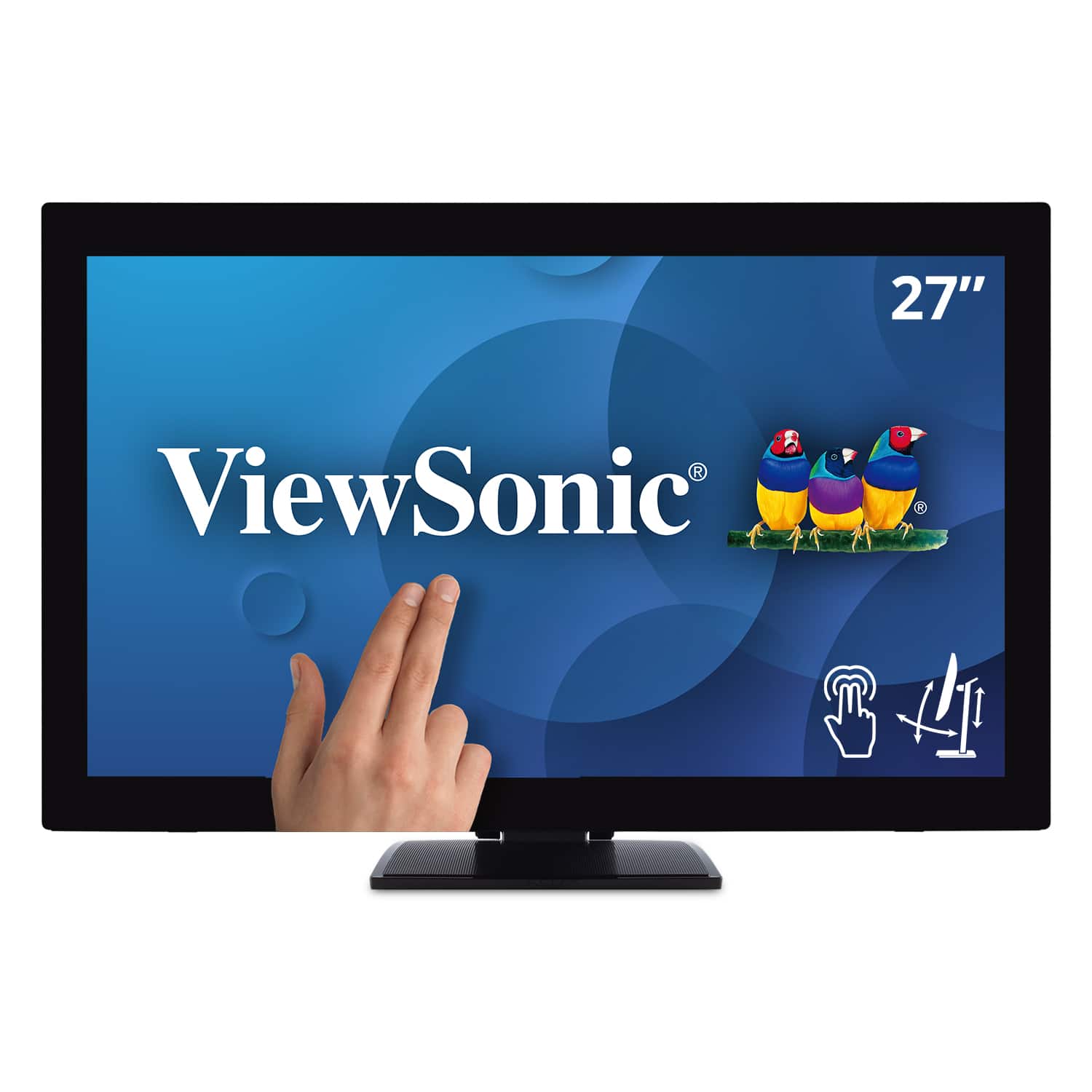
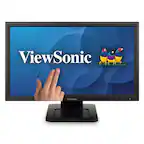
ViewSonic - TD2760 27" LED FHD Touch Screen Monitor (HDMI, VGA) - Black
SKU: J37H88FXS7See all All MonitorsProduct Description
A black LED touch screen monitor with Full HD resolution, IPS panel, and multiple connectivity options.Your price for this item is $539.99Save $52The previous price was $592.02 -
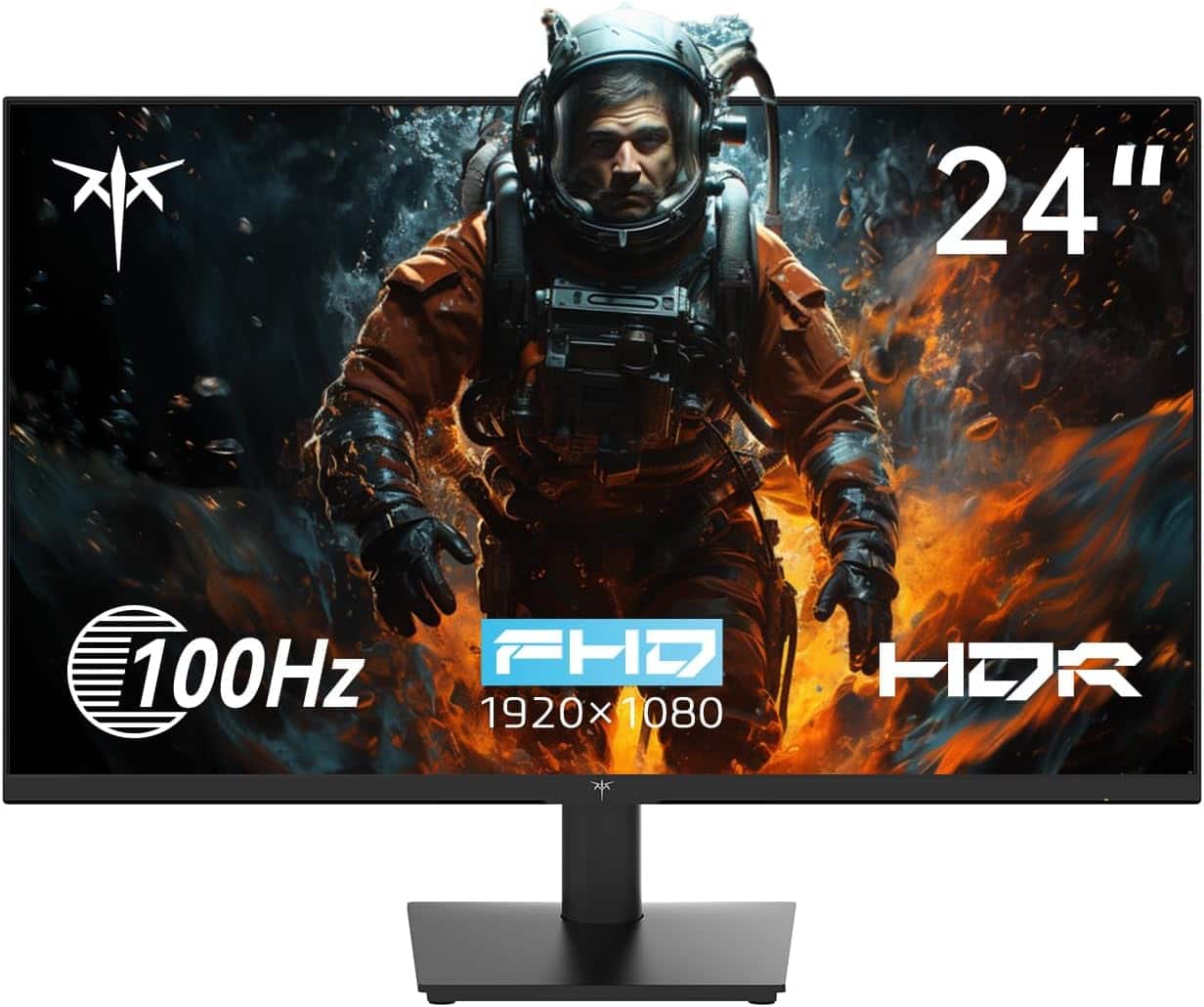
KTC - H24V13 24 Inch 1080P Full HD Computer Monitor, 100Hz HDR10 Frameless Gaming Monitor with Freesync, HDMI and VGA Ports - Black
SKU: CZYCLR3FS7See all Gaming MonitorsProduct Description
A black frameless LED monitor with 1080p resolution, 100Hz refresh rate, HDR10, and FreeSync support.Your price for this item is $119.99Save $0The previous price was $120.00

Best Sellers






Related Pages




FAQ
A VGA computer is a computer equipped with a VGA (Video Graphics Array) port or graphics card, allowing it to connect to monitors, projectors, and other display devices that use VGA connections.
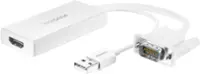
Yes, you can connect a VGA computer to an HDMI monitor by using a VGA-to-HDMI adapter. Make sure the adapter supports the direction from VGA (computer) to HDMI (monitor) for proper video signal conversion.
VGA computers are compatible with a wide range of legacy monitors and projectors, making them ideal for settings where older display equipment is still in use. They are also a cost-effective choice for basic computing tasks.
Some VGA computers can support dual monitor setups if they have additional video outputs such as HDMI, DVI, or DisplayPort. You may need adapters or splitters depending on the available ports.
VGA computers are generally best for basic tasks like web browsing, office work, and media playback. For gaming or graphic design, a computer with more advanced graphics capabilities and digital video outputs is recommended.