Wd 500gb Harddrive
-
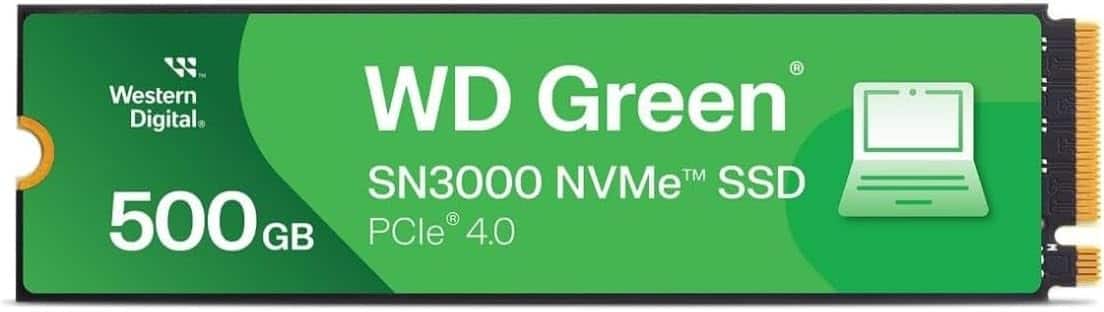
Western Digital - 500GB WD Green SN3000 NVMe Internal SSD - Gen4 PCIe, M.2 2280, Up to 5,000 MB/s - WDS500G4G0E
SKU: JXTHCC75PYSee all Internal SSDsProduct Description
A green M.2 NVMe internal SSD delivering up to 5,000 MB/s read speeds with PCIe Gen4 performance.Your price for this item is $104.99Save $10The previous price was $114.99 -
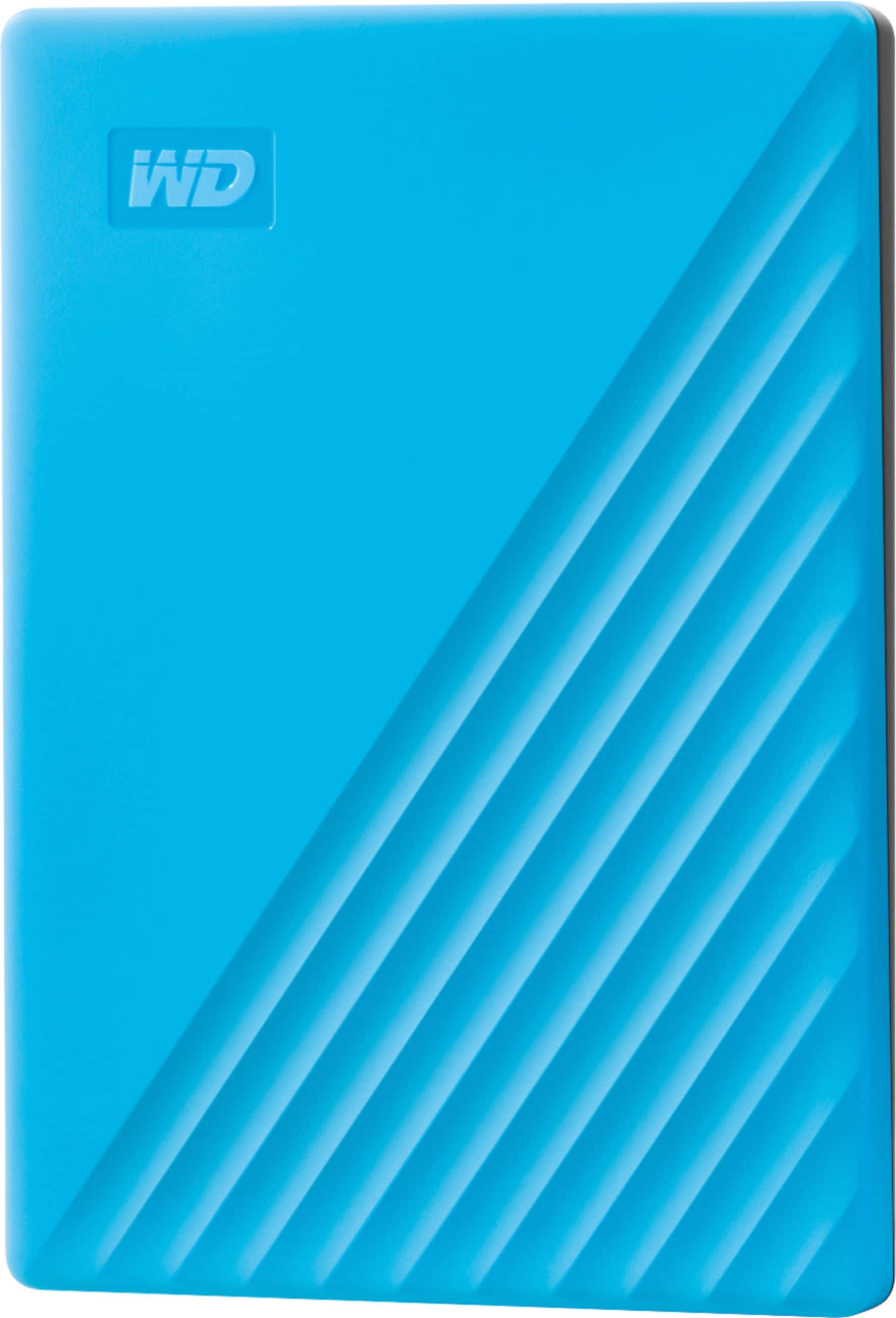
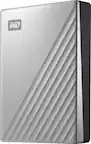
WD - My Passport 2TB External USB 3.0 Portable Hard Drive - Blue
SKU: JXTHCJFTS8works great. this is my second one. i bought this to replace the first because it kept randomly disconnecting...The WD 4TB passport is a great option if you are looking for a external hard drive that...
See all External Hard DrivesProduct Description
A blue portable hard drive with 2TB storage, USB 3.0 connectivity, auto backup, and hardware encryption.Your price for this item is $180.49Save $22The previous price was $203.27 -
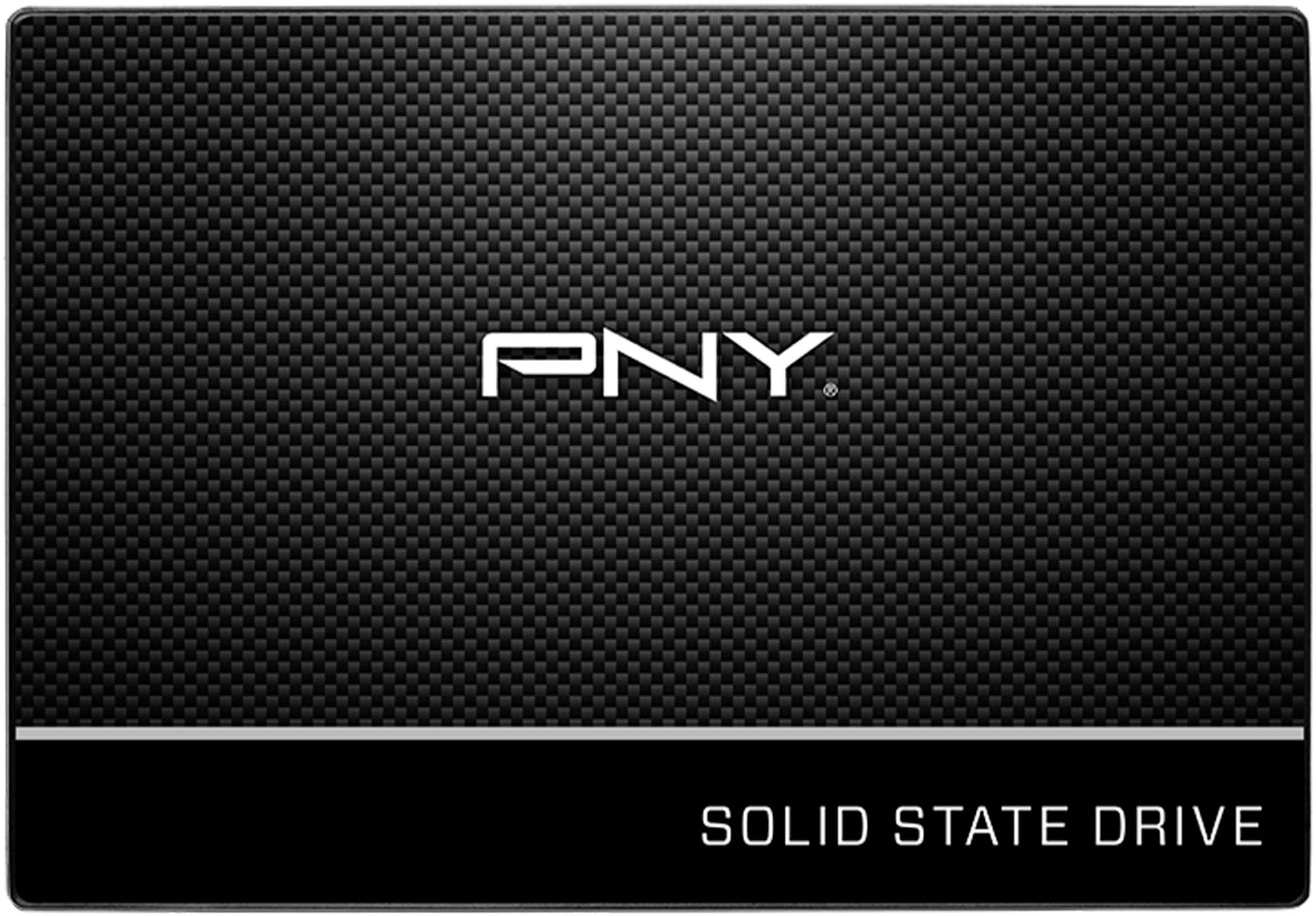
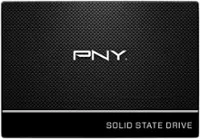
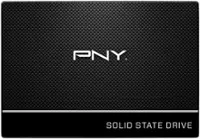
PNY - CS900 500GB Internal SSD SATA
SKU: JXF2C42GFGGreat hardware, and Best Buy made preordering easy....Great product and great price. Best Buy shipped the item quickly and service was excellent
See all Internal SSDsProduct Description
A black 500GB internal SSD with SATA III interface delivers fast boot-ups and up to 550MB/s read speeds.Your price for this item is $99.99Save $20The previous price was $119.99 -
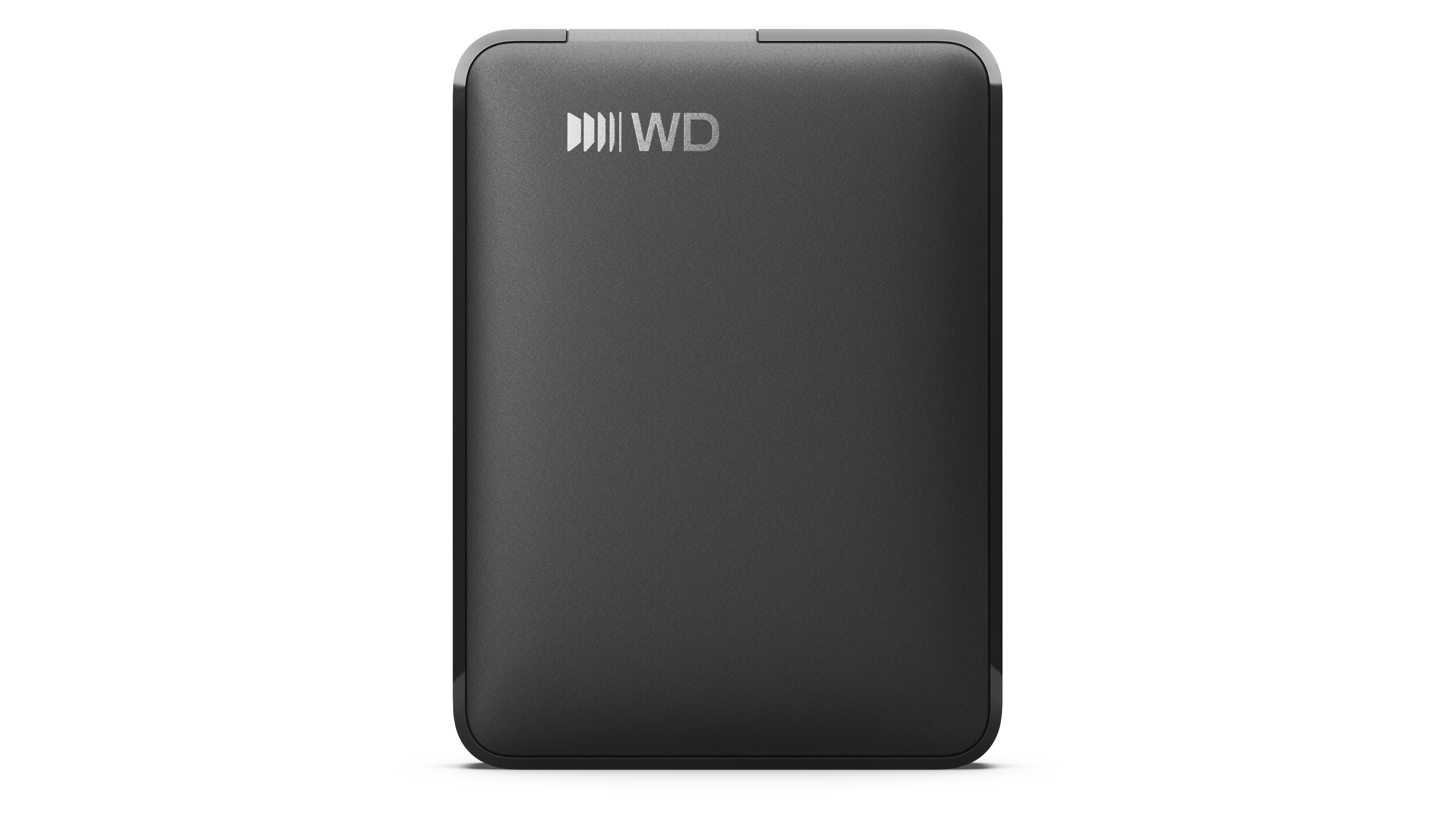
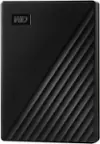
1TB WD Elements® Portable Hard Drive for Windows, Mac and compatible devices - Black
SKU: JXTHCCJPY6See all Internal Hard DrivesProduct Description
A portable black external hard drive offering 1TB storage with USB-C connectivity for multiple devices.Your price for this item is $158.99Save $20The previous price was $178.99
Best Sellers

Related Pages



FAQ
Compatibility depends on the specific WD model. Check whether it is designed for desktop computers, laptops, gaming consoles, or external USB use, and verify the required connection type before purchasing.
Turn off and unplug the computer, install the drive in an available bay, connect the data and power cables, then initialize and format it through your operating system's disk-management utility.
Connect the drive to your computer using its included USB cable. Most supported operating systems recognize the drive automatically, though you may need to format it before first use.
Yes, but the drive's file system affects compatibility. Reformatting it to a cross-platform format, such as exFAT, can allow file access on both macOS and Windows.
Create clearly labeled folders for documents, photos, videos, and projects. You can manage files through File Explorer on Windows or Finder on macOS.