15 TB Hard Drive
-
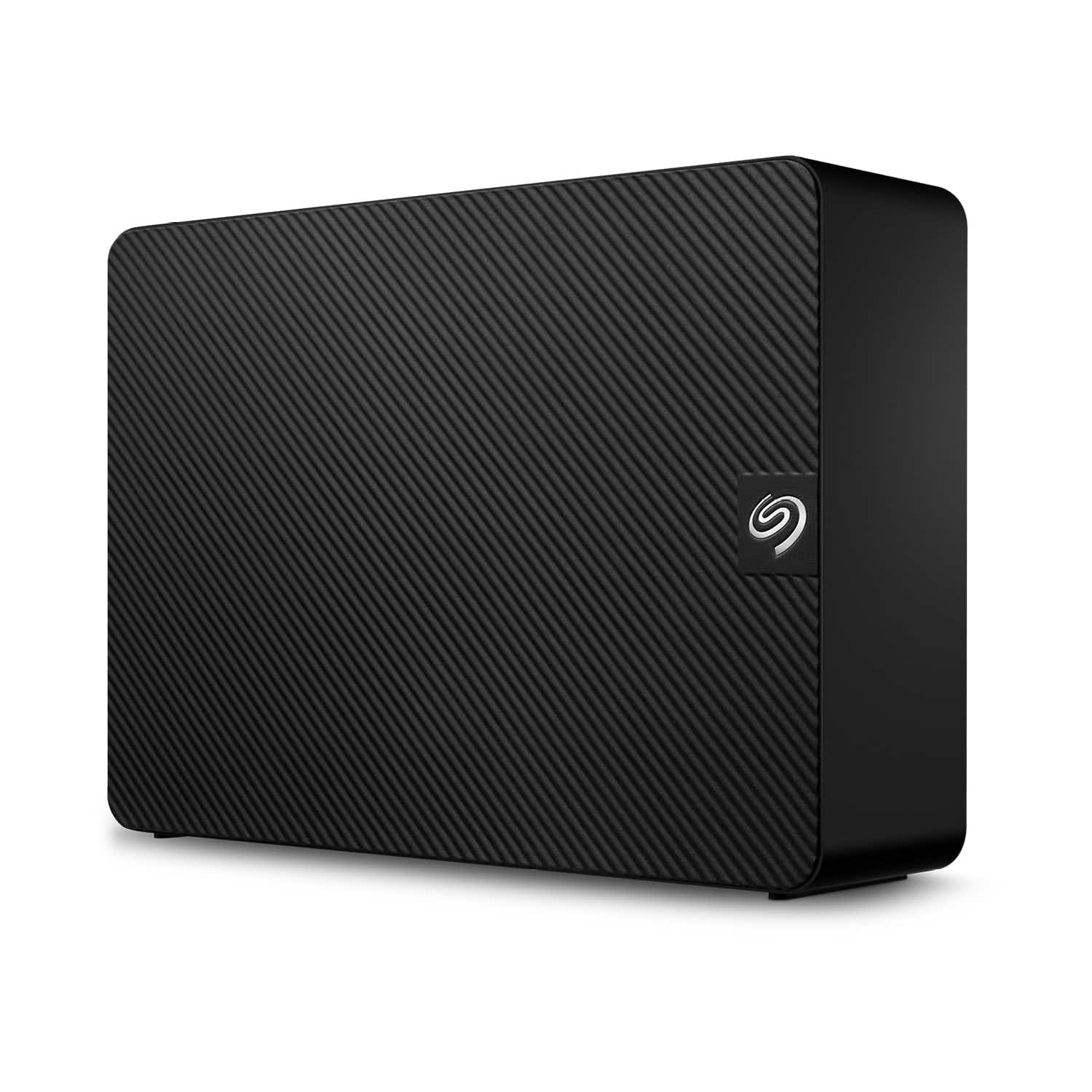
Seagate - Expansion 16TB External USB 3.0 Desktop Hard Drive with Rescue Data Recovery Services - Black
SKU: J37C5H4GCZSee all External Hard DrivesProduct Description
A high-capacity black external hard drive offering fast USB 3.0 transfers and Rescue Data Recovery Services.Your price for this item is $423.99Save $126The previous price was $549.99 -
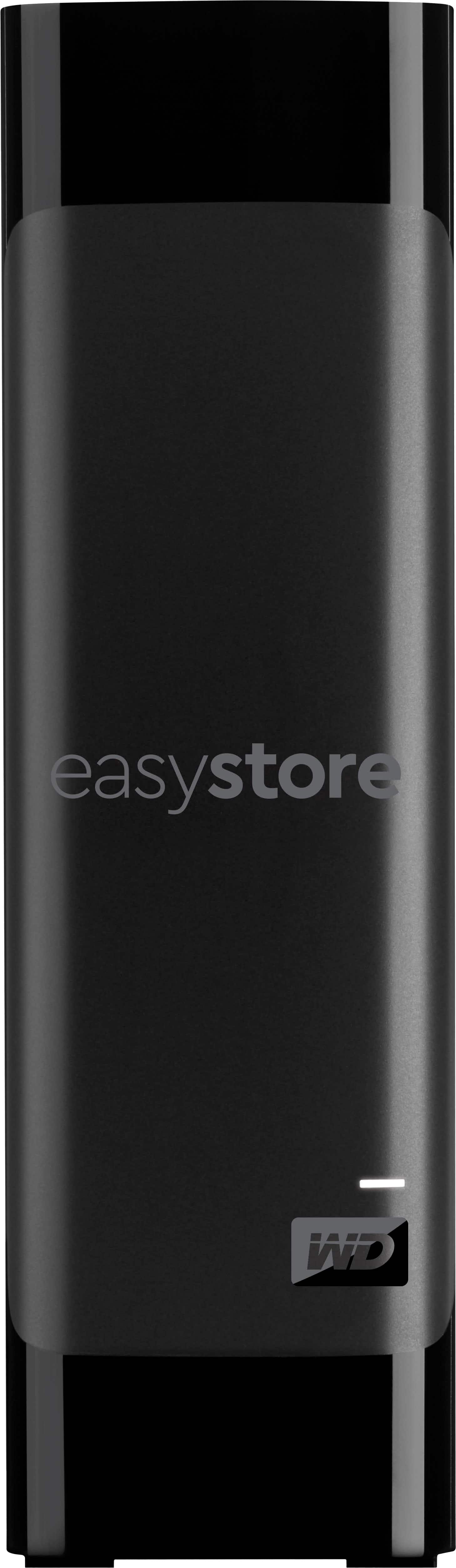
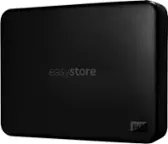
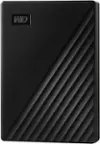
WD - easystore 20TB External USB 3.0 Hard Drive - Black
SKU: JXTHCC7YZ9I love these External Hard Drives that best buy offers. They are a great product....I love this hard drive! its the next best thing before you move up to a full hub storage!...Great Drive
See all External Hard DrivesProduct Description
A high-capacity black external hard drive with 20TB storage, USB 3.0 connectivity, and data encryption.Your price for this item is $879.99 -
Seagate - Exos X18 16TB Internal Hard Drive
SKU: J37C5HK5LPSee all Internal Hard DrivesProduct Description
An enterprise-grade 16TB internal hard drive designed for hyperscale cloud scalability and high-capacity storage.Your price for this item is $1,032.87 -
Western Digital - WD Purple Pro WD142PURP 14 TB Hard Drive - Internal - SATA
SKU: JXTHCC7RSGSee all Internal Hard DrivesProduct Description
A high-capacity 14TB internal hard drive with 7200 RPM speed, 512MB cache, and a purple finish.Your price for this item is $836.06


Best Sellers
Related Pages




FAQ
A 15 TB hard drive is compatible with most desktop computers, workstations, and some high-capacity external enclosures. It can also be used in NAS (Network Attached Storage) systems and servers that support large-capacity SATA or SAS drives.
Yes, you can use a 15 TB hard drive with both Windows and Mac computers. You may need to format the drive to a compatible file system, such as exFAT, to ensure seamless use between both operating systems.
Common uses for a 15 TB hard drive include storing large media libraries, backing up important data, hosting virtual machines, supporting surveillance systems, and expanding storage in professional environments like video editing or scientific research.
To install a 15 TB hard drive, power off your computer, open the case, and connect the hard drive to an available SATA or SAS port using the appropriate cables. Secure the drive in a mounting bay, close the case, and power on your computer. You may need to initialize and format the drive in your operating system.
Yes, 15 TB hard drives are suitable for use in RAID arrays, providing increased storage capacity and redundancy. Ensure that your RAID controller and enclosure support drives of this size before configuring your array.