White Touch-Screen Laptop
-
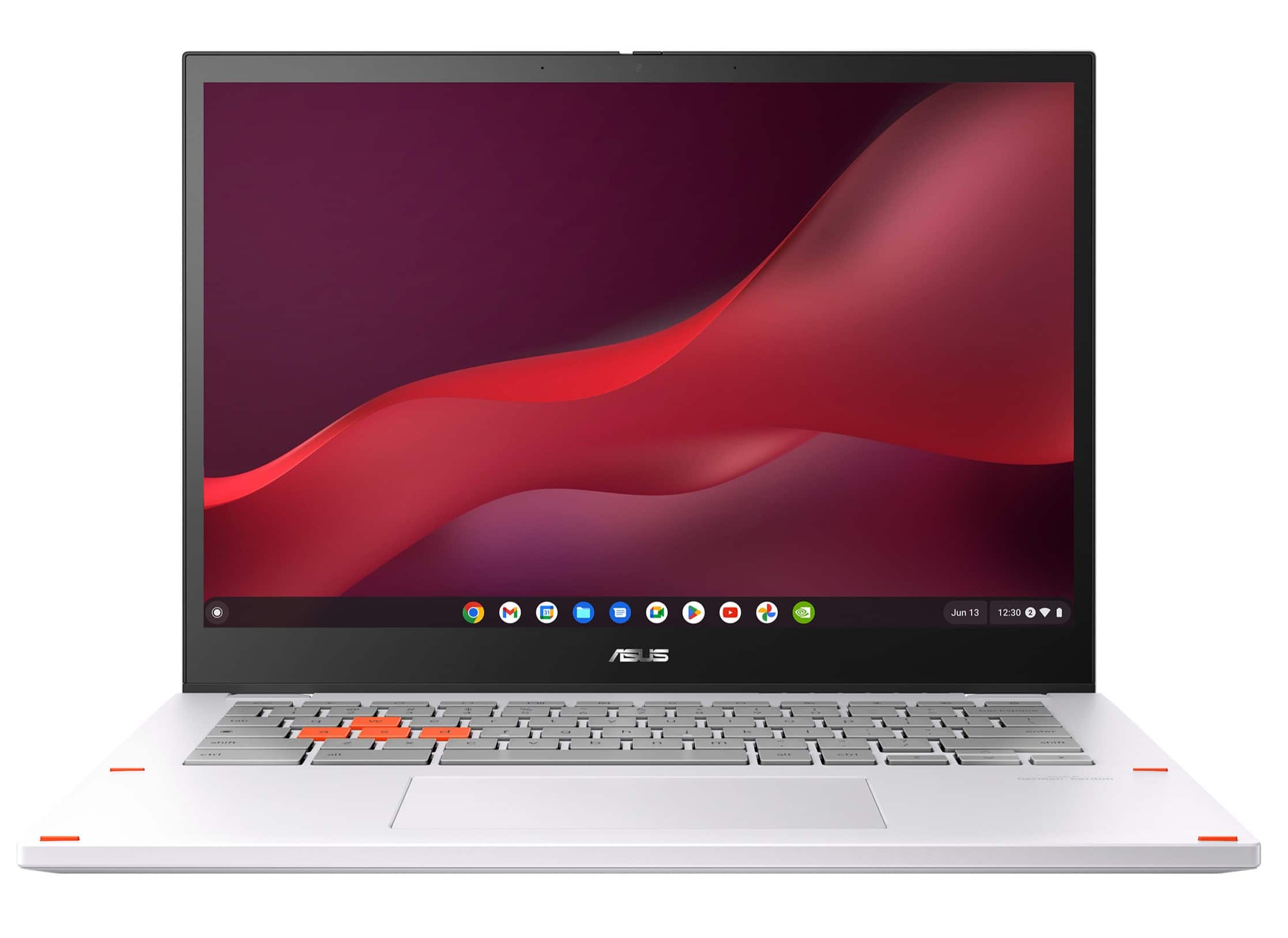
ASUS - Chromebook Vibe CX34 Flip 14" FHD Touch Chromebook Laptop - Intel Core i5 with 8GB Memory - 256GB SSD - Pearl White
SKU: JJG7VWX3W6See all Touchscreen ChromebooksProduct Description
A pearl white 2-in-1 Chromebook with Intel Core i5, 8GB RAM, 256GB SSD, and 144Hz touchscreen.Your price for this item is $799.99 -
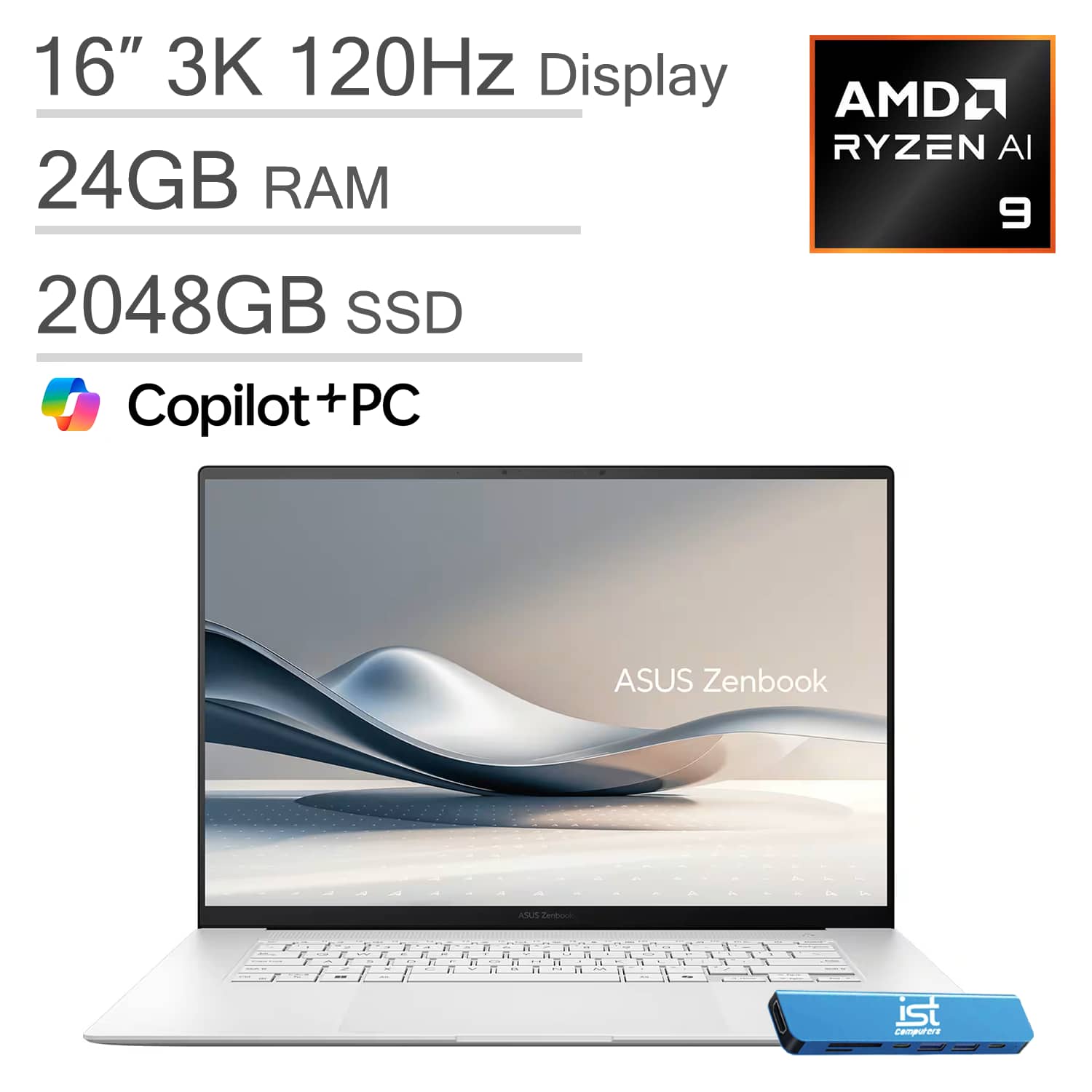
ASUS - Upgraded - Zenbook S 16 Laptop - 16” 3K OLED Touchscreen - Copilot+ PC - AMD Ryzen AI 9 365 - 24GB Memory - 2TB SSD - IST HUB - Scandinavian White
SKU: J3GWQRF6SFSee all Windows LaptopsProduct Description
An ultrathin Scandinavian White laptop with a 16" 3K OLED touchscreen, AMD Ryzen AI 9, and 2TB SSD.Your price for this item is $1,849.99 -
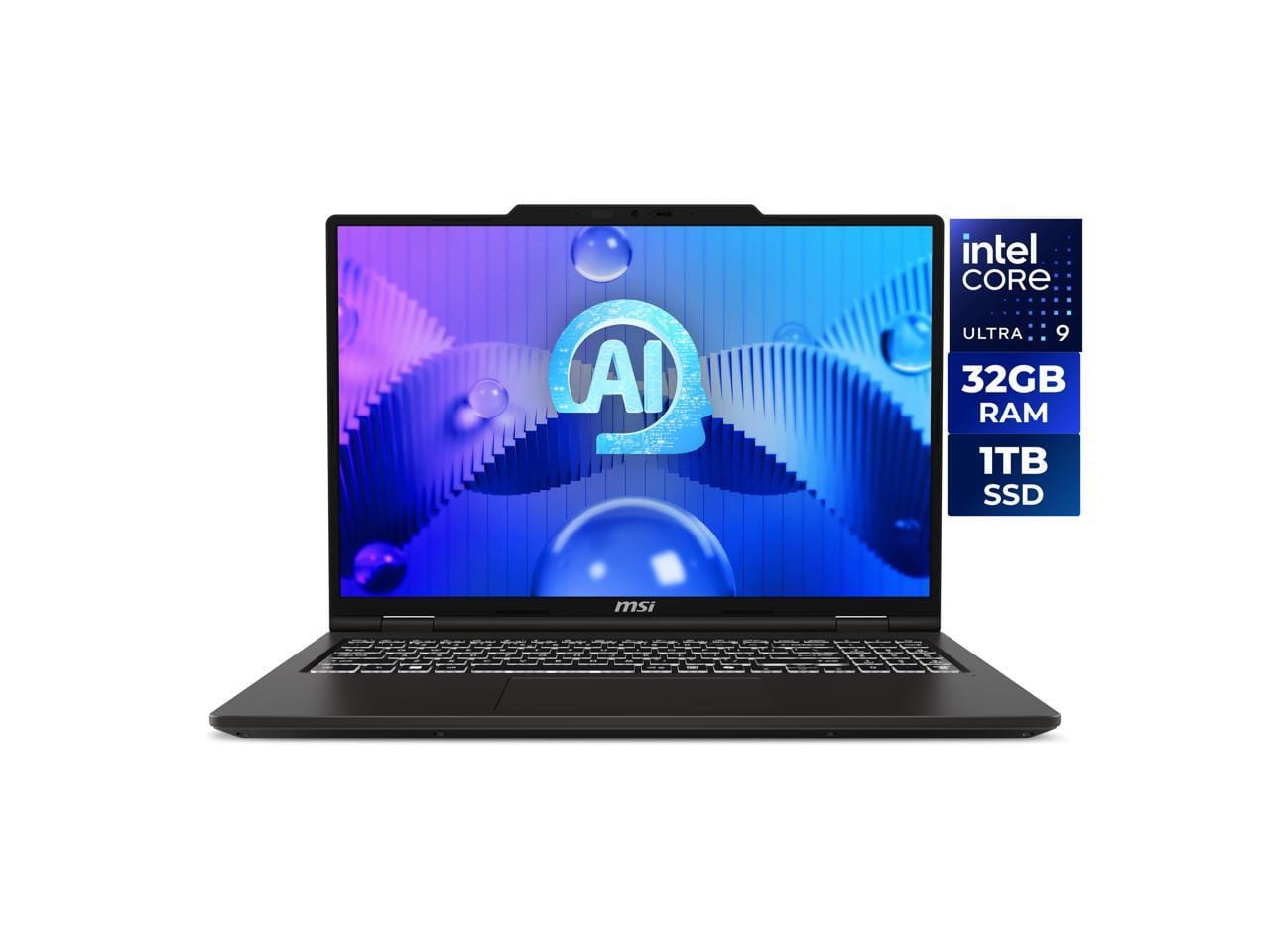
MSI - Venture 16 AI Touchscreen Laptop Intel Core Ultra 9 285H 32GB RAM 1TB SSD (A2HMTG-015US) - Gray
SKU: J3P7TXR2K3See all Windows LaptopsProduct Description
A powerful touchscreen laptop featuring Intel Core Ultra 9, 32GB RAM, and a 1TB SSD.Your price for this item is $1,132.99Save $153The previous price was $1,286.80
Best Sellers




Related Pages



FAQ
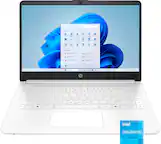
A white touch-screen laptop offers a sleek, modern look that stands out from traditional colors. The touch-screen functionality provides intuitive navigation, making it easier to interact with apps, draw, or take notes directly on the screen.
Many white touch-screen laptops are compatible with styluses, allowing for precise drawing, note-taking, and creative work. Check the specific product details to ensure stylus compatibility.
Yes, white touch-screen laptops are versatile devices ideal for both students and professionals. They combine portability, style, and interactive features that enhance productivity and creativity.
Most modern white touch-screen laptops support multi-touch gestures, such as pinch-to-zoom, swipe, and tap, for a seamless and efficient user experience.
To maintain the appearance of your white touch-screen laptop, regularly wipe it with a soft, lint-free cloth. For the screen, use a screen-safe cleaner to remove fingerprints and smudges. Avoid abrasive materials to prevent scratches.