Biggest Touch-Screen Laptop
-
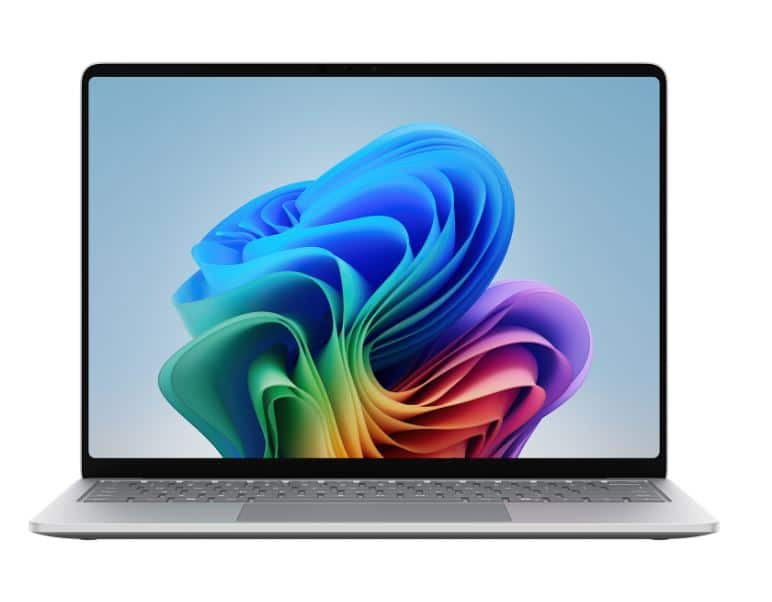
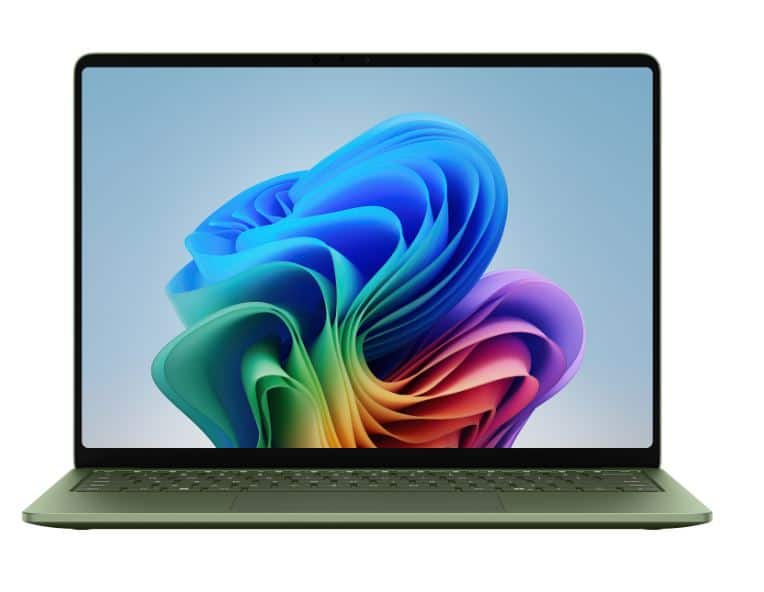
Microsoft - Surface Laptop - 13.8" 2K Touchscreen - Snapdragon X2 Elite (12 Core) 2026 - 16GB Memory - 1TB Storage - Platinum
SKU: JJGXP328Y3See all Windows LaptopsProduct Description
A platinum laptop featuring a 13.8" 2K touchscreen, Snapdragon X2 Elite processor, 16GB RAM, and 1TB SSD.Your price for this item is $1,549.99Save $450The previous price was $1,999.99 -
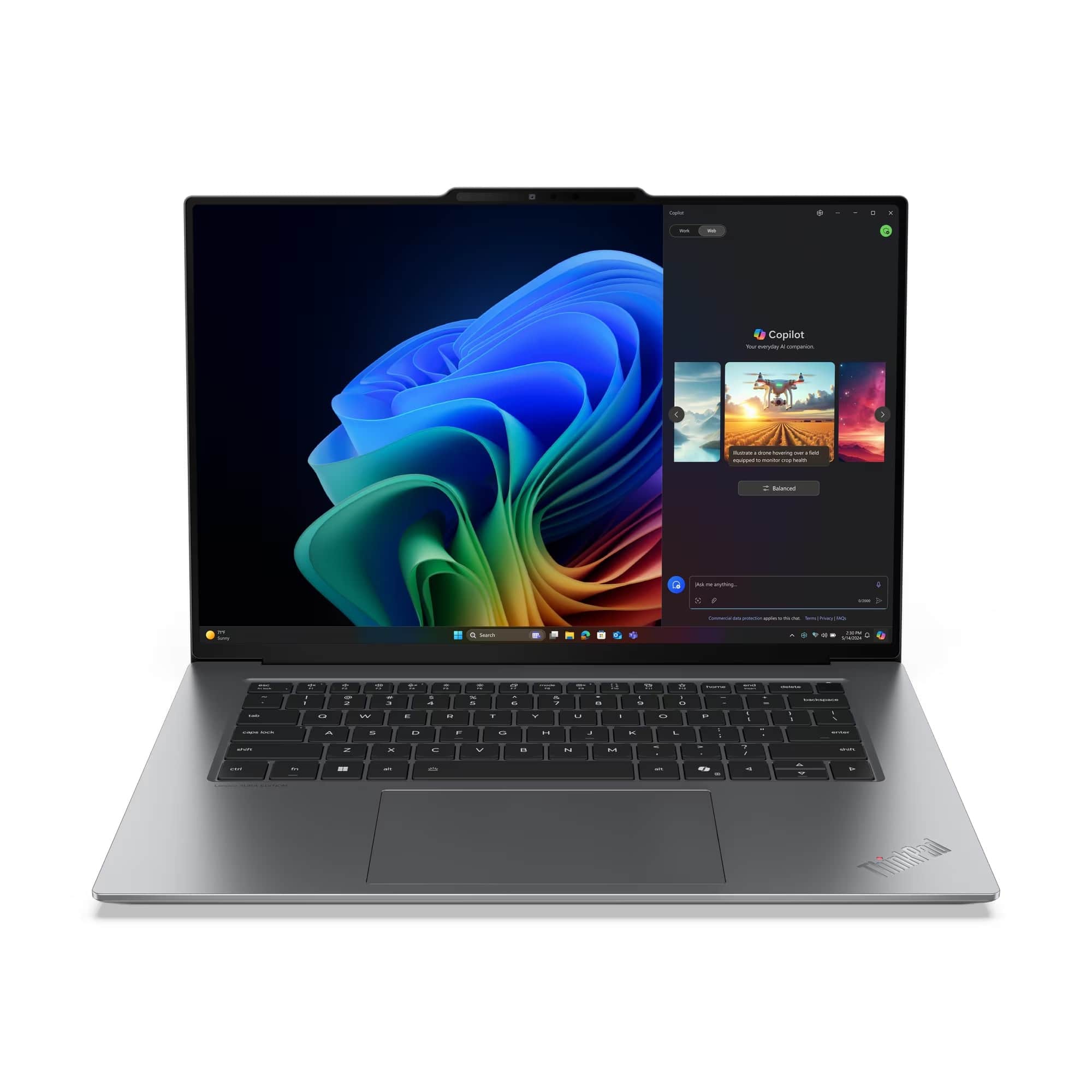
Lenovo - ThinkPad X9-15 Gen 1 - Copilot+ PC - 15.3" 3K OLED Touch Screen Laptop - Intel Ultra 5 with 32GB Memory - 1TB SSD - Gray
SKU: JJGSHX4XY4See all Windows LaptopsProduct Description
A grey OLED touchscreen laptop with Intel Ultra 5, 32GB memory, 1TB SSD, and Windows 11 Pro.Your price for this item is $2,469.99 -
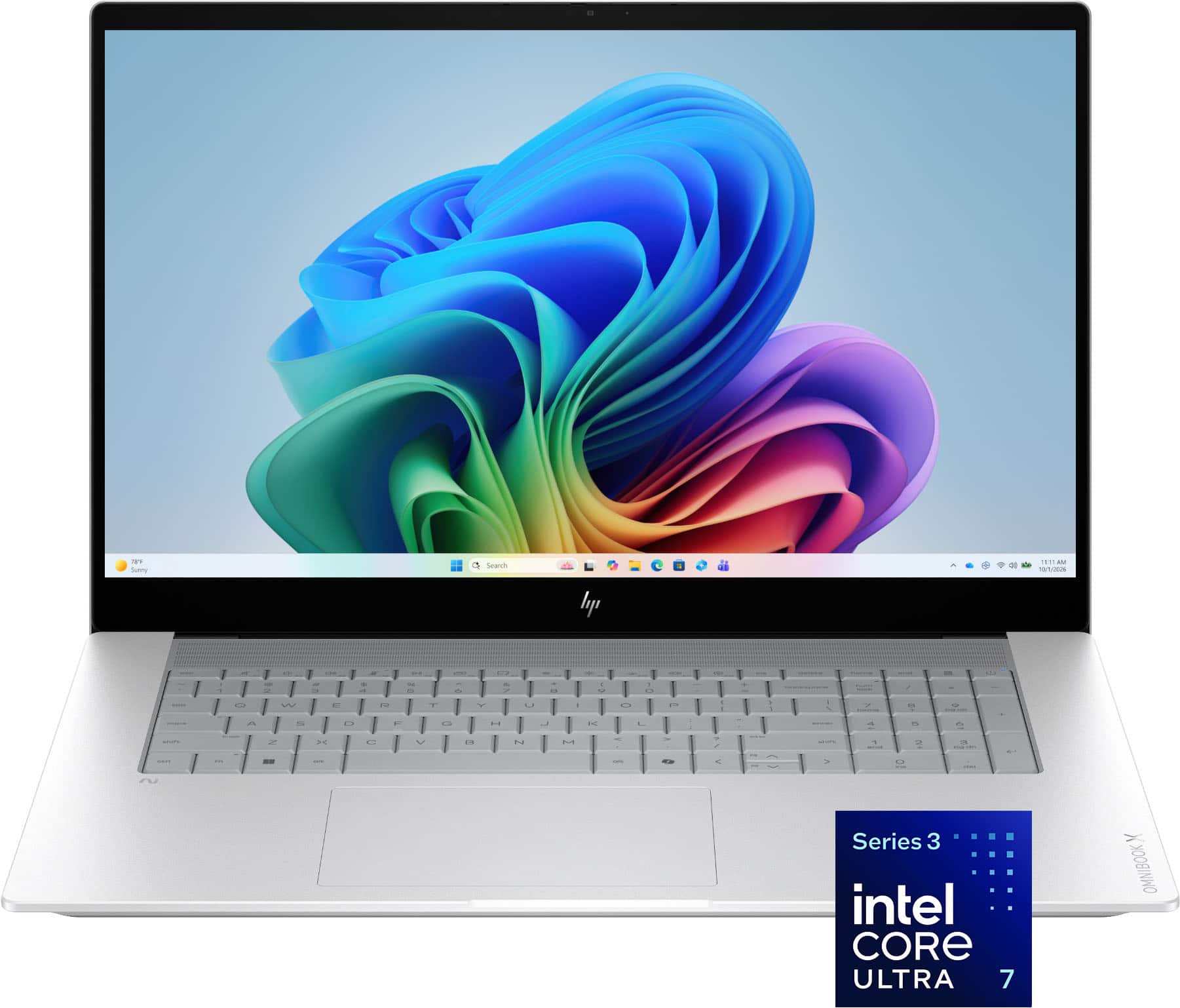
HP - OmniBook X - 17.3" Full HD Touchscreen Laptop - Intel Core Ultra 7 (2026) - 16GB Memory - 1TB SSD - Copilot+ PC - Glacier Silver
SKU: JJGWKYW9ZSBought this laptop for studying and was the best decision I made....Is super fast, the size is great, 100% recommended...I love this product.
See all Windows LaptopsProduct Description
A silver touchscreen laptop featuring Intel Core Ultra 7, 16GB memory, 1TB SSD, and AI-powered performance.Your price for this item is $1,899.99 -
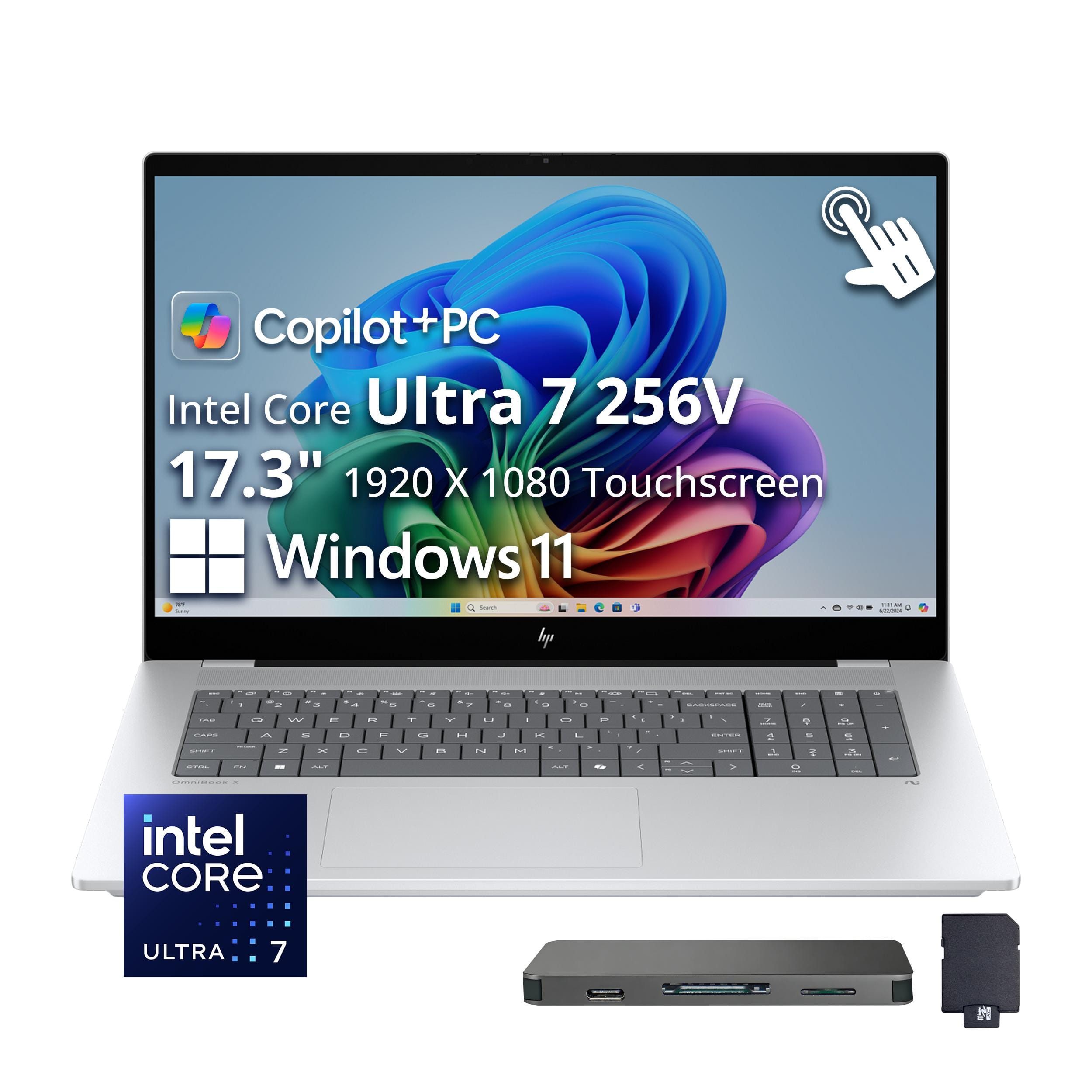
HP - OmniBook X 17.3" Full HD Touchscreen Laptop - Intel Core Ultra 7 (2024) - 16GB Memory - 2TB SSD - Copilot+ PC - Glacier Silver
SKU: JJG2RW6ZWTSee all Windows LaptopsProduct Description
A silver touchscreen laptop with Intel Core Ultra 7 processing, 16GB memory, 2TB SSD, and Copilot+.Your price for this item is $1,429.00Save $620The previous price was $2,049.00 -
Microsoft - Surface Laptop - 13.8" 2K Touchscreen - Snapdragon X2 Elite (12 Core) 2026 - 16GB Memory - 1TB Storage - Jade
SKU: JJGXP328Z2See all Windows LaptopsProduct Description
A jade laptop featuring a 13.8" 2K touchscreen, Snapdragon X2 Elite processor, 16GB RAM, and 1TB SSD.Your price for this item is $1,549.99Save $450The previous price was $1,999.99 -
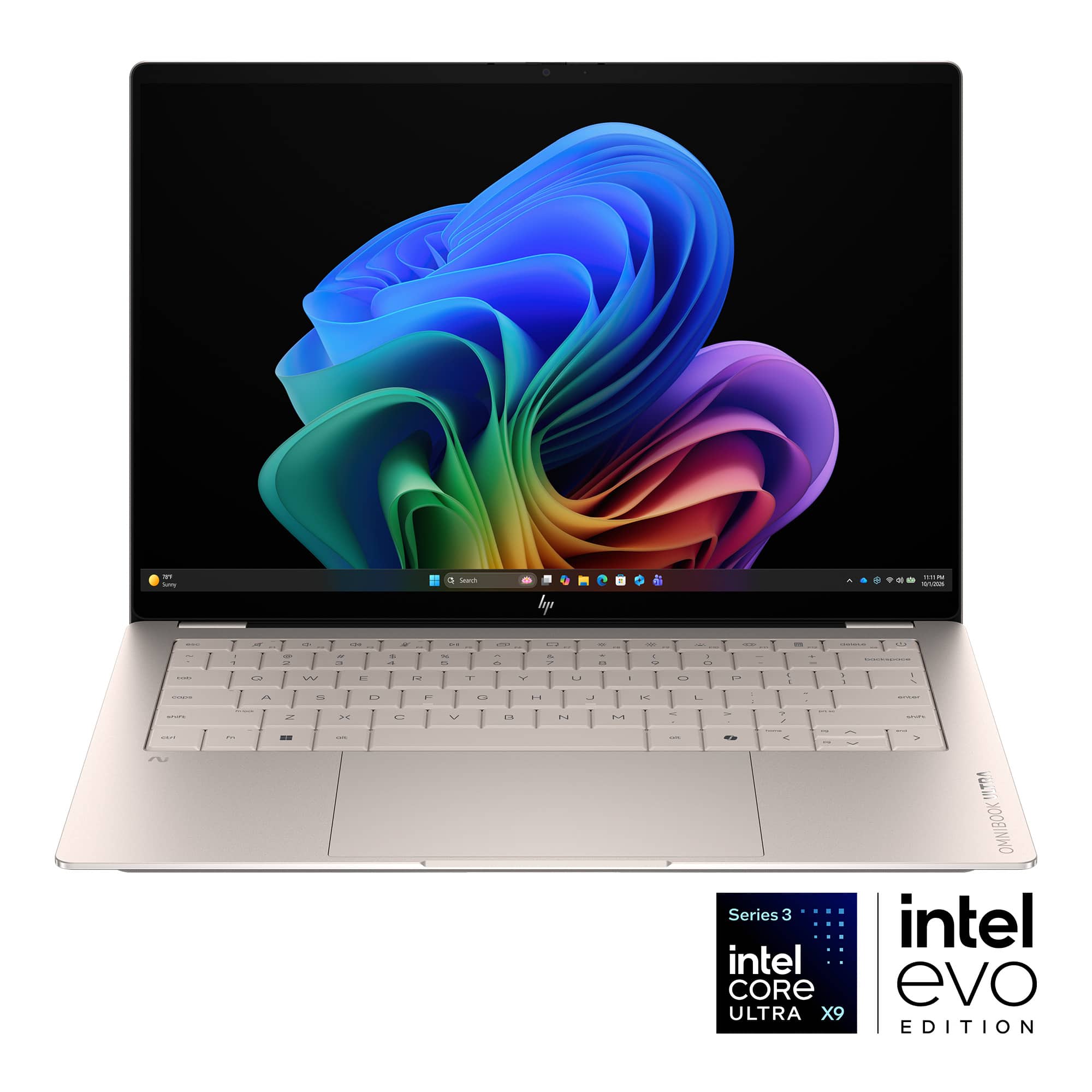
HP - OmniBook Ultra - 14" 3K OLED Touchscreen Laptop - Intel Core Ultra X9 (2026) - 32GB Memory - 1TB SSD - Copilot+ PC - Silk Sand
SKU: JJGWKYW9KHI love the fact that this balances efficiency, power, and gaming on the go all in one package....Great laptop
See all Windows LaptopsProduct Description
An ultra-thin tan OLED touchscreen laptop with Intel Core Ultra 9, 32GB RAM, and 1TB SSD.Your price for this item is $2,399.99 -
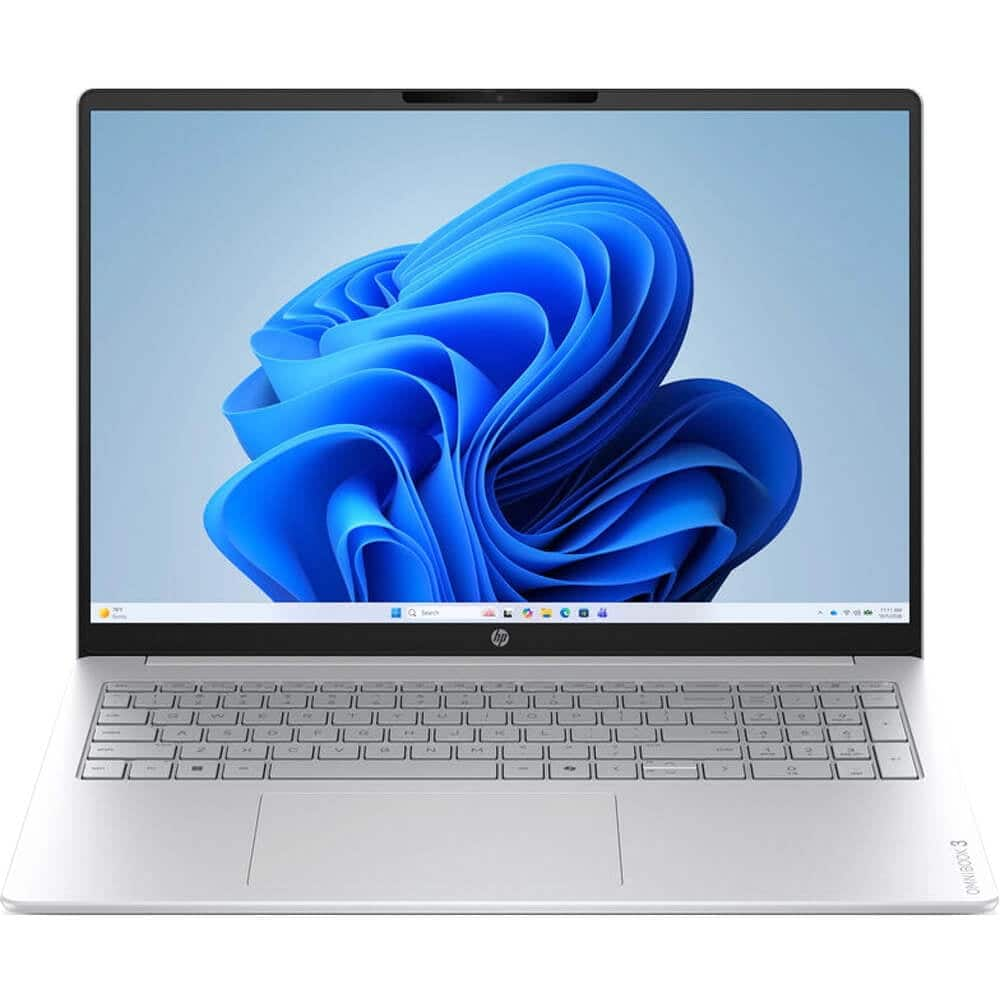
HP - 16BU0467NR 16 inch 2K Touchscreen - Omnibook 3 Laptop - Intel Core Ultra 7 255U - 16GB RAM - 512GB SSD
SKU: J3YH85PXSHSee all Windows LaptopsProduct Description
A 2K touchscreen laptop featuring an Intel Core Ultra 7 processor, 16GB RAM, and 512GB SSD.Your price for this item is $1,099.99 -
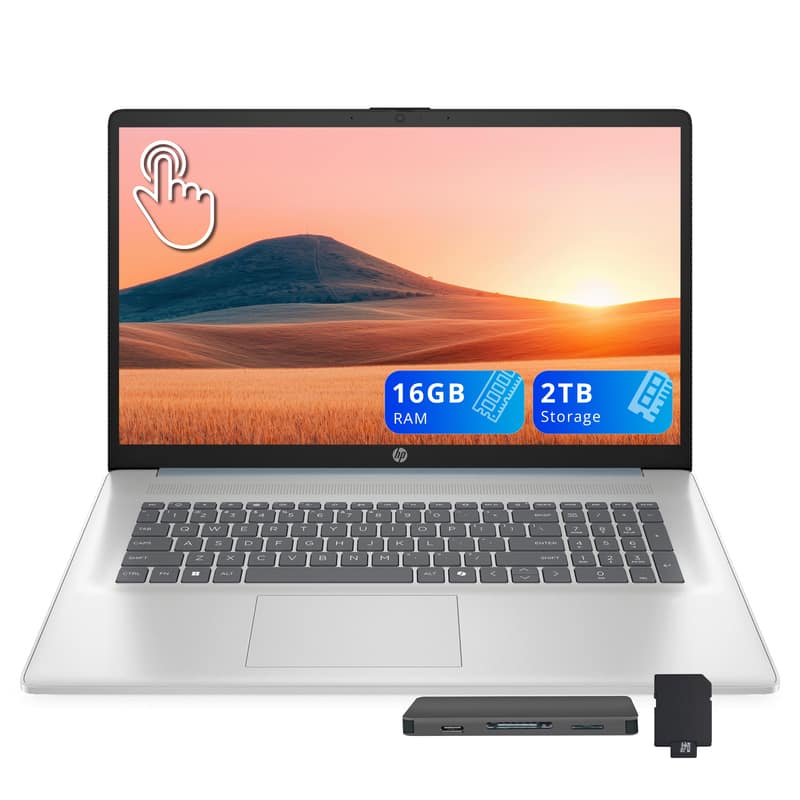
HP - 17.3 " Touchscreen Laptop, Intel Ultra 7 255U,16GB DDR5,1TB SSD, Copilot AI,Win 11,1TB Dock Set - Blue
SKU: JJG2RH6287See all Windows LaptopsProduct Description
A sleek silver laptop featuring a 17.3" touchscreen, Intel Ultra 7 processor, 16GB RAM, and Copilot AI.Your price for this item is $1,099.00 -
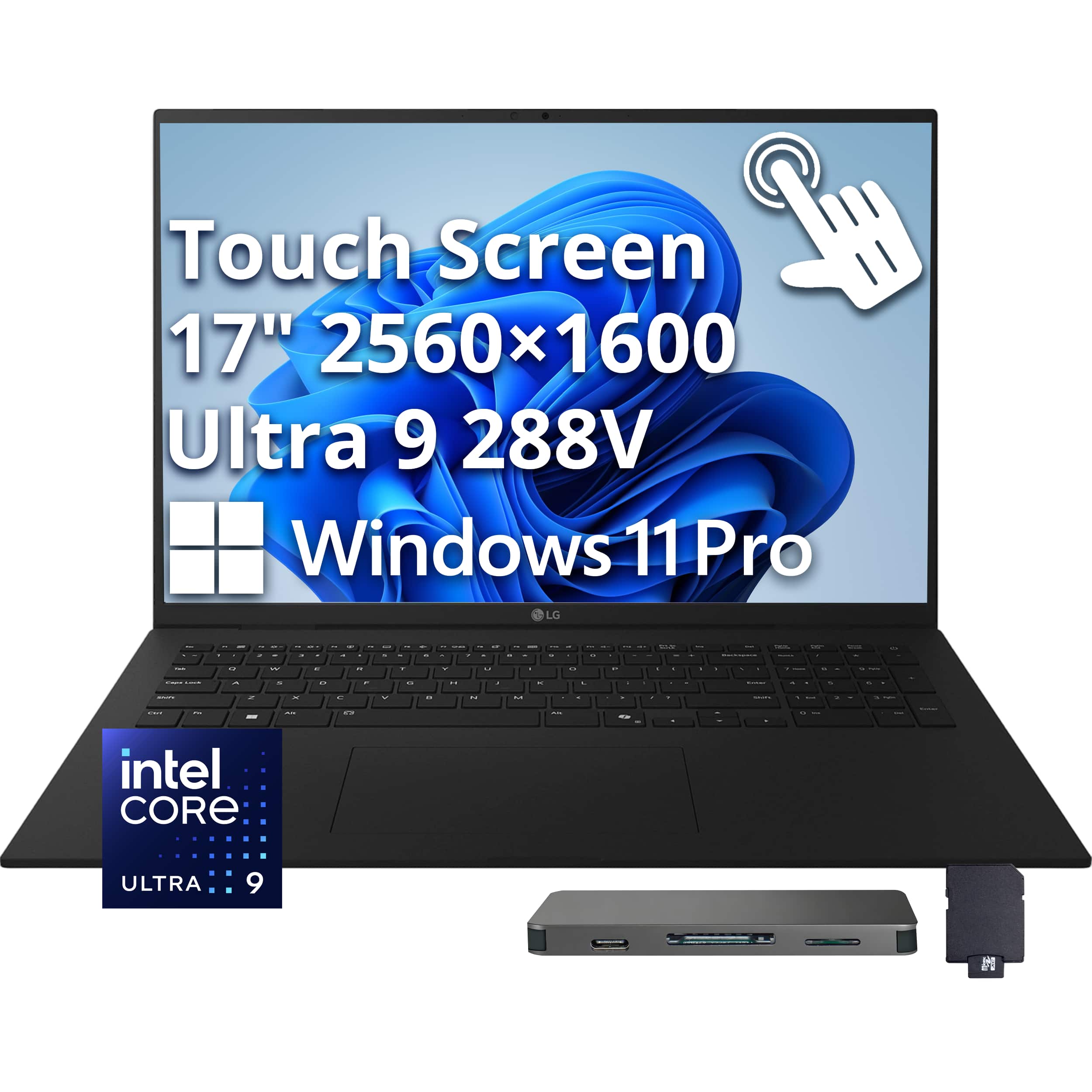
LG - Upgraded - gram 17" Touch Screen Laptop - Copilot+ PC - Intel Core Ultra 9 Series 2 with 32GB Memory - 1TB SSD - Win 11 Pro - Obsidian Black
SKU: JXTZZ8HR64See all Windows LaptopsProduct Description
An ultra-light black touchscreen laptop with Intel Core Ultra 9, 32GB RAM, 1TB SSD, and AI features.Your price for this item is $2,049.00Save $90The previous price was $2,139.00 -
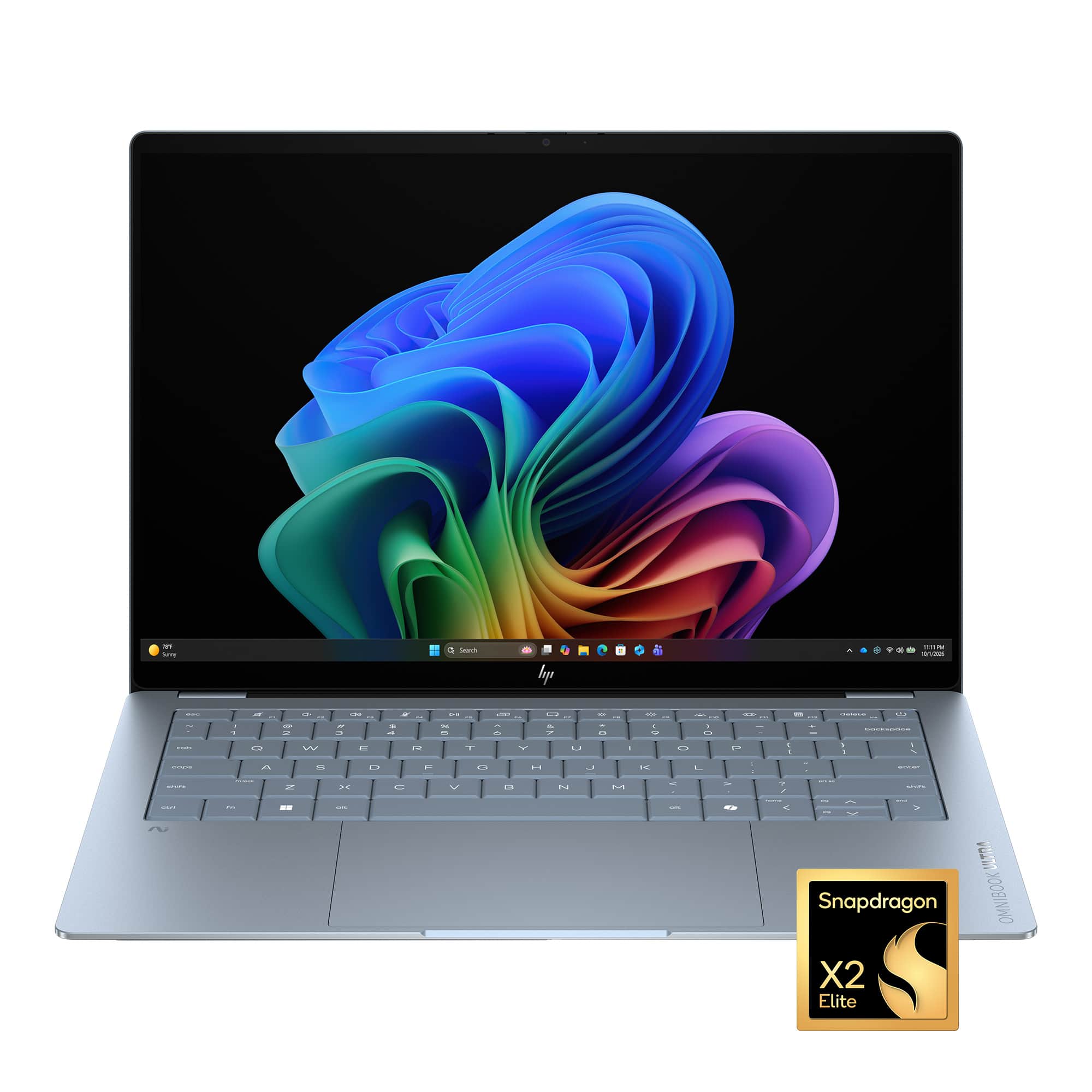
HP - OmniBook Ultra 14" 3K OLED Touchscreen Laptop - Snapdragon X2 Elite (2026) - 32GB Memory - 1TB SSD - Copilot+ PC - Stone Blue
SKU: JJGWKY4H3YI love the light weight of the device and it works great with the HP Hub that I bought to go with it....It would have been great to have 1 USB-A port too, but I purchased a USB-C to USB-A converter that...
See all Windows LaptopsProduct Description
A rugged stone blue OLED touchscreen laptop with Snapdragon X2 Elite, 32GB memory, and 1TB SSD.Your price for this item is $2,249.99
Best Sellers




Related Pages



FAQ
Touch-screen laptops offer intuitive navigation, allowing you to interact directly with your device for tasks like drawing, note-taking, and browsing. They also enhance productivity and creativity, making them ideal for students, professionals, and artists.
Many touch-screen laptops are compatible with styluses or digital pens, which are perfect for taking handwritten notes, drawing, or precise navigation. Please check the product specifications to see if a stylus is included or supported.
Yes, many touch-screen laptops are equipped with powerful processors and high-resolution displays, making them great for gaming, streaming, and multimedia editing. The touch functionality also adds an extra layer of interactivity for certain games and creative apps.
To clean your touch-screen laptop, use a soft, lint-free microfiber cloth slightly dampened with water or a screen-safe cleaner. Avoid using harsh chemicals or abrasive materials to prevent damaging the screen.
Most touch-screen laptops run on Windows, as Windows OS is optimized for touch input. While Apple laptops (MacBooks) currently do not offer touch-screen models, there are a wide variety of Windows-based touch-screen laptops available.