Xbox Speakers
-
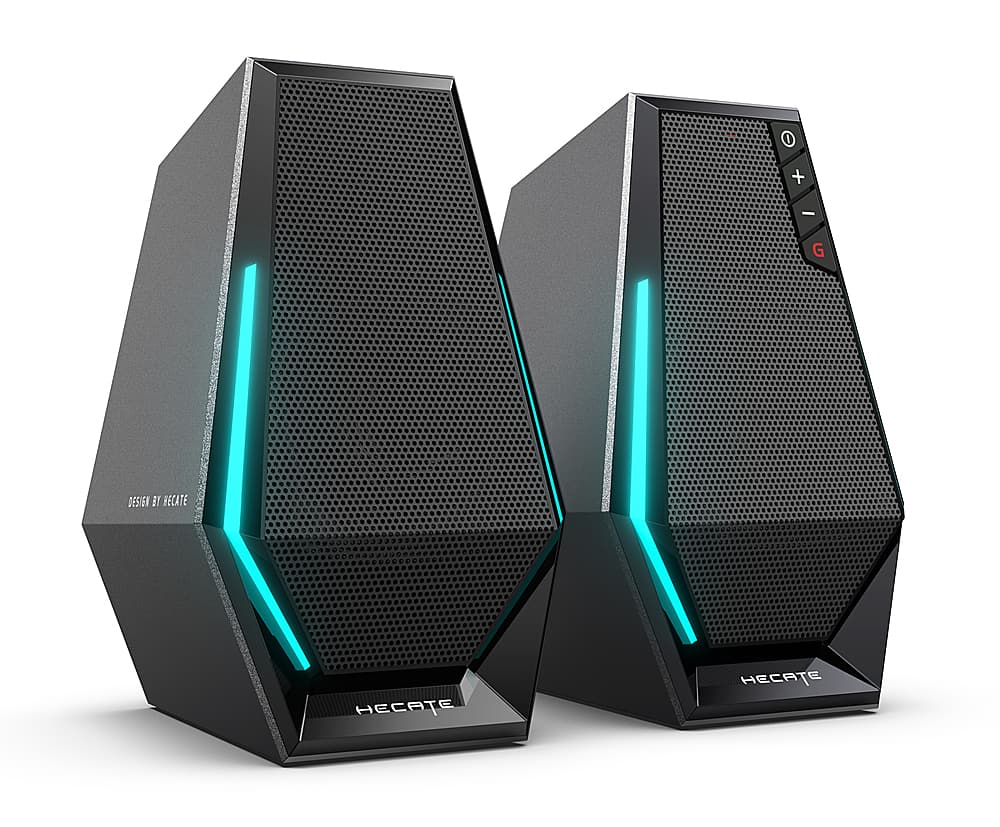
Edifier - G1500 2.0 Bluetooth Gaming Speakers with RGB Lighting (2-Piece) - Black
SKU: J3WSK7SSW5I love that they change color and can switch between movie mode and gaming mode depending on what I’m...I've been using Edifier speakers for a while and I love their other products....Once I saw that...
See all Gaming SpeakersProduct Description
A compact black Bluetooth gaming speaker set with RGB lighting, delivering immersive sound and versatile connectivity.Your price for this item is $89.99 -
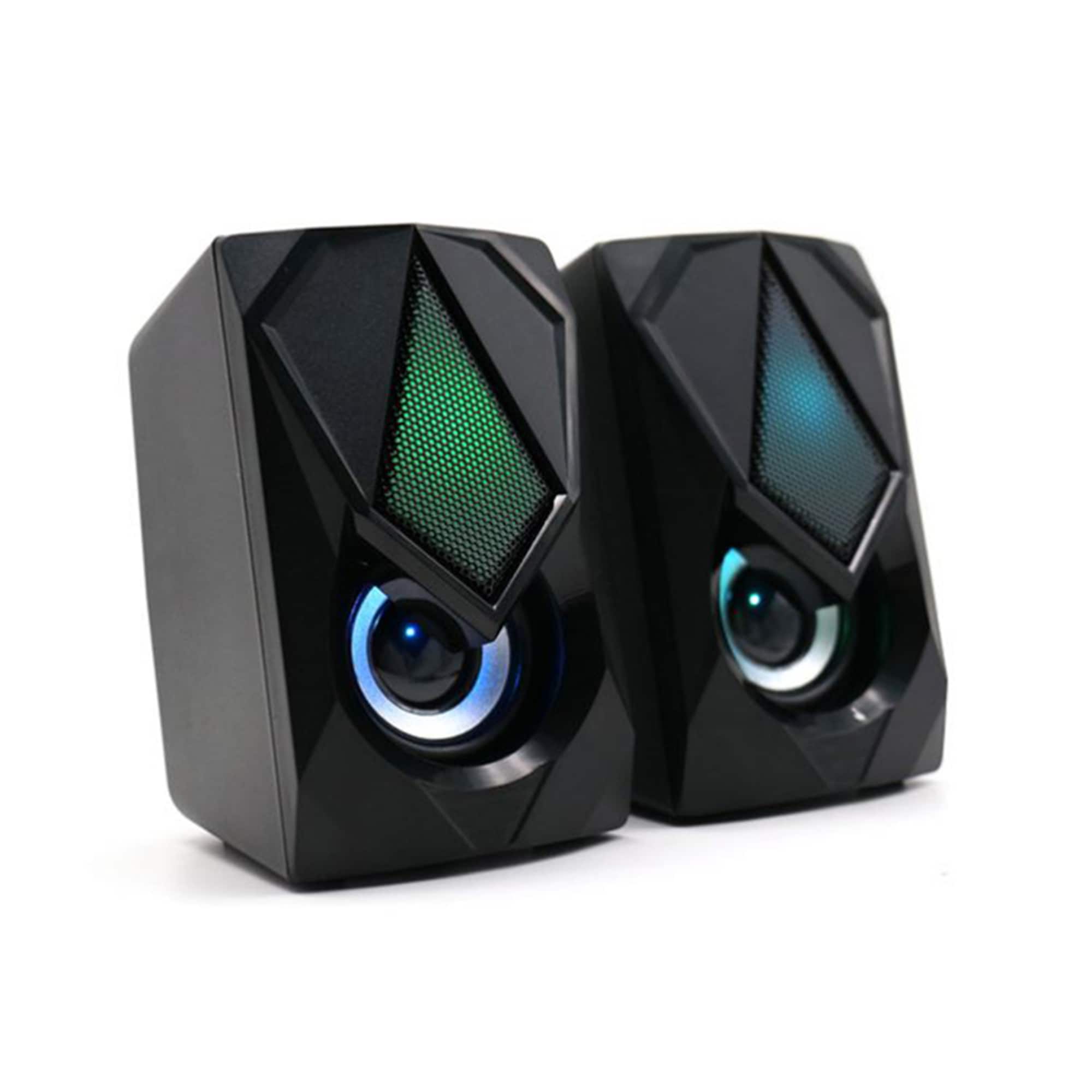
Xtreme - Multicolor LED Gaming Speakers, Quality Sound/Unique Colors, Adjustable Volume - Black
SKU: J385T4FS7SSee all Gaming SpeakersProduct Description
A pair of black gaming speakers delivering quality sound and vibrant multicolor LED lighting with adjustable volume.Your price for this item is $24.99 -
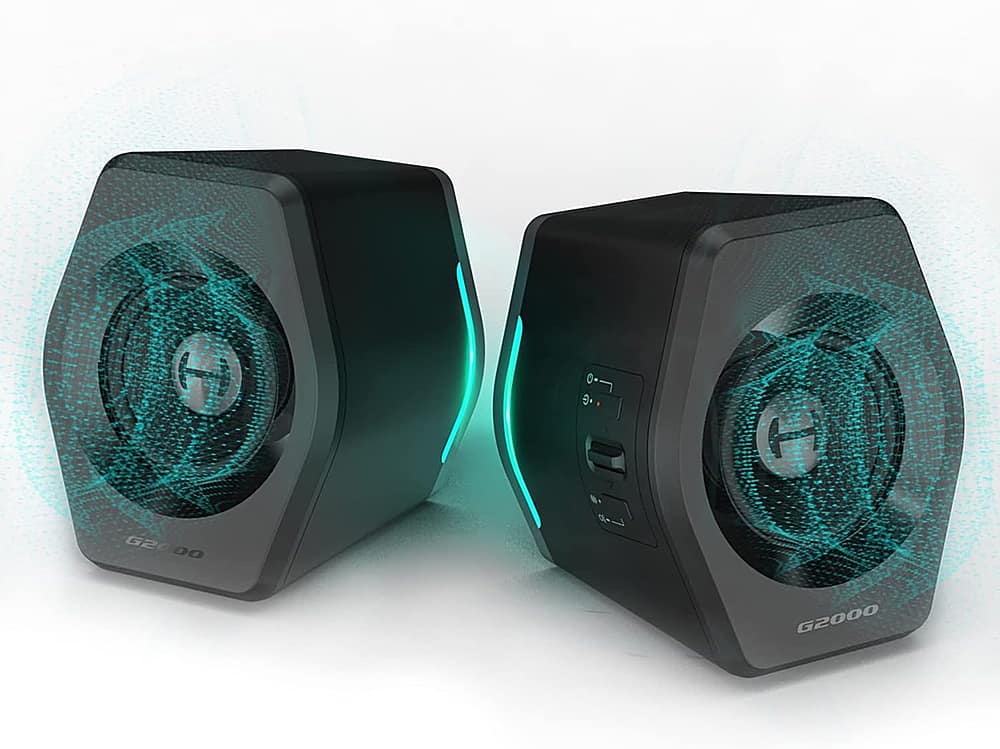
Edifier - G2000 2.0 Bluetooth Gaming Speakers with RGB Lighting (2-Piece) - Black
SKU: J3WSK7SGH3A best option gaming speaker for PC....Not lightweight, well built, excellent design, unique lighting ability and great 2.0 sound....A best buy...The color options are great but would have bought these...
See all Gaming SpeakersProduct Description
A pair of black Bluetooth gaming speakers with RGB lighting delivers immersive HiFi sound and customizable EQ modes.Your price for this item is $129.99 -
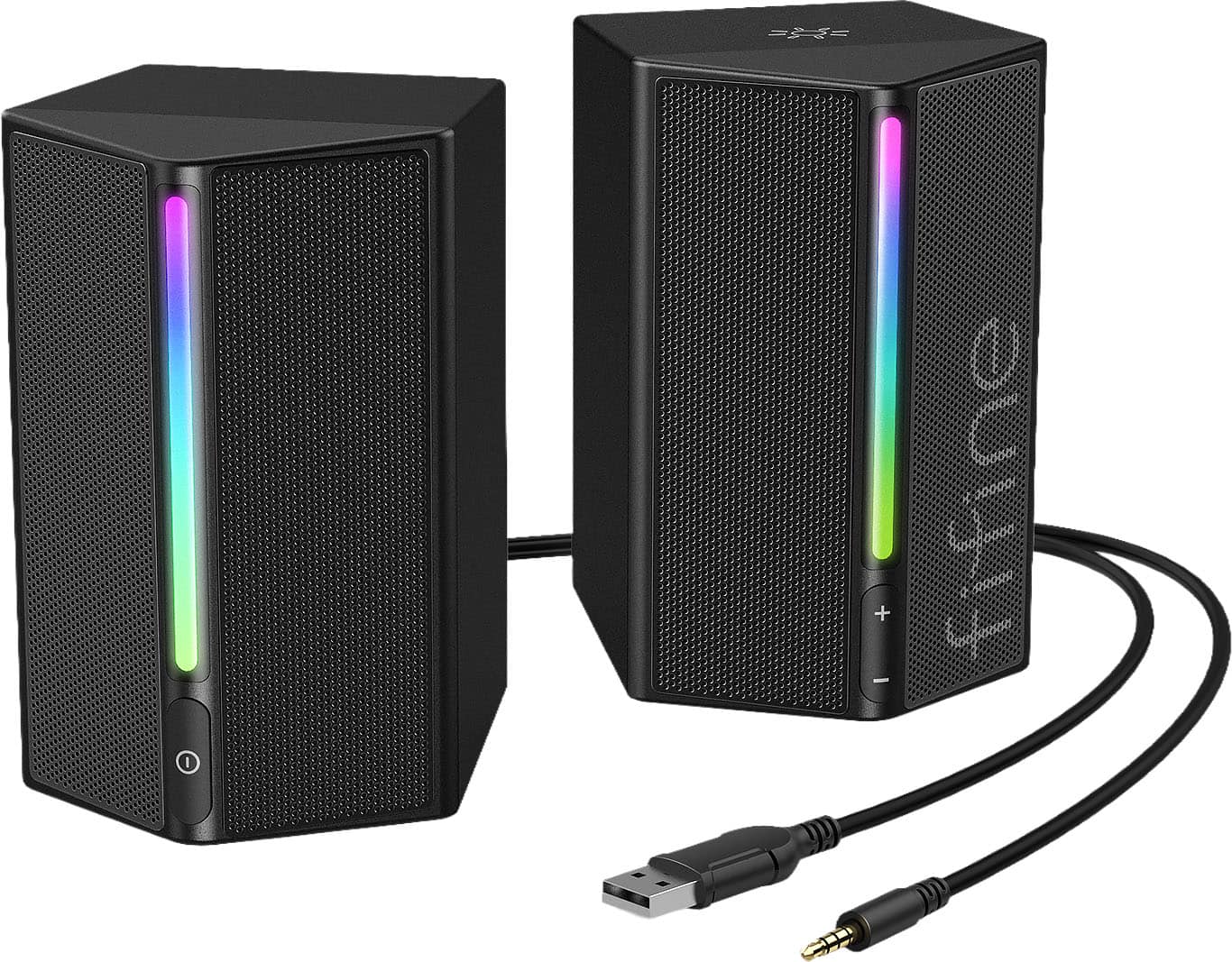
FIFINE - RGB Gaming Speakers, Wired Desktop PC Speakers with Volume Control, 3.5mm Aux for Laptop Monitor Phone Tablet - Black
SKU: J3R8FPX2SCSee all Gaming SpeakersProduct Description
A black wired speaker set with dynamic RGB lighting, immersive sound, and easy volume control for gaming.Your price for this item is $44.99 -
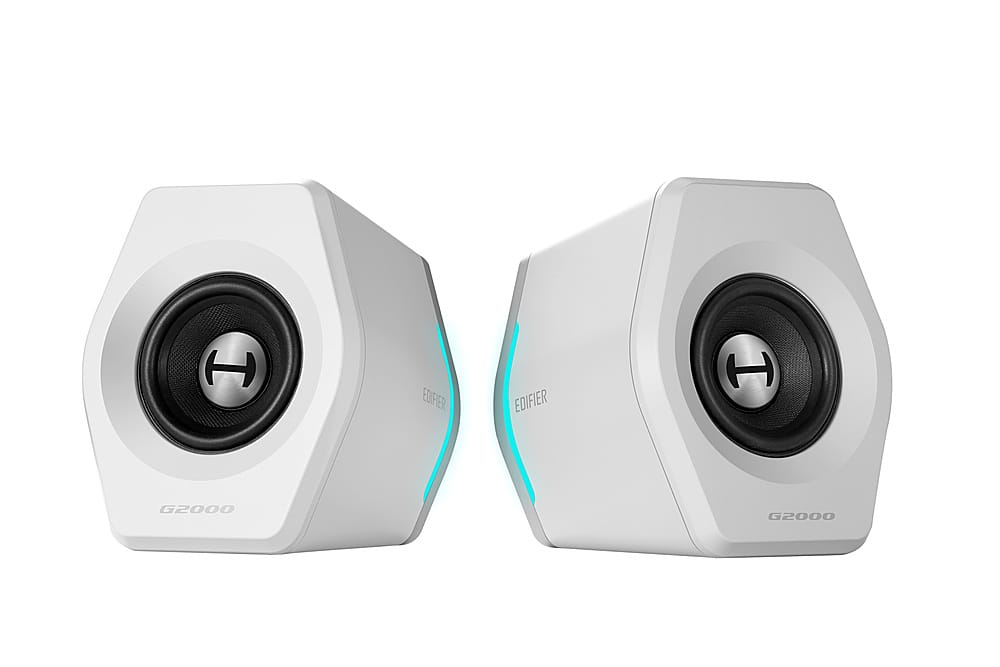
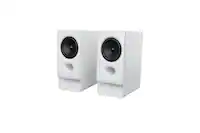
Edifier - G2000 2.0 Bluetooth Gaming Speakers with RGB Lighting (2-Piece) - White
SKU: J3WSK7SSJ6Great...Love it! Great sound and it matches my desk for the price...Speakers are great...I love also the Bluetooth function
See all Gaming SpeakersProduct Description
A pair of white Bluetooth gaming speakers featuring HiFi sound, RGB lighting, and customizable EQ modes.Your price for this item is $129.99
Best Sellers




Related Pages

FAQ
When choosing speakers for your Xbox, consider features such as surround sound support, Bluetooth or wireless connectivity, compatibility with Xbox audio outputs, and built-in subwoofers for enhanced bass. Some models also offer customizable sound profiles and RGB lighting to enhance your gaming experience.
Most Xbox consoles do not natively support Bluetooth audio devices. However, you can use Bluetooth speakers by connecting them through your TV’s audio output or by using a compatible Bluetooth transmitter connected to the Xbox controller’s 3.5mm jack or the console’s optical output.
Yes, several speaker brands offer models specifically designed for gaming, featuring immersive surround sound, low latency, and compatibility with Xbox consoles. These gaming speakers often include features like dedicated game modes, voice chat clarity, and customizable sound settings.
You can connect external speakers to your Xbox by using the optical audio output, HDMI ARC, or the 3.5mm headphone jack on the Xbox controller. Alternatively, you can connect speakers to your TV and route the Xbox audio through the TV’s audio output.
Dedicated speakers generally provide richer, more immersive sound quality, deeper bass, and clearer directional audio cues compared to most TV built-in speakers. This can enhance your overall gaming experience by making in-game sounds more realistic and improving your ability to detect subtle audio details.