How to Install Webroot Antivirus Software
Windows
- Open a web browser and navigate to https://www.webroot.com/GeekSquad. This is the Webroot/Best Buy and Geek Squad partnership page (Figure 1).
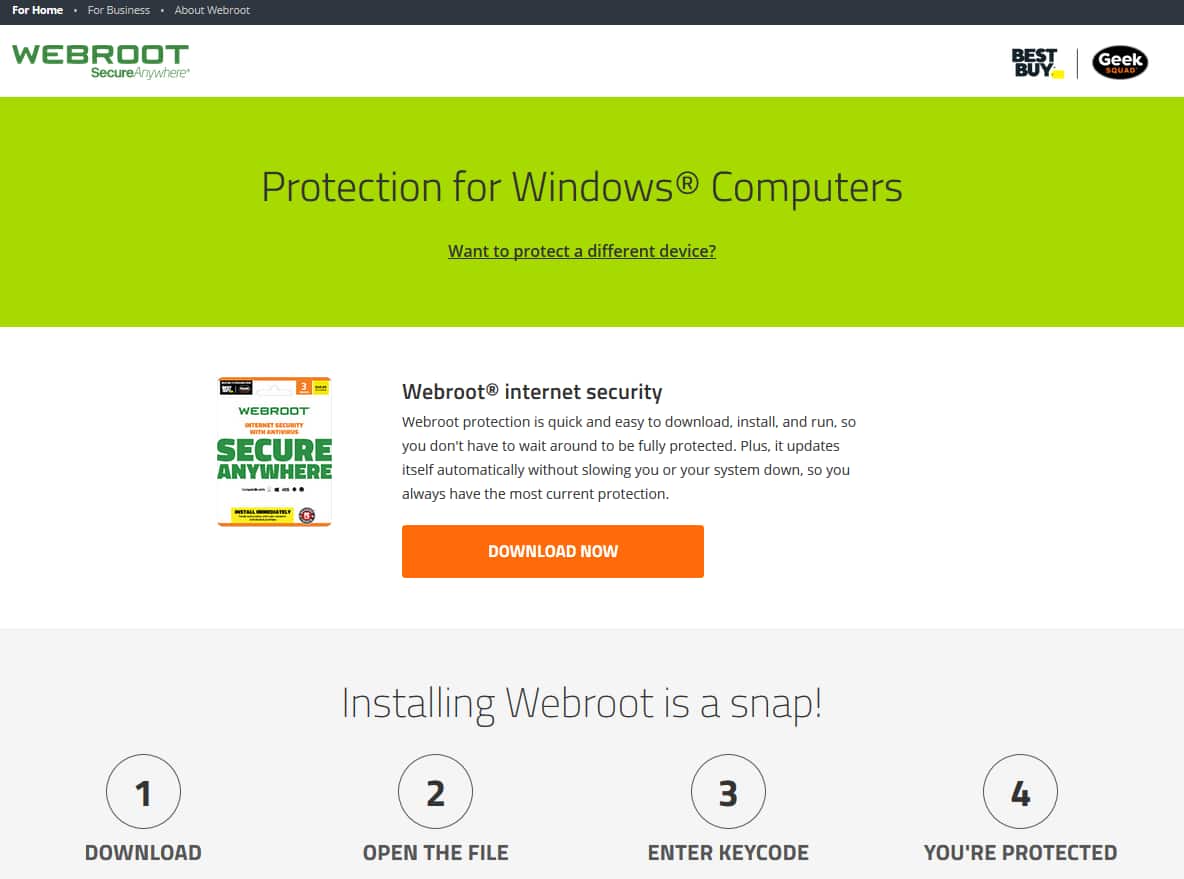
Figure 1
- Enter your email address and your software keycode.
- Run the download from the new prompt or navigate to your downloads folder and double-click the Webroot .exe file (currently labeled "wsabb2.exe") to begin installation.
- Follow the prompts to complete the installation.
- If the installation was unsuccessful or the uninstallation of previous antivirus software failed, please schedule an appointment.
macOS
- Open a web browser and navigate to https://www.webroot.com/GeekSquad (Figure 2).
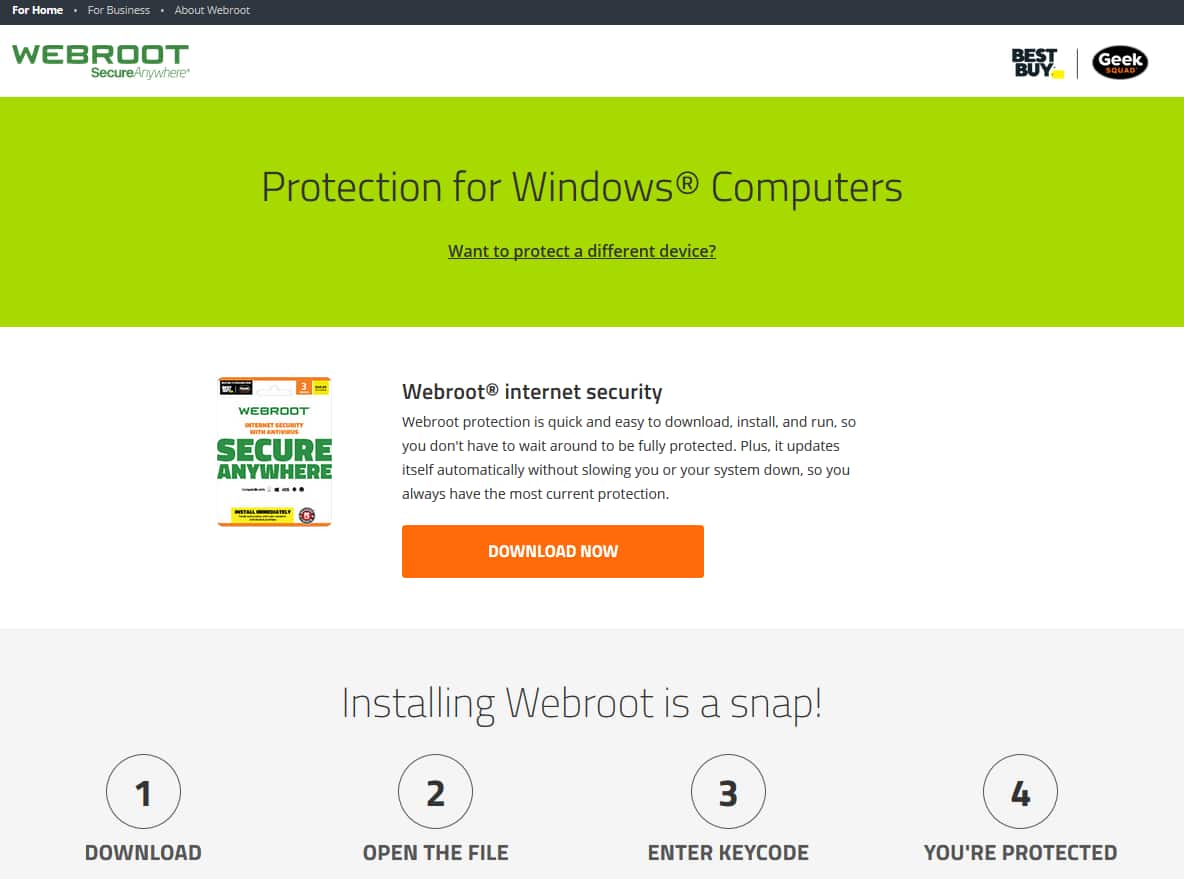
Figure 2
- Enter the email address and the software keycode.
- Run the download from the new prompt or navigate to your downloads folder and double-click the Webroot .dmg file (currently labeled "wsamacbbs2.dmg") file to begin installation.
- Follow the prompts to complete the installation.
- If the installation was unsuccessful, please schedule an appointment.
Android
Webroot Mobile Security
- On your Android device, open the Play Store.
- Search for "Webroot Mobile Security" and install the app (Figure 3).
- Open Webroot Mobile Security.
- Create an account or log in in your existing account.
- Follow the prompts to accept terms and permissions.
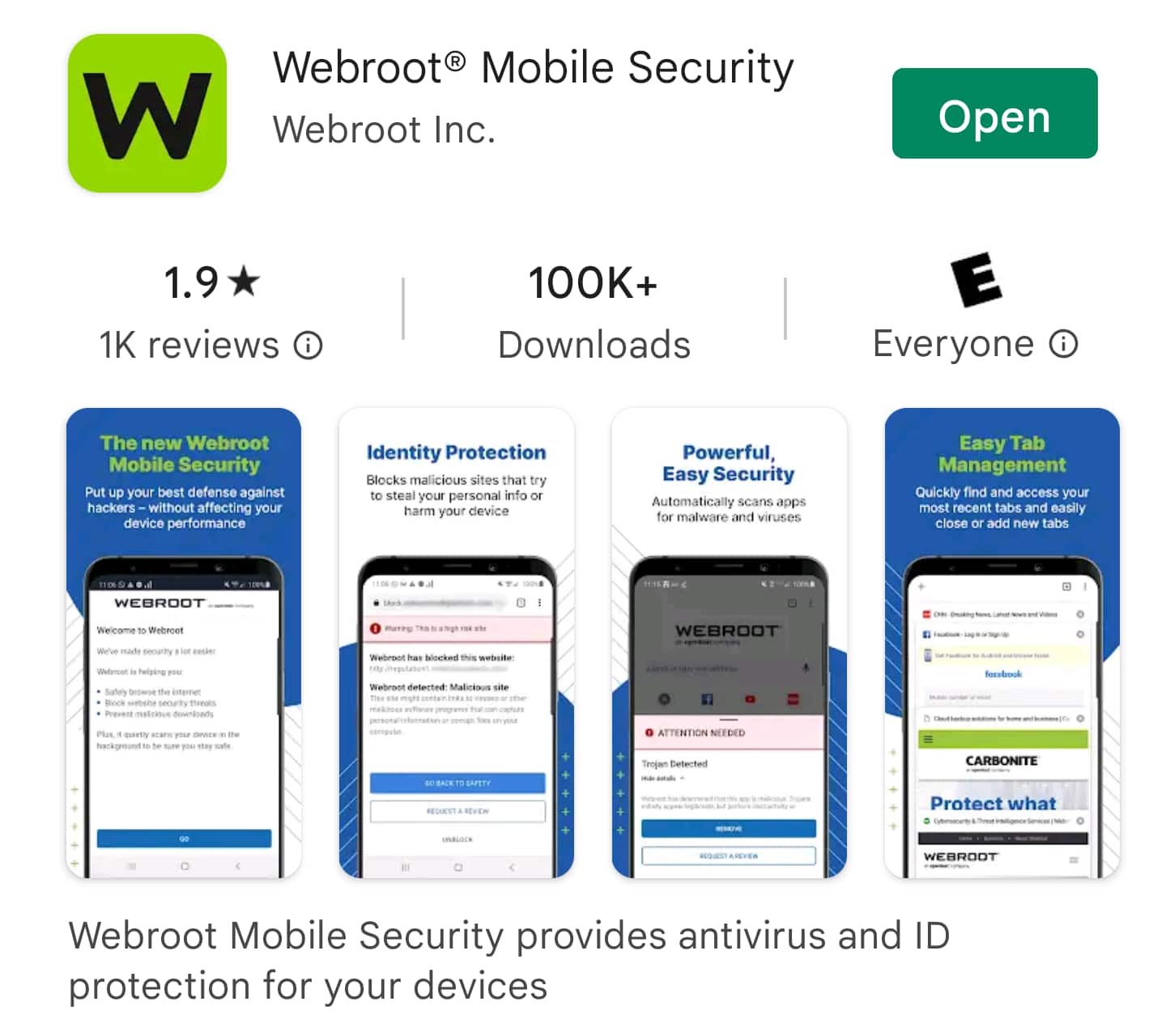
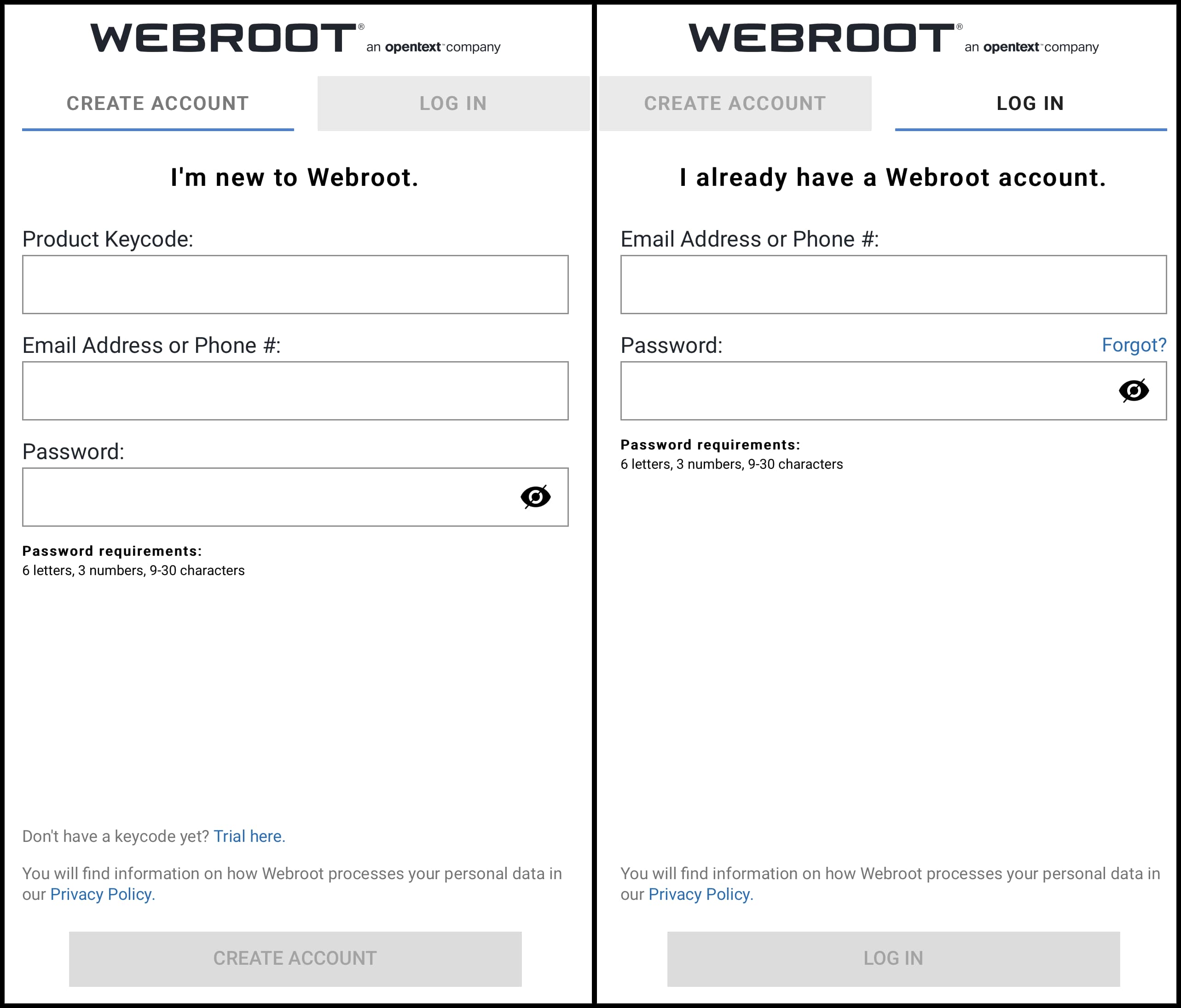
Figure 3
iOS
Webroot Mobile Security
- Open the Apple App Store.
- Search for "Webroot Mobile Security" and install the app (Figure 4).
- Open Webroot Mobile Security.
- Create an account or log in.
- Follow the prompts to accept terms and permissions.
Webroot has not created an anti-malware program for iOS devices at this time; they have only a browser.
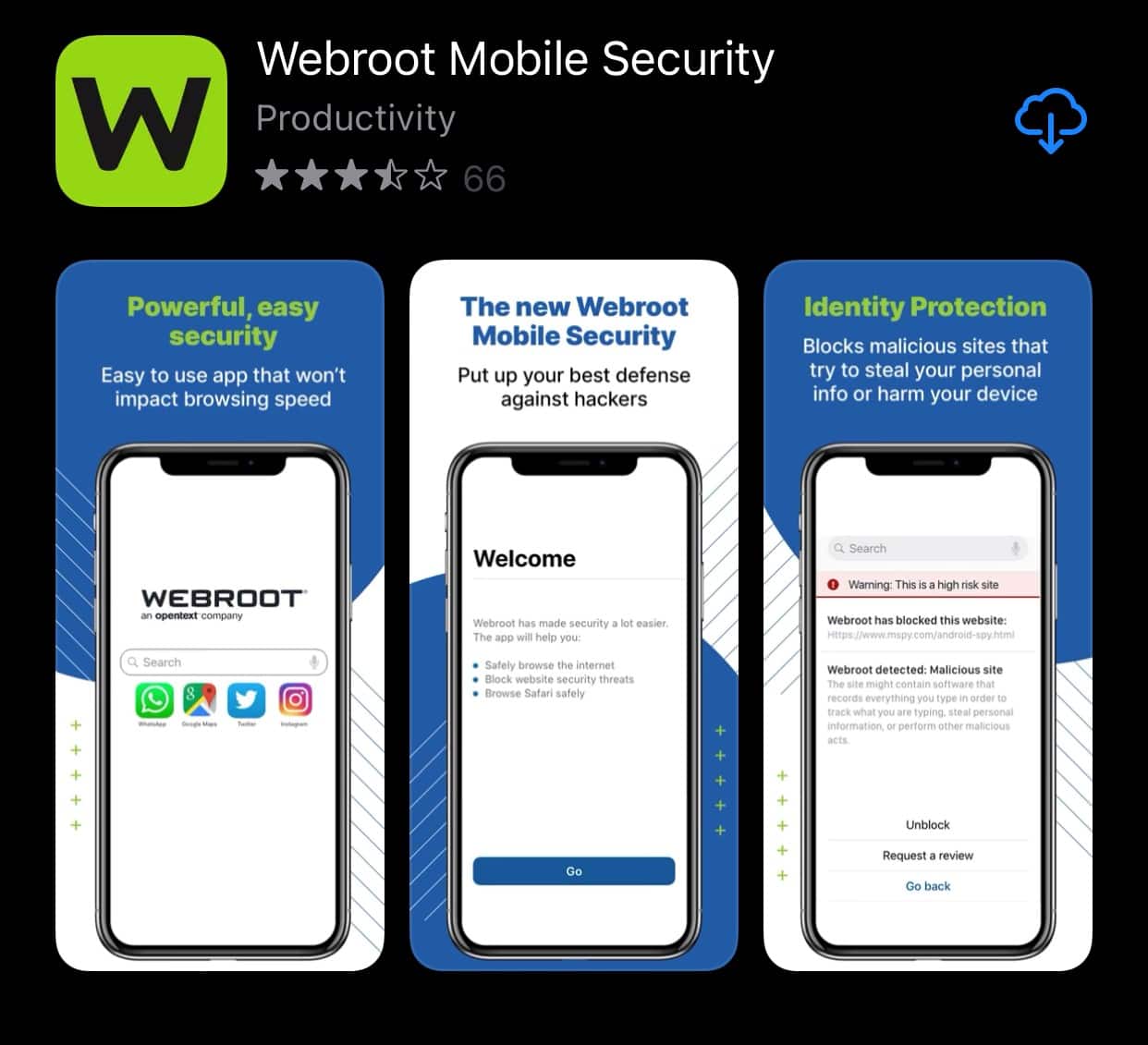
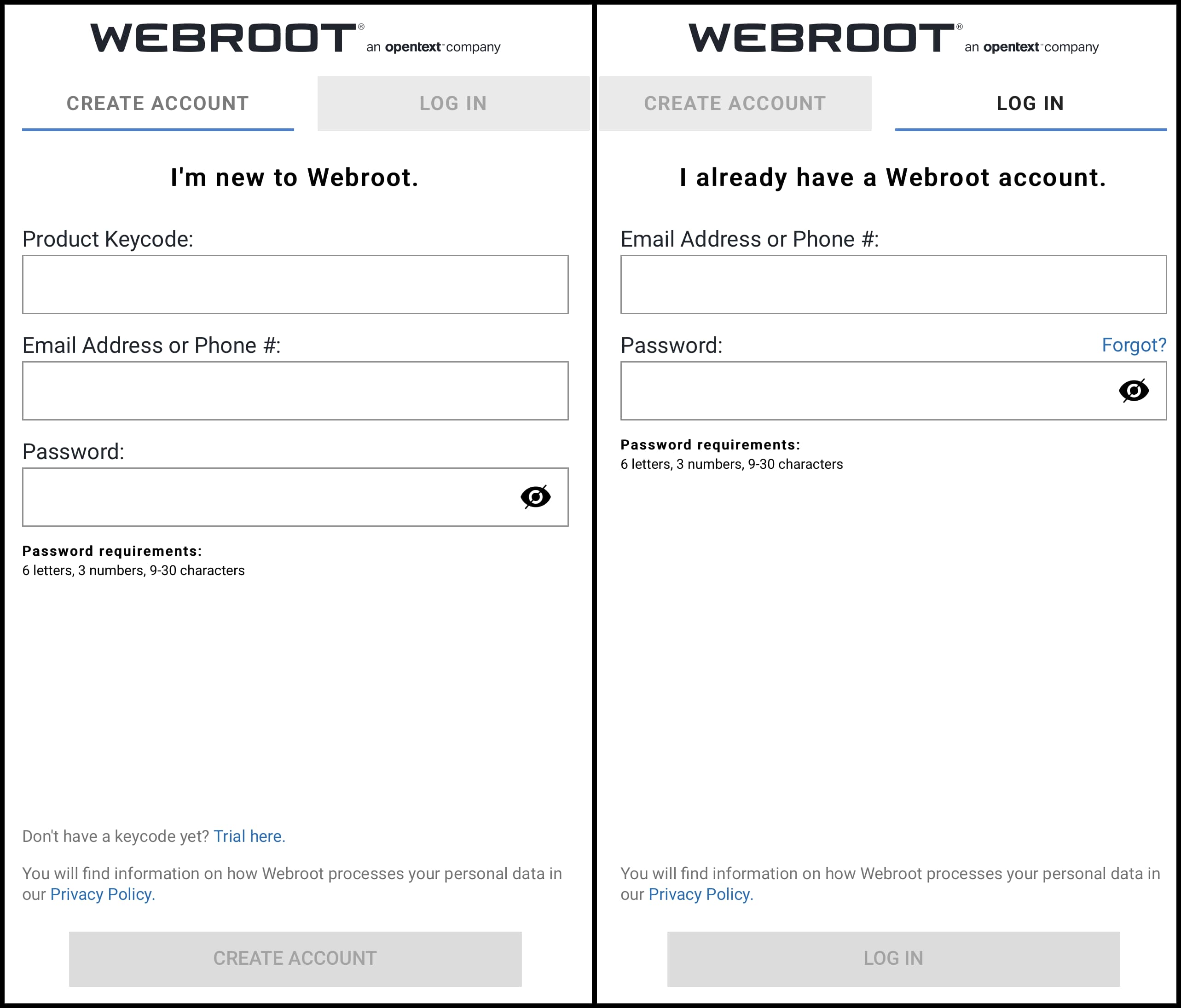
Figure 4
Chrome OS
Web Threat Shield
- Navigate to https://chrome.google.com/webstore.
- Search the Chrome Web Store for "Web Threat Shield" and click Add to Chrome (Figure 5).
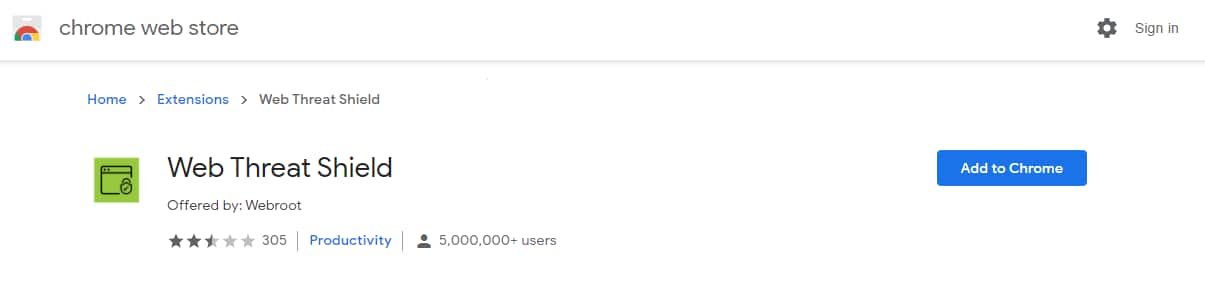
Figure 5
- Click Add extension (Figure 6).
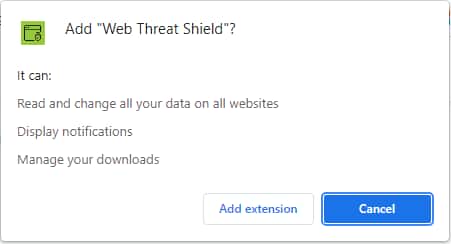
Figure 6
- When prompted, enter your keycode and click Validate keycode (Figure 7).
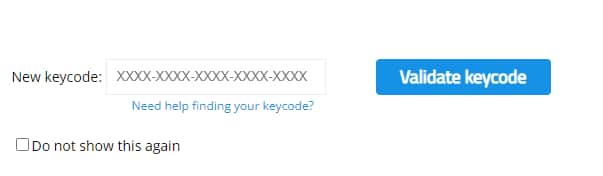
Figure 7
Keywords: Subscription software, Subsoft, install, download, webroot, web, root