Acer - EK220Q E3bi 21.5” IPS AMD FreeSync Monitor-100Hz Refresh Rate (HDMI Port 1.4 & VGA Port) - Black
Customers are saying
Customers consistently note that this product delivers excellent overall performance, a great screen size, and an impressive refresh rate. Users also appreciate the value for the price and the straightforward setup process that is ideal for beginners. While the monitor is highly regarded for its functionality, some users have pointed out limitations regarding the stand's adjustability and the lack of built-in speakers or an auxiliary port. Overall, the feedback highlights a strong, user-friendly device that meets most core needs despite a few minor hardware omissions.
Highlights
Vibrant Images
Crisp, true-to-life colors come alive in Full HD 1080p resolution. Movies and games appear more real and dramatic, and small details and text are clear with 1920x1080 resolution in a 16:9 aspect ratio
AMD FreeSync Technology
Say “goodbye” to stuttering and tearing. With AMD FreeSync, the monitor’s frames are synced with the graphics card’s frames, which eliminates screen tearing and provide the smoothest gaming experience.
Responsive!!
Fast response time of 1ms enhanced gamers’ in-game experience. No matter the fast-moving action or any dramatic transitions will be all rendered smoothly without the annoying effects of smearing or ghosting. The 100Hz refresh rate speeds up the frames per second to deliver smooth 2D motion scenes.
ZeroFrame Design
With a EK220Q monitor, you’ll want to see as much of the display as possible. Get more monitor real estate with the near bezel-less design, allowing you to see more and do more. The ZeroFrame design lets you place multiple monitors next to each other for a seamless, almost uninterrupted view
Ergonomic Setup
Find the working angle that suits you best with a screen that tilts from -5 to 20 degrees. These monitors are also wall-mountable, giving you clear views with more room.
Eye Safety First
Stay in the fight for hours with Acer EyeProtect’s Flicker-less, Blue Light Filter, ComfyView and Low-dimming technology. These features take into consideration prolonged usage and minimizes eye-strain from long gaming sessions.
- Refresh Rate75HzMaximum Resolution1920 x 1080Response Time1 millisecondsPanel TypeIPSSynchronization TechnologyFreeSync (AMD Adaptive Sync)
Reviews
Rating 4.7 out of 5 stars with 502 reviews
- Overall Performance (157)
- Screen Size (104)
- Refresh Rate (46)
- Price (41)
- Ease of use (38)
- Adjustability (11)
- Speakers (9)
- Connectivity (5)
- Power Supply (3)
- Tilt (3)
Customer Images
The vast majority of our reviews come from verified purchases. Reviews from customers may include My Best Buy members, employees, and Tech Insider Network members (as tagged). Select reviewers may receive discounted products, promotional considerations or entries into drawings for honest, helpful reviews.

Compare similar products
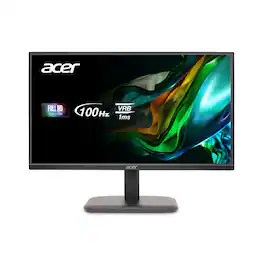
Delve into the world of awesome with Acer's EK220Q Full HD monitor, which offers an unmatched viewing experience. A large 21.5” screen delivers astonishing, 1920 x 1080 Full HD resolution with excellent detail! Through AMD FreeSync technology, the game’s frame rate is determined by your graphics card, not the fixed refresh rate of the monitor, giving you a serious competitive edge.The remarkable 100 Million:1 contrast ratio ensures a crystal-clear viewing experience while rapid 5ms response time keeps moving images sharp. It also supports HDMI & VGA inputs offering greater compatibility.
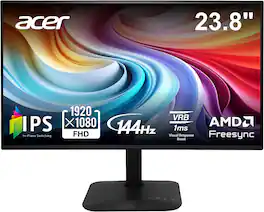
Introducing Acer's KA242Y gaming monitor - the Full HD resolution monitor that can keep up with your game play. Through AMD FreeSync technology, the game’s frame rate is determined by your graphics card, not the fixed refresh rate of the monitor, giving you a serious competitive edge. Plus, users can enjoy comfortable viewing experience while gaming via flicker-less and low dimming display. The design saves space on your desk and lets you place multiple monitors side by side to build a seamless big-screen display.

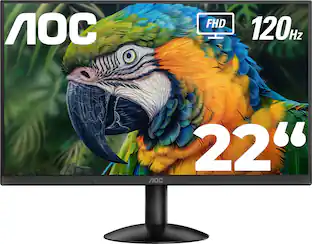
The AOC 22B30HM2 is a 22” three-side frameless slim monitor that can fully support your daily workflow, mixing quality and comfort for a minimal but complete home office. Enjoy great quality image with FHD resolution and wide angles of its VA panel. It also includes a good array of connectivity options to easily support your productivity.
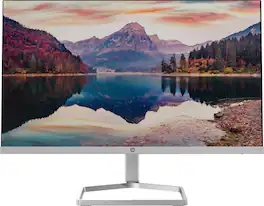
The New Definition of High Definition: This FHD monitor feels as good as it looks, packing IPS technology for 178 degrees ultra-wide viewing angles, 99% sRGB color gamut for color accuracy, and FreeSync to keep your eyes up to speed with your imagination. Looks Good, Feels Good, Does Good: Increase viewing comfort with HP Eye Ease with Eyesafe certified technology that doesn't sacrifice color quality. Monitor designed with sustainability in mind with 85% postconsumer recycled plastics and packaged in recycled materials. Doing good never looked so good. Streamlined & Seamless: Streamline your setup with its slim profile, innovative cable containment, and seamless design for side-by-side screens.
| Pros for Acer - EK220Q E3bi 21.5” IPS AMD FreeSync Monitor-100Hz Refresh Rate (HDMI Port 1.4 & VGA Port) - Black | |||
|---|---|---|---|
| Overall Performance, Screen Size, Refresh Rate, Ease of use, Price | Overall Performance, Refresh Rate, Display Size | Overall Performance, Size, Viewing Angle | Screen Size, Ease of use, Quality, Design, Weight |
| Cons for Acer - EK220Q E3bi 21.5” IPS AMD FreeSync Monitor-100Hz Refresh Rate (HDMI Port 1.4 & VGA Port) - Black | |||
| Speakers, Adjustability, Connectivity, Power Supply, Tilt | There were no cons for this product— | Speakers | Speakers, VESA Mount, Refresh Rate |
Specs
Customers often buy these together
Computer Keyboards

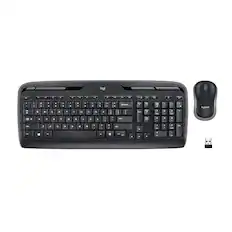
Logitech - MK345 Full-size Wireless Membrane Keyboard and Mouse Combo for PC, Laptop with Palm Rest - Graphite
Top Deal$31.99The price was $34.99


![Esc F1 F2 F3 F4 F5 F6 F7 F8 F9 F10 F11 F12 Print Screen Scroll Lock Pause Break 1 2 3 4 5 6 7 8 9 0 - + = Backspace Insert Home H Page Up A Num Look 1 I Tab Q W E R T Y U I o P { [ } ] I I Delete End IN Page Down 7 Home 8 9 Pg Up Caps A Lock A S D F G H J K L ; : DE g Enter 4 5 6 Shift Z X C V N M < > ? I Shift 1 End 2 3 Pp Dn Enter Ctrl Alt Alt Ctrl 0 Ins Del](https://pisces.bbystatic.com/image2/BestBuy_US/images/products/a588d446-5678-40ae-86b8-1f15e0026e66.jpg;maxHeight=232;maxWidth=233?format=webp)
![Sure, here is the corrected and grouped text from the image:
---
**Top Row:**
- Esc
- F1 F2 F3 F4 F5 F6 F7 F8 F9 F10 F11 F12
**Second Row:**
- 1 ! 2 @ 3 # 4 $ 5 % 6 ^ 7 & 8 * 9 ( 0 ) - _ + =
**Third Row:**
- Tab Q W E R T Y U I O P [ { ] } \
**Fourth Row:**
- Caps Lock A S D F G H J K L ; ' Enter
**Fifth Row:**
- Shift Z X C V B N M , . / Shift
**Function Keys:**
- F1 F2 F3 F4 F5 F6 F7 F8 F9 F10 F11 F12
**Right Side:**
- Insert Home Page Up Delete End Page Down
**Bottom Row:**
- Ctrl Alt Spacebar Alt Ctrl
**Additional Keys:**
- Logi
- Scroll Lock
- Pause Break
---
This should match the layout of the keyboard in the image.](https://pisces.bbystatic.com/image2/BestBuy_US/images/products/0ce0f170-380c-41e4-8d6a-fa0aadbd534c.jpg;maxHeight=232;maxWidth=233?format=webp)



Monitor Stands

More recommended items
 Monitor and Video Cables
 Computer Speakers
 Laptop Docking Stations
 Mice
Mice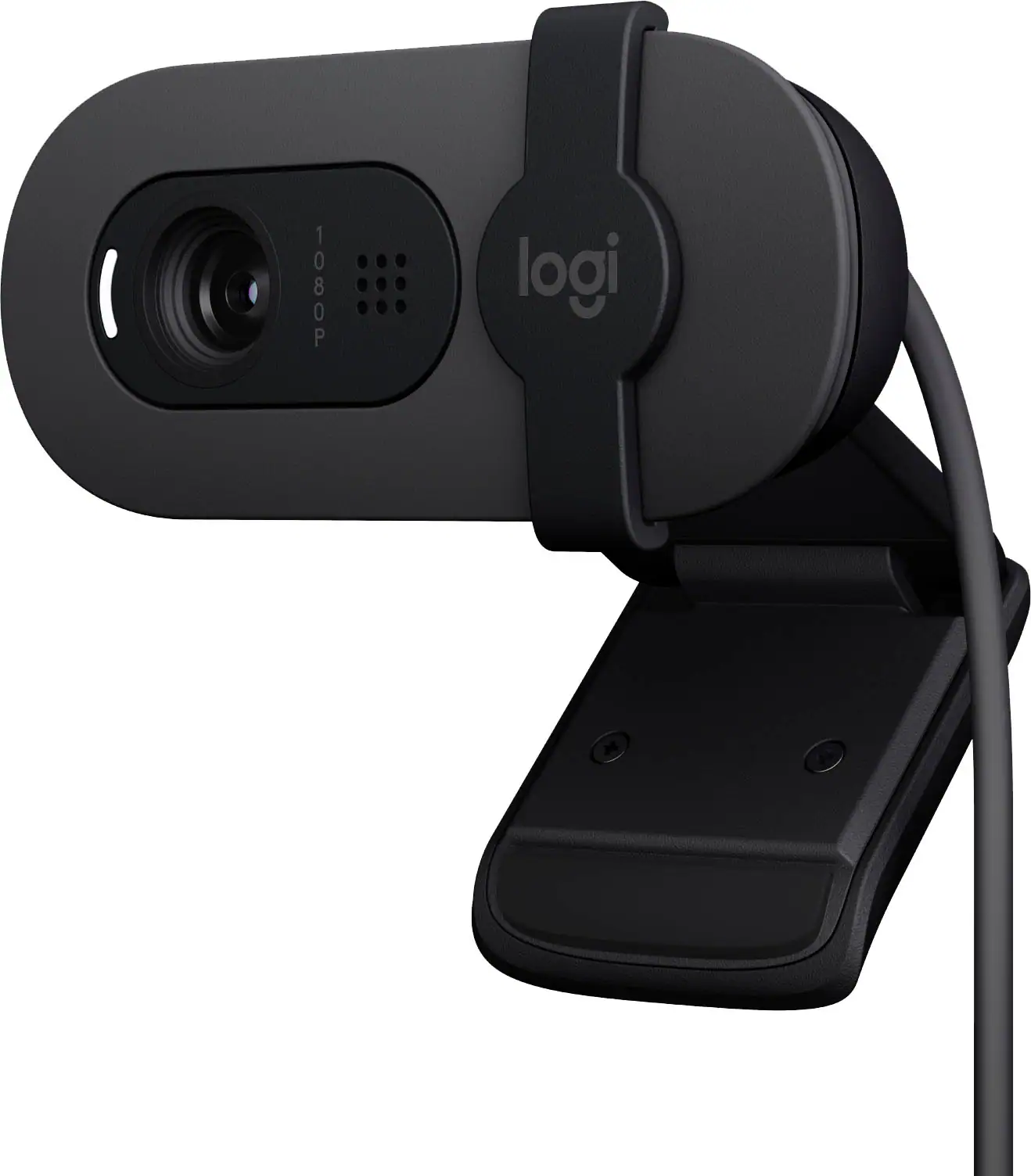 Web Cameras
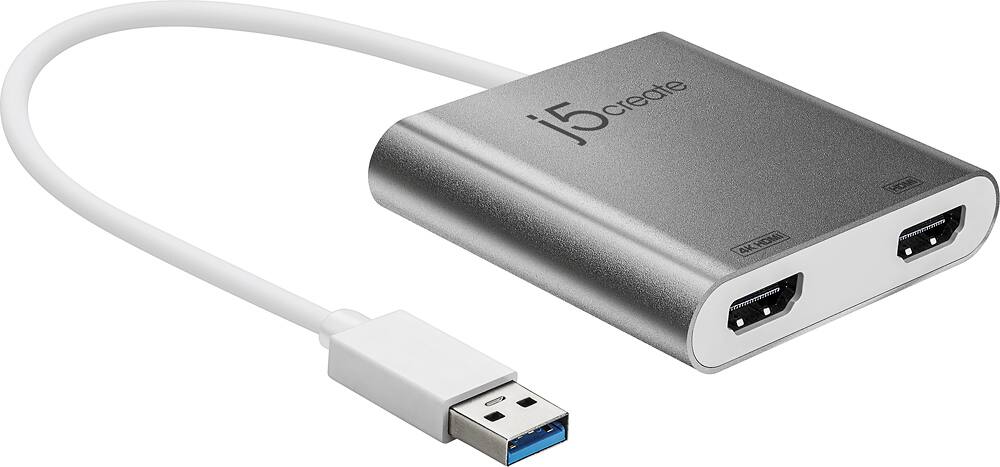 Cables and Adapters
 Mouse Pads
More to consider
 Top Deal$79.99The price was $119.99
 $64.99The price was $69.99
 Top Deal$94.99The price was $149.99
 Top Deal$99.99The price was $109.99
 Top Deal$199.99The price was $329.99
 $129.99The price was $142.34

Explore tech essentials Sponsored
- Top Deal$79.99The price was $119.99
 $189.99The price was $299.99
 Top Deal$219.99The price was $349.99
 Top Deal$299.99The price was $369.99
- Top Deal$99.99The price was $109.99
Discover related products

Acer - 5 in 1 USB C Hub with 4K HDMI, 100W Power Delivery, 3 USB A Data Ports, USB C to HDMI Adapter
$15.99The price was $16.99 $7.99The price was $14.99
 $146.98The price was $169.34
 $49.99The price was $69.99






Keep exploring
 $204.99The price was $221.49
 $189.99The price was $299.99