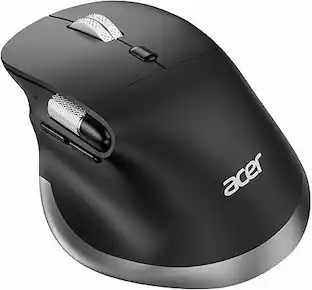
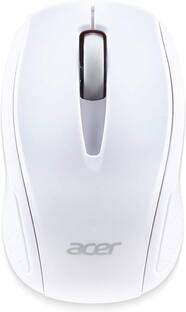
Acer - RF Wireless Mouse M501 – USB Plug & Play, Ambidextrous, Compatible with Chromebook, Windows & Mac - Wireless - Black
Reviews coming soon
About this product
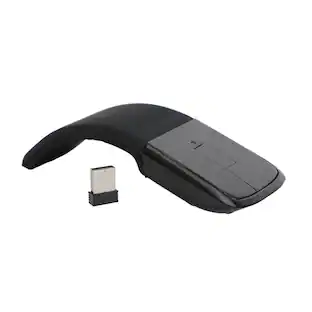
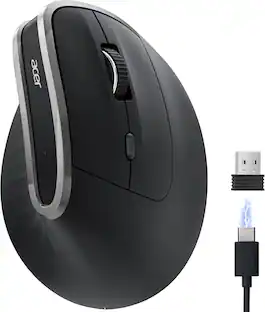
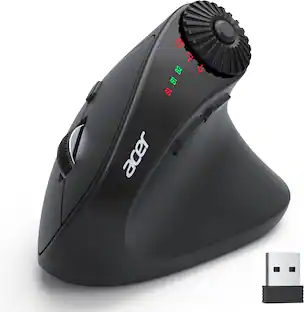
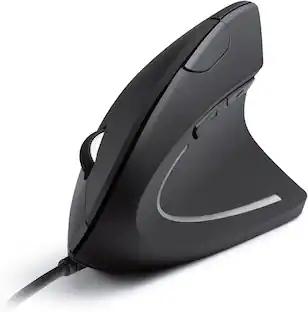
xperience smooth, reliable performance with the RF Wireless Mouse M501 in sleek black, designed for both right- and left-handed users. Featuring USB plug-and-play convenience, this mouse is compatible with Chromebooks, Windows PCs, and Macs, making it a versatile choice for work, school, or home. Its ambidextrous design ensures comfort for all users, while the wireless connectivity offers freedom from tangled cords and cluttered desks. Whether you're navigating documents or browsing the web, the M501 delivers precision and ease with every click.
Color
BlackFeatures
Wireless Convenience
Enjoy hassle-free connectivity with reliable RF wireless technology—no tangled cords or setup delays.
Plug & Play Setup
Simply plug in the USB receiver and start using the mouse instantly—no drivers or software required.
Ambidextrous Design
Comfortable for both right- and left-handed users, making it ideal for shared workspaces or personal use.
Broad Compatibility
Works seamlessly with Chromebooks, Windows PCs, and Macs for versatile use across multiple devices.
Sleek & Modern Look
Sleek black finish adds a touch of style to your desk while maintaining a professional appearance.
Specifications
- Number of Buttons (Total)2Connection TypeWireless
Reviews
This product doesn't have any reviews yet.





Compare similar products

xperience smooth, reliable performance with the RF Wireless Mouse M501 in sleek black, designed for both right- and left-handed users. Featuring USB plug-and-play convenience, this mouse is compatible with Chromebooks, Windows PCs, and Macs, making it a versatile choice for work, school, or home. Its ambidextrous design ensures comfort for all users, while the wireless connectivity offers freedom from tangled cords and cluttered desks. Whether you're navigating documents or browsing the web, the M501 delivers precision and ease with every click.
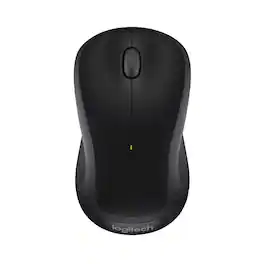
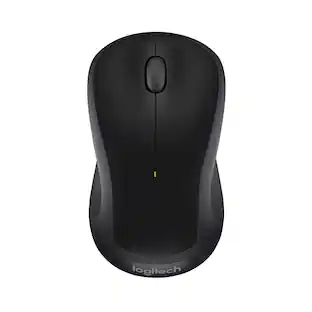
Logitech M310 Wireless Mouse is an easy-to-use, full-size mouse that feels just right. Feel comfortable for hours on end - in your right or left hand - thanks to its contoured, ambidextrous design with soft rubber side grips. M310 comes with a plug-and-forget nano USB receiver that is small enough to stay in your USB port so you won't lose it no matter where you take your laptop. Navigating on your PC or Macbook is simple, with smooth, responsive tracking and Logitech Advanced 2.4 GHz wireless connectivity. For hassle-free use and extreme reliability and durability, choose M310 wireless mouse.
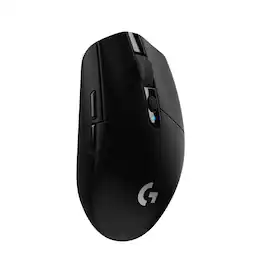
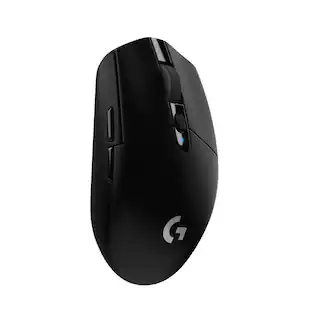
G305 features the next-gen HERO sensor with 12,000 DPI sensitivity and LIGHTSPEED wireless 1 ms performance. It’s long-lasting with 250 gaming hours from one AA battery (an indicator light reminds you before you need a new AA), ultra-portable with built-in nano receiver storage, lightweight weighing in at 99 grams, and ready to game with 6 programmable buttons. G305 is the LIGHTSPEED wireless mouse for all.
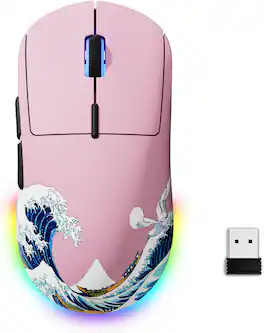
| Pros for Acer - RF Wireless Mouse M501 – USB Plug & Play, Ambidextrous, Compatible with Chromebook, Windows & Mac - Wireless - Black | |||
|---|---|---|---|
| There were no pros for this product— | Ease of use, Overall Performance, Price, Size, Wireless | Overall Performance, Ease of use, Price, Weight, Battery Life | There were no pros for this product— |
| Cons for Acer - RF Wireless Mouse M501 – USB Plug & Play, Ambidextrous, Compatible with Chromebook, Windows & Mac - Wireless - Black | |||
| There were no cons for this product— | Lag, Scroll Wheel, Weight, Sensitivity | Lag, Button Placement, Software | There were no cons for this product— |
Specs
Be the first to ask a question.
We’ll try to get your question answered within 24 hours by a Best Buy customer or brand representative.
Customers often buy these together
Computer Keyboards

![esc ~ ! 1 tab caps lock shift ctrl F2 Fl # 2 3 Q W A S Z start opt L F3 $ 4 E D X alt cmd3 ) FS F4 A % 5 6 R T F G V C logi 44 HI & F9 FID FB F7 F6 * ) - - & 0 8 9 7 O P U I Y K L H J > < N M 1 B PM + = { [ : I ; ? I alt cmd D 2 4 300 3 1 F12 . * page I insert home up clear backspace 8 9 + 7 page A pg up end down home } I delete ] / 6 4 5 4 enter 2 3 enter 1 dn Pg end shift = 0 del ins etrl fn opt](https://pisces.bbystatic.com/image2/BestBuy_US/images/products/6539/6539505_sd.jpg;maxHeight=232;maxWidth=233?format=webp)
![Esc F1 F2 F3 F4 F5 F6 F7 F8 F9 F10 F11 F12 Print Screen Scroll Lock Pause Break 1 2 3 4 5 6 7 8 9 0 - + = Backspace Insert Home H Page Up A Num Look 1 I Tab Q W E R T Y U I o P { [ } ] I I Delete End IN Page Down 7 Home 8 9 Pg Up Caps A Lock A S D F G H J K L ; : DE g Enter 4 5 6 Shift Z X C V N M < > ? I Shift 1 End 2 3 Pp Dn Enter Ctrl Alt Alt Ctrl 0 Ins Del](https://pisces.bbystatic.com/image2/BestBuy_US/images/products/a588d446-5678-40ae-86b8-1f15e0026e66.jpg;maxHeight=232;maxWidth=233?format=webp)






Mouse Pads

Insignia™ - Mouse Pad - Black
Techtober Deal$3.99The price was $7.99





More to consider
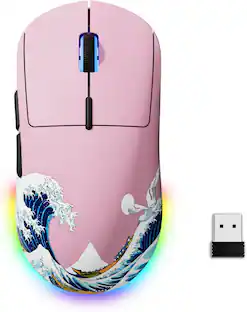 $20.99The price was $34.99
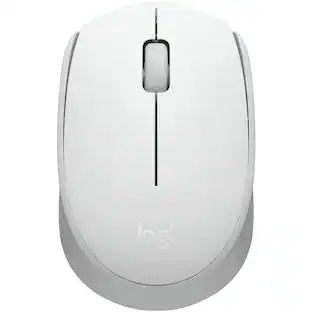 $25.99The price was $36.66
Explore tech essentials Sponsored
 $123.99The price was $139.99


Keep exploring
 $149.95The price was $215.95
Logitech - B100 Corded Mouse – Wired USB Mouse for Computers and laptops, for Right or Left Hand Use
$14.68The price was $20.06