Aluratek - Omnidirectional USB Microphone With Mute Button - Black
About this product
Aluratek’s USB Microphone with Mute Button provides you with clear and professional sound with 360 degree audio pick-up for podcasting, video conferencing, game streaming, YouTube productions and more. The microphone features a built-in mute button on top so you can easily mute and unmute the mic as needed. Setting up the mic is extremely easy. Simply connect the microphone to a USB port on your PC or Mac computer to start recording live audio. Compatible with Windows and Mac OS.
Features
Broadcast Quality Sound
Features 360 degree audio pick-up for clear and crisp broadcast quality sound. Great for podcasting, video conferencing, game streaming, YouTube productions and more.
Easy Mute Button
Simply press the button on top of the unit to mute (red light) and unmute (blue light) the microphone.
USB Plug-n-Play
No need to install drivers or software. Get up and running quickly by simply connecting the microphone to a USB port on your PC or Mac computer to start recording live audio. Compatible with Windows, Mac OS, iOS, Android and Chrome.
Specifications
- Polar PatternOmnidirectionalOutput(s)USB-AMicrophone TypeBoundary microphonesWirelessNo
Reviews
Rating 4.4 out of 5 stars with 60 reviews
The vast majority of our reviews come from verified purchases. Reviews from customers may include My Best Buy members, employees, and Tech Insider Network members (as tagged). Select reviewers may receive discounted products, promotional considerations or entries into drawings for honest, helpful reviews.



Compare similar products
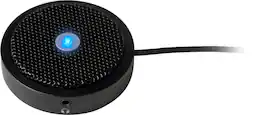
Aluratek’s USB Microphone with Mute Button provides you with clear and professional sound with 360 degree audio pick-up for podcasting, video conferencing, game streaming, YouTube productions and more. The microphone features a built-in mute button on top so you can easily mute and unmute the mic as needed. Setting up the mic is extremely easy. Simply connect the microphone to a USB port on your PC or Mac computer to start recording live audio. Compatible with Windows and Mac OS.

Enhance your conference room with this MXL LED boundary microphone. The three-capsule design delivers excellent performance and ultra-clear capture of speech and audio, while the wide 25-foot range picks up voices from a distance. This MXL LED boundary microphone has a USB interface for effortless connectivity on Mac and Windows operating systems.

Adesso Xtream P7 Wired Stereo Headset With AI Controls - Stereo - USB Type A, USB Type C - Wired - 32 Ohm - 20 Hz to 20 kHz - Over-the-head - Binaural - Circumaural - 6 ft Cable - Omni-directional Mic

The Rownfusny R06S Wired USB Headset is designed for consistent and dependable performance in professional settings such as call centers, offices, and remote workstations. Equipped with a noise-canceling boom microphone, it minimizes background distractions and ensures clear voice communication for calls and virtual meetings. The plug-and-play USB connectivity allows for easy setup with laptops and desktops without additional drivers. Its lightweight construction, adjustable headband, and cushioned ear pads provide lasting comfort during extended use. With integrated in-line controls for volume and call management, the R06S delivers a user-friendly and efficient audio solution for everyday business communication needs.
Specs


Explore tech essentials Sponsored
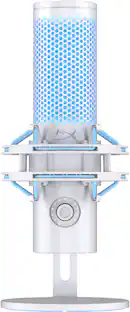
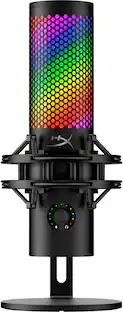
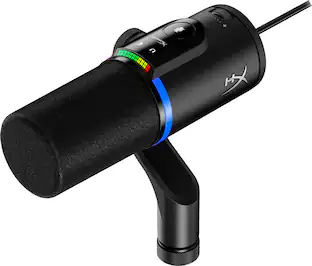
HyperX QuadCast 2 S Wired Multi-Pattern USB Electret Condenser Microphone
$149.99The price was $199.99Samsung Internal SSD 990 1TB, Read/Write Speeds Up to 7,250/6,450 MB/s (MZ V9V1T0B/AM)
Holiday Deal$189.99The price was $229.99
Discover related products
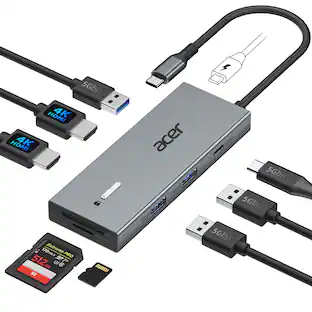
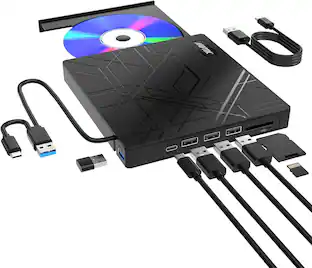
Acer USB C Docking Station With 2 HDMI, 9-IN-1 Docking Hub with USB A&C 3.0, SD/Micro SD, 100W Charging
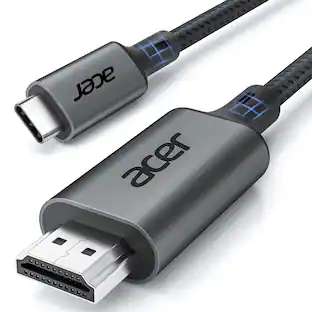
$42.99The price was $47.99Acer USB C to HDMI Cable for Home Office 6.6FT (4K@60Hz), High-Speed Type C to HDMI 2.0 Braided Cord
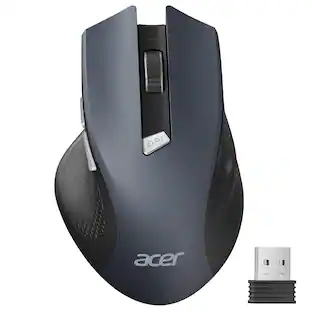
Holiday Deal$10.99The price was $13.99Acer Wireless Mouse for Laptop, 2.4GHz Computer Mouse 3 Adjustable DPI Office Cordless USB Mice with USBA Receiver
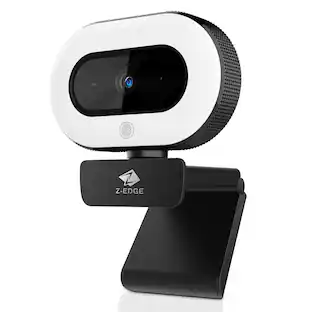
Holiday Deal$10.99The price was $12.99Z Z-Edge 2K 2592x1944 Stream Webcam Auto Focus Web Camera for PC/Desktop/Laptop
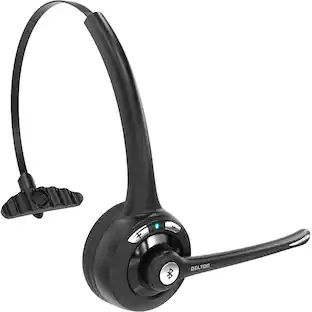
$24.99The price was $39.99Delton 10X Noise Isolating Bluetooth Over-the-Head Headset for Office & Remote Work (DBTHEAD10X)
$29.99The price was $32.82


Keep exploring
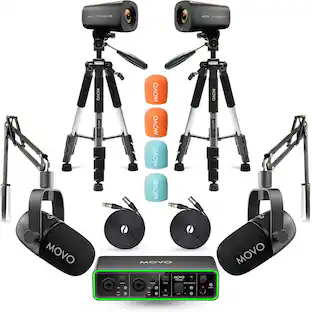
MOVO Video Podcast Equipment Bundle - USB Audio Interface, 2 XLR Dynamic Microphones, 2 4K Cameras, 2 Boom Arms
$1,099.95The price was $1,499.95HOLLYLAND LARK M2 2-Person Wireless Mini Combo Microphone System (2.4 GHz, Shine Charcoal)
$88.00The price was $93.735 CORE 5Core Recording Microphone Podcast Bundle Professional Condenser Mic Kit-RM 8 BG
$38.96The price was $42.67