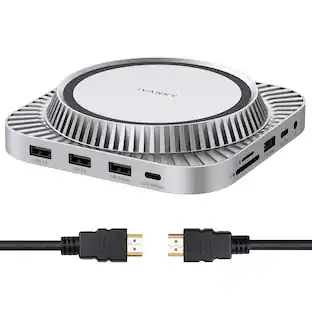
Anker - 675 USB-C Docking Station (12-in-1, Monitor Stand, Wireless)
Reviews coming soon
About this product
With 10Gbps USB-C Ports, 4K@60Hz HDMI Display, Wireless Charging Pad, for Lenovo ThinkPad, MacBook Pro M1 / M2
Features
12-in-1 Docking Station and Monitor Stand
Equip your workstation with a 100W max USB-C upstream port (connect to laptop), 3 USB-A ports, 2 USB-C ports, SD/microSD card slots, a 4K HDMI port, a wireless charging pad, and an Ethernet port.
All-in-One Workspace Organizer
Stand your monitor on top of the docking station, and use the space underneath to store your keyboard, mouse, and other peripherals when you're not using them. Note: This docking station only supports display via HDMI port; it does not support display via any of the USB-C ports.
User-Friendly Design
By raising your monitor off the desk, you'll be able to sit up straight instead of slouching—promoting a healthier posture and a more comfortable work experience.
Power Your Entire Workstation
With a 100W max USB-C upstream port to charge your laptop, 2 USB-C Power Delivery ports sharing 45W, 3 USB-A ports for smaller devices, and a wireless charging pad for your phone, you have more than enough options to keep your whole workspace powered up.
What You Get
Anker 675 USB-C Docking Station (12-in-1, Monitor Stand, Wireless), welcome guide, our worry-free 18-month warranty, and friendly customer service.This docking station only supports display via HDMI port; it does not support display via any of the USB-C ports.
Specifications
- Maximum Number of Displays Supported1Number of DisplayPort Outputs (Total)0
Reviews
This product doesn't have any reviews yet.





Compare similar products
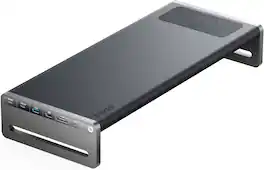
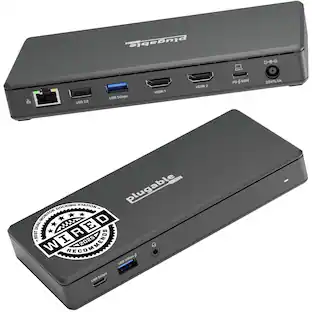
With 10Gbps USB-C Ports, 4K@60Hz HDMI Display, Wireless Charging Pad, for Lenovo ThinkPad, MacBook Pro M1 / M2

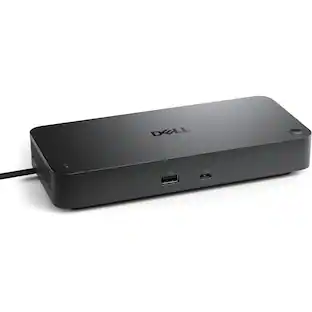
Anker Prime Docking Station (DL7400), 14-Port Triple Display with DisplayLink, 140W Max USB-C Port, Smart Display and Built-In Cooling Fan, Up to 8K, For macOS and Windows, DisplayLink Driver Required
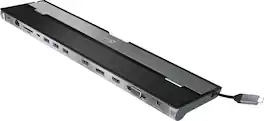
This triple display docking station turns your Mac or Windows laptop into a full workstation with a DisplayPort output, two HDMI outputs, and a VGA output, with resolution support up to 4K (3840 x 2160) on two displays and 1080p on the other one. You can also use your laptop screen for four displays in total, making it easy to access multiple applications at once. With 100W Power Delivery, three USB 3.0 ports, and a USB-C port, this docking station is perfect for your MacBook, Dell XPS, or other USB-C laptop requiring additional ports. This USB 3.0 docking station is also equipped with a RJ45 Gigabit Ethernet port, memory card reader/writer, and combo audio jack for maximum productivity. The elevated design assists with heat dissipation and, with its double-sided cable storage compartment, ensures an easy connection regardless of your USB-C port’s location. All 13 ports are combined into one slim docking station, so you’ll have all the connections you need to stay productive!
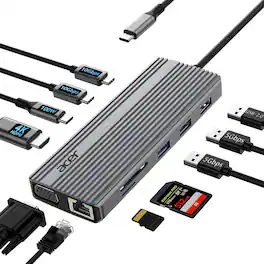
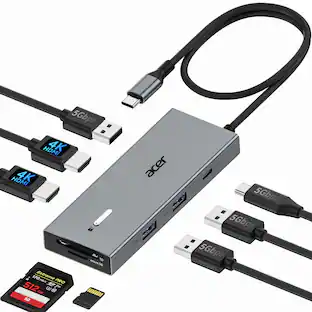
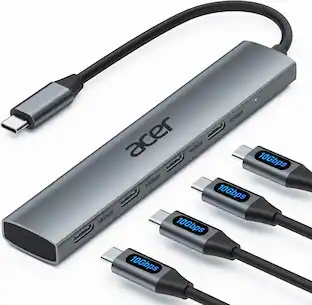
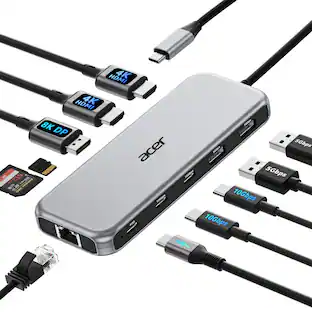
Acer 11 in 1 USB C HUB Multiport Adapter with 4K@60Hz HDMI, 1080P VGA, 2x10Gbps USB C, 2x5Gbps USB A, 100W PD Port, 1000Mbps Ethernet, SD/TF, Dual Monitor Docking Station for PC, Laptop, Desktop
| Pros for Anker - 675 USB-C Docking Station (12-in-1, Monitor Stand, Wireless) | |||
|---|---|---|---|
| There were no pros for this product— | There were no pros for this product— | Ease of use, Overall Performance, USB-C, Connectivity, Ports | Data Transfer Speed, Ease of Use |
| Cons for Anker - 675 USB-C Docking Station (12-in-1, Monitor Stand, Wireless) | |||
| There were no cons for this product— | There were no cons for this product— | Compatibility, Power Supply | There were no cons for this product— |
Specs
Be the first to ask a question.
We’ll try to get your question answered within 24 hours by a Best Buy customer or brand representative.
Customers often buy these together
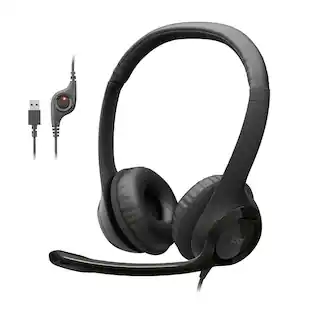
Logitech H390 Wired USB-A On-Ear Stereo Headphones with Noise Canceling Microphone
$20.99The price was $24.99





Customers ultimately bought
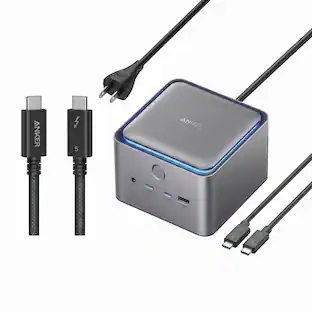
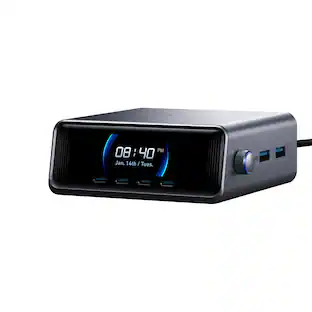
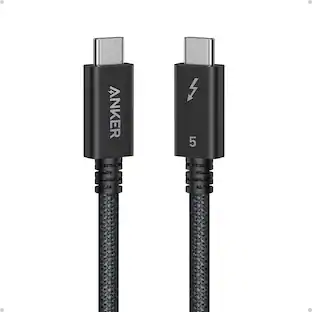
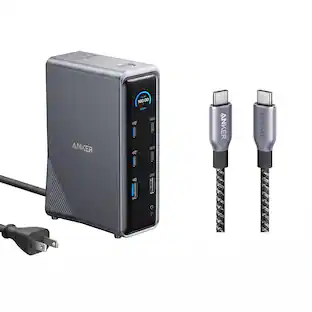
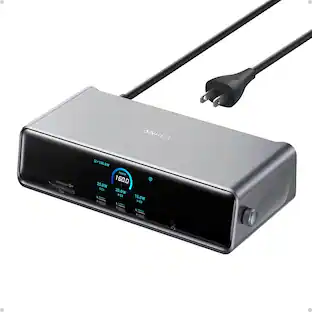
Anker Prime Docking Station (14-Port, 160W Max Output) + Prime Thunderbolt 4 USB-C Cable (3.3 ft, 240W)
$192.48The price was $299.98


Explore tech essentials Sponsored





Keep exploring
Anker Prime Docking Station (14-Port, 160W Max Output) + Prime Thunderbolt 4 USB-C Cable (3.3 ft, 240W)
$192.48The price was $299.98Acer USB C Hub, 10Gbps Type C Splitter with 4 USBC 3.2 Port, High Speed Type C Multiport Adapter
$19.99The price was $22.99