ASUS - TUF Gaming 32" FHD VA 250Hz 0.5ms Curved Gaming Monitor with FreeSync Premium and HDR (DisplayPort, HDMI) - Black
Customers are saying
Customers highly value the overall performance of this monitor, frequently highlighting its impressive 250Hz refresh rate. Users also appreciate the convenient connectivity options, the ideal screen curvature, and the monitor's size. However, some customers noted limitations regarding the ergonomics, specifically the lack of full adjustability, and expressed that the resolution did not meet their specific needs.
Highlights
Features
250Hz Refresh Rate (OC) and 0.5ms (min.) Response Time
With 250Hz refresh rate (OC) decimates lag and motion blur to give you the upper hand in first person shooters, racers, real-time strategy, and sports titles
Adaptive-Sync
AMD FreeSync Premium technology supported through DP and HDMI ports providing variable refresh rates for low latency, stuttering-free and tearing-free while gaming
High Dynamic Range
With HDR technology to deliver more vivid colors and higher contrast levels compared to traditional monitors
Extreme Low Motion Blur
ELMB Sync* software that enables ELMB to work simultaneously with adaptive-sync technology to eliminate ghosting and tearing for extraordinarily sharp, high-frame-rate gaming. *Ideal for Fast-paced games , works better over 85Hz
Variable Overdrive
Integrated ASUS Variable Overdrive technology allows the display to dynamically alter its overdrive setting as frame rates fluctuate, ensuring optimal results for any game
Extensive Connectivity
A multitude of connectivity options, including two HDMI 2.0, plus DisplayPort™ 1.2, ensures wide compatibility with a variety of input sources
Specifications
- Refresh Rate250HzMaximum Resolution1920 x 1080Response Time0.5 millisecondsPanel TypeVASynchronization TechnologyG-SYNC Compatible (NVIDIA Adaptive Sync), FreeSync Premium (AMD Adaptive Sync)
Reviews
Rating 4.7 out of 5 stars with 307 reviews
- Overall Performance (139)
- Refresh Rate (37)
- Connectivity (13)
- Screen Curvature (9)
- Size (9)
- Ergonomics (5)
- Resolution (5)
Customer Images
The vast majority of our reviews come from verified purchases. Reviews from customers may include My Best Buy members, employees, and Tech Insider Network members (as tagged). Select reviewers may receive discounted products, promotional considerations or entries into drawings for honest, helpful reviews.
Compare similar products
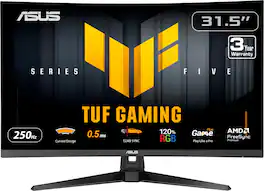
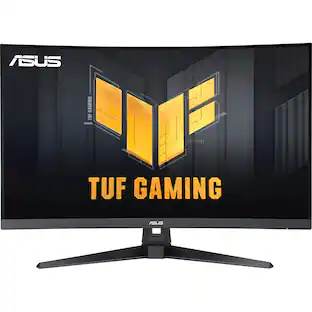
TUF Gaming VG32VQM5B is a 31.5-inch Full HD(1920 x 1080) 1500R curved gaming monitor with overclock to 250 Hz refresh rate and 0.5ms response time (minimum) for extremely immersive gameplay. It features exclusive Extreme Low Motion Blur technology and AMD FreeSync Premium™ to eliminate ghosting and tearing. In addition, it also covering 120% sRGB color gamut for great contrast and lifelike colors.
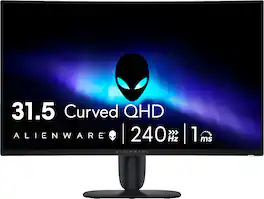
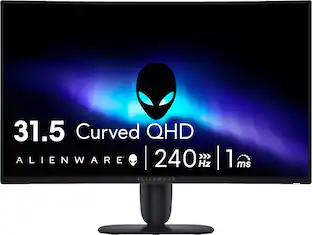
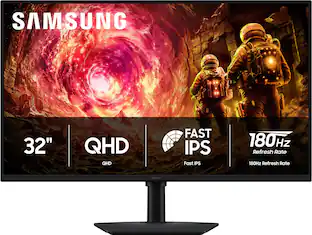
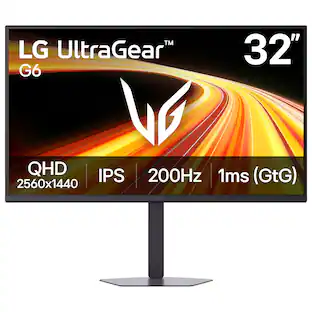
Performance meets big QHD visuals. Get drawn into your games with a large 32-inch screen featuring QHD (2560 x 1440) resolution and smooth, responsive gameplay.

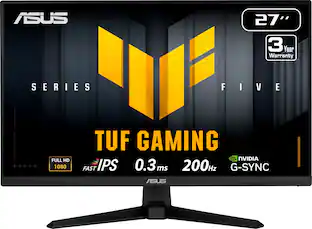
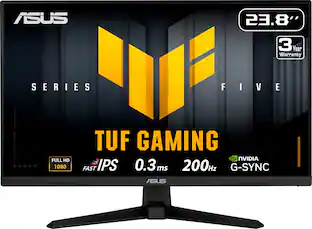
TUF Gaming VG279Q5A is a 27-inch Full HD monitor that delivers five advanced upgrades for top-tier gaming. It features a lightning-fast 200Hz refresh rate and 0.3ms response time, along with AMD FreeSync™ Premium and NVIDIA® G-SYNC® compatibility for ultra-smooth gameplay

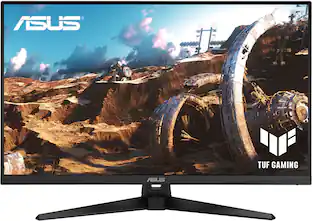
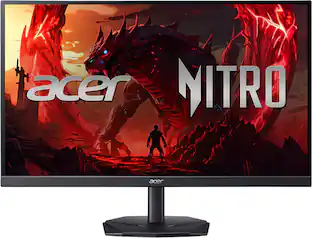
Enjoy a smooth gaming experience with this 31.5-inch ASUS LED monitor. The Shadow Boost feature increases clarity in dark scenes, and the ultrafast response times minimize blurring and streaking for seamless gameplay. This ASUS LED monitor has an ergonomic design that allows tilting, swiveling and pivoting as needed.
| Pros for ASUS - TUF Gaming 32" FHD VA 250Hz 0.5ms Curved Gaming Monitor with FreeSync Premium and HDR (DisplayPort, HDMI) - Black | |||
|---|---|---|---|
| Overall Performance, Refresh Rate, Size, Connectivity, Screen Curvature | There were no pros for this product— | Overall Performance, Refresh Rate, Size | Overall Performance, Refresh Rate, Screen Size, Resolution, HDR |
| Cons for ASUS - TUF Gaming 32" FHD VA 250Hz 0.5ms Curved Gaming Monitor with FreeSync Premium and HDR (DisplayPort, HDMI) - Black | |||
| Ergonomics, Resolution | There were no cons for this product— | There were no cons for this product— | Speakers, Stand |
Specs
Questions & Answers
would I be able to plug a soundbar into one of the Hdmi ports for sound?
Answered by ASUS AnswersThe ASUS VG32VQM5B gaming monitor does not provide audio output through its HDMI ports, as they function solely for video and audio input. To connect a soundbar, you can use the monitor’s 3.5mm audio jack if the soundbar supports AUX, or connect the soundbar directly to your PC or console for the best audio performance.
can you connect a mouse and keyboard to this? im new
Answered by ASUS AnswersThe ASUS VG32VQM5B gaming monitor is a display-only device. It does not have USB ports or built-in support for connecting a mouse or keyboard directly.
Are there HDMI ports available on this monitor?
Yes, there are two HDMI ports available on this monitor.
This question and answer was generated by AI based on customer and product data.Does this monitor have built-in speakers?
Yes, this monitor has integrated speakers.
This question and answer was generated by AI based on customer and product data.What type of panel is used in this monitor?
This monitor uses a VA panel type.
This question and answer was generated by AI based on customer and product data.

Customers often buy these together
Computer Keyboards

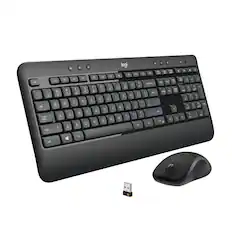




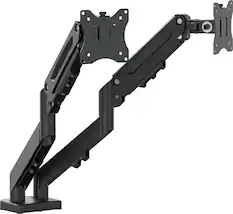
Monitor Stands
More recommended items
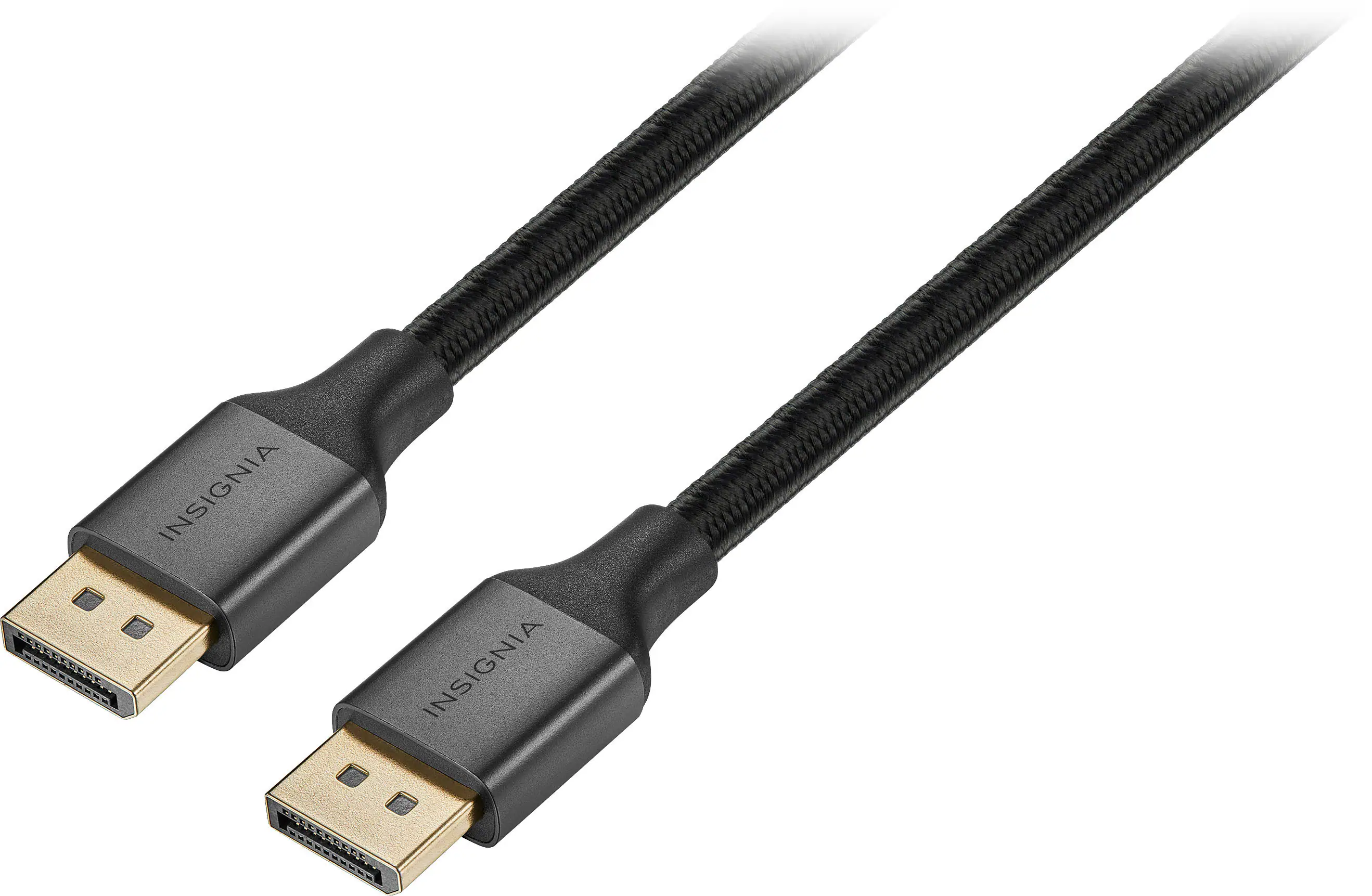 Monitor and Video Cables
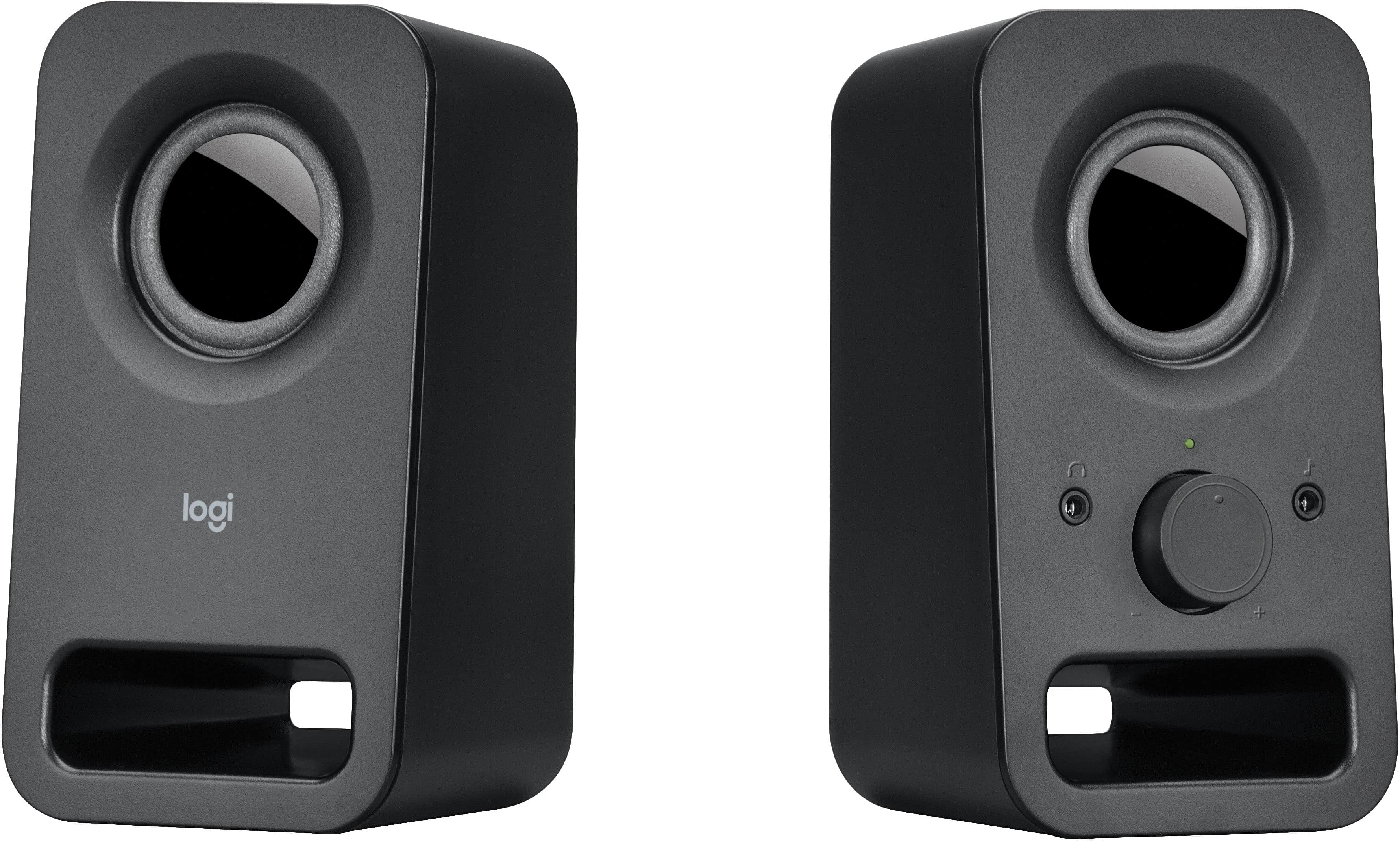 Computer Speakers
 Laptop Docking Stations
 Mice
 Cables and Adapters
 Web Cameras
 Mouse Pads
 PC Gaming Headsets
More to consider
ASUS TUF Gaming 27" FHD IPS 200Hz 0.3ms Gaming Monitor with G-SYNC/FreeSync Premium and HDR (DisplayPort, HDMI)
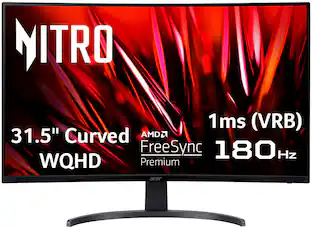
Holiday Deal$129.99The price was $189.99Acer Nitro Gaming 31.5" Curved WQHD 180Hz 1ms FreeSync Premium Gaming Monitor (DisplayPort, HDMI x2)
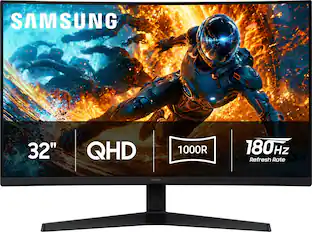
$399.99The price was $459.99Samsung 32" Odyssey G5 (G55H) QHD 180Hz 1ms AMD FreeSync 1000R Curved Gaming Monitor with HDR10 (DisplayPort, HDMI)
Black Friday Deal$189.99The price was $289.99ASUS TUF 32" FHD 240Hz 0.5ms Curved Gaming Monitor, AMD FreeSync, 120% sRGB, ELMB Sync, Swivel/Tilt VG32VQM5AZ
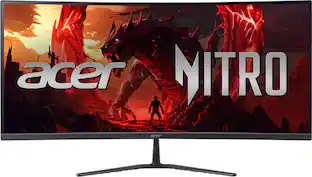
$264.99The price was $276.62Acer Nitro ED340CUR Gaming 34” 1500R 21:9 Curved QHD 200Hz 1ms FreeSync Premium Gaming Monitor with HDR10 (DisplayPort, HDMI)
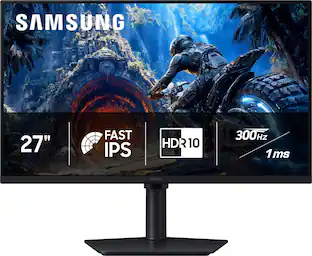
Holiday Deal$249.99The price was $349.99Samsung 27" Odyssey G4 (G40H) Fast IPS FHD 300Hz 1ms AMD FreeSync Prem Gaming Monitor with HDR 10 (DisplayPort, HDMI)
Holiday Deal$189.99The price was $299.99Acer Nitro KGB271U 27" WQHD IPS Up to 200Hz 0.5ms FreeSync Premium Gaming Monitor with HDR10 (DisplayPort, HDMI)
$149.99The price was $199.99ASUS TUF Gaming 24" FHD VA 180Hz 1ms Curved Gaming Monitor with AMD FreeSync (DisplayPort, HDMI)
$145.99The price was $159.00



Explore tech essentials Sponsored
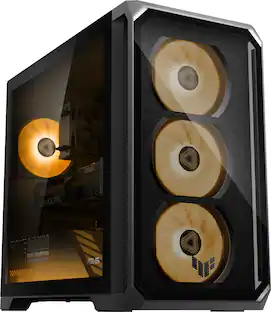
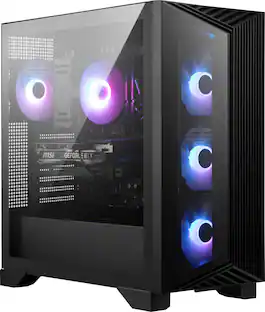
MSI Aegis Z2 Gaming Desktop - AMD Ryzen R7-8700F 2024 - 16GB Memory - NVIDIA GeForce RTX 5060 - 2TB Storage
Holiday Deal$1,459.99The price was $1,749.99ASUS TUF 18" Gaming Laptop,Ryzen 7 260,32GB DDR5,2TB SSD+1TB Dock Set,RTX 5060 8GB,Backlit Kb,Win 11
$2,099.00The price was $2,999.00iBUYPOWER Element SE Gaming Desktop PC Intel Core i5 14400F 2024 NVIDIA RTX 5060 8GB, 16GB RAM Memory, 1TB SSD Storage
$1,129.99The price was $1,399.99


Discover related products
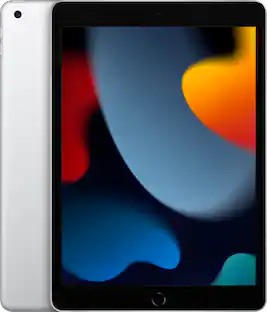
Apple Geek Squad Certified Refurbished 10.2-Inch iPad with Wi-Fi - 256GB
$339.99The price was $479.99


Keep exploring
Acer PM161Q 15.6" Portable Monitor Full HD 1920x1080 IPS USB-C HDMI Refurbished
$46.34The price was $48.99ASUS ROG Strix 34" QHD 2K 1440p 280Hz G-Sync HDR500 0.03ms USB-C OLED Curved Gaming Monitor XG34WCDMS
$787.49The price was $971.99ASUS ROG Strix 34" OLED Gaming Monitor - 3440x1440, 175Hz, 0.03ms, G-SYNC, True 10-bit
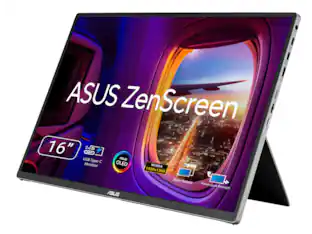
$679.49The price was $1,019.00ASUS Zenscreen 16 inch 60Hz USB-C OLED Portable Computer Monitor MQ16FC)
$279.99The price was $294.99