Belkin - USB-C to DisplayPort 1.4 Cable 6.6ft, 8K@60Hz or 4K@144HZ - Black
Customers are saying
Customers are satisfied with the overall functionality and performance of this product, noting that it works exceptionally well for gaming. Users also appreciate the reliability of the DisplayPort, which consistently meets their expectations. Overall, the product is highly regarded for its effective and dependable operation.
Vivid 8K HDR display
Connect USB-C devices and laptops with our USB-C to DisplayPort 1.4 cable to get vividly sharp HDR and up to 8K resolution at 60Hz and 4K at 144Hz with compatibility with Chromebook, MacBook, and PC via Plug and Play.
Extra-long 6-foot cable
Its extra-long cable length reaches up to 6-feet from your device, making it even easier to access and set up in any workstation or home office.
No extra software or drivers needed
Our USB-C to DisplayPort Cable is ready, right out of the box.
Works with previous gen displayport
Support for earlier DisplayPort makes it easy to use with a variety of previous-gen devices.
Works with Windows, Mac and more
Compatible with virtually all popular system platforms including Windows, Mac OS, Linux, iPad OS, Chrome OS, and Android.
- Cable Length6.6 feetConnector Type (End 1)USB-CConnector Type (End 2)DisplayPort
Reviews
Rating 4.8 out of 5 stars with 24 reviews
- Functionality (4)
- DisplayPort (3)
- Performance (3)
The vast majority of our reviews come from verified purchases. Reviews from customers may include My Best Buy members, employees, and Tech Insider Network members (as tagged). Select reviewers may receive discounted products, promotional considerations or entries into drawings for honest, helpful reviews.
Compare similar products
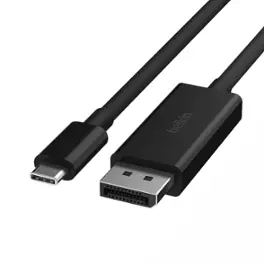
Connect your Chromebook, MacBook, iPad Pro, gaming system, or USB-C device to a DisplayPort-enabled monitor or projector so you can share media in stunningly clear 4K or 8K HDR. It is compatible with the iPhone 17, 17 Pro Max and 17 Pro.
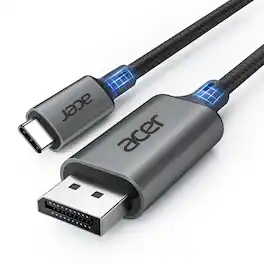
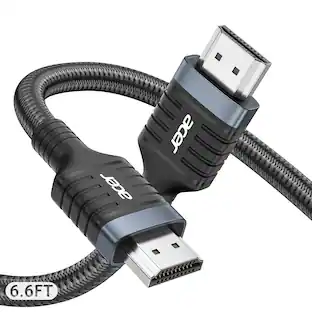
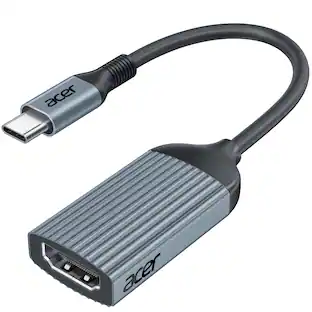
acer USB C to DisplayPort Cable 6.6 FT (4K@60HZ 2K@165Hz), Type-C to DisplayPort Cord (Sturdy Aluminum, Plug & Play) Thunderbolt 3/4/5 Compatible with MacBook Pro/Air, iPhone 16 Pro/Max, XPS, Surface
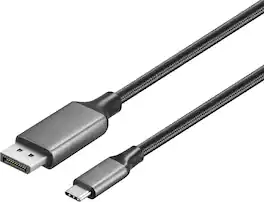
Improve your workstation by connecting your laptop to an external monitor with this Insignia 6 ft. USB-C to DisplayPort Cable. The cable supports 4K Ultra HD to prevent loss in quality when transferring between screens. It features a sleek braided cable jacket for protection, and the plug-and-play design makes setup a breeze.
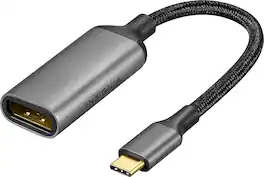
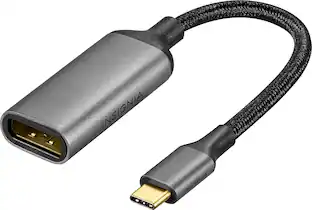
Improve your workstation by connecting your laptop to an external monitor with this Insignia 8K USB-C to DisplayPort Adapter. The adapter supports 8K Ultra HD to prevent loss in quality when transferring between screens. It features a sleek braided cable jacket that flexes and bends to easily connect, and the plug-and-play design makes setup a breeze.
| Pros for Belkin - USB-C to DisplayPort 1.4 Cable 6.6ft, 8K@60Hz or 4K@144HZ - Black | |||
|---|---|---|---|
| Functionality, DisplayPort, Performance | Cable Length, Build Quality | Overall Performance, Functionality, Cable Length, Refresh Rate, Signal Stability | Overall Performance, Connectivity |
Specs
Is this cable bidirectional? I.e. if I wanted to output display from the displayport side into a USB-C port on a monitor, would it work?
Answered by BelkinStaffHi Gabby! No, The Belkin AVC014 is not bidirectional. This cable only goes USB-C to DisplayPort that allows a USB-C Port on a computer or device that supports DisplayPort ALT Mode to output a DisplayPort video signal to a monitor.

Is tis VESA certified?
Answered by BelkinStaffHi! The Belkin AVC014 is not VESA certified.
What is the maximum resolution supported by this cable?
This cable supports a maximum resolution of 8K at 60Hz and 4K at 144Hz.
This question and answer was generated by AI based on customer and product data.Which operating systems is this cable compatible with?
This cable is compatible with a wide range of operating systems, including Windows, Mac OS, Linux, iPad OS, Chrome OS, and Android.
This question and answer was generated by AI based on customer and product data.How long is this USB-C to DisplayPort cable?
This USB-C to DisplayPort cable is 6.6 feet long.
This question and answer was generated by AI based on customer and product data.
Customers often buy these together
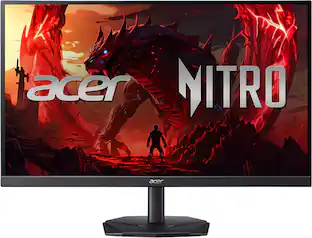 Top Deal$149.99The price was $199.99
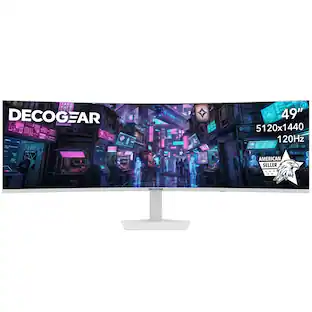 $474.99The price was $549.99
 $11.99The price was $12.99



More to consider
- $11.99The price was $12.99
 $42.48The price was $48.40
 $31.68The price was $33.35
 $42.61The price was $46.72

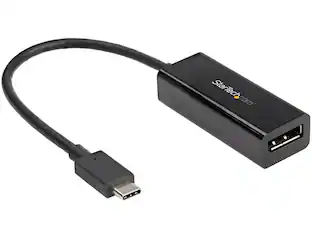
Explore tech essentials Sponsored
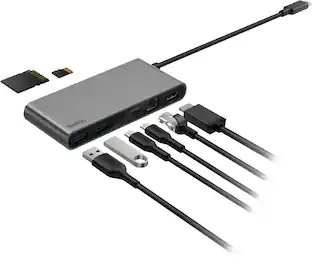 Top Deal$44.99The price was $49.99
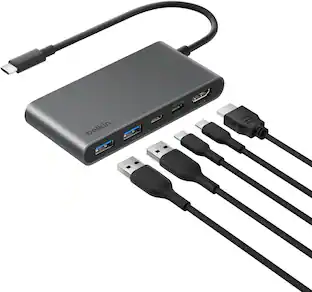 Top Deal$22.49The price was $24.99


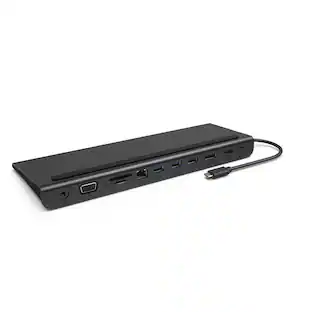


Discover related products
 $7.99The price was $14.99
 $49.99The price was $69.99








Keep exploring
- $11.99The price was $12.99