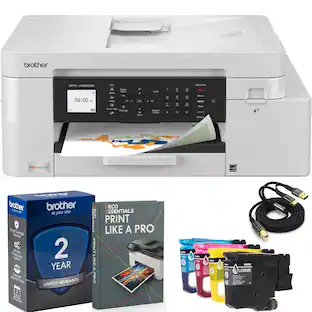
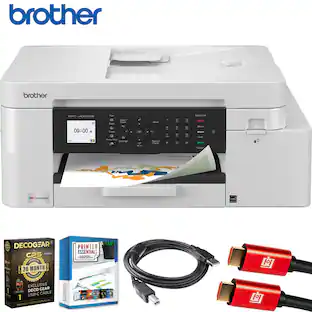
Brother - INKvestment 4355 Wireless All-in-One Inkjet Printer with 1.8” Color Display (MFC-J4355DW), Great for Small Offices - White
About this product
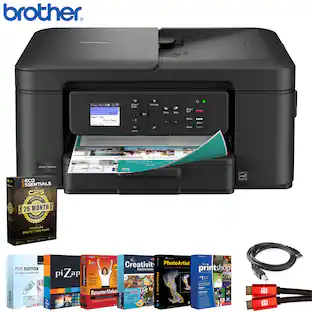
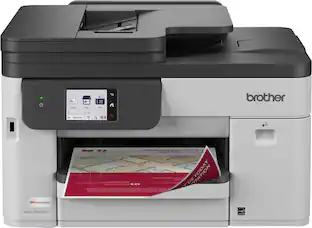
The INKvestment 4355 Wireless Color Inkjet All-in-One Printer takes productivity to the next level. An easy-to-use 1.8” color display provides streamlined functionality, with the ability to connect directly to popular Cloud apps(1). Enhance your workflow with the included 150-sheet paper tray(2), 20-sheet single-sided automatic document feeder (ADF) (2), one-sheet manual feed slot(2), and automatic duplex (2-sided) printing. Get things done efficiently with advanced print speeds, Wi-Fi Direct, and multiple connectivity options. Plus, the convenience to complete your work wherever you go – you can print directly from your mobile device from virtually anywhere with the Brother Mobile Connect app(3). Produce beautiful prints in vibrant color and bold blacks at fast print speeds with LC506 Brother Genuine Ink cartridges – the only brand we recommend for your Brother printer.
All-in-One Printer
This multifunction printer makes it easy to print, copy, scan, and fax —all in one compact printer. Includes one 1,800-page yield black cartridge and one 750-page yield cartridge for each color in cyan, yellow, and magenta(4).
Wireless Technology
Enhance your workflow with Wi-Fi Direct, which allows you to print wirelessly even without an external network connection.
Cloud App Connections
Print from and scan to popular Cloud apps(1), including Google Drive, Dropbox, Box, OneDrive, and more with an impressive 1.8” color display that enhances clarity and ensures effortless operation.
Productivity-Focused Features
A 150-sheet paper tray(2), 20-page single-sided automatic document feeder (ADF)(2), and automatic duplex (2-sided) printing, plus a 1-sheet manual feed slot(2) provide advanced media-handling capabilities.
Wireless and USB Connectivity
Connect your way. Interface with your printer on your wireless network or via USB.
The Brother Mobile Connect app
Put the power of printing at your fingertips. Go mobile with the simple-to-use Brother Mobile Connect app that delivers easy onscreen menu navigation for printing, copying, scanning, and device management from your mobile device(3).
Fast Print Speeds
Print speeds of up to 20 pages per minute (ppm) in black and up to 19 ppm in color(6).
Reliable Print Quality
Crisp, clear printing. Brother inkjet printers produce beautiful prints in vibrant color or rich black & white for results you can be proud of.
Brother Customer Support
For customer service, visit us at
Brother Genuine Ink
Reliable performance you can count on. Brother Genuine Ink is qualitytested to work seamlessly with your Brother printer. Choose Brother Genuine LC506 Ink, the only brand we recommend for use with your printer.
- NetworkingWirelessENERGY STAR CertifiedYesPrinter TypeAll In One, Printer, Copier, ScannerISO Color Print Speed19 pages per minuteISO Mono Print Speed20 pages per minuteOutput Tray Capacity100
Reviews
Rating 4.5 out of 5 stars with 128 reviews
Top Mentions
- Print Quality (49)
- Setup Ease (32)
- Connectivity (16)
- Size (6)
- Noise Level (5)
Customer Images
The vast majority of our reviews come from verified purchases. Reviews from customers may include My Best Buy members, employees, and Tech Insider Network members (as tagged). Select reviewers may receive discounted products, promotional considerations or entries into drawings for honest, helpful reviews.

Compare similar products

The INKvestment 4355 Wireless Color Inkjet All-in-One Printer takes productivity to the next level. An easy-to-use 1.8” color display provides streamlined functionality, with the ability to connect directly to popular Cloud apps(1). Enhance your workflow with the included 150-sheet paper tray(2), 20-sheet single-sided automatic document feeder (ADF) (2), one-sheet manual feed slot(2), and automatic duplex (2-sided) printing. Get things done efficiently with advanced print speeds, Wi-Fi Direct, and multiple connectivity options. Plus, the convenience to complete your work wherever you go – you can print directly from your mobile device from virtually anywhere with the Brother Mobile Connect app(3). Produce beautiful prints in vibrant color and bold blacks at fast print speeds with LC506 Brother Genuine Ink cartridges – the only brand we recommend for your Brother printer.

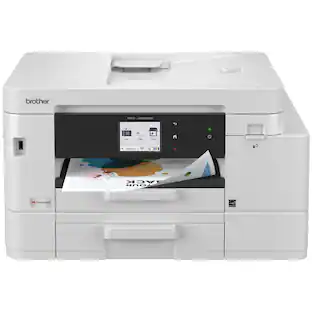
Designed with next-level innovation, the INKvestment 4555 Wireless Color Inkjet All-in-One Printer is easy-to-use with a 2.7” color touchscreen that provides enhanced functionality, with the ability to connect directly to popular Cloud apps(1), and a front USB Port(2). An included 400-sheet paper capacity between 2 trays(3), 20-sheet single-sided automatic document feeder (ADF)(3), and automatic duplex (2-sided) printing, plus 1-sheet manual feed slot(3) provides flexibility and convenient media handling. Get things done quickly with advanced print speeds, Wi-Fi Direct, and multiple connectivity options including ethernet and wireless(4). What’s more, you’ll enjoy the convenience of completing your work wherever you go – print directly from your mobile device from virtually anywhere(5) with the Brother Mobile Connect app(5). Produce beautiful prints in vibrant color and bold blacks at fast print speeds with Brother Genuine LC506 Ink cartridges – the only brand we recommend for your Brother printer.
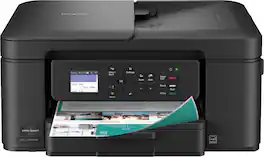
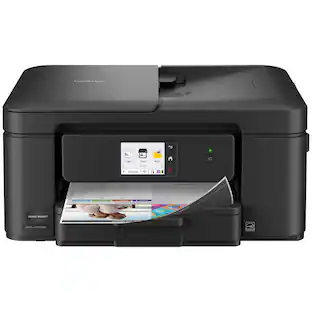
The Brother Work Smart 1360 Wireless All-in-One Refresh Subscription Eligible Inkjet Printer is the perfect choice for a reliable printer with robust efficiency-boosting features. With tools like automatic duplex (2-sided) printing, a 20-page single-sided automatic document feeder(1), and wireless(2) and Cloud connectivity(3) options available on the 1.8” color display, this multifunction printer helps you get your work done with simplicity and ease. Perfect for printing anything from to-do lists to business reports, this color inkjet printer outputs quality prints at fast speeds. Brother Page Gauge(4) monitors your ink usage so you know when you’re running low. When paired with the Brother Mobile Connect app(5), setup is quick and easy – plus, you’ll be able to print from virtually anywhere on your mobile device(6). Print Confidently with Brother Genuine LC501 Ink in your Brother Work Smart 1360 for reliable, consistent prints –it’s the only brand we recommend for your Brother printer.

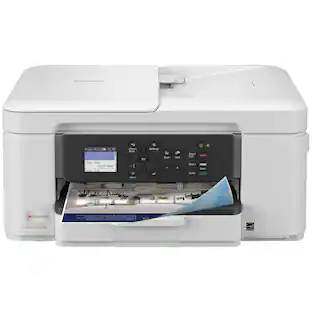
Looking for reliable printing with powerful efficiency-boosting features? The INKvestment 1365 Wireless Color Inkjet All-in-One Printer delivers. With versatile tools like automatic duplex (2-sided) printing, a 20-page single-sided automatic document feeder,(1) and wireless(2) and Cloud connectivity options(3) available on the 1.8” color display, this multifunction printer helps you get your work done easily. Perfect for printing anything you need with the right amount of ink in-box, this color inkjet printer outputs vibrant colors and bold, rich blacks at fast print speeds, and Page Gauge(4) monitors your ink usage so you know when you’re running low. When paired with the Brother Mobile Connect app,(5) setup is quick and easy – plus, you can print from virtually anywhere on your mobile device.(6) Produce beautiful prints in vibrant color and bold blacks at fast print speeds with Brother Genuine LC504 Ink cartridges – the only brand we recommend for your Brother printer.
| Pros for Brother - INKvestment 4355 Wireless All-in-One Inkjet Printer with 1.8” Color Display (MFC-J4355DW), Great for Small Offices - White | |||
|---|---|---|---|
| Print Quality, Setup Ease, Connectivity, Size | Print Quality | Print Quality, Size, Connectivity, Overall Performance, Noise Level | Print Quality, Connectivity, Setup Ease, Size, Cartridge Installation |
| Cons for Brother - INKvestment 4355 Wireless All-in-One Inkjet Printer with 1.8” Color Display (MFC-J4355DW), Great for Small Offices - White | |||
| Noise Level | There were no cons for this product— | Setup Difficulty | There were no cons for this product— |
Specs
Does this come with ink already and paper?
Answered by BrotherThe Brother MFC-J4355DW comes with, Starter Black Ink Cartridge (1,800 pages)‡, Starter Cyan, Magenta, Yellow Ink Cartridges (750 pages)‡, AC Power Cord, Product Safety Guide, Reference Guide, Warranty Card, Quick Setup Guide.
will the ink dry out if I do not use regularly?
Answered by BrotherThe Brother MFCJ4355DW is designed to automatically flush and clean ALL of the ink jet nozzles on a programmed schedule. During the cleaning process, the machine draws out a small amount of ink to remove air bubbles from the cartridge and to remove dust and dried ink from the ink nozzles and channels. This not only ensures premium print quality but also ensures the life of the print head. Due to the inkjet technology, this process is common to all inkjet machines, provided that the machine remains plugged into the AC outlet.
Does this printer have automatic two-sided printing?
Yes, this printer features automatic duplex for two-sided printing.
This question and answer was generated by AI based on customer and product data.What is the maximum print resolution of this printer?
The maximum print resolution of this printer is up to 1,200 x 4,800 dpi.
This question and answer was generated by AI based on customer and product data.Does this printer have wireless printing capability?
Yes, this printer has wireless technology with Wi-Fi Direct.
This question and answer was generated by AI based on customer and product data.

Customers often buy these together
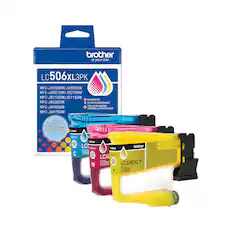
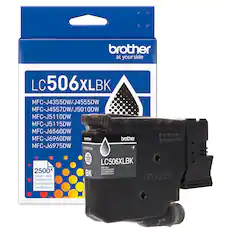
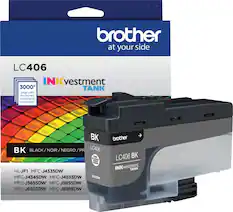
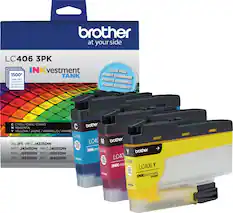
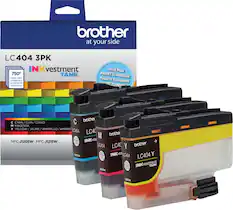
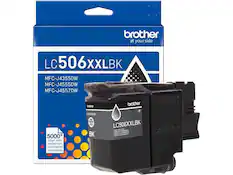
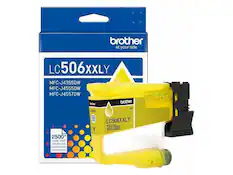
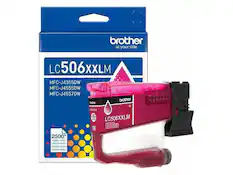
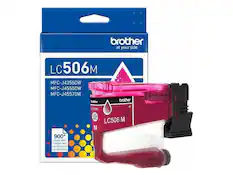
Ink Cartridges

Copy and Multipurpose Paper




Printer Paper

Epson - Paper - Bright White
Top Deal$7.14The price was $14.29
Customers ultimately bought
 Top Deal$199.99The price was $239.99
 $109.99The price was $179.99
 $79.99The price was $159.99
 Top Deal$269.99The price was $329.99


Explore tech essentials Sponsored
- Top Deal$269.99The price was $329.99
- Top Deal$199.99The price was $239.99
- $79.99The price was $159.99

Discover related products
 $316.29The price was $432.52
 $12.99The price was $19.99
 $143.99The price was $144.99








Keep exploring
 $149.00The price was $199.99
 $3,378.90The price was $3,678.90