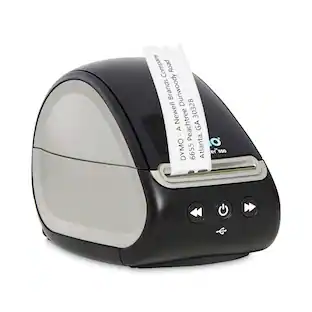
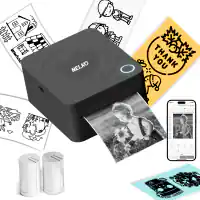
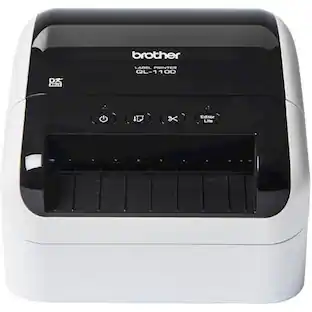
Brother - QL-1100C 6.7 in. x 8.7 in. x 5.9 in. 69 Labels Print Speed Wide Format Professional Label Printer - false
About this product
Create cost-effective paper labels for packages, envelopes, postage and more. The automatic crop function lets on-line sellers easily print product and other barcode labels from A4/Letter size label sheet templates (Windows® only). Fast printing up to 69 standard address labels per minute with black text at 300 dpi. Auto cutter allows for printing one or multiple labels at a time, eliminating wasted label sheets. The Plug & Label feature supports quick label printing of most basic labels—no software installation required for Windows® PCs. Print from Microsoft® Word, Excel and Outlook. Convenient, Brother DK drop-in labeling supplies needs no ink or toner.
Features
Cost-effective
Prints on labels up to 4 wide, capable of printing shipping postage labels for packages.
Feature 2
Fast printing up to 69 standard address labels per minute with black text at 300 dpi.
Feature 3
Prints Brother DK pre-sized, easy-peel labels and continuous-length paper and film tapes. Auto cutter enables banners and signs up to 3 ft long.
The Plug & Label feature lets you create and print labels without installing software on Windows PCs.
Print from Microsoft® Word, Excel and Outlook.
Convenient, drop-in rolls. No ink or toner needed.
Specifications
- BrandBrotherModel NumberQL-1100CProduct NameQL-1100C 6.7 in. x 8.7 in. x 5.9 in. 69 Labels Print Speed Wide Format Professional Label PrinterColorNoWarranty - PartsNo WarrantyProduct Width5.9 inches
Reviews
This product doesn't have any reviews yet.

Compare similar products

Create cost-effective paper labels for packages, envelopes, postage and more. The automatic crop function lets on-line sellers easily print product and other barcode labels from A4/Letter size label sheet templates (Windows® only). Fast printing up to 69 standard address labels per minute with black text at 300 dpi. Auto cutter allows for printing one or multiple labels at a time, eliminating wasted label sheets. The Plug & Label feature supports quick label printing of most basic labels—no software installation required for Windows® PCs. Print from Microsoft® Word, Excel and Outlook. Convenient, Brother DK drop-in labeling supplies needs no ink or toner.

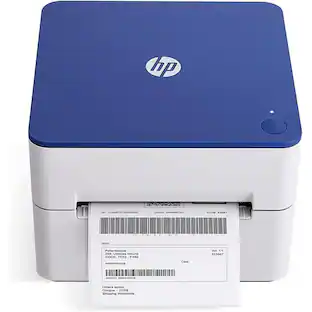
Complete your workspace by adding the HP Label Printer for Shipping Packages. This innovative thermal printer is the perfect addition to group with your office supplies. Connect this 203 dpi thermal shipping label printer to your Mac or PC and print out easy-to-read labels without needing to load your compact printer with ink, thanks to direct thermal technology. Create barcodes, gift tags, shipping labels, address stickers, and more at home in no time with a printing speed of 7 ips. Whether it is for yourself or a small business, you can create a variety of labels for shipping packages with ease. Purchase reliable HP printer shipping labels or use other major brand thermal labels with a compatible printer and you’re ready to begin. Take full advantage of a desktop label printer that works as hard as you do from HP.
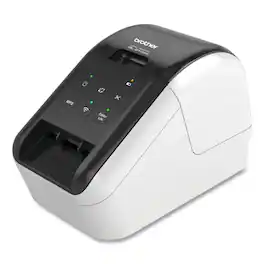
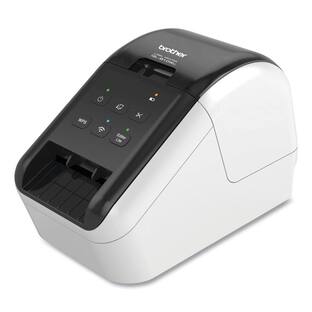
Brother - 5 in. x 5.7 in. x 9.2 in. 110 Labels/min Print Speed Ultra Fast Label Printer - Black/Red

Streamline your shipping and inventory processes with this Brother wide-format label printer. The automatic crop function lets you print perfectly sized labels for packages and envelopes, while the fast printing action delivers up to 69 clear, easy-to-read address labels per minute. This Brother label printer offers plug-and-play function without the need for installing software, and it's compatible with Windows PC's.
| Pros for Brother - QL-1100C 6.7 in. x 8.7 in. x 5.9 in. 69 Labels Print Speed Wide Format Professional Label Printer - false | |||
|---|---|---|---|
| There were no pros for this product— | Performance | There were no pros for this product— | There were no pros for this product— |
Specs
Be the first to ask a question.
We’ll try to get your question answered within 24 hours by a Best Buy customer or brand representative.
Customers often buy these together







More to consider
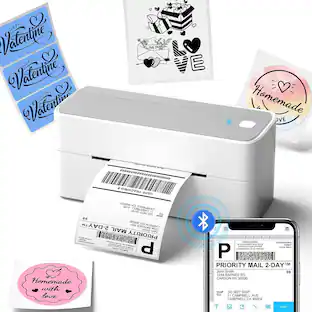
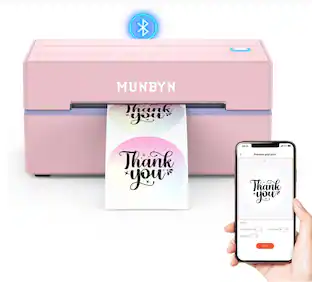
Phomemo PM241BT Bluetooth Thermal label printer thermal 4x6 Printer for Small Business Labels Printers
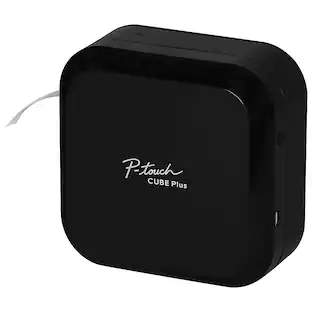
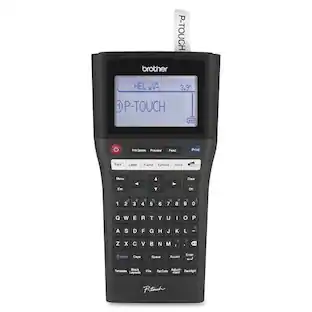
$79.99The price was $88.88Brother P-Touch CUBE Plus PT-P710BT Versatile Label Maker with Bluetooth Wireless Technology
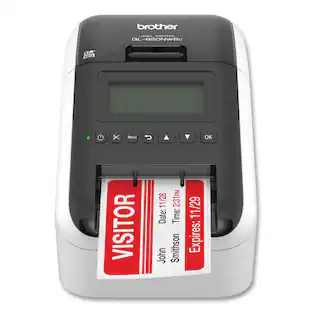
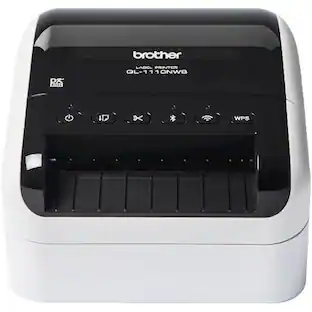
$114.98The price was $136.32Brother QL-820NWB Professional Thermal Label Printer with Multiple Connectivity Options
$239.98The price was $259.99
Explore tech essentials Sponsored
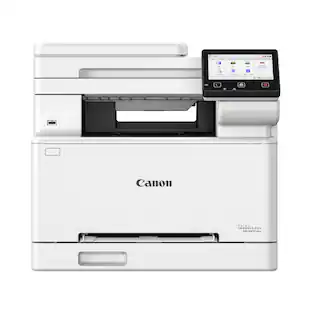
Canon imageCLASS MF663Cdw Wireless Duplex Color Laser All-In-One Printer with 50-Sheet ADF
$349.99The price was $479.99
Keep exploring
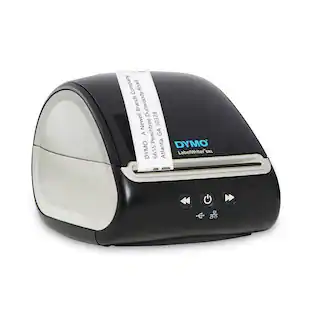
DYMO 2112552 LabelWriter 550 5.34 in. x 8.5 in. x 7.38 in. Label Printer with 62 Labels/min Print Speed
$146.80The price was $166.99Deli Bluetooth Rechargeable Label Maker Machine with Tape, Mini Wireless Printer with Templates
$29.99The price was $35.99Nelko PM230 Portable Bluetooth Thermal Sticker Printer with 2 Rolls 54mm x 3.5m
$26.99The price was $40.66