Customers value the exceptional ink quality of this product, which is the most frequently praised feature. Users also appreciate the affordable price point and the straightforward installation process. Furthermore, the ink is noted for its reliable compatibility and consistent performance once installed in the printer.
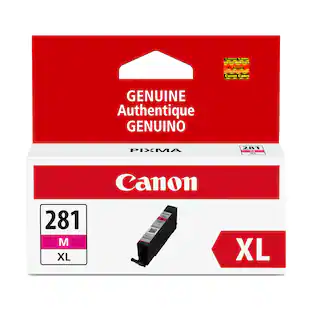
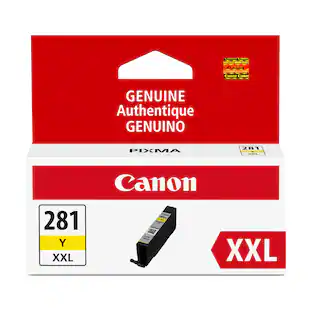
Provide 2.8x more prints compared to standard equivalent.*
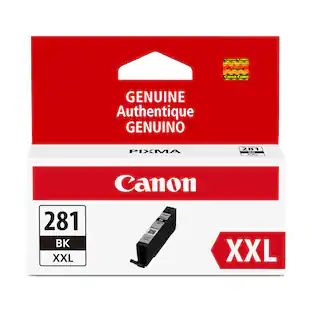
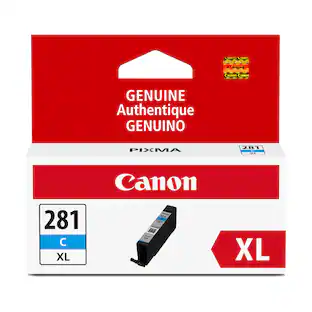
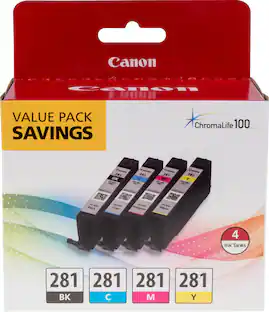
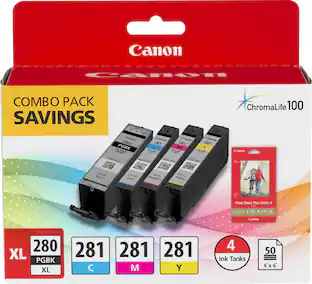
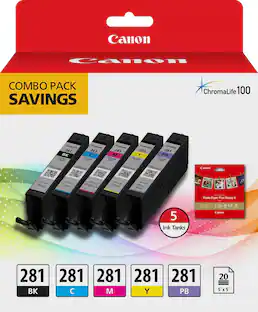
Included colors
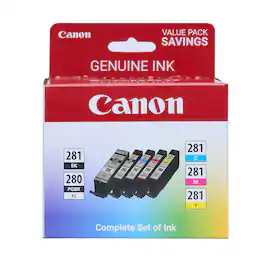
1 Black, 1 Yellow, 1 Cyan and 1 Magenta.
ChromaLife100 system
Use Canon photo paper for protected, beautiful and long-lasting photos.
Creative Park Premium access
Genuine Canon inks provide peak performance and offer exclusive content.
* Quoted on the PIXMA TS9120, from a document with text and graphics. Actual yield varies considerably based on printer model, content of printed pages, and other factors. Please check your printer specifications for quoted yield information.
Customers are sayingCustomers value the exceptional ink quality of this product, which is the most frequently praised feature. Users also appreciate the affordable price point and the straightforward installation process. Furthermore, the ink is noted for its reliable compatibility and consistent performance once installed in the printer.
This summary was generated by AI based on customer reviews.
Ink Quality (87)
Price (16)
Ease of use (9)
Compatibility (3)
Overall Performance (3)
Customer Images
The vast majority of our reviews come from verified purchases. Reviews from customers may include My Best Buy members, employees, and Tech Insider Network members (as tagged). Select reviewers may receive discounted products, promotional considerations or entries into drawings for honest, helpful reviews.
Rated 5 out of 5 stars
The best
Always reliable. Easy to load. Vibrant colors. Love my pixma
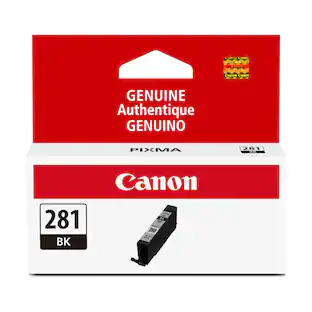
The capacity is larger for this product, and thus provides a longer life when compared to the standard ink tanks for this series, but I can only moderately recommend this product in light of the additional cost. While I am partially satisfied with the XL capacity (only about equal to the standard capacity tanks on my previous Canon printer), and can certainly recommend it over the very limited standard-capacity tanks in this series, please be aware that capacity downsizing is a contributor to the engineered-waste cost of your ink.
For example, consider that all capacities in this series, from standard to XXL must hold ink in the same-sized tanks according to color, so the only difference in actual ink capacity is the amount of ink Canon chooses to put in each tank. By not filling every tank, and by maintaining multiple “sizes,” Canon increases its opportunity to maintain a high level of profit per sale, while passing the overhead of multiple packaging designs and production system costs to the consumer. I refer these added costs as engineered waste, or waste-by-design.
As a consumer, every time you pay less to buy a smaller capacity tank, you are not only buying the meager amount of ink in the tank, but the tank itself, and the distinct packaging that allows you to identify it. Since the smaller capacity requires more frequent replacement, you are paying those added production costs over and over again. You seem to be saving because of the lower cost of each tank at replacement, but the opposite is true over time. If every tank could be filled with ink (i.e. at a maximum-capacity XXL level), but with a reduced product overhead, consumers could benefit from lower long-term ink costs by avoiding this one layer of engineered waste. However, at a higher initial unit cost, not everyone can afford maximum-capacity tanks, so Canon responds to demand, and competes for market share by downsizing capacity, reducing price and increasing production costs. This inefficiency thus becomes embedded in the system, and the consumer is forced to bear the added cost of this engineered waste, with the greater burden of that forced on those who can least afford it.
The following comments regard a more insidious form of engineered waste that I find common in the printer/ink industry. The opinions are my own, and are based less on precise testing than on common and reproducible observations. In particular, I have been appalled at what I consider to be an engineered waste of ink during new tank installations.
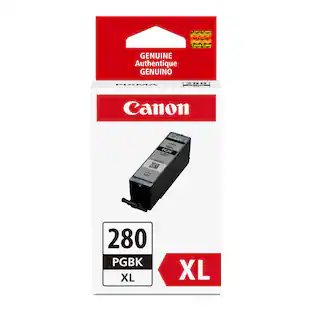
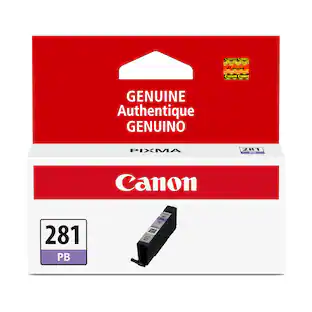
I have not tested the following assertions due to the obvious expense, but I suspect that if you replaced all six of the ink tanks in your Canon printer, including these four color tanks, plus the photo-blue and larger-capacity black ink tanks (sold separately), it would make a great deal of difference whether you did so all at once, or one-at-a-time in sequence. The reason for this is that Canon built a substantial amount of waste into the tank installation/ initialization process.
Consider that if you installed each tank in sequence, and forced initialization by "printing" a blank page before installing the next tank, and then repeated this process until all six tanks were installed, you would find that each installed tank will have lost an increasing amount of ink, with the least lost in the last tank installed and the greatest amount lost in the first tank installed. I estimate that the net loss on the first tank would stand somewhere between 20% and 25% of the total original tank capacity, perhaps more. This engineered waste takes place without the consumer using any ink for actual printing.
I attribute this ridiculous outcome to the needlessly wasteful process of performing a "print-head-cleaning procedure" or something very similar to it, each time a new ink tank is installed. For confirmation of this, notice the sounds produced, and time spent by the printer (depending on printer model), either immediately after the new tank is installed, or immediately before the first page is printed, and compare those to the sounds produced and time required when you run your printer's print head cleaning procedure manually. Also note the amount of ink lost from each tank during either of these actions.
If you have ever noticed that ink tanks with adequate capacity before replacing an empty tank suddenly change to a low-ink status after installing a new tank, or similarly, if you have ever noticed a tank with low-ink status suddenly change to an ink-out status after installing a new tank to replace another tank already out of ink, you will understand the reason for my assertions. Only newly installed tank(s) requiring initialization should use ink during this process, but all tanks lose ink. Since this kind of built-in waste generates tremendous additional revenue in ink sales for Canon and other printer/ink manufacturers, I find it difficult not to connect profit motivation with this form of waste-by-design.
For these reasons, and taking both kinds of engineered waste into account, I make the following recommendations:
1) Buy the largest capacity ink tanks available within your budget to reduce your total costs attributable to the production-waste expense. Remember, the less frequently you need to replace tanks, the less often you will pay for production waste. Simultaneously, this will increase the total time between installations, and reduce the total number of tank installations to the lowest number possible.
2) Change as many ink tanks simultaneously as possible because the waste of multiple separate installations is greater than the small amount of ink lost on tanks that are already low and especially on those nearly exhausted.
3) Finally, I recommend voicing your displeasure to Canon, and to others as appropriate, on both forms of engineered waste described above. For example, consider questioning how much packaging waste could be eliminated if every ink tank were offered full of ink (i.e., XXL), with savings passed to the consumer at a lower standard-tank cost. Perhaps, if enough consumers of printer ink do this, the manufacturers will come under pressure to make printer ink more affordable for everyone, rather than downsizing quantities to increase sales. Also, consumers should challenge any system of waste-by-design that makes it practical to replace any ink tank before it is empty. Perhaps those involved in such wasteful systems will reconsider the scope of their engineering trespass, and develop intelligent systems that only initialize each tank being installed, and only clean all of the print heads when the benefit of doing so clearly outweighs the cost of wasted ink to the consumer.
Hopefully, these ideas will ultimately help you save money on your ink expenditures over time.
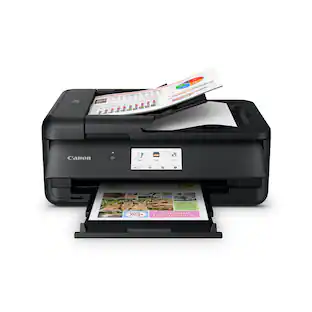
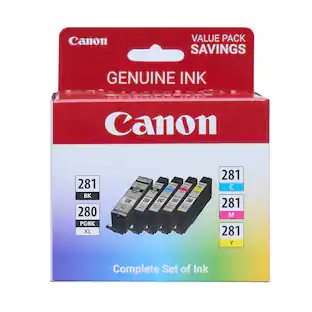
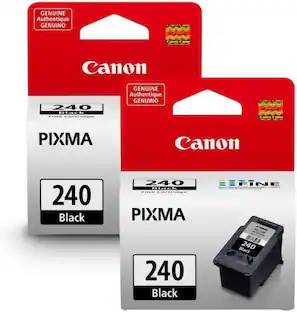
Stock up on ink for all your projects with this Canon ink cartridge 5-pack. One XL black and four dye-based inks bring your printed images and documents to life, with ChromaLife100 system ensuring they last for years. This Canon ink cartridge 5-pack is compatible with a range of Canon PIXMA printers.
Cover all your photo printing needs with this pack of Canon printer cartridges. It includes cyan, magenta, yellow and black and works with PIXMA printers.