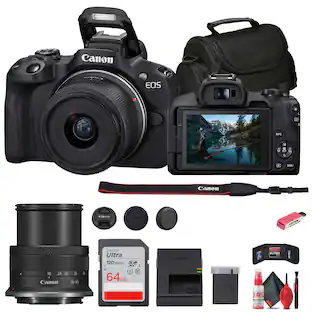
Canon - EOS R6 V 7K Video Mirrorless Camera (Body Only) - Black
About this product
The EOS R6 V Camera is the first full-frame EOS V series camera. It is designed for advanced videographers, cinematic social media content, vertical video productions and podcasts, livestreams, VR and more. It’s built for creative videographers seeking high-performance video with its 7K / 32.5MP resolution full-frame image sensor and includes a host of video creation features such as active cooling, an additional vertical tripod mount with vertical video UI, an additional front record button, Power Zoom lever, tally lamp, and a full-size HDMI terminal. The camera features powerful resolutions and framerates including 7K RAW recording at 60p, 7K 30p Open Gate recording for post-production versatility, 4K 120p slow motion, and high-quality oversampled 4K at up to 60p. With Canon Log 2 color, in-body image stabilization, and powerful Dual Pixel CMOS AF II focusing, this is the camera you’ll want to use to tell your stories.
Product Set
Body OnlyFeatures
High Image Quality 7K / 32.5MP Canon Developed and Designed Full-Frame CMOS Image Sensor
The EOS R6 Mark III features a 7K / 32.5MP full-frame sensor for cinematic video and impressive stills. Featuring beautiful full-frame image quality, background blur and low-light performance it can shoot stills at up to 40 fps, and use pre-continuous shooting to capture an additional 20 frames from half-second before you even press the shutter.
UI designed for the creator
Designed through creator feedback to solve many of the pain points of video production the EOS R6 V features an exterior that was designed to be bold, modern, and untraditional in appearance while blending power, and portability for daily use. With a video forward design, it combines the best aspects of Canon’s two most powerful camera lines, EOS and Cinema EOS, bringing the ease of use and video performance to advanced creative videographers.
Vertical tripod mount and UI
Built knowing that you often need to shoot vertical imagery in addition to your horizontal imagery, the EOS R6 V features both a vertical and horizontal tripod mount (located on the side of the camera’s grip and at the bottom of the camera). For maximum usability, the Movie mode UI screen will rotate automatically with the camera’s orientation.
Front record button
We know that you don’t only work behind the camera, but you also work in front of it. So the EOS R6 V is equipped with a front Record button, in-addition to the shutter button record button providing convenience for working both behind and in-front of the camera.
Power Zoom support feature
The EOS R6 V’s Power Zoom lever enables smooth, professional zoom control essential for cinematic storytelling. When used with compatible Power Zoom lenses or optional PZ adapters, creators can execute precise, variable-speed zooms directly from the camera body, ensuring consistent movements, transitions and high-resolution results that are difficult to achieve manually.
Tally lamp
Visible on the front of the EOS R6 V is a tally lamp, providing a clear red visual aid to let you know you’re recording when working in-front of the camera. Additionally, the camera is equipped with a red recording emphasis frame that will illuminate the camera’s LCD screen when a clip is recording.
Full-size HDMI terminal
Designed with a full-size HDMI terminal, the EOS R6 V supports easy connection to a multitude of video devices including monitors, HDMI switchers, capture cards, and more.
In-Body Image Stabilizer
Equipped with In-Body Image Stabilizer the EOS R6 V provides steady handheld operation for videos and photos with up-to 7.5 stops of shake correction at the center of an image, and 7.0 stops at the image corner when using lenses without optical stabilization. Additionally, Movie Digital IS can be utilized to add improved stability to video clips and can be enabled in addition to the lens’ optical, and body’s In-Body Image Stabilizer system.
Active cooling
The EOS R6 V’s built-in active cooling enables long-duration recording for events, podcasts, or livestreams. Featuring a user-controlled fan with three speed settings, the system allows for unlimited 4K Fine (30 fps) and up to two hours of continuous RAW video recording at normal temperatures ² —far exceeding the limits of cameras without internal cooling.
Internally recorded 12-bit 7K Video at up to 59.94p
The EOS R6 V features the combination of high-resolution and exceptional color depth with internally recorded 7K video at up to 59.94p in 12-bit Canon RAW Light Movie.
ProRes RAW Files
For those seeking to work with ProRes RAW files, externally recorded 7K 29.97p ProRes RAW recording is available with use of a compatible external recorder.
Open Gate Recording at up to 7K 29.97p in 10-bit MP4 or 12-bit RAW
3:2 aspect ratio “Open Gate” recording is available at 7K (6912 x 4608 — MP4; and 6960 x 4640 — RAW) and up to 29.97p in 10-bit, XF-HEVC S 4:2:2 and 4:2:0 MP4 in Intra, Light Intra and Long GOP recording, or Canon RAW Movie.
Why, and What is Open Gate Recording?
Today’s hybrid image makers face immense demands, often requiring social media videos to accompany photos and videos delivered to clients. With Open Gate recording enabled, the camera scans the full-frame, 3:2 aspect ratio image sensor area to record video imagery in the same 3:2 aspect ratio as still images. This allows post-production versatility to reformat the 3:2 ratio imagery to various formats, such as vertical 9:16, 16:9, 1:1, 4:3, or 4:5.
High-speed recording at up to 4K 120p, or 2K/Full-HD 180p
The EOS R6 V features powerful video options, including DCI/UHD 4K recording at up to 120p (up to 5x slow motion) and 2K/Full HD recording at 180p (up to 7.5x slow motion). Audio recording is available across all resolutions and frame rates, excluding S&F mode.
Versatility for Slow-Mo Video or Fast Motion Time-Lapse
The Slow and Fast (S & F) Mode on the mode dial offers a UI control over resolution, frame rate, playback speed, and compression method. It provides precise control with incremental frame rates for tailoring the ratio of frame rate to playback speed. Though audio is disabled in Slow and Fast (S&F) mode, videographers can now embed their frame rate in-camera for easier social media content creation.
4K FINE Recording at up to 60p for highly detailed imagery
Discerning videographers rely on 4K FINE for sharp, high-resolution footage. This oversampled video mode delivers high resolution, clean DCI and UHD 4K video at up to High Intra-frame 60p rates using the XF-AVC S format.
Color your world with 14 color filters
Add a creative touch to your imagery with 14 easy to use color filters. Whether you’re a newcomer to editing or you’re looking to add a convenient color and tone adjustment, the Color Filters menu allows you to personalize your JPEG photo and MP4 video imagery to your desire. Simply press the new Color button, select Color Filter and start creating.
Custom picture menu
The Custom Picture menu adds incredible creative potential to your video imagery. Simply press the Color Button to access the Custom Picture menu where there’s access to Canon Log 2, Canon Log 3, HLG, PQ, Canon 709, BT.709 Standard, a host of user adjustments, and 14 different user customizable presets.
Canon Log 2 Video with up to 15+ Stops of Dynamic Range
Unlock your video’s cinematic dynamic range with Canon Log 2 featuring up to 15+ stops of exposure latitude. Capture your scene’s brightest brights, to darkest darks with the flexibility to color grade ensuring new levels of video quality.
Apply a Look File (LUT) In-Camera
The EOS R6 V was made for agile video workflows. Create videos styled with your signature video LUT using the apply Look file function in the Custom Picture menu. You can register 17-grid, or 33-grid cube format 3D LUT files created using an NLE application and register them as Custom Picture (CP) files to apply the color tone & contrast you want for the movies you record. From there you can download your styled videos with your creative LUT already applied.
Transfer LUTs via Camera Connect App
New to Canon Camera Connect app is the ability to transfer and register your favorite Canon LUTs to the camera.
Dual Pixel CMOS AF II with People, Animal, Vehicle detection
Enjoy the impressive precision, tracking ability and convenience of the EOS R6 V camera’s high-performance Dual Pixel CMOS AF II Subject Detection featuring People, Animals, and Vehicles detection.
Register People Priority
With Register People Priority autofocus, simply photograph a person Footnote4 and register them in-camera to enjoy highly accurate autofocus in Video or Photo mode that prioritizes your most important subjects over other people in the scene. With up to 10 registerable people, and the ability to save up to 10 registered people to each card focusing on your top priority subjects just got easier.
AF for close-up demos
The popular SCN mode “Movie for close-up demos” autofocus functionality is now available in all Creative Zone shooting modes; simply enable “AF for close-up demos” in the autofocus menu and enjoy high-speed focus transitions between subjects presented to the camera and the on-screen presenter.
Movie Servo AF focus algorithms from C400 / C80 / C50
With new Movie Servo AF focus algorithms adopted from EOS C400, C80, C50 autofocus pulls appear more natural to how a manual focus pull would look.
Specifications
- Image Sensor Size35mm Full Frame (36 x 24 mm)Effective Pixels32.5 megapixelsStandardized Video Resolution7K
Reviews
Rating 3.7 out of 5 stars with 3 reviews
The vast majority of our reviews come from verified purchases. Reviews from customers may include My Best Buy members, employees, and Tech Insider Network members (as tagged). Select reviewers may receive discounted products, promotional considerations or entries into drawings for honest, helpful reviews.



Compare similar products
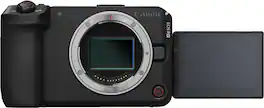
The EOS R6 V Camera is the first full-frame EOS V series camera. It is designed for advanced videographers, cinematic social media content, vertical video productions and podcasts, livestreams, VR and more. It’s built for creative videographers seeking high-performance video with its 7K / 32.5MP resolution full-frame image sensor and includes a host of video creation features such as active cooling, an additional vertical tripod mount with vertical video UI, an additional front record button, Power Zoom lever, tally lamp, and a full-size HDMI terminal. The camera features powerful resolutions and framerates including 7K RAW recording at 60p, 7K 30p Open Gate recording for post-production versatility, 4K 120p slow motion, and high-quality oversampled 4K at up to 60p. With Canon Log 2 color, in-body image stabilization, and powerful Dual Pixel CMOS AF II focusing, this is the camera you’ll want to use to tell your stories.
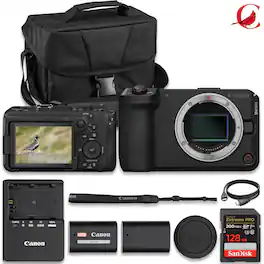
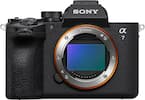
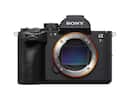
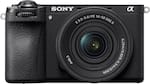
The first V-series mirrorless camera to feature a 32.5MP full-frame sensor, the Canon EOS R6 V is designed for visual storytellers of all kinds, combining striking image quality with ergonomics tailored to video capture. Its streamlined design, in-body stabilization, and intelligent autofocus system make the R6 V equally suited for solo creators and professional productions. This Digital Camera Bundle Includes: Canon EOS R6 V Mirrorless Camera Sandisk Extreme PRO 128GB Memory Card Canon LP-E6P Lithium-Ion Battery Canon LC-E6 Charger for LP-E6/LP-EL/LP-E6NH Spare Extra Replacement Battery Camera Carrying Case Canon R-F-5 Camera Cover Camera Strap Shoe Cover Battery Pack Cover HDMI Cable,

The EOS C50 camera is designed to maximize creative freedom. The compact, full-featured camera body includes Canon's newly developed 7K full frame CMOS sensor with 3:2 open gate internal recording capabilities, 4K/120P and Cinema RAW Light up to 7K/60P. The EOS C50 features Canon’s next-generation Dual Pixel CMOS AF II, simultaneous 2K crop recording, built-in Frame.io Camera-to-Cloud integration, and supports XC protocol which allows for remote control over IP via Wi-Fi or a compatible third-party USB-C ethernet adapter. The included detachable top handle adds two full-size XLR audio inputs, a start-stop button, and a zoom rocker. In addition, this camera can capture 32MP still images in Photo mode. The EOS C50 seamlessly integrates into almost any production environment, delivering flexibility and outstanding image quality in a package that practically fits in the palm of your hand.

The Canon EOS R6 Mark III is built to meet your demands and deliver stunning results. Capture 32.5MP stills with impressive detail at up to 40 fps and enjoy the comfort of pre-continuous shooting to aid you during those unpredictable moments. With Canon Log 2 color, 4K 120p slow motion, high quality oversampled 4K60p ,7K RAW recording at 60p, and 7K30p Open Gate recording for postproduction versatility, this is a hybrid camera you’ve been waiting for.
| Pros for Canon - EOS R6 V 7K Video Mirrorless Camera (Body Only) - Black | |||
|---|---|---|---|
| There were no pros for this product— | There were no pros for this product— | There were no pros for this product— | Overall Performance |
Specs
Customers often buy these together
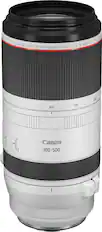
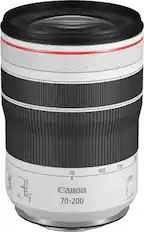
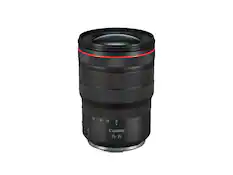
Camera Lenses
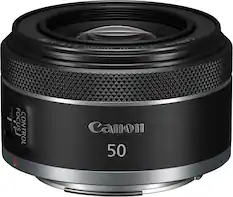
Canon - RF50mm F1.8 STM Standard Prime Lens for EOS R-Series Cameras - Black
Top Deal$199.99The price was $239.99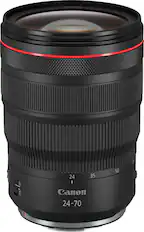
Canon - RF24-70mm F2.8L IS USM Standard Zoom Lens for EOS R-Series Cameras - Black
Top Deal$2,399.00The price was $2,599.00
Camera Bags and Cases
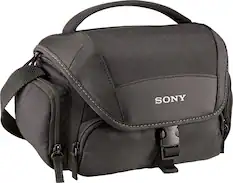
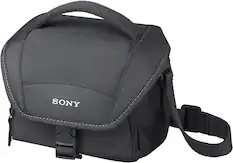
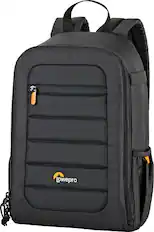
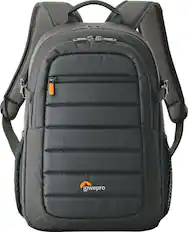
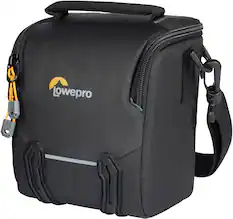
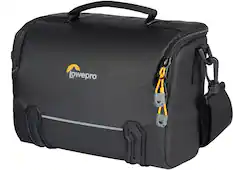
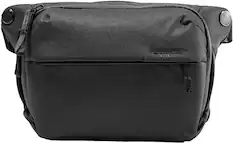
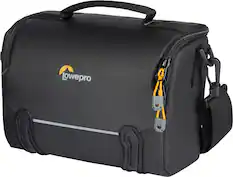
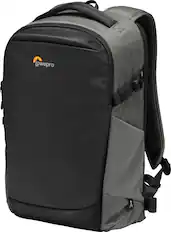
More recommended items
 Camera Batteries
 Camera Tripods and Monopods
 Lens Adapters
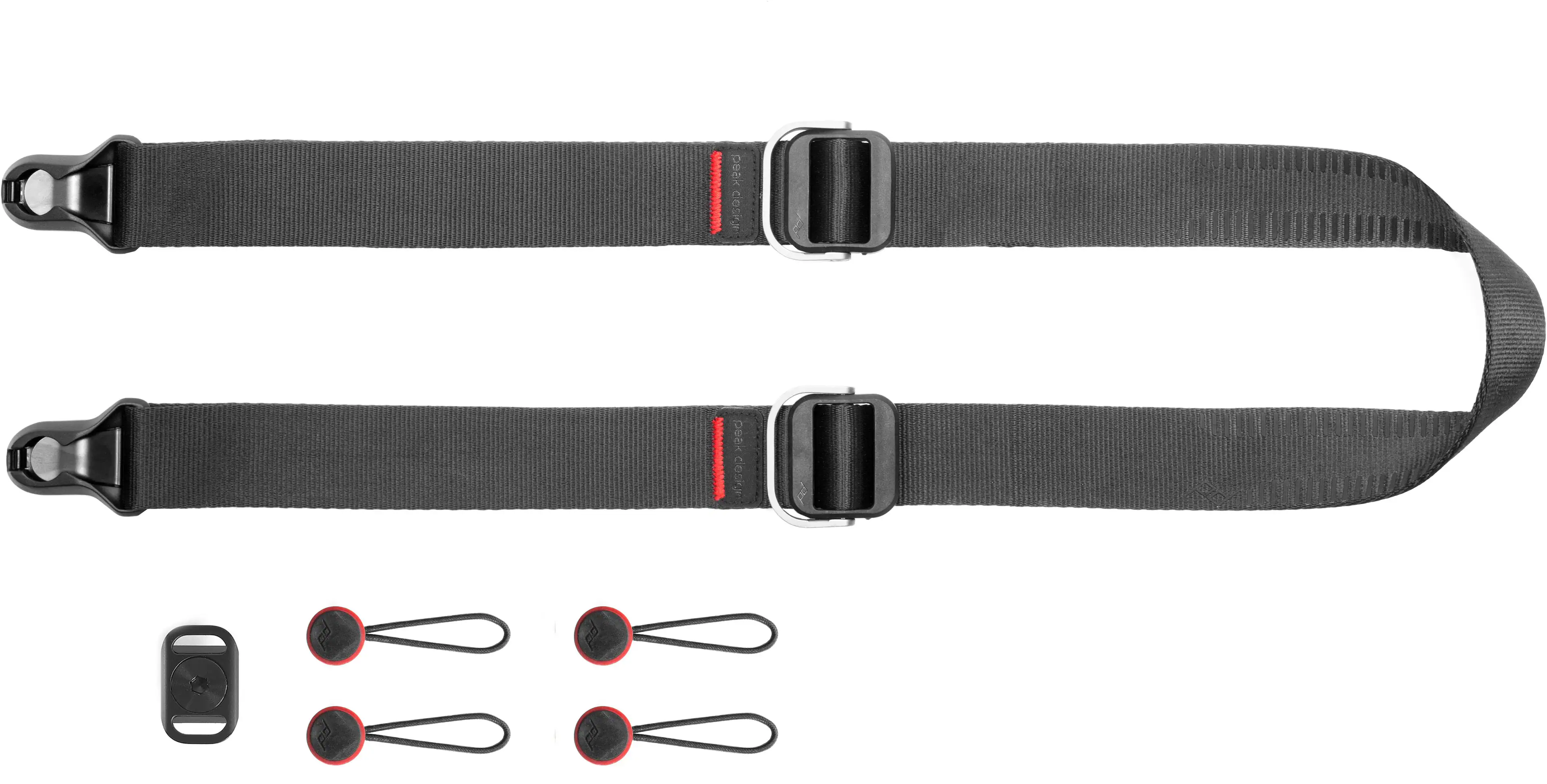 Camera Straps
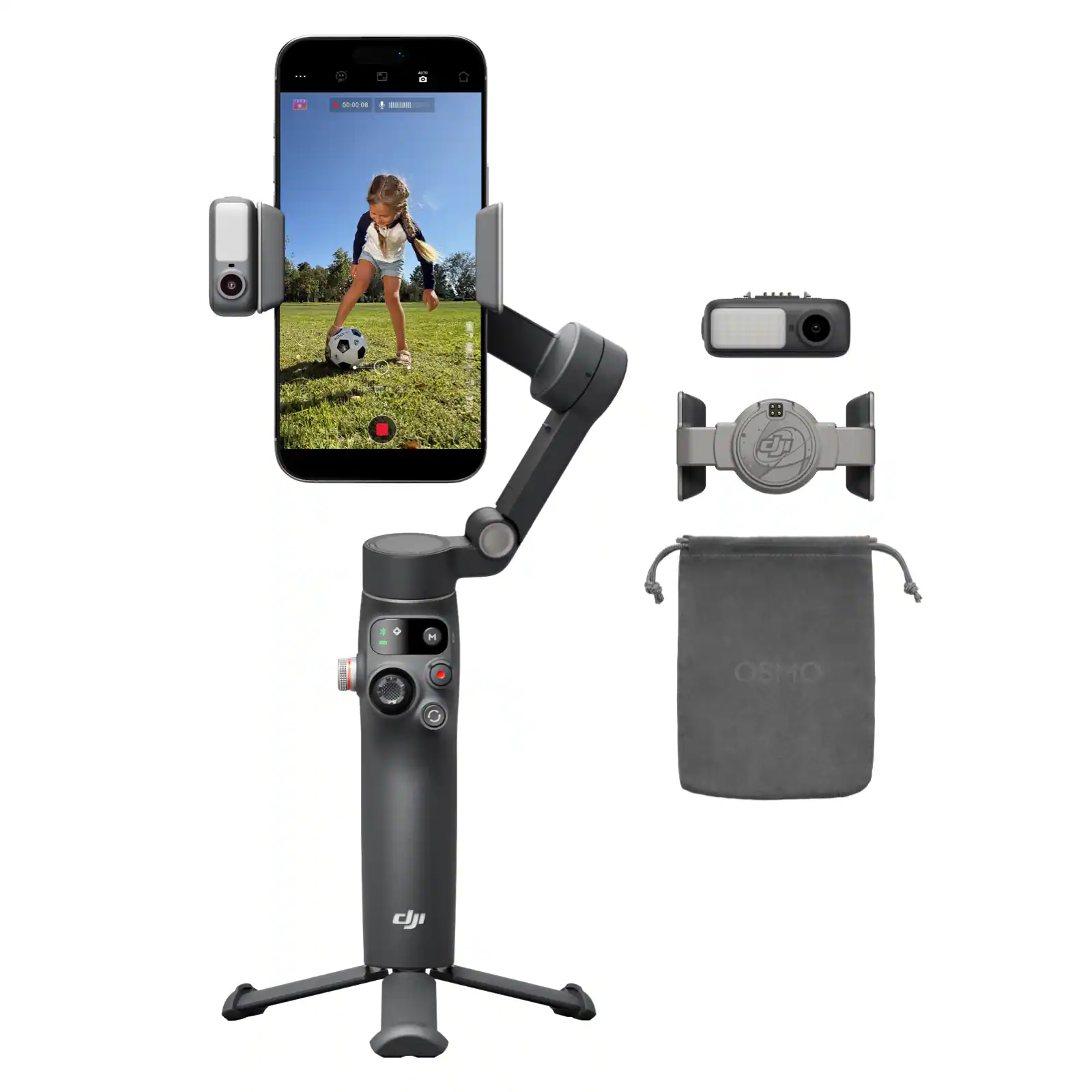 Photography Stabilizers and Supports
Customers ultimately bought
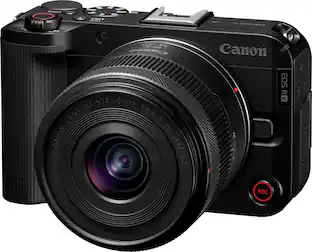 Top Deal$799.99The price was $949.99
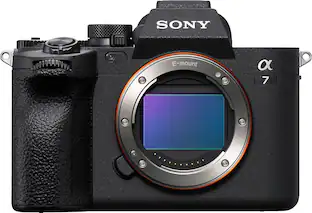 Top Deal$1,999.99The price was $2,499.99
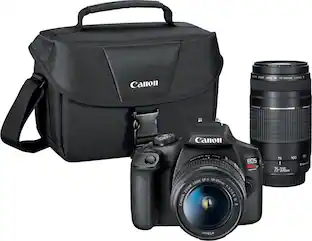 $619.99The price was $699.99
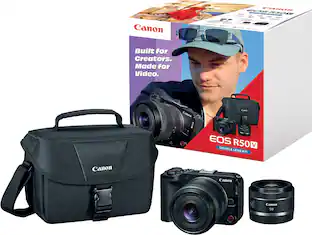 Top Deal$999.99The price was $1,239.99
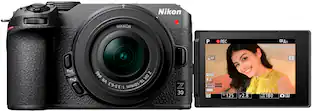 $799.95The price was $949.95
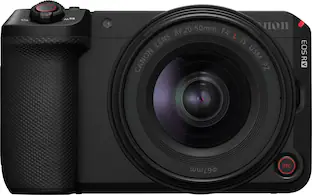
Capture the moments Sponsored
 $839.95The price was $859.95
- $799.95The price was $949.95
 $1,149.95The price was $1,199.95
 $1,299.95The price was $1,499.95
Discover related products
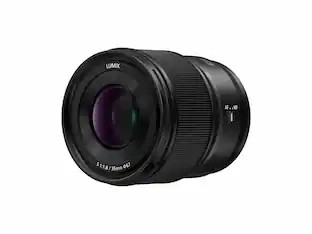 $647.99The price was $699.99
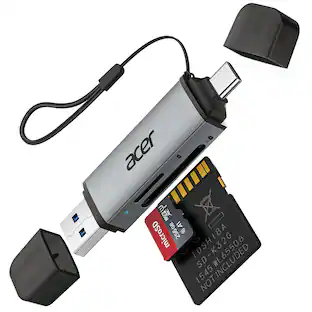 $12.99The price was $13.99
 $49.99The price was $69.99
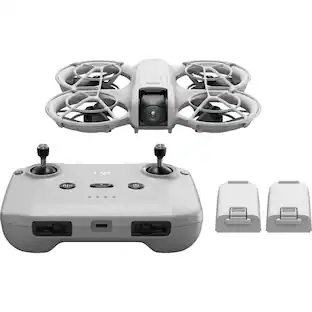 $297.49The price was $333.49
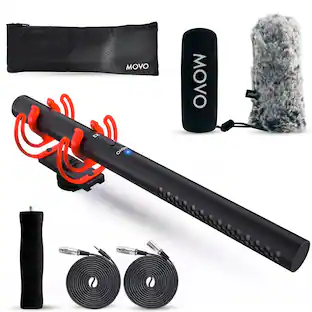
Keep exploring
 $559.99The price was $599.00
 $499.00The price was $529.00
 $782.00The price was $829.95
 $1,514.99The price was $1,559.99
 $2,389.95The price was $2,399.95
 $1,449.00The price was $1,499.96
 $1,499.99The price was $1,539.99
 $849.00The price was $859.00
 $849.99The price was $999.95
 $1,039.95The price was $1,089.95