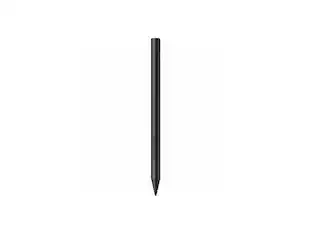
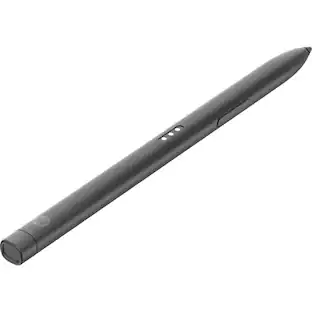
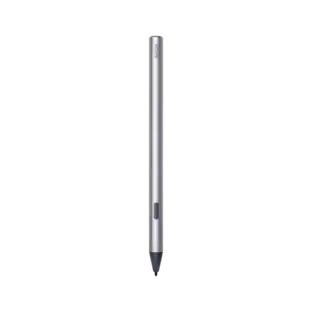
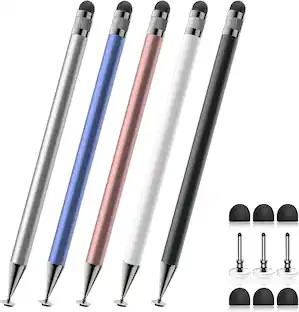
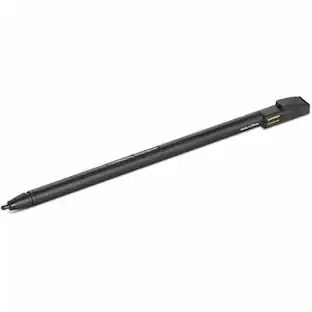
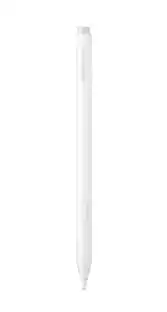
Core Tech - Active MPP Stylus Pen with Palm Rejection and 1024 Pressure Levels - Platinum
Reviews coming soon
About this product
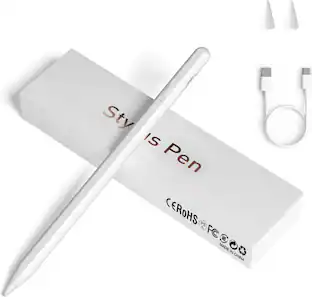
Write, draw, sign documents and annotate with this Core Tech active MPP stylus for supported ASUS touchscreen laptops and tablets. Its ultra-fine replaceable tip and 1024 pressure levels provide responsive control for notes, sketches and detailed line work, while palm rejection lets your hand rest naturally on the display. Two side buttons provide convenient erase and right-click functions. The aluminum stylus works without Bluetooth pairing or an app: insert the included AAAA battery and start creating. One battery provides up to 300 days of use, and automatic shutoff after 30 minutes of inactivity helps conserve power. Compatible families include supported MPP-enabled ZenBook, Vivobook, Transformer, ROG Flow, ProArt and ExpertBook models, including devices that use SA201H, SA203H or SA205H pens. The package includes the active stylus, one AAAA battery, one replacement tip and a user manual.
Color
PlatinumFeatures
1024-Level Pressure Sensitivity
Create natural thin-to-bold strokes with 1024 pressure levels. The responsive ultra-fine tip supports accurate note-taking, drawing, document markup and signatures on compatible active-pen displays.
MPP Compatibility for ASUS Touchscreens
Designed for supported MPP-enabled ASUS ZenBook, Vivobook, Transformer, ROG Flow, ProArt and ExpertBook devices. It can replace compatible SA201H, SA203H and SA205H pens; confirm pen support for your exact model.
Palm Rejection for Natural Writing
Rest your hand comfortably on a compatible screen while writing or sketching. Palm-rejection technology helps the display distinguish the active stylus tip from incidental hand contact.
Up to 300 Days on One AAAA Battery
Start working without Bluetooth pairing, software or charging cables. The included replaceable AAAA battery provides up to 300 days of use, and automatic shutoff after 30 minutes helps preserve power.
Two Side Buttons and Replaceable Tip
Use the two side buttons for convenient erase and right-click functions. The pocket clip keeps the aluminum stylus close at hand, and the included replacement tip helps maintain precise input over time.
Specifications
- Model CompatibilityUniversalScreen CompatibilityActive (Electrostatic)Operating System CompatibilityWindows
Reviews
This product doesn't have any reviews yet.

- Logitech - Slim Folio Keyboard Folio for Apple iPad (7th, 8th & 9th Generation) - Graphite$71.99The price was $99.99
Compare similar products
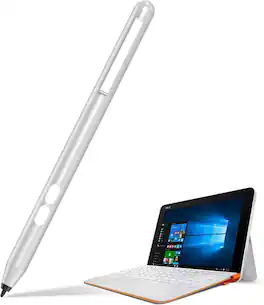
Write, draw, sign documents and annotate with this Core Tech active MPP stylus for supported ASUS touchscreen laptops and tablets. Its ultra-fine replaceable tip and 1024 pressure levels provide responsive control for notes, sketches and detailed line work, while palm rejection lets your hand rest naturally on the display. Two side buttons provide convenient erase and right-click functions. The aluminum stylus works without Bluetooth pairing or an app: insert the included AAAA battery and start creating. One battery provides up to 300 days of use, and automatic shutoff after 30 minutes of inactivity helps conserve power. Compatible families include supported MPP-enabled ZenBook, Vivobook, Transformer, ROG Flow, ProArt and ExpertBook models, including devices that use SA201H, SA203H or SA205H pens. The package includes the active stylus, one AAAA battery, one replacement tip and a user manual.
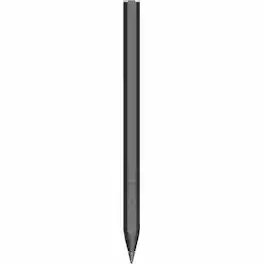
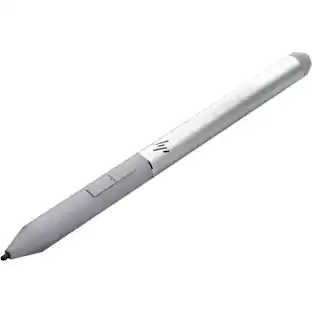
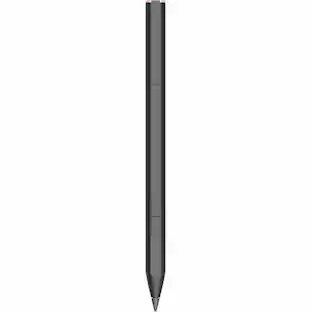
HP Rechargeable MPP 2.0 Tilt Pen - Active - Replaceable Stylus Tip - Black - Notebook Device Supported
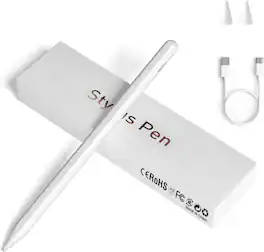
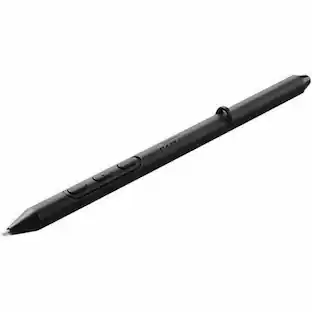
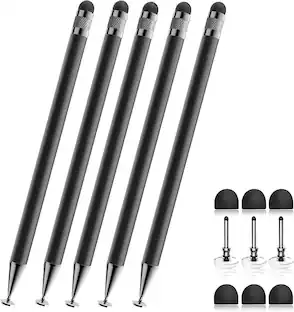
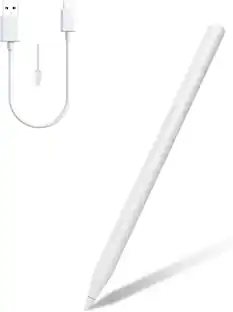
Write, draw, take notes and navigate with this rechargeable Core Tech active stylus for capacitive touchscreen devices. The fine 1.5 mm tip provides accurate input for compatible iPhone and iPad models, Android phones and tablets, Samsung Galaxy devices, Google Pixel Tablet and Microsoft touchscreens. One-touch control starts the pen without Bluetooth pairing or an app. The magnetic aluminum body attaches to compatible iPad Pro models for convenient storage. A full charge takes about 40 minutes and provides approximately 9-10 hours of continuous use, while three indicator colors show the remaining battery range. The package includes a USB charging cable and two replacement nibs. Palm rejection and pressure sensitivity are not supported, and compatibility may vary by device and application.

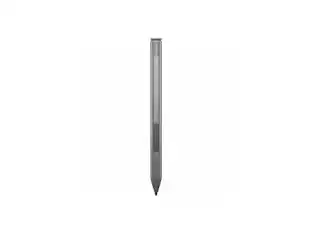
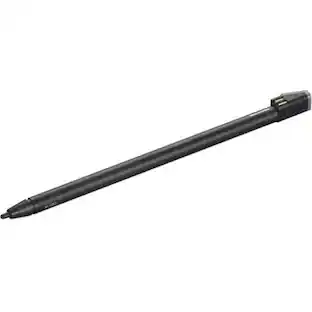
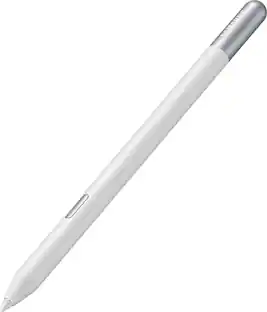
The Lenovo Digital Pen 2 is a testament to innovation and user-centric design. With an enhanced grip, elastomer pen tip for precision, extended battery life, and quick-access buttons, it provides an elevated creative experience. Whether you're a professional artist, a student, or simply someone who values seamless functionality, this pen is designed to transform your digital interactions into natural and fluid expressions. Unleash your creativity, sign documents with finesse, and sketch your imagination into reality with the Lenovo Digital Pen 2.
| Pros for Core Tech - Active MPP Stylus Pen with Palm Rejection and 1024 Pressure Levels - Platinum | |||
|---|---|---|---|
| There were no pros for this product— | Overall Performance, Battery Life, Ease of Use, Ergonomics | There were no pros for this product— | Overall Performance, Ease of Use, Battery Life, Weight, Connectivity |
| Cons for Core Tech - Active MPP Stylus Pen with Palm Rejection and 1024 Pressure Levels - Platinum | |||
| There were no cons for this product— | There were no cons for this product— | There were no cons for this product— | Compatibility |
Specs
Be the first to ask a question.
We’ll try to get your question answered within 24 hours by a Best Buy customer or brand representative.
Customers often buy these together
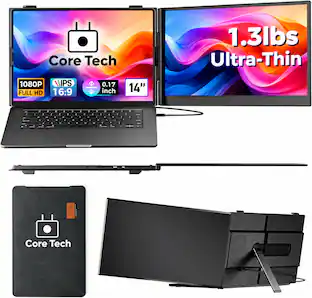
Core Tech 14-inch FHD IPS Ultra-Slim Laptop Screen Extender with USB-C and Carrying Bag
$169.99The price was $219.99Core Tech Universal Active Stylus Pen with Magnetic Attachment for Capacitive Touchscreen Devices
$29.99The price was $39.99

More to consider
HP Rechargeable MPP 2.0 Tilt Pen - Active - Replaceable Stylus Tip - Notebook Device Supported
$54.99The price was $82.99Core Tech Active MPP Stylus Pen with Palm Rejection and 1024 Pressure Levels
$69.99The price was $87.89








Explore tech essentials Sponsored
reMarkable 2 - Type Folio keyboard for your 10.3'' paper tablet - Ink Black
Clearance$149.99The price was $199.00


Keep exploring
HP Rechargeable Active Pen G3 - Bluetooth - 70.9 mil - Active - Replaceable Stylus Tip - Notebook Device
$114.00The price was $125.51HP Rechargeable MPP 2.0 Tilt Pen - Active - Replaceable Stylus Tip - Notebook Device Supported
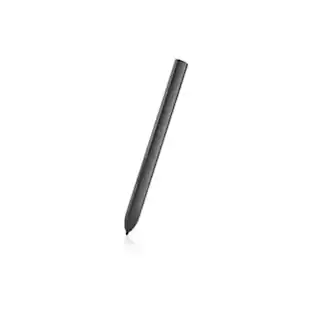
$54.99The price was $82.99Dell PN7320A Latitude 7320 Detachable Active Pen - Notebook Device Supported
$64.54The price was $69.47Lenovo Integrated Pen for L13 Yoga Gen 3 & Gen 4 - Notebook Device Supported
$46.99The price was $68.03