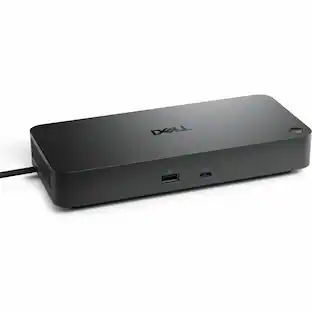
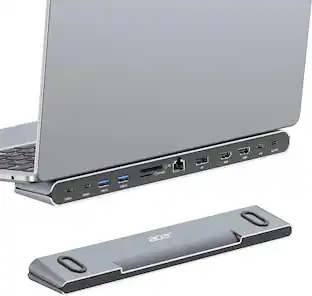
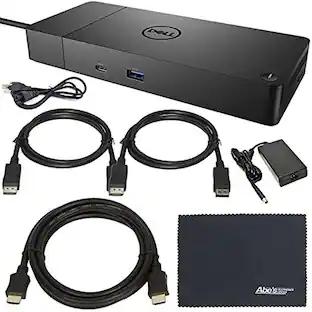
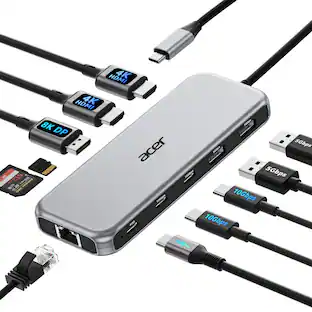
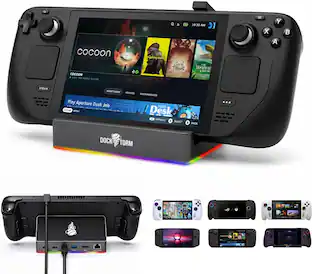
Dell - Docking Station - Black
About this product
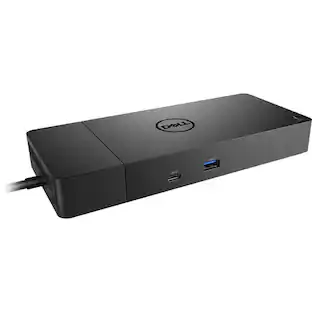
Dell Dock WD19 130W Evolve as your needs change with our most versatile dock. The future-ready design lets you swap out modules with ease if you need to do field replacements or upgrade your systems.
Features
Docking Station for a Best User Experience
Docking station with a variety of ports and fast data transfer speeds that allow you to revolutionise your laptop and notebook experience
90 W Maximum Power Supply Wattage
90 W power supply unit (PSU) fulfills your system's power requirements
Color
Premium look and feel with black color
Specifications
- BrandDellModel NumberDELL DOCK-WD19 130WProduct NameDell Docking Station - BlackColorBlackBrand CompatibilityNot availableModel CompatibilityNot Available
Reviews
Rating 5 out of 5 stars with 4 reviews
The vast majority of our reviews come from verified purchases. Reviews from customers may include My Best Buy members, employees, and Tech Insider Network members (as tagged). Select reviewers may receive discounted products, promotional considerations or entries into drawings for honest, helpful reviews.
Compare similar products
Dell Dock WD19 130W Evolve as your needs change with our most versatile dock. The future-ready design lets you swap out modules with ease if you need to do field replacements or upgrade your systems.
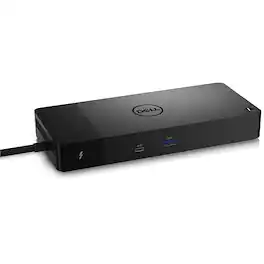
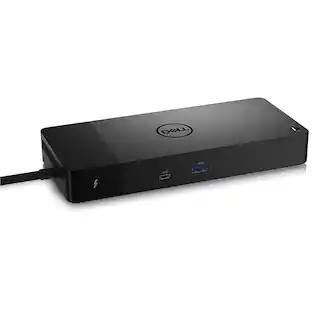
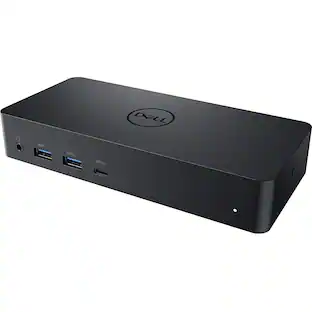
Connect displays and peripherals to your system with a single cable for ultimate productivity with the Dell WD22TB4 Thunderbolt Dock. This Thunderbolt 4 dock has ports to connect multiple 4K displays and Thunderbolt peripherals allowing you to not compromise with your work setup. Get the maximum from your peripherals with data transfer of 40 GB/s.

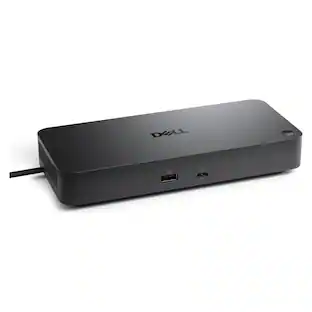
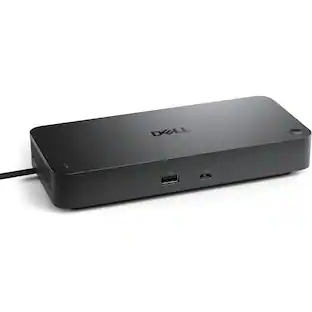
A smarter workspace. Gain the versatility to create your ideal workspace and boost your AI PC productivity with support for up to 4 displays, up to 130W power delivery, and multiple ports to connect all your peripherals. Most manageable. Elevate the IT management experience with no software or PC connection required, allowing you to remotely manage all your Dell Pro Smart Docks. Most manageable. Remotely manage your smart docks without end-user presence from the Dell Device Management Console - the industry's first holistic peripheral management solution[2] that configures, deploys, and updates smart docks over Wi-Fi. Work securely. Keep users working confidently with enterprise-grade WPA-3 192-bit encryption for secure Wi-Fi communication. Safeguard your sensitive data with tamper-resistant, hardware-based encryption built into your Dell Pro Smart Dock. Effortless maintenance. Reduce IT efforts by scheduling updates during off-hours, while ensuring fleetwide firmware compliance and eliminating end user interruptions. Connect your way. Configure your workspace to your liking with an ambidextrous USB-C cable[4] that can be routed left or right. Designed for sustainability. The Dell Pro Smart Dock is built with at least 65% post-consumer recycled materials[5] and packaged with 100% recycled or renewable packaging.
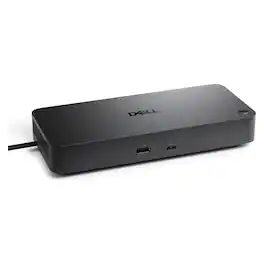
Dell Pro Dock WD25Z USB-C docking station - expand a compatible laptop with a single USB-C connection to add displays, Ethernet, USB peripherals and power delivery, reducing cable clutter and creating a streamlined desktop workspace.
Specs
Questions & Answers
Will this work with a Dell Inspiron 7706 2in1 laptop?
Answered by YourDellTeamYes, this docking station will work with Dell Inspiron 7706 2in1 laptop.

Will this work with a Dell Inspiron 5502?
Answered by YourDellTeamYes, this docking station will work with a Dell Inspiron 5502.
How come the specs don't list all the inputs and output and whether or not it will charge the laptop?
Answered by YourDellTeamThis docking station comes with USB 3.1 Gen1/Gen2 Type-C with DisplayPort 1.4 or HDMI2.0 x1 and DisplayPort++ 1.4 x2 for video output. The audio output is supported by a Front Headset connector and Rear Line out. The dock also comes with a Gigabit Ethernet (RJ-45) port. Along with a USB 3.1 Gen1 Dell PowerShare port, two USB 3.1 type C and type A ports are available. To power the dock, a 7.4 mm DC-in port is available and a 1 meter USB Type-C cable is included.
When can we expect more of these in stock? We use these as our standard issue docks for all of our offices. I've bought in excess of 200 of these units over the last year or so and continuously need to order 5-10 additional units per month.
Customers often buy these together
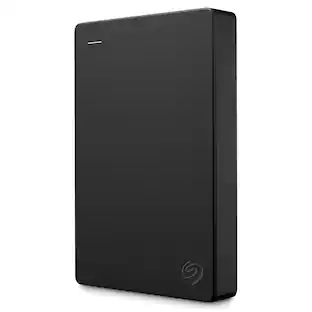
Seagate 2TB External USB 3.0 Portable Hard Drive with Rescue Data Recovery Services
$152.01The price was $182.40Thrustmaster T598 Racing Wheel & Pedals – 5Nm Direct Drive Force Feedback Sim Racing Wheel for PS5, PS4, Windows
$549.99The price was $599.99







Customers ultimately bought
Discover related products
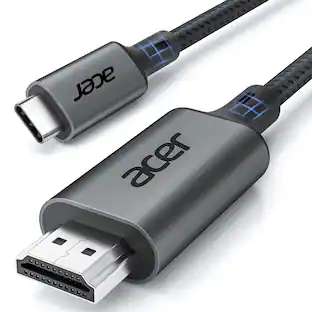
Acer USB C to HDMI Cable for Home Office 6.6FT (4K@60Hz), High-Speed Type C to HDMI 2.0 Braided Cord
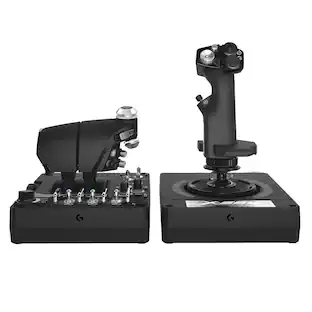
$12.99The price was $13.99Logitech X56 HOTAS Microsoft Flight Simulator RGB Dual-Throttle and Joystick
$247.00The price was $275.00




Keep exploring
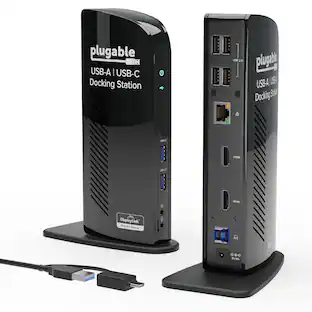
Plugable USB 3.0 and USB-C Universal Laptop Docking Station for Windows, Mac, ChromeOS | Dual HDMI
$99.84The price was $119.99