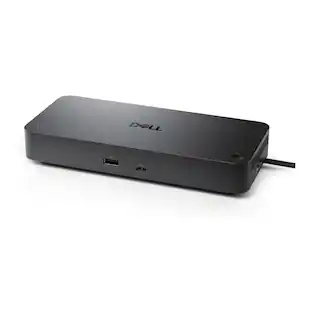
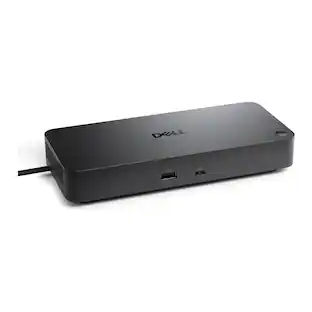
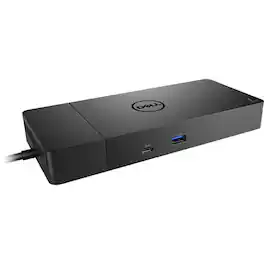
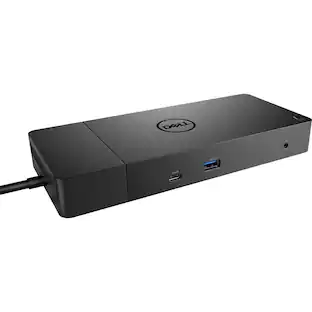
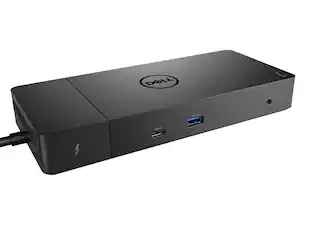
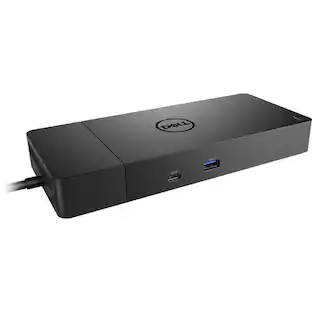
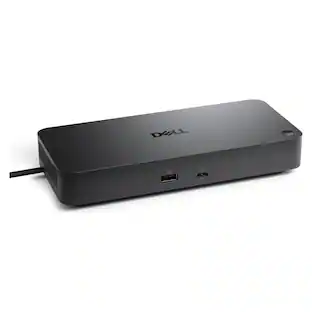
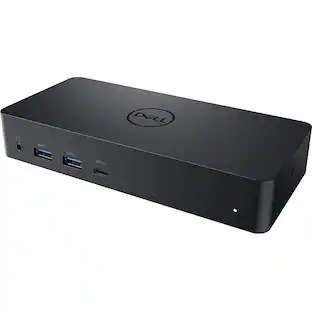
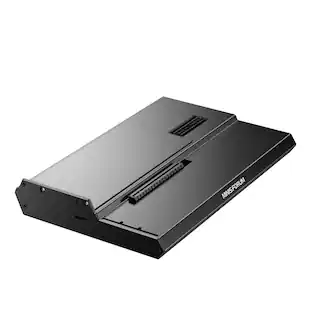
Dell - WD19S180W (Dell 210-AZBM) WD19S Power Delivery Docking Station - 3840 x 2160 - 60 Hz - 180 Watts - Linux - Windows - 130 - Black
About this product
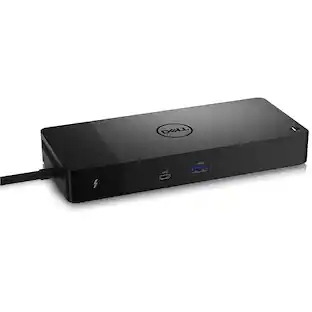
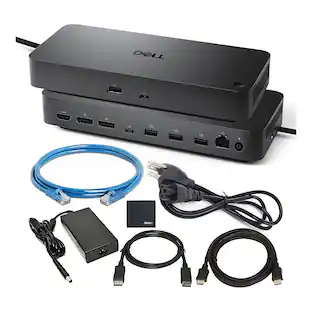
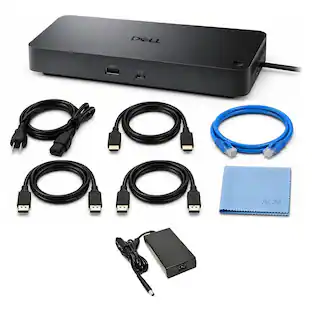
Turn your notebook into a fully-fledged workstation with the WD19S USB Type-C Dock from Dell. Designed for users wishing to expand the functionality of their notebook, the WD19S enables you to connect more devices, support additional displays, and provide you with charging capabilities that keeps your workstation up and running.
Features
Product name
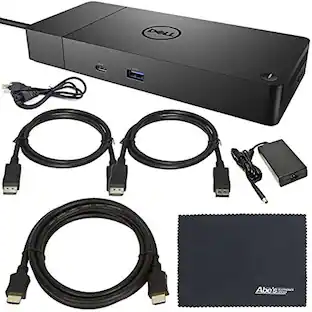
Dell WD19S180W (Dell 210-AZBM) WD19S Power Delivery Docking Station
Feature 2
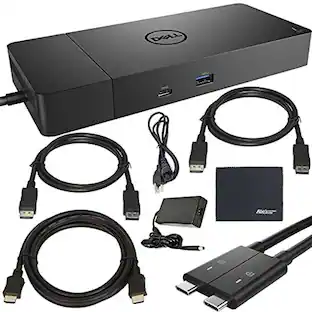
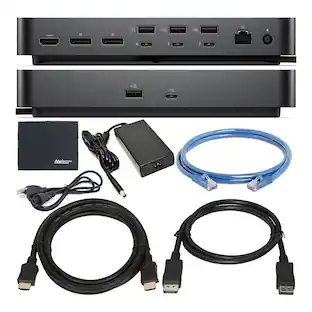
Interfaces: 2x display / video - DisplayPort - 20 pin DisplayPort. 1x display / video - HDMI - 19 pin HDMI Type A.
Feature 3
Interfaces: 1x USB-C. 3x USB 3.1 Gen 1 - 9 pin USB Type A. 2x USB-C 3.1 Gen 2. 1x network - Ethernet 1000 - RJ-45.
Feature 4
Max Resolution Details: 3840 x 2160 - 60 Hz (DisplayPort 1.4 over USB-C). 3840 x 2160 - 30 Hz (DisplayPort 1.2 over USB-C).
Feature 5
Note: 130W power delivery to Dell systems, 90W power delivery to non-Dell systems.
Specifications
- Maximum Number of Displays Supported3Maximum Supported Resolution4K (2160p)Number of DisplayPort Outputs (Total)2Passthrough PowerYes
Reviews
This product doesn't have any reviews yet.
Compare similar products
Turn your notebook into a fully-fledged workstation with the WD19S USB Type-C Dock from Dell. Designed for users wishing to expand the functionality of their notebook, the WD19S enables you to connect more devices, support additional displays, and provide you with charging capabilities that keeps your workstation up and running.
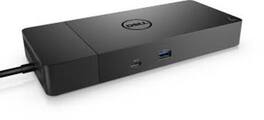
If you're looking for a versatile, reliable and easy-to-use dock for your USB Type-C workspace, the Dell WD19S is the perfect choice! The Dell WD19S USB Type-C Dock is the perfect way to keep your devices powered and ready to go. With the Dell ExpressCharge system, you can get up to 80% charge in just one hour, so you'll never be caught without power when you need it most. And if you need a quick charge to get from one point to the next, the ExpressCharge Boost feature provides up to 35% charge in just 20 minutes. Plus, with its 130W power adapter, you can experience up to 90W power delivery, which charges various devices from smart phones to notebooks when connected. With its modular design, you can easily swap out modules for field replacements or upgrades, and with the optional mount, you can secure it in any location that suits your workstation. For fast data transfer speeds up to 10Gb/s, the Dell WD19S is ideal for quickly transferring important files. Plus, its compact and sleek design takes up minimal desk space, making it a great choice for any workspace. The Dell WD19S USB Type-C Dock is a great way to keep your information safe and secure. With MAC Address pass-thru and remote port-disablement, you can limit the information that goes through the dock, making it a great choice for those who want to keep their data safe. Additionally, the PXE Boost and Wake-on-LAN features give you additional systems management options, making it easy to keep your devices up and running. So whether you're at the office or on the go, the Dell WD19S USB Type-C Dock has you covered. Specifications: USB Ports: 3 x USB 3.1 / USB 3.2 Gen 1 Type-A 2 x USB 3.1 / USB 3.2 Gen 2 Type-C Ethernet: 1 x RJ45 (10/100/1000 Mb/s) Display: 2 x DisplayPort 1 x HDMI Audio: 1 x 1/8" / 3.5 mm Headphone/Microphone Combo 1 x 1/8" / 3
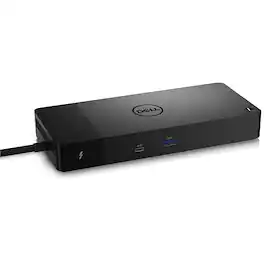
Connect displays and peripherals to your system with a single cable for ultimate productivity with the Dell WD22TB4 Thunderbolt Dock. This Thunderbolt 4 dock has ports to connect multiple 4K displays and Thunderbolt peripherals allowing you to not compromise with your work setup. Get the maximum from your peripherals with data transfer of 40 GB/s.

A smarter workspace. Gain the versatility to create your ideal workspace and boost your AI PC productivity with support for up to 4 displays, up to 130W power delivery, and multiple ports to connect all your peripherals. Most manageable. Elevate the IT management experience with no software or PC connection required, allowing you to remotely manage all your Dell Pro Smart Docks. Most manageable. Remotely manage your smart docks without end-user presence from the Dell Device Management Console - the industry's first holistic peripheral management solution[2] that configures, deploys, and updates smart docks over Wi-Fi. Work securely. Keep users working confidently with enterprise-grade WPA-3 192-bit encryption for secure Wi-Fi communication. Safeguard your sensitive data with tamper-resistant, hardware-based encryption built into your Dell Pro Smart Dock. Effortless maintenance. Reduce IT efforts by scheduling updates during off-hours, while ensuring fleetwide firmware compliance and eliminating end user interruptions. Connect your way. Configure your workspace to your liking with an ambidextrous USB-C cable[4] that can be routed left or right. Designed for sustainability. The Dell Pro Smart Dock is built with at least 65% post-consumer recycled materials[5] and packaged with 100% recycled or renewable packaging.
Specs
Customers often buy these together
 Techtober Deal$89.99The price was $119.99
 $519.95The price was $569.95
 $383.99The price was $399.99
 $59.99The price was $69.99


More to consider
 $219.89The price was $249.99
 Techtober Deal$89.99The price was $109.99
Explore tech essentials Sponsored
- Techtober Deal$89.99The price was $109.99


Keep exploring
 $111.00The price was $119.99
 Techtober Deal$37.99The price was $45.99