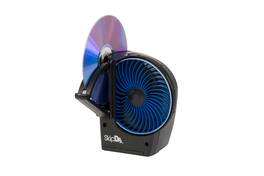
Digital Innovations - SkipDr® for DVD & CD Disc Repair + Cleaning System - Gray
Reviews coming soon
About this product
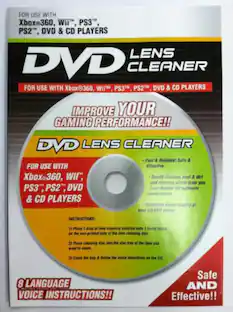
DVD & CD Disc Repair and Cleaning System
Features
SkipDr CD & DVD Motorized Disc Repair
SkipDr® for DVD & CD Disc Repair System is recognized throughout the industry as the #1 solution to repair and clean DVD, CD and data discs. The patented FlexiWheel™, with its unique microfrictional surface, uniformly repairs damaged discs without losing data.
Patented FlexiWheel
Repairs up to 25 discs and safely restores the same disc multiple times without damaging data
Motorized Repair
Smoothes disc surfaces to renew the protective layer while keeping your data intact
Complete Kit
Includes SkipDr device, rejuvenating fluid, cleaning solution, microfiber cloth, drying cloth, buffing square, and 6 AA batteries
Easy to Use
Quick-start guide helps you restore discs quickly and efficiently at home
Specifications
- BrandDigital InnovationsModel Number4070300Product NameSkipDr® for DVD & CD Disc Repair + Cleaning SystemColorGrayProduct Width2.875 inchesProduct Height5.375 inches
Reviews
This product doesn't have any reviews yet.



Compare similar products
DVD & CD Disc Repair and Cleaning System
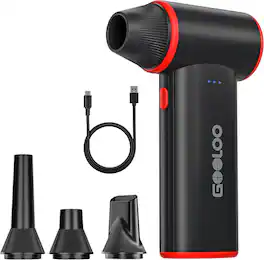
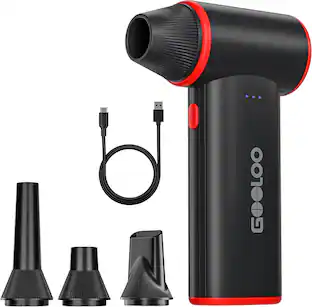
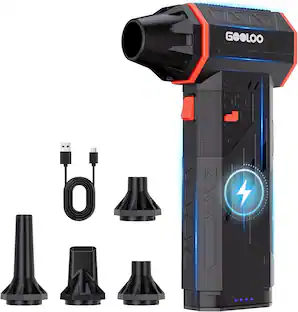
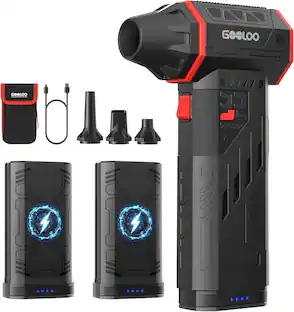
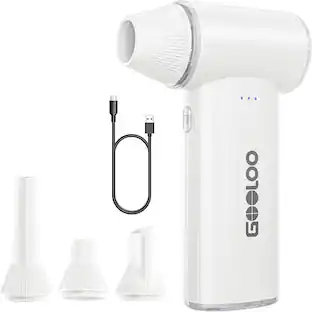
The GOOLOO F3 Electric Air Duster is designed to make your cleaning tasks effortless and efficient. With a powerful 150,000 RPM motor and a 52m/s airflow, it easily removes dust from PC fans, keyboards, car engines, and electronics. The lightweight design (0.45 lbs) ensures comfort during use, and the three adjustable speeds—SOFT, VIOLENT, and MAX—give you the flexibility to clean delicate electronics or tackle tough dirt with ease. With up to 4 hours of battery life on SOFT mode and fast charging in just 3.5 hours, you'll enjoy continuous cleaning without interruptions. The F3 is a sustainable, eco-friendly solution that eliminates the need for disposable air cans, saving you money while being kind to the environment. At GOOLOO, we're committed to ensuring your satisfaction. That's why we provide 18 months of limited warranty and lifetime technical support. If you ever need assistance, our dedicated customer service team is just a email away. We value your experience and are here to help with any questions, ensuring your F3 performs at its best for years to come.
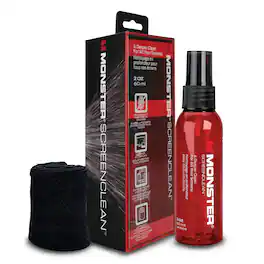
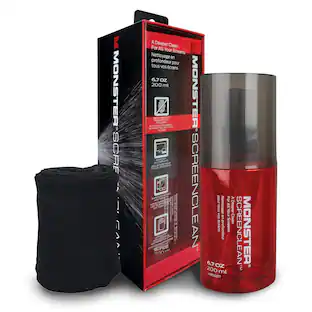
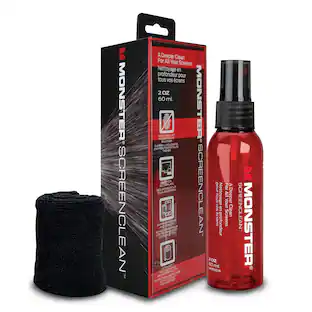
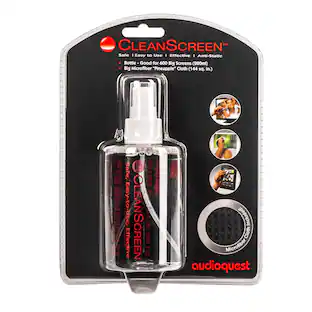
Keep compatible devices clean and easy to use with the Monster Screen Cleaner Kit designed for everyday electronics care. The 60 mL screen cleaner spray helps remove dust, dirt, and oily fingerprints from phones, tablets, laptops, monitors, and TVs. It functions as a monitor cleaner, laptop screen cleaner, computer screen cleaner, and TV screen cleaner in one solution, making it suitable for a wide range of display types, including LCD, LED, and OLED screens. This multi-device screen cleaner can also be used for smartphones, tablets, and eyeglasses, helping maintain clear visibility across everyday devices. The formula is designed to help reduce streaks and visible residue after cleaning for a clear viewing experience. This screen cleaning kit includes a microfiber cleaning cloth, providing a complete solution for routine maintenance at home, in the office, or while traveling. To use, spray the solution onto the microfiber cloth and wipe a cool, powered-off screen to help control application and support proper cleaning technique. The compact bottle fits easily into bags, desk drawers, or tech accessory organizers for convenient portability. Suitable for use on a variety of compatible electronics and display surfaces, this all-in-one screen cleaning kit helps simplify device care without requiring multiple cleaning products. Always check compatibility with the specific device before use to ensure proper application.
Specs
Customers often buy these together
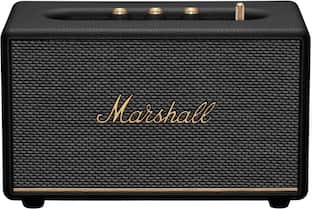
Marshall Acton III Bluetooth Home Speaker with Bass / Treble / Volume Controls and 3.5 mm Auxiliary Input
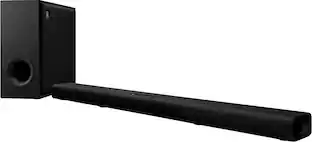
$259.00The price was $299.99Yamaha TRUE X BAR 50A Soundbar with Dolby Atmos, Wireless Subwoofer and Alexa Built-in
$199.99The price was $299.99
More to consider
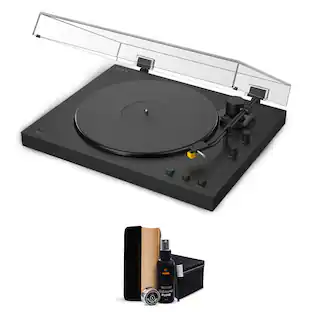
Sony PS-LX5BT Automatic Turntable & Waith Vinyl Record Cleaner Kit, Bundle
$448.00The price was $498.00