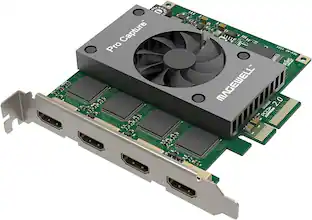
Elgato - Cam Link 4K – Windows & macOS - Black
Customers are saying
Customers are positive about the product's ease of use and fantastic video quality, which are the most frequently highlighted features. While users generally appreciate the overall performance and broad compatibility, some have expressed concerns regarding the high price point and occasional latency. Additionally, a few users noted that the device can generate more heat than expected and that the software configuration could be improved.
Features
Pro webcam
Connect a DSLR or mirrorless camera to any computer
Stunning quality
Shoot video in 1080p60 or even 4K up to 60 fps*
Share anywhere
Works in any app, from OBS to Zoom meetings
Plug and play
Ready out of the box, no software or drivers needed
Compatibility
Even connect a camcorder, action cam, or iPhone
Ultra-low latency
Ensures your video and audio are always in sync
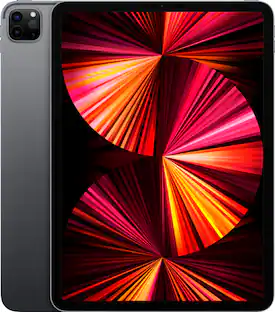
iPad support**
Create the ultimate field monitor to preview shots
Specifications
- Video Input(s)HDMIVideo Output(s)HDMIMaximum Supported Resolution (Video Capture)2160p (4K) @ 60 FPSCompatible Platform(s)Mac/Windows
Reviews
Rating 4.7 out of 5 stars with 1236 reviews
- Ease of use (351)
- Video Quality (248)
- Overall Performance (139)
- Compatibility (107)
- HDMI (59)
- Price (30)
- Heat (19)
- Latency (19)
- Resolution (9)
- Software (7)
Customer Images
The vast majority of our reviews come from verified purchases. Reviews from customers may include My Best Buy members, employees, and Tech Insider Network members (as tagged). Select reviewers may receive discounted products, promotional considerations or entries into drawings for honest, helpful reviews.

- SteelSeries - Rival 3 Gen 2 Wireless Optical Gaming Mouse with Ultra-fast clicks - Wireless - Black$44.99The price was $59.99




Compare similar products

Cam Link 4K transforms your DSLR or mirrorless camera into the ultimate webcam. One end connects to your cam’s HDMI port; the other to your computer via USB. Meet, stream, and record in stunning Full HD or even 4K up to 60 fps*. Ready to use right out of the box, Cam Link 4K works in your favorite apps—from OBS Studio to Zoom and Discord. It supports almost any camera, including camcorders, action cams, and iPhones**. With ultra-low latency, your video and audio are always in perfect sync. Connected to an iPad***, Cam Link 4K even helps you preview shots like a field monitor.

Showcase your gameplay at its best with Elgato Game Capture 4K S. Play and capture in crisp 4K60, ultra-smooth 1440p120, or even 1080p240—all with near-zero latency. With VRR passthrough, HDR10 capture on Windows, and analog audio input, this external USB-C card delivers pro-level features in a plug-and-play form factor. Whether you’re streaming or recording, it works seamlessly on Windows, macOS, and iPadOS—no drivers needed. 4K S is compatible with OBS Studio, Streamlabs, Discord, Zoom, and more. Connect your PS5, Xbox, or docked Switch 2, and share your gameplay in cinematic detail.
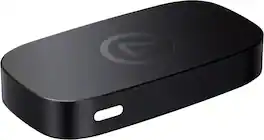
Great content made easy. Play stunning 4K60 HDR games without image quality loss or lag, and record or stream your adventures in beautiful Full HD 1080p60 resolution. Game Capture Neo sends two video signals from your console – one to your gaming screen and the other to your laptop, PC, Mac, or iPad. Capture everything you see and hear – gameplay, cutscenes, soundtrack – without watermarks or time limits, directly to your hard drive, YouTube, or Twitch. Stick to simple QuickTime recordings or develop your streaming expertise in OBS. As your skillset expands, Game Capture Neo evolves with your growing needs. So you can keep growing your community.

4K X is game capture at its best. Equipped with HDMI 2.1, our most powerful USB card lets you capture the latest titles up to 4K with HDR at 144 frames per second, or even 1080p240. Say goodbye to screen tearing with VRR passthrough. Enjoy ultra-low latency technology that keeps your broadcast and gameplay synced. 4K X works with almost any HDMI-compatible device, including PS5, Xbox Series X, Switch, Steam Deck, PC, Mac, even your iPhone 15. And it works seamlessly with leading broadcast apps like OBS, so you can stream like a pro on Twitch, YouTube, or Discord.
| Pros for Elgato - Cam Link 4K – Windows & macOS - Black | |||
|---|---|---|---|
| Ease of use, Video Quality, Overall Performance, HDMI, Compatibility | Overall Performance, Latency, Functionality | Overall Performance | Overall Performance, Ease of use, HDMI, Video Quality, Setup |
| Cons for Elgato - Cam Link 4K – Windows & macOS - Black | |||
| Price, Software, Heat, Latency, Resolution | Audio Quality, Setup Difficulty | There were no cons for this product— | Price, Software, Lag, Connectivity |
Specs
Questions & Answers
So annoying that this item is out of stock everywhere. Including Elgato and Corsair's website. As all my kid's classroom has gone to video conferencing learning, it would be nice to be able to use this to set up the camera and resources out to Zoom.
Answered by CorsairHi David, That's right, unfortunately, no one anticipated this to happen whatsoever so we're doing as much as we can to have this product, and many others, available. If you have anything else we can help with, please reach out to us directly: help.elgato.com -Art

What is the maximum resolution supported by this device for video capture?
The Elgato Cam Link 4K supports a maximum resolution of 2160p (4K) at 30 frames per second.
This question and answer was generated by AI based on customer and product data.What does the Elgato Cam Link 4K device allow you to do?
This device allows you to connect your DSLR, camcorder, or action camera to your PC or Mac, essentially turning it into a webcam for live streaming or recording.
This question and answer was generated by AI based on customer and product data.Does this device work with both PC and Mac?
Yes, the Elgato Cam Link 4K is compatible with both PC and Mac systems.
This question and answer was generated by AI based on customer and product data.How does the Elgato Cam Link 4K device simplify video recording?
With the Cam Link 4K, all recorded content is stored directly on your computer's hard drive. It also provides real-time, full-screen feedback, allowing you to review and adjust your scenes immediately.
This question and answer was generated by AI based on customer and product data.
Customers often buy these together
Numeric and Macro Keypads
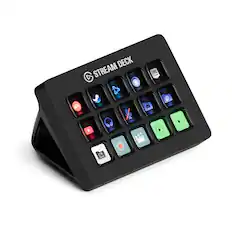
Elgato - Stream Deck MK.2 Full-size Wired USB Keypad with 15 Customizable LCD keys and Interchangeable Faceplate - Black
Techtober Deal$119.99The price was $149.99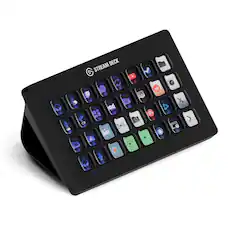
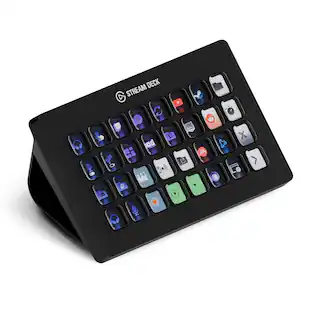
Elgato - Stream Deck XL Wired Keypad with Back Lighting - Black
$233.99The price was $249.99
Mini and Micro HDMI Cables
More recommended items
 Microphones
 Cables and Adapters
 Monitor and Video Cables
 Photo and Video Lights
More to consider
 Techtober Deal$199.99The price was $249.99
 Techtober Deal$239.99The price was $299.99
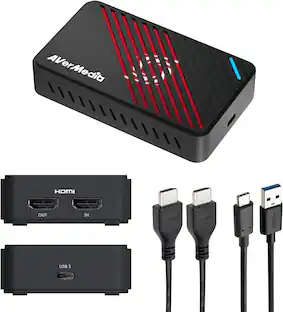 $139.99The price was $149.99

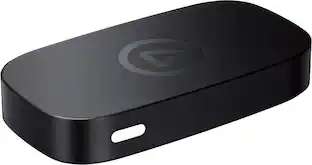
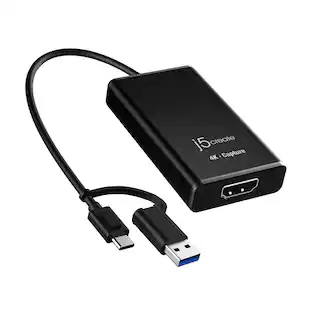
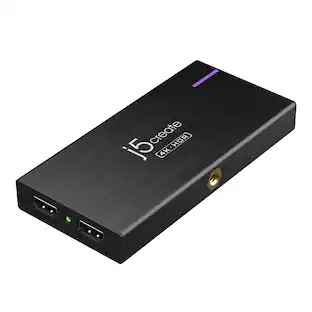
Explore tech essentials Sponsored
- Techtober Deal$239.99The price was $299.99
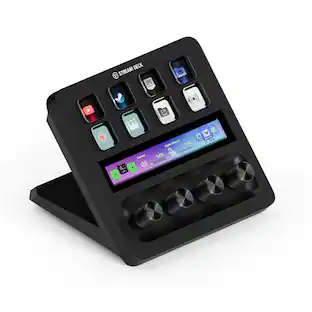 Techtober Deal$159.99The price was $179.99
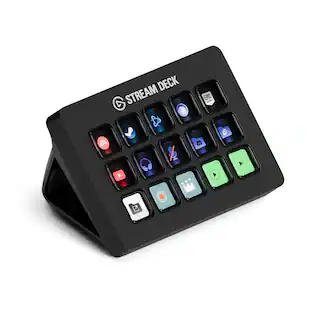 Techtober Deal$119.99The price was $149.99
Discover related products
 Techtober Deal$10.99The price was $13.99
 $399.99The price was $479.99








Keep exploring
 $89.99The price was $100.97