Epson - WorkForce Pro WF-7840 Wireless Wide-format All-in-One Inkjet Printer - Black
Customers are saying
Customers value the exceptional print quality and overall performance of this printer, which users frequently highlight as its standout features. Many appreciate the straightforward setup process and the convenience of the additional paper tray, contributing to an intuitive user experience. While the device is highly regarded for its functionality, some users have noted that its significant size and weight can be cumbersome. Additionally, a small number of customers have reported occasional challenges with maintaining a stable connectivity.
Features
High-speed, wide-format printing up to 13" x 19"
PrecisionCore Heat-Free Technology delivers high-speed prints, with 25 black/12 color ISO ppm† and fast first-page-out
High-precision printing
Accurate dot placement and DURABrite Ultra instant-dry pigment inks for professional-quality prints
High-volume reliability for heavy workloads
Innovative heat-free technology designed for reliability and reduced downtime
Complete duplex solution
Auto 2-sided print, copy, scan and fax; plus 50-sheet ADF
Designed for productivity
With a large, 500-sheet paper capacity; features two 250-sheet trays and 50-sheet rear tray for added convenience
Easy to use
4.3" color touchscreen for quick navigation and control, plus all-new Epson Smart Panel App1 for enhanced connectivity and productivity from your mobile device
Convenient, wireless setup
Using a smartphone or mobile device2 with Bluetooth Low Energy (BLE); also includes built-in wireless, Wi-Fi Direct3 and Ethernet networking
Seamless scanning
Epson ScanSmart supports easy scanning and editing with a user-friendly interface
Comprehensive security features
Including secure wireless and Secure Data Erase
Low energy consumption
With PrecisionCore Heat-Free Technology
Specifications
- NetworkingWired, WirelessENERGY STAR CertifiedYesPrinter TypeAll In OneISO Color Print Speed12 pages per minuteISO Mono Print Speed25 pages per minuteTouch ScreenYes
Reviews
Rating 4.3 out of 5 stars with 1133 reviews
- Print Quality (459)
- Ease of use (172)
- Overall Performance (165)
- Price (22)
- Paper Tray (21)
- Size (50)
- Connectivity (19)
- Weight (17)
Customer Images
The vast majority of our reviews come from verified purchases. Reviews from customers may include My Best Buy members, employees, and Tech Insider Network members (as tagged). Select reviewers may receive discounted products, promotional considerations or entries into drawings for honest, helpful reviews.


Compare similar products
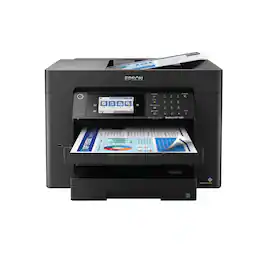
Supercharge workplace efficiency and productivity with the ultra fast WorkForce Pro WF-7840. Offering high-speed wide-format printing, this reliable all-in-one consistently delivers sharp, professional-quality, prints using innovative PrecisionCore Heat-Free Technology and vivid DURABrite Ultra inks. Built from the ground up to meet the demands of fast-paced businesses, the WF-7840 tackles a variety of tasks with wide-format printing up to 13" x 19", auto 2-sided print, copy, scan and fax, a 50-sheet rear tray, and a large, 500-sheet paper capacity. Convenient and easy-to-use, this complete duplex solution offers an abundance of features for simplified operation and navigation, including a 4.3" color touchscreen and wireless setup using mobile devices
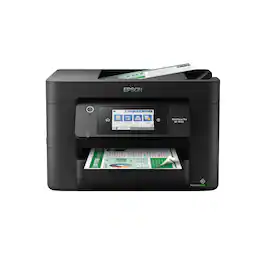
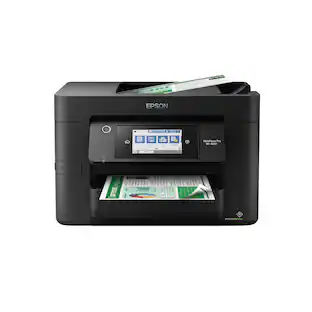
Experience the power of high-performance business printing with the WorkForce Pro WF-4820. Providing high-speed printing, the WF-4820 blazes through high-volume print jobs at an astounding 25 black/12 color ISO ppm†. Built for productivity, this reliable printer consistently delivers sharp, professional-quality prints with innovative PrecisionCore Heat-Free Technology and vivid DURABrite Ultra instant-dry pigment inks. An efficient, easy-to-use solution, the WF-4820 offers convenient features designed to enhance efficiency and streamline workflow, including a large, 4.3" color touchscreen for intuitive navigation, a 250-sheet paper capacity, auto 2-sided printing, wireless connectivity and more.
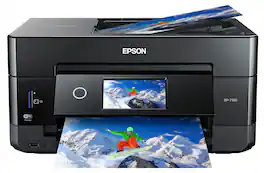
Get creative with this Epson Expression Premium XP-7100 Small-in-One printer. This compact device quickly prints gorgeous, durable photos with smudge-resistant Claria ink and lets you explore your creativity with specialty paper and DVD printing. This Epson Expression Premium XP-7100 Small-in-One printer gets the job done quickly with the 30-page auto document feeder and two-sided printing, scanning and copying.Fast print speeds up to 15.8 ISO ppm* in black, up to 11 ISO ppm* in color; creates a 4" x 6" photo-quality print in as little as 12 seconds.*

Amplify office productivity with the high-performance WorkForce Pro WF-7820. Built from the ground up for high-volume, wide-format printing up to 13" x 19", this powerful, duplex solution offers auto 2-sided print, copy, scan and fax, and a convenient 50-sheet ADF. Featuring state-of-the-art PrecisionCore Heat-Free Technology and vivid DURABrite Ultra inks, the reliable WF-7820 delivers high-speed prints with 25 black/12 color ISO ppm†, plus fast first-page-out. Designed with ease-of-use in mind, the WF-7820 offers a variety of features for enhanced convenience and efficiency, including a large, 250-sheet paper capacity, an intuitive 4.3" color touchscreen and simple wireless setup and connectivity.
| Pros for Epson - WorkForce Pro WF-7840 Wireless Wide-format All-in-One Inkjet Printer - Black | |||
|---|---|---|---|
| Print Quality, Ease of use, Overall Performance, Price, Paper Tray | Print Quality, Ease of use, Overall Performance, Setup, Connectivity | Print Quality, Ease of use, Overall Performance, Setup, Size | There were no pros for this product— |
| Cons for Epson - WorkForce Pro WF-7840 Wireless Wide-format All-in-One Inkjet Printer - Black | |||
| Size, Connectivity, Weight | Scanning | Paper Tray | There were no cons for this product— |
Specs
Questions & Answers
Can the feeder handle 11 x 17 paper for scanning?
Answered by EpsonHi workfromhome, Yes, the WorkForce Pro WF-7840 scans 11" x 17" paper through the auto document feeder or on the scan bed. Regards, Mark - The Epson Team.
Is it possible to scan to a USB Drive with this printer?
Answered by EpsonHi Moyg, Yes, you can scan directly to a USB drive using the Epson WorkForce Pro WF-7840. The USB port used for this is easily accessible on the front of the printer. Regards, Mark - The Epson Team.
Does the Epson Workforce Pro WF-7840 use heat-free technology?
Yes, this printer utilizes Epson's PrecisionCore Heat-Free Technology for fast and reliable printing.
This question and answer was generated by AI based on customer and product data.What is the printing resolution of the Epson Workforce Pro WF-7840?
The printer offers a resolution of up to 4800 x 2400, for both color and black and white prints.
This question and answer was generated by AI based on customer and product data.Does this Epson printer have a duplex printing function?
Yes, the Epson Workforce Pro WF-7840 offers automatic two-sided printing for documents and supports duplex copying, scanning, and faxing.
This question and answer was generated by AI based on customer and product data.

Customers often buy these together
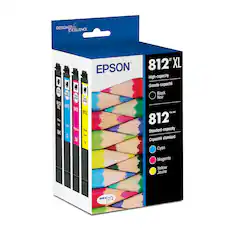
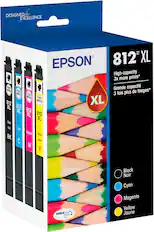
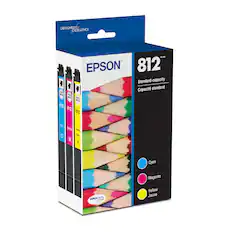
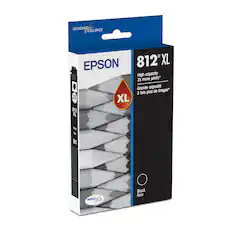
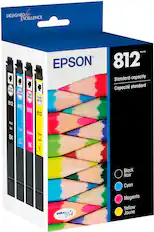
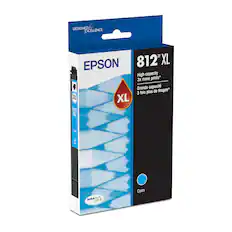
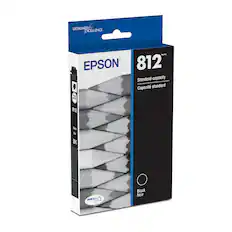
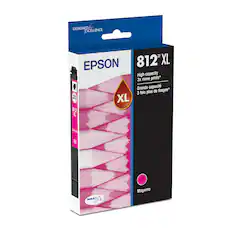
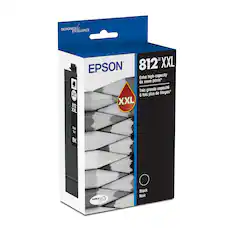
Ink Cartridges

Copy and Multipurpose Paper



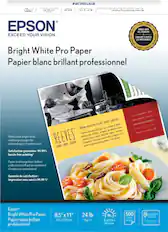
Printer Paper
More to consider
 Top Deal$129.99The price was $249.99
 Top Deal$129.99The price was $249.99
 Top Deal$369.99The price was $499.99
 Top Deal$329.99The price was $399.99


Explore tech essentials Sponsored
- Top Deal$129.99The price was $249.99
- Top Deal$129.99The price was $249.99
 Top Deal$649.99The price was $849.99
- Top Deal$329.99The price was $399.99

Discover related products
 $311.36The price was $432.52
 $429.00The price was $648.99
 $249.00The price was $275.00
 $12.99The price was $13.99







Keep exploring
 $854.99The price was $859.99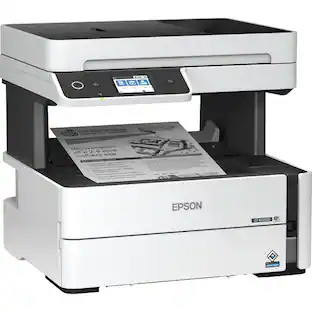
Epson - WorkForce ST-M3000 Multifunction Supertank Printer. Cartridge Free MFP with ADF & Fax Inkjet
$380.63The price was $411.98