Fujitsu - ScanSnap iX1500 Touchscreen Scanner - Black
About this product
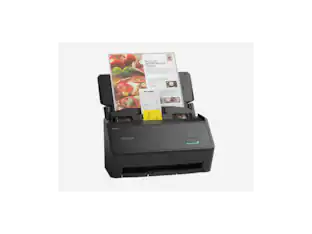
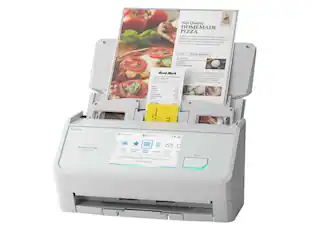
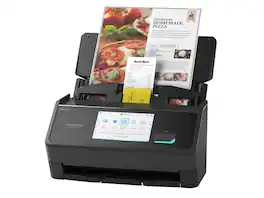
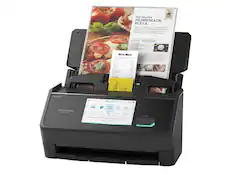
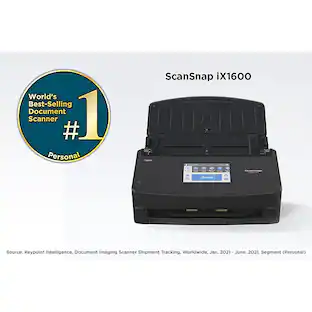
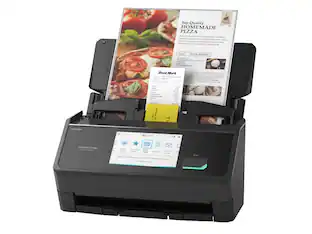
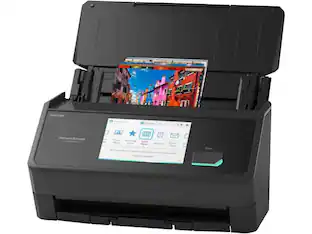
The next-generation Wi-Fi Cloud-Enabled ScanSnap iX1500 scanner comes equipped with a smart touch screen, providing an easy to use interface with simple icons and an intuitive user experience. The ScanSnap iX1500 is equipped with a user-friendly 4.3 inch touch screen interface for enhanced usability and functionality. With Access Point Connect and Direct Connect modes, users can place the new scanner anywhere that is most convenient for them. The new intuitive scanner also comes with new ScanSnap Home software that combines all the popular functions of our business card, receipt, and document management apps into one interface for easier management and editing.
Color
BlackFeatures
Maximum Resolution
600 dpi
Sheet Capacity
50
Intuitive 4.3 inch Touch Screen
Scans 30 sheets per minute in color-duplex mode*
Ready within seconds of opening the cover with Fast Startup
*Based on average speed from start of scan to end of feeding, scanning thirty-six 4" x 6" photos at 300 dpi in landscape orientation. Results may vary based on processor speed, memory, and operating system of the connected computer.
Specifications
- Scan MethodSingle pass
Reviews
Rating 5 out of 5 stars with 6 reviews
The vast majority of our reviews come from verified purchases. Reviews from customers may include My Best Buy members, employees, and Tech Insider Network members (as tagged). Select reviewers may receive discounted products, promotional considerations or entries into drawings for honest, helpful reviews.
Compare similar products
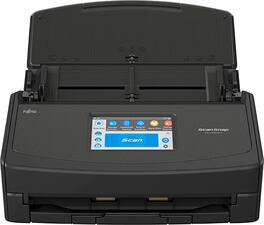
The next-generation Wi-Fi Cloud-Enabled ScanSnap iX1500 scanner comes equipped with a smart touch screen, providing an easy to use interface with simple icons and an intuitive user experience. The ScanSnap iX1500 is equipped with a user-friendly 4.3 inch touch screen interface for enhanced usability and functionality. With Access Point Connect and Direct Connect modes, users can place the new scanner anywhere that is most convenient for them. The new intuitive scanner also comes with new ScanSnap Home software that combines all the popular functions of our business card, receipt, and document management apps into one interface for easier management and editing.
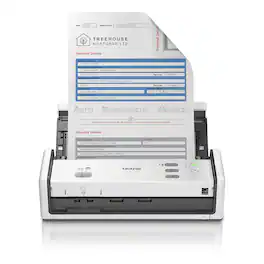
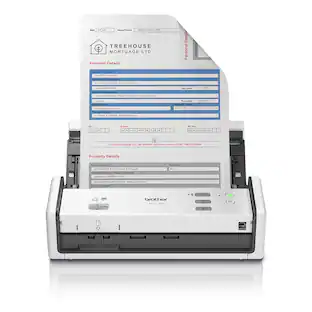
A powerful addition to any home-office or small business space. Easy to use and affordable, the Brother ADS-1300 Compact Desktop Scanner helps you organize and digitize your documents, photos, and so much more. With fast scanning speeds up to 30 pages per minute(1) (ppm), a large 20-page automatic document feeder(2), and easy single-pass double-sided scanning capabilities, this scanner delivers precise black and white and color scans at a sharp 600 x 600ppi. Whether you’re scanning photos, organizing your library of business cards, digitizing your receipts, or scanning contracts, this super-portable scanner is compact and lightweight, and ready to work where you are. Plus, it’s powered directly via a USB-C connection, meaning you won’t need to deal with extra cables or plugs. Perfect for daily or occasional scanning, the Brother ADS-1300 handles multiple document sizes, and features a handy card slot for easy scanning of ID cards, business cards, or credit cards. It also comes bundled with robust software to manage files, create and edit PDFs, and automate workflows(3). It’s so simple to use, you’ll never know how you organized yourself without it.
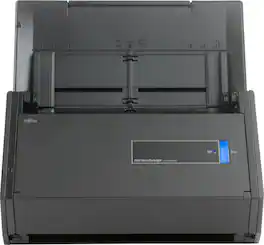
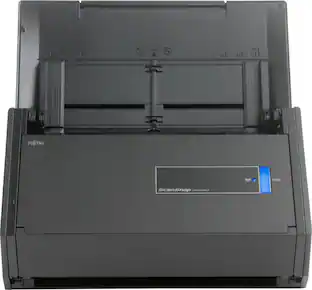
Scan numerous documents within moments with this Fujitsu document scanner. It takes just one button to create a PDF directly from the machine so that you can store receipts and everything else, and USB 3.0 connectivity keeps data running smoothly. With its advanced paper feeding system, this Fujitsu document scanner can handle numerous pieces of paper.
Specs
Questions & Answers
What is the difference (other than color) between the black model and the white model?
Answered by Fujitsu Canada ScannersThank you for your interest in Fujitsu iX1500. There is no difference except the colour. Hardware specification are exactly the same, and the software that comes with them are both identical and available to download from our website. Product specifications link https://www.fujitsu.com/ca/en/products/computing/peripheral/scanners/soho/ix1500/ Software download link http://scansnap.fujitsu.com/global/dl/ Hope that helps.

Does IX1500 suitable for pictures too. Can I use it to scan my older pictures?
Answered by Fujitsu Canada ScannersThank you for contacting PFU Canada support. The iX1500 can scan documents and pictures in five modes, Auto, Normal (150 dpi), Better (200 dpi), Best (300 dpi) and Excellent (600 dpi). The higher the dpi's (dots per inch) the slower the scanner goes to capture a higher resolution scan. Now scanning pictures is a loaded question, it would depend on how old the photographs are and the condition they are in. If the photographs are falling apart due to age, this scanner would not be the best candidate for you, as this scanner will contact/touch the photograph as it grabs the picture into the scanner. If the photos are crumbling, a flatbed model would be best for you. If most photographs, are in good condition, then yes, this scanner will do a great job for you.
Can you scan one page at a time for the same pdf or do you have to put all pages in to auto feed? The last scanner I had automatically created a pdf after each page that I manually fed through.
Answered by Fujitsu Canada ScannersThank you for contacting PFU Canada support. You have the option to do either, depends on the settings you use in your profile. The scanner has an input sheet of 50 pages. If you put one page or 50, when the input chute empties, you have the option to continue to add more pages to the same PDF or complete the PDF. Continuous mode needs to be enabled in your profile to enable that.
What type of toner replacement and what is cost?
Answered by Fujitsu Canada ScannersThank you for contacting PFU Canada support. The scanner requires consumables (roller set) to be replaced approximately every 200K pages scanned. The frequency also depends on the type of paper and what type of ink is used on the document. The consumable kit, which contains a pick and brake roller usually costs around $40.00. The iX1500 kit number is PA03656-0001 and it usually available through the stores that sell the scanner.
Does this scanner scan front and back on a single scan or multiple scans.
Answered by Fujitsu Canada ScannersThank you for your interest in our Fujitsu ix1500. Yes, the scanner will scan both sides of the page in a single scan. This is called duplex scanning. The software can also be set to that if it detects a blank page, it will automatically delete that blank page to keep the PDF output smaller. This option can be turned on or off through the software panels.
Customers often buy these together
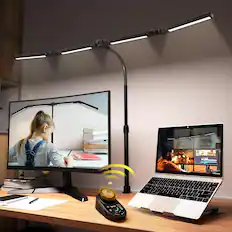
Dazzed Corner - Adjustable LED Desk Lamp – Stepless Dimming, 5 Modes - Black
$160.00The price was $170.00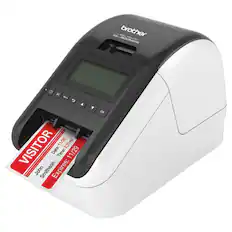
Brother - QL-820NWB Professional Thermal Label Printer with Multiple Connectivity Options - White/Black
$239.98The price was $259.99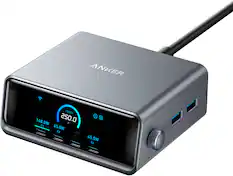
Anker - Prime Charger (250W, 6 Ports, GaNPrime) - Silver
$149.99The price was $169.99


![NUM CAP WIN 85 2.4G % BT1 BT2 ESC F1 1 F2 - F3 F4 X F5 F6 144 F7 14 F8 144 F9 F10 F11 F12 0 DEL - CAR wEs 85, 240 % - I BT 1 2812 2 #2.46 3 $ 4 % 5 A 6 & 7 8 ( 9 ) 0 - - + = INS NUM / . TAB Q W E R T Y U I PRTSC 0 SCR P PAUSE I I 1 ] I 1 PGUP 7 MOME B g PG uP + CAPS A MAC S WIN D F G H J K HOME L END i - ENTER PGON 4 5 6 , SHIFT Z X C V B N M e 3 7 SHIFT T END 2 3 POO CTRL WIN PT ALT CMD ALT CMO FN O INS DEL ENTER CIB Obi m CHD ALT CWO VEI FN S Se EHItA](https://pisces.bbystatic.com/image2/BestBuy_US/images/products/83ad2cc6-3b12-4023-ba70-93ebfd0b010f.jpg;maxHeight=232;maxWidth=233?format=webp)
More to consider
 Techtober Deal$369.99The price was $449.99
 $944.21The price was $983.42


Discover lifestyle innovations Sponsored
- Techtober Deal$369.99The price was $449.99

Discover related products
 $138.99The price was $169.99
 $59.99The price was $61.99




Keep exploring
 $58.99The price was $73.09