GameSir - Pocket Taco - Bluetooth Wireless Retro Mobile Gaming Controller for iOS & Android - Turn your SmartPhone into a GameBoy - White
Customers are saying
Customers value the Pocket Taco for its exceptional portability and long-lasting battery life, which make it a convenient choice for users on the go. Many reviewers also appreciate the responsive button quality, unique design, and seamless Bluetooth connectivity. While the device performs well overall, some users have noted that it has limited compatibility with certain App Store games.
Vertical Handheld Gaming on Mobile
The Pocket Taco brings vertical handheld gaming to your mobile device with a secure clamp-style design. Relive the classic retro and arcade gaming experience wherever you go.
Bluetooth Connection
Seamlessly connect via Bluetooth and enjoy smooth gaming across Android and other compatible devices.
Portable & Lightweight
Take your gaming anywhere with ease. With a compact design and a lightweight body of just 62.2 g, it’s perfect for gaming on the go. It also comes with a PP storage box, providing convenient portability and secure protection for your device.
Smart Power On/Off
Automatically powers on when unfolded and powers off when closed, ensuring a seamless and convenient gaming experience.
Built-in Keyboard Mode
Supports switching to keyboard mode for versatile use. In keyboard mode, the button values can be remapped, giving you full control over your gameplay setup.
Phone Protection with Silicone Pads
The clamp area is equipped with soft silicone pads to protect your phone from scratches and damage while keeping it secure during gameplay.
Long-lasting Battery
Equipped with a 600 mAh high-capacity battery, the Pocket Taco delivers long-lasting power to keep you gaming for hours without interruption.
Responsive Button Design
Featuring cushioned membrane ABXY and D-pad, along with tactile switch triggers and bumpers, the Pocket Taco delivers precise and responsive inputs for every move.
Supports Phone Charging During Gameplay
The Pocket Taco features a hollow-bottom design that aligns precisely with your phone’s charging port, allowing you to charge your device while gaming without any interruptions.
Customization via GameSir App
The Pocket Taco supports software customization through the GameSir app. You can remap button values, enable D-pad diagonal lock, enjoy full G-Touch and V-Touch support, and more. Some settings can also be adjusted via on-the-fly button combinations, ensuring seamless adjustments during gameplay.
- WirelessYesBattery SizeProprietaryCompatible Platform(s)iOS, Android
Reviews
Rating 3.9 out of 5 stars with 36 reviews
- Portability (21)
- Battery Life (13)
- Button Quality (12)
- Design (11)
- Connectivity (10)
- Compatibility (3)
Customer Images
The vast majority of our reviews come from verified purchases. Reviews from customers may include My Best Buy members, employees, and Tech Insider Network members (as tagged). Select reviewers may receive discounted products, promotional considerations or entries into drawings for honest, helpful reviews.


Compare similar products
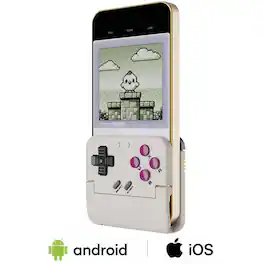
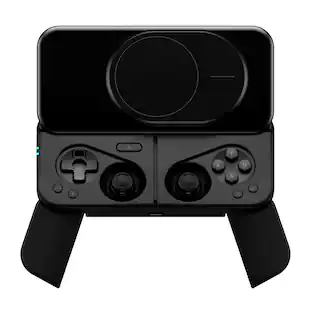
Relive the golden age of arcade gaming with the GameSir Pocket Taco, a vertical mobile controller designed for retro vibes and modern play. Compact, portable, and easy to carry, it lets you jump into classic-style games anytime, anywhere. Just snap in your phone, and your nostalgic arcade moments are right at your fingertips.
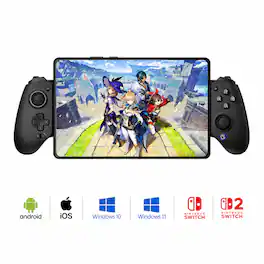
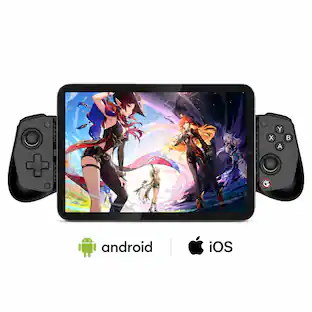
The GameSir G8 Galileo is a premium mobile gaming controller designed for Android and iPhone 15 series devices, offering a console-grade experience with its ergonomic full-size grips and high-performance features. It includes Hall Effect sensing sticks and precision-tuned analog triggers for accurate, drift-free control. The controller's extendable bridge accommodates most phones, even with slim cases, and its interchangeable magnetic faceplates allow for personalized aesthetics. Additional features include two mappable back buttons for customizable in-game actions and a 3.5mm audio jack for direct headset connectivity. Compatible with PS Remote Play, Android, and G-Touch modes, the GameSir G8 Galileo delivers a versatile and immersive gaming experience.
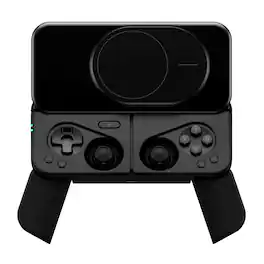
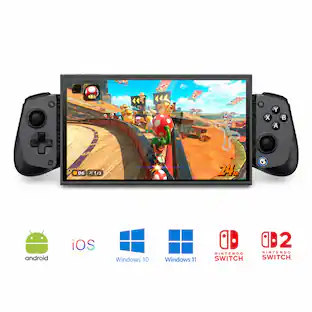
The world’s most compact magnetic mobile controller, MCON snaps to your phone with MagSafe ease—no clamps, no bulk. Deployable grips, Hall-effect triggers, full size joysticks, tactile buttons, and a slick slider mechanism deliver console-grade gameplay wherever you are. Plus, MCON features Kickback Mode, which allows you to remove your phone and prop it up for tabletop play. Includes an adapter for non-MagSafe phones.
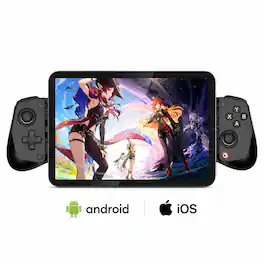
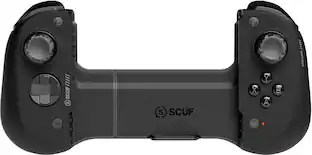
The GameSir X5 Lite is the ideal entry-level mobile controller, offering seamlessconnectivity and wide compatibility. With precise Hall Effect sticks, cushionedtriggers, and Turbo function, it enhances your gaming experience. lts lightweightdesign ensures comfort during long gaming sessions. Plus, pass-through charging andsoftware support ensure uninterrupted play and personalization for all your favoritetitles.
| Pros for GameSir - Pocket Taco - Bluetooth Wireless Retro Mobile Gaming Controller for iOS & Android - Turn your SmartPhone into a GameBoy - White | |||
|---|---|---|---|
| Portability, Battery Life, Button Quality, Connectivity, Design | Overall Performance, Connectivity, Button Quality, Compatibility, Ergonomics | Portability, Battery Life, Overall Performance, Grip | Overall Performance, Portability, Connectivity, Compatibility, Comfort |
| Cons for GameSir - Pocket Taco - Bluetooth Wireless Retro Mobile Gaming Controller for iOS & Android - Turn your SmartPhone into a GameBoy - White | |||
| Compatibility | Input Lag | Button Accessibility, Size | There were no cons for this product— |
Specs
Customers often buy these together
Gaming Headsets
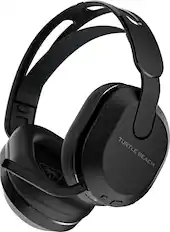
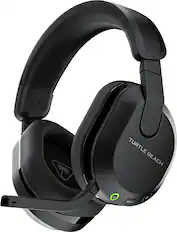
Turtle Beach - Stealth 500 Wireless Over-Ear Gaming Headset for XBOX Series X|S, XBOX One, PC & Mobile - Black
Top Deal$74.99The price was $89.99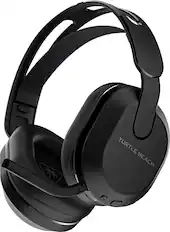
Turtle Beach - Stealth 500 Wireless Over-Ear Gaming Headset for PS5, PS4, PC & Mobile - Black
Top Deal$74.99The price was $89.99

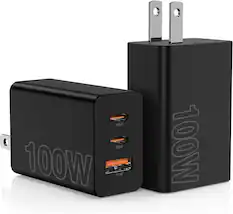
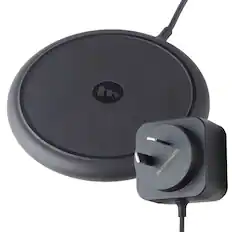
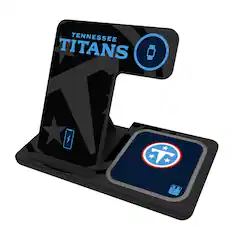
Power Adapters and Chargers

PC Gaming Headsets
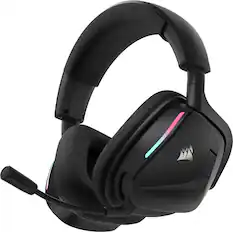
CORSAIR - VOID v2 Wireless Gaming Headset for PC, PS5, PS4, Nintendo Switch, and Mobile - Carbon
Top Deal$89.99The price was $129.99
SteelSeries - Arctis Nova 5 Wireless Over-the-Ear Gaming Headset with 2.4GHz/Bluetooth for PC, PS5/PS4, and Switch/Switch 2 - Black
Top Deal$129.99The price was $149.99

More to consider


Level up your game Sponsored
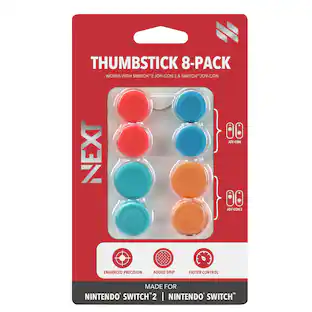 $4.99The price was $10.99
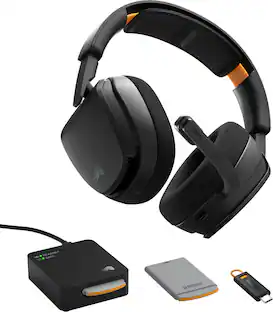
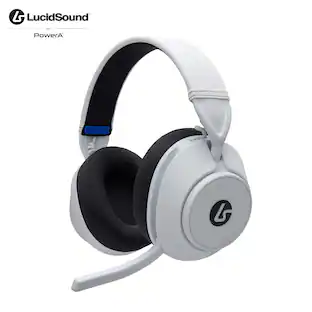
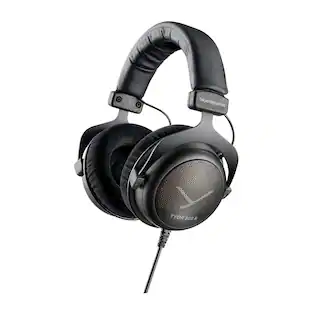
Discover related products
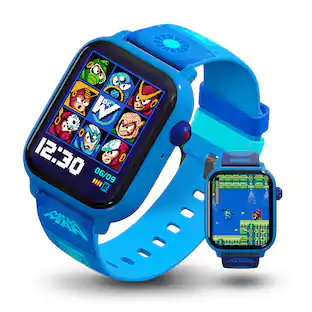
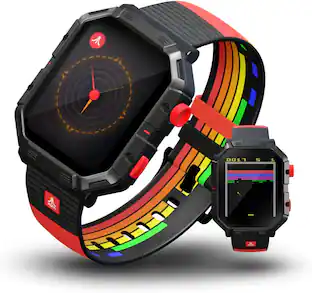
My Play Watch - Mega Man™: Classic & Arcade Modes, Non-Connected, Fitness Tracking, Includes 2 Bands
$79.99The price was $86.86


Keep exploring
 $219.99The price was $269.99
 $105.99The price was $107.99