Honeycomb Aeronautical - Bravo Throttle Quadrant for Flight Simulation - Black
Customers are saying
Customers are enthusiastic about the Bravo Throttle Quadrant for Flight Simulation. The build quality of the product is receiving positive feedback. Customers are generally happy with the feel and sturdiness of the quadrant.
Cable Connectivity Technology
Features plug and play wire for a quick connectivity
Compatibility
Gaming becomes interesting when you have a controller that works perfectly fine with your pc, mac
Elegant Look
Black color adds a premium look to the gadget
Package Components
Accompanied by bravo throttle quadrant, usb-c to usb cable
- Compatible Platform(s)Mac/Windows
Reviews
Rating 4.5 out of 5 stars with 25 reviews
- Build Quality (11)
- Configuration (3)
Customer Images
The vast majority of our reviews come from verified purchases. Reviews from customers may include My Best Buy members, employees, and Tech Insider Network members (as tagged). Select reviewers may receive discounted products, promotional considerations or entries into drawings for honest, helpful reviews.

- Logitech - G920 Driving Force Racing Wheel and Pedals for Xbox Series X|S, Xbox One, Windows & Mac - Black$209.99The price was $299.99
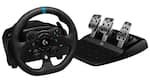
- Logitech - G923 Racing Wheel and Pedals for Xbox Series X|S, Xbox One and PC - Black$279.99The price was $349.99

Compare similar products

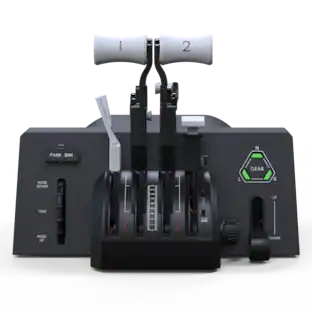
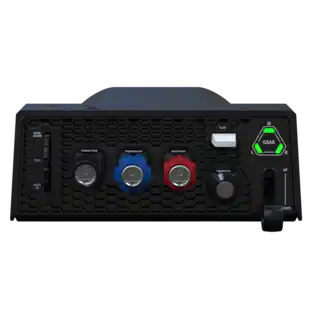
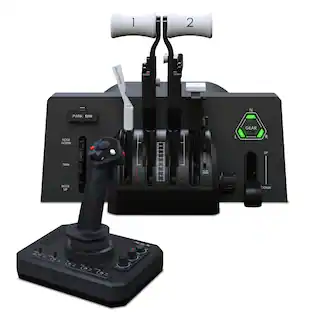
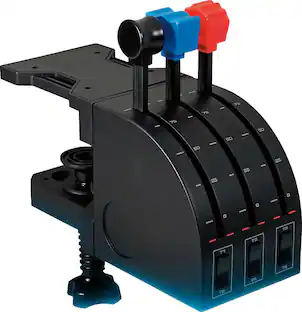
Bring realistic flight control to your flight simulation with the Bravo Throttle Quadrant from Honeycomb Aeronautical. Six commercial or general aviation levers give you realistic control. In addition to flaps, spoilers, and thrust reversers, this throttle also utilizes an annunciator panel and TOGA button for multiple configurations. Seven two-way programmable switches and 14 warning lights allow for craft-specific performance. Along with autopilot and backlit buttons, the Bravo Throttle Quadrant also features adjustable lever tension and a trim wheel. This flight control is compatible with MAC and Windows PCs and with X-Plane 11, Prepar3D, and Microsoft Flight Simulator.
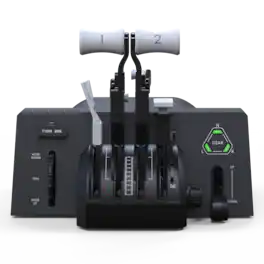
Same high quality, less complexity. The Bravo Throttle Quadrant Lite brings the flexibility of the original Bravo to a more streamlined, accessible form. With essential flight controls and a compact design, it’s the perfect entry point for building your home cockpit on PC.

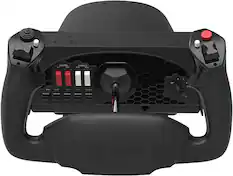
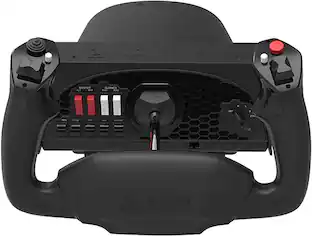
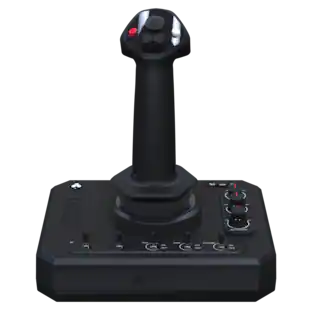
Dominate the competition using these Honeycomb Alpha flight controls. The solid-steel shaft provides stable control, while 180-degree yoke rotation and self-centering mechanism eliminate dead zones, providing a true-to-life flight experience. Dual linear ball bearings deliver fluid handling. These Honeycomb Alpha flight controls feature a dual-mounting system for secure attachment on your tabletop.
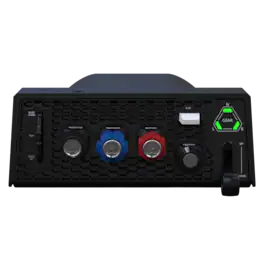
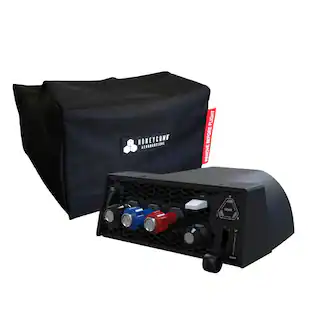
The Sierra TPM Module is built for general aviation enthusiasts, delivering precise control for aircraft like the Cessna 172. With metal verniers, integrated cockpit functions, and Honeycomb’s signature build quality, it enhances any PC flight sim setup.
| Pros for Honeycomb Aeronautical - Bravo Throttle Quadrant for Flight Simulation - Black | |||
|---|---|---|---|
| Build Quality, Configuration | There were no pros for this product— | Build Quality, Feel, Setup Ease, Performance | There were no pros for this product— |
Specs
Customers often buy these together
Gaming Controllers
Gaming Controller Accessories
More recommended items
 Gaming Headsets
 Power Adapters and Chargers
 PC Gaming Headsets
More to consider
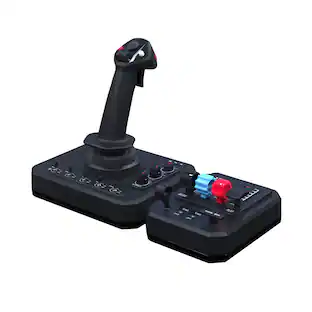 $179.99The price was $199.99
 $249.00The price was $275.00
Discover related products

Keep exploring
 $139.99The price was $199.99
 $219.99The price was $269.99
 $490.95The price was $529.95