HP - POLY VOYAGER CHARGING STAND USB-C Model 783R7AA - Black
About this product
HP POLY VOYAGER CHARGING STAND USB-C Model 783R7AA
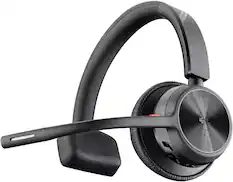
Charging stands for Voyager Focus 2 and 4300 UC headsets
Features: Charging stands for Voyager Focus 2 and Voyager 4300 UC Series headsets.
Genuine Replacement Part
CE Product Type: Charging Stand
What's Included: Poly VOYAGER USB-C Charge Stand
Service&Support
Service & Support Type: Poly standard one-year limited warranty
- Scan MethodCamera
Reviews
This product doesn't have any reviews yet.

Compare similar products
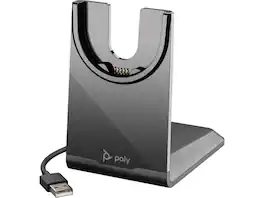
HP POLY VOYAGER CHARGING STAND USB-C Model 783R7AA
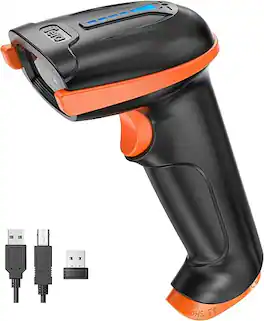
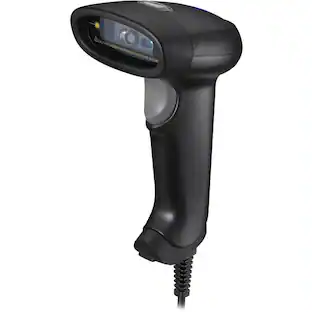
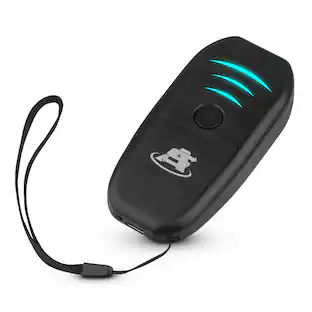
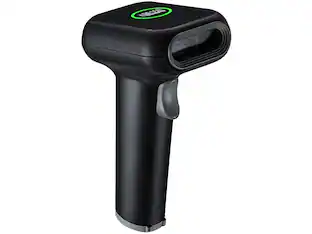
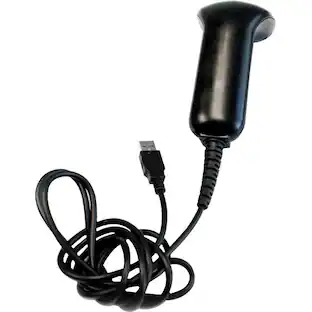
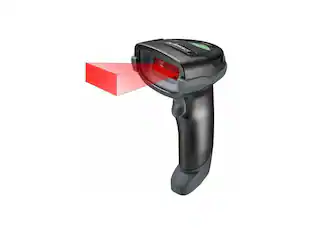
Enhance your business operations with the Tera-Digital D5100 2D Barcode Scanner. Experience high-speed, accurate scanning for QR codes, Data Matrix, and more. Ideal for retail, logistics, and inventory management. Shop now!

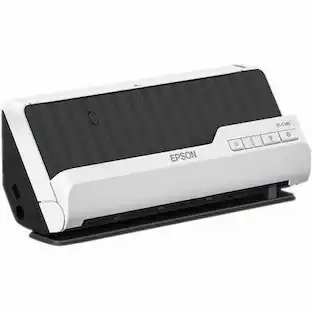
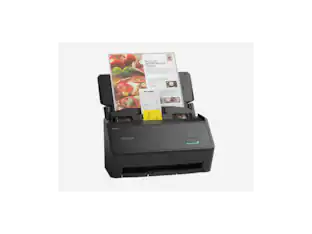
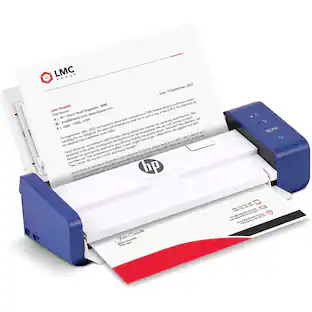
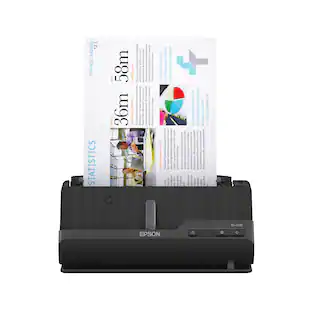
Create digital copies of important documents with this Epson WorkForce scanner. Its versatile document-handling capability accommodates standard paper, ID cards and receipts, and the included Nuance OCR software converts output into editable files or searchable PDFs for efficient archiving. This Epson WorkForce scanner’s small, lightweight design offers portability, and the USB interface provides easy connectivity.
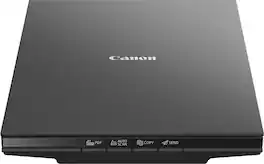
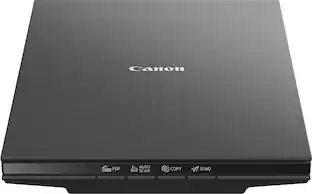
The CanoScan LiDE 300 makes document and photo scanning easy. With 10 second fast scanning*, 4 'EZ' buttons and 2400 x 2400 dpi resolution**, the CanoScan LiDE 300 packs great features in a compact design.
| Pros for HP - POLY VOYAGER CHARGING STAND USB-C Model 783R7AA - Black | |||
|---|---|---|---|
| There were no pros for this product— | There were no pros for this product— | Ease of use, Scan Quality, Size, Overall Performance, Speed | There were no pros for this product— |
| Cons for HP - POLY VOYAGER CHARGING STAND USB-C Model 783R7AA - Black | |||
| There were no cons for this product— | There were no cons for this product— | Software, Connectivity, Compatibility, Paper Handling | There were no cons for this product— |
Specs
Be the first to ask a question.
We’ll try to get your question answered within 24 hours by a Best Buy customer or brand representative.
Customers often buy these together
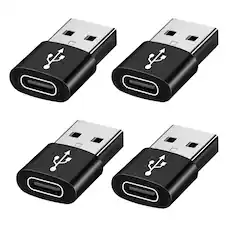
Qixxronics - 4-PACK USB to USB C Adapter, USB-C Female to USB-A Male Adapter Type C Converter - Black
$13.99The price was $20.99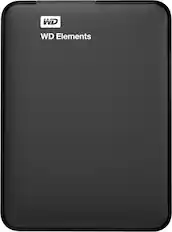
WD - Elements 2TB External USB 3.0 Portable Hard Drive - Black
$149.99The price was $204.99
![esc F1 F2 F3 F4 F5 F6 F7 F8 F9 F10 F11 F12
Num Caps Mac Win
1 2 3 4 5 6 7 8 9 0 - = backspace
tab Q W E R T Y U I O P [ ] \
caps lock A S D F G H J K L ; '
shift Z X C V B N M , . /
control option fn control
del home pgup num clear / * -
end pgdn 7 8 9 +
enter 4 5 6
shift 1 2 3 enter
control option 28
option fn control
> o](https://pisces.bbystatic.com/image2/BestBuy_US/images/products/71a1417b-3d5f-45c1-99f0-24ab3c6d41b9.png;maxHeight=232;maxWidth=233?format=webp)
![Sure, here is the corrected and grouped text from the image:
**Top Row:**
- Esc F1 F2 F3 F4 F5 F6 F7 F8 F9 F10 F11 F12 Del PgUp PgDn
**Number Row:**
- 1 2 3 4 5 6 7 8 9 0 - = Backspace
**Letter Row:**
- Q W E R T Y U I O P [ ] \ Caps A S D F G H J K L ; ' Enter
**Bottom Row:**
- Z X C V B N M , . / Shift Ctrl Alt Fn Spacebar Alt Ctrl
**Right Side:**
- Num / * - Home 7 8 9 + PgUp 4 5 6 - PgDn 1 2 3 End 0 . Ins Del
**Mouse Pad:**
- RUG
**Additional Labels:**
- Caps
- Num
- Fn
- RUG](https://pisces.bbystatic.com/image2/BestBuy_US/images/products/190c81fc-db33-4a07-8291-7371ad203c0c.jpg;maxHeight=232;maxWidth=233?format=webp)
More to consider
 $295.27The price was $310.38


Discover lifestyle innovations Sponsored

Keep exploring
 $124.99The price was $134.72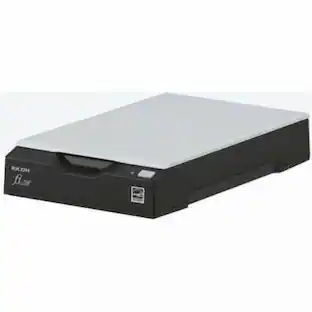
Fujitsu - Ricoh ImageScanner fi-70F Flatbed Scanner - 600 dpi Optical - 24-bit 8-bit Grayscale - USB
$249.00The price was $269.00