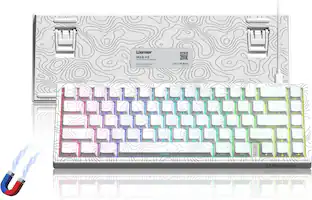
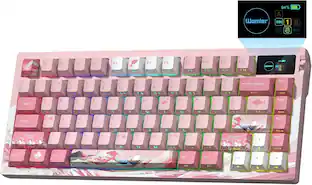
Keychron - K10 HE 100% Custom Hall Effect Mechanical Gaming Keyboard with Programmable QMK Launcher Software - Black
Customers are saying
Customers express satisfaction with the keyboard's exceptional build quality, smooth typing experience, and versatile connectivity options. Users also appreciate the convenient web-based customization software, quiet operation, and overall comfort during extended use. While the device is noted for being somewhat heavy, it remains a highly regarded choice for those seeking a reliable and customizable typing tool.
Features
2.4 GHz & Bluetooth Connection
Switch seamlessly between three connection modes. Pair up to three devices via Bluetooth 5.2, or choose 2.4 GHz wireless or Type-C wired modes for stable, high-speed performance across different setups.
Hall Effect Magnetic Switches
Hall Effect magnetic switches detect keypresses using magnetic sensors instead of physical contact, reducing wear and tear. Hot-swappable and durable, they offer 0.1mm senstivity with actuation adjustable range from 0.2mm to 3.8mm. They are hot-swap, you can easily replace them without soldering.
Launcher Web Configurator
Access the Launcher configurator from any browser, anytime. Customize every key, create macros, adjust actuation points, and enable rapid triggering and snap action. Perfect for setting up your K10 HE keyboard exactly how you like it.
Non-Shine-Through PBT Keycaps & Wood Sidings
Equipped with OSA-profile double-shot PBT keycaps, the K10 HE resists shine and wear while delivering a satisfying feel. Finished with natural wood sidings, it brings a refined, organic touch to your setup.
Cross-System Compatibility
Designed for macOS and Windows with dedicated media keys and extra keycaps, the K10 HE easily adapts to your workflow. Remap it to suit Linux systems as well, making it truly universal.
Specifications
- Lighting TypeRGBForm FactorFull-sizeKeyboard TechnologyMagnetic hall effectKey Switch BehaviorLinear, LinearConnection TypeWired, Wireless
Reviews
Rating 4.7 out of 5 stars with 73 reviews
- Build Quality (30)
- Connectivity (12)
- Typing Experience (12)
- Noise Level (7)
- Customization (6)
- Key Shape (3)
- Weight (3)
Customer Images
The vast majority of our reviews come from verified purchases. Reviews from customers may include My Best Buy members, employees, and Tech Insider Network members (as tagged). Select reviewers may receive discounted products, promotional considerations or entries into drawings for honest, helpful reviews.

- SteelSeries - Rival 3 Gen 2 Wireless Optical Gaming Mouse with Ultra-fast clicks - Wireless - Black$44.99The price was $59.99




Compare similar products
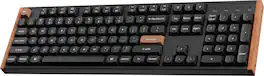
Transform your gaming and typing experience with the Keychron K10 HE. Combining classic mechanical feel with cutting-edge magnetic technology, it offers exceptional performance in a sleek design—enhanced by elegant natural rosewood accents. A fully customizable 100% layout wireless keyboard with magnetic switches — a breakthrough in switch technology, which instead of physical contacts, uses magnetic sensors to measure actuation depth, putting you in total control over the response of each and every switch.
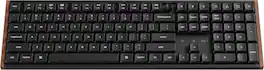
The Keychron K5 Ultra 8K, a next-generation Full size ultra-slim wireless custom mechanical wooden frame keyboard, It supports 2.4 GHz wireless, Bluetooth 5.3, and wired connections. Powered by ZMK firmware, it enables an 8K polling rate in wireless mode. Enhanced with multiple layers of acoustic foam and Keychron Launcher, it has included LSA (low profile spherical-angled) profile keycaps for both Windows and macOS, and users can hot-swap with low-profile MX mechanical switch in a breeze. it delivers a refined typing experience with premium sound and complete customization.

The Keychron Q6 Ultra 8K is a premium full-size mechanical keyboard engineered for gamers and power users who demand speed, precision, and customization. Its ultra-fast 8,000 Hz polling rate—available in both wired and 2.4 GHz wireless modes—delivers exceptionally responsive input for competitive play and high-speed workflows. Tactile Silk POM brown switches provide smooth, satisfying feedback, while the sturdy backplate and redesigned rubber feet ensure a solid, stable typing experience. Triple-mode connectivity (wired, 2.4 GHz, Bluetooth) keeps you versatile across devices and setups. With ZMK firmware and Launcher software, you can program every key, layer, and macro to match your exact workflow. A refined control knob and available color-variant keycaps elevate both function and style, giving the Q6 Ultra 8K a polished presence on any desk.
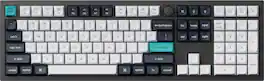
The Q6 Max is a full-metal QMK/VIA wireless customized mechanical keyboard with a 100% full-size layout and support for 2.4 GHz wireless, Bluetooth 5.1, and Type-C wired connectivity. The combination of reinforced multi-layer acoustic foam and double-gasket design provides an incredibly satisfying typing experience.
| Pros for Keychron - K10 HE 100% Custom Hall Effect Mechanical Gaming Keyboard with Programmable QMK Launcher Software - Black | |||
|---|---|---|---|
| Build Quality, Connectivity, Typing Experience, Noise Level, Customization | There were no pros for this product— | Build Quality, Connectivity, Typing Experience, Weight, Customizability | Build Quality, Connectivity, Weight, Key Feel, Battery Life |
| Cons for Keychron - K10 HE 100% Custom Hall Effect Mechanical Gaming Keyboard with Programmable QMK Launcher Software - Black | |||
| Key Shape, Weight | There were no cons for this product— | There were no cons for this product— | Keycap Design |
Specs
Customers often buy these together
Mice
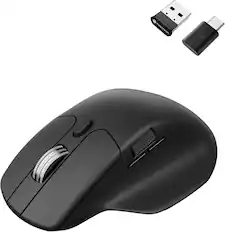
Keychron - M6 Ergonomic Wired & Wireless Laser Mouse w/ Macro Button & Fast-Scrolling Metal Wheel, For Windows PC & Mac - Wired - Black
Techtober Deal$39.99The price was $49.99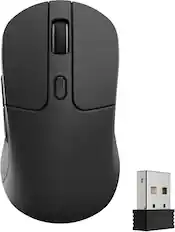
Keychron - M3 Wireless Bluetooth Laser Gaming Mouse with 8K Polling Rate - Wired - Black
$59.49The price was $69.99
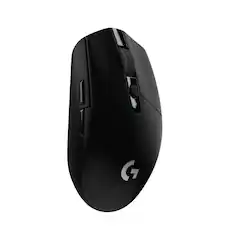
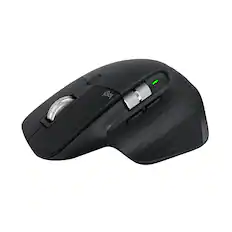
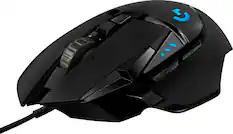
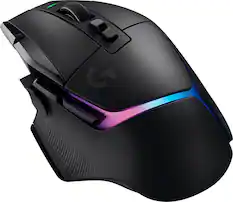
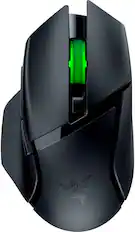
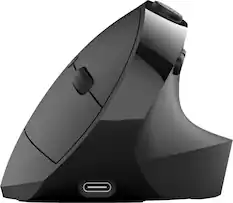
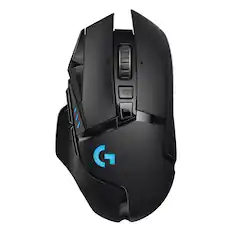
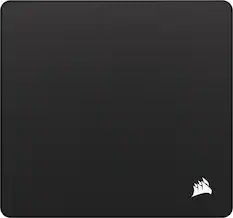
Mouse Pads





More recommended items
 Laptop Docking Stations
 Computer Speakers
 Monitor Stands
Customers ultimately bought
 $103.49The price was $114.99
 $109.99The price was $179.99
 $107.99The price was $119.99
 Techtober Deal$129.99The price was $159.99
 $129.99The price was $179.99
 $48.22The price was $59.99
 Techtober Deal$284.99The price was $349.99
Explore tech essentials Sponsored
- Techtober Deal$284.99The price was $349.99
- Techtober Deal$129.99The price was $159.99
- $109.99The price was $179.99
 $179.99The price was $219.99
Discover related products
 $339.99The price was $479.99









Keep exploring
 $37.99The price was $40.00
 $199.95The price was $299.95