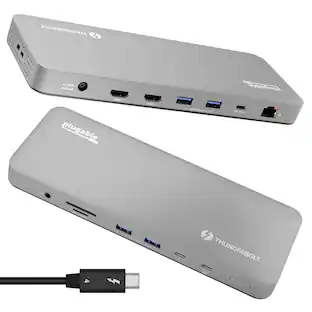
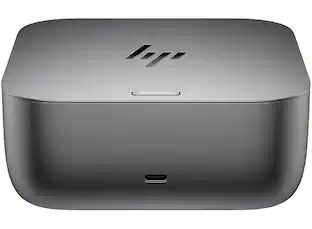
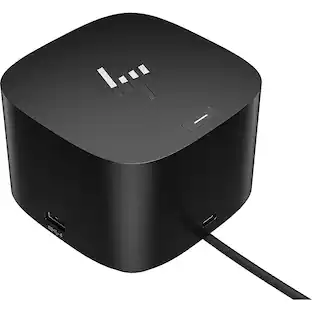
HP - Thunderbolt Dock G4 - 280W Docking Station
Reviews coming soon
About this product
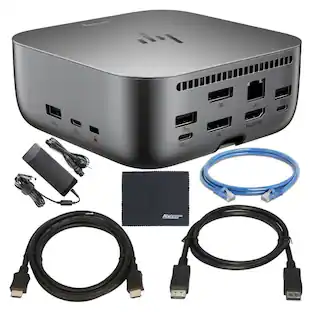
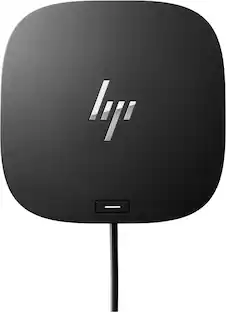
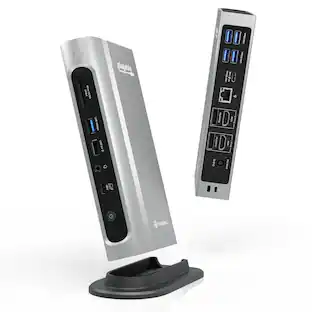
Enhance your HP device with the HP 4J0G4AA USB-C Docking Station. This black docking station features 4 Thunderbolt ports, 3 USB-C ports, 4 USB 3.0 ports, 1 HDMI output, 2 DisplayPort outputs, and 1 RJ-45 Ethernet port. It also supports power delivery pass-through with a maximum of 280W, making it incredibly efficient and convenient for use with HP devices. The compact design and lightweight build make it a versatile and practical accessory for your work or entertainment setup.
Features
DisplayPort
DisplayPort
HDMI
HDMI
Ethernet
Ethernet
Color: Black
Color: Black
Specifications
- Maximum Number of Displays Supported10Number of DisplayPort Outputs (Total)2
Reviews
This product doesn't have any reviews yet.


Compare similar products
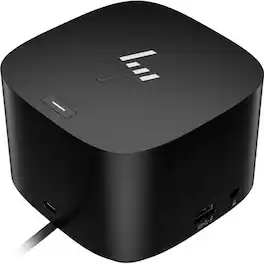
Enhance your HP device with the HP 4J0G4AA USB-C Docking Station. This black docking station features 4 Thunderbolt ports, 3 USB-C ports, 4 USB 3.0 ports, 1 HDMI output, 2 DisplayPort outputs, and 1 RJ-45 Ethernet port. It also supports power delivery pass-through with a maximum of 280W, making it incredibly efficient and convenient for use with HP devices. The compact design and lightweight build make it a versatile and practical accessory for your work or entertainment setup.
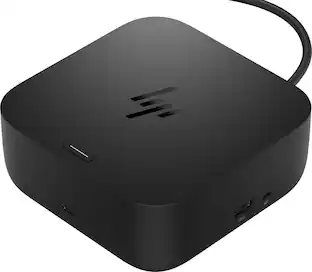
Maximize your productivity and enjoy ample connectivity with the HP Thunderbolt 4 280W Ultra G6 Dock, which supports multiple display configurations including 5K (5120 x 2880) resolution at up to 60 Hz on a single display or up to four simultaneous 4K (3840 x 2160) displays at 60 Hz, delivers up to 280W power delivery to your host device, and enables high-speed bidirectional data transfer via its 40 Gb/s Thunderbolt 4 port—compatible with systems running Windows 11 and 10, macOS, Linux, ThinPro, and ChromeOS. The dock features a front-facing USB-C 3.2 Gen 2 port with 15W power delivery for easy access, a right-side USB-A 3.2 Gen 2 port, a nano security lock slot, and another USB-C 3.2 Gen 2 port with 15W power delivery, two left-side USB-A 3.2 Gen 2 ports, and a rear panel equipped with the bidirectional 40 Gb/s Thunderbolt 4 port, a USB-C 3.2 Gen 2 port with DP Alt Mode and USB power delivery, two USB-A 3.2 Gen 1 ports, an HDMI port, two DisplayPort 1.4 inputs, and a 2.5 GbE RJ45 connector, all powered by an included 330W AC adapter that supports and outputs 12V/5A, 15V/5A, 20V/5A, 5V/3A, and 9V/3A to compatible devices while delivering up to 280W via the Thunderbolt 4 port to both HP and non-HP devices supporting Power Delivery 3.1. Enjoy hands-off manageability from anywhere with cloud management via Poly Lens, which enables automatic firmware updates and easy monitoring of telemetry and analytics to optimize workspaces, while HP Wolf Security—integrating HP Sure Start and Zero Trust Framework—provides complete end-to-end protection against potential threats. Thoughtfully designed for longevity, the dock is durably crafted with replaceable parts to maximize fleet lifecycle, features a built-in power consumption module to monitor energy use, and comes in plastic-free packaging, complemented by an intuitive and compact design with LED lighting and on-screen display for device status updates and rear-facing USB-C cable connectivity to declutter desks. Enhance device management with Intel vPro Active Management Technology, allowing authorized administrators to remotely access notebooks via wired connections even when powered off, and the time-saving Electronic Tag (eTag) asset management tool that lets IT teams track docks by product name, serial number, and MAC Address from anywhere, while compatibility with the myHP application centralizes access to settings for the docking station and other HP devices, unlocking hardware and software innovations through a single dashboard.

Boost your security; productivity; and connectivity with this Thunderbolt 4 dock. It protects your network and devices from the moment you log in; supports multi-OS compatibility; and can support up to four 4K displays. Ideal for ITDMs and hybrid workers; this dock also makes home or office device management easy. The Dock that Protects your Connected Devices. Feel safe and secure from the moment you log in. The HP Thunderbolt G4 Dock with HP Sure Start prevents hackers from using the dock to attack the network and the attached notebook. Everything connected to this dock is protected and meets full NIST 800-193 requirements. The Power To Be Productive. Multitask; create; and collaborate faster with a dock that supports up to four 4K displays through superfast Thunderbolt 4 technology and has double the ethernet speed for faster downloads. This dock also delivers up to 100W of power - enough to charge most notebooks. Expanded Compatibility. Easy Connectivity. Focus on your work and not your compatibility with a dock that works seamlessly with most notebooks and operating systems. Whether you use Windows; Mac; or Chrome OS - rigorous testing and certifications ensure that one USB-C cable connects your device and peripherals without issue. Device Management Made Easy. Manage your mixed fleet more efficiently with wired Intel vPro support that allows authorized administrators to remotely access and manage vPro enabled notebooks using wired connections to make updates. IT Managers can also plan dock firmware updates anytime; even after the user disconnects through a one click installer.

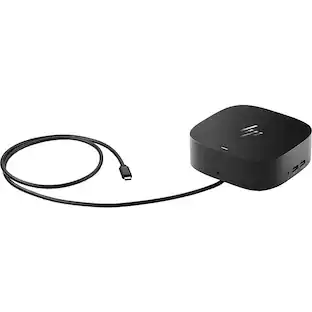
Universal docking for today's laptops. Connect your USB-C-enabled laptop to your displays, accessories, and wired network with the versatile, elegant, and space-saving HP USB-C Dock G5.
| Pros for HP - Thunderbolt Dock G4 - 280W Docking Station | |||
|---|---|---|---|
| There were no pros for this product— | There were no pros for this product— | There were no pros for this product— | Overall Performance, Connectivity, Setup, Design |
| Cons for HP - Thunderbolt Dock G4 - 280W Docking Station | |||
| There were no cons for this product— | There were no cons for this product— | There were no cons for this product— | Port Quantity, Compatibility |
Specs
Be the first to ask a question.
We’ll try to get your question answered within 24 hours by a Best Buy customer or brand representative.
Customers often buy these together
ProtoArc EM11 NL Wireless Ergonomic Vertical Mouse, Bluetooth Rechargeable Mouse, 58° Vertical Design
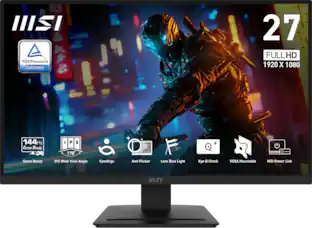
$29.99The price was $45.99MSI PRO MP273L E14 27" IPS LCD FHD 144Hz 1ms Free Sync Monitor, HDR Ready (HDMI,VGA port )
$122.99The price was $129.99



More to consider
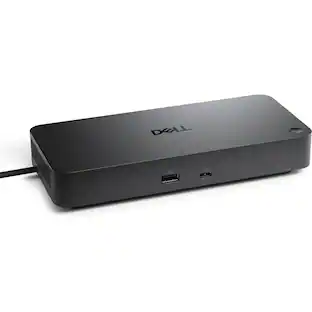
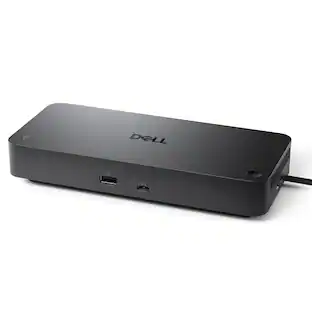
Dell SD25TB4 Pro 13-in-1 Quad Display Thunderbolt 4 Smart Docking Station
$224.99The price was $333.99
Explore tech essentials Sponsored
Keep exploring
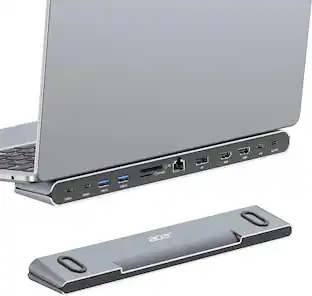
Acer USB C Docking Station With 2 HDMI, 9-IN-1 Docking Hub with USB A&C 3.0, SD/Micro SD, 100W Charging
$42.99The price was $47.99ACEMAGIC 8-in-1 USB C Hub Multiport Adapter Type C Docking Station Adaptor USB Hub
$8.99The price was $9.99Acer Docking Station, 12-in-1 USB C Docking Station 3 Monitor with 2HDMI+DP
$99.99The price was $199.99