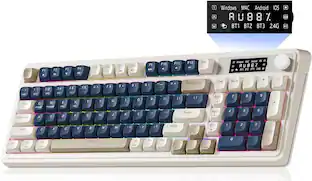
iBUYPOWER - MK9 RGB Mechanical Gaming Keyboard and Mouse Combo - Tactile Brown Switches - White
Reviews coming soon
About this product
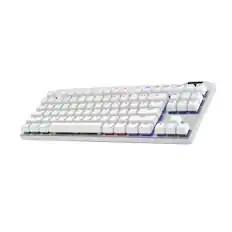
Lead the leaderboards on the new iBUYPOWER MK9 RGB Mechanical Gaming Keyboard, now in a smaller form factor while empowering the essentials with a clean white colorway. Boasting tactile brown keyboard switches for powerful typing feedback and a detachable USB-Cable for personalized customization, achieve a new keyboard experience.
Color
WhiteCompact Mechanical Keyboard
Save previous desk space while keeping the essentials with a compact 99-key iBUYPOWER MK9 mechanical keyboard.
Per-key aRGB Lighting
Freely adjust your keyboard's custom RGB lighting thanks to HYTE Nexus software.
Tactile Brown Keyboard Switches
Discover the best combination of typing feedback with tactile brown keyboard switches.
Detachable USB-C Cable
Customize your desktop keyboard experience with the included detachable USB-C cable.
- Lighting TypeRGBForm FactorFull-sizeKeyboard TechnologyMembraneConnection TypeWired
Reviews
This product doesn't have any reviews yet.





Compare similar products
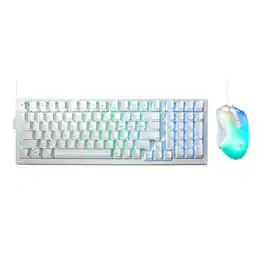
Lead the leaderboards on the new iBUYPOWER MK9 RGB Mechanical Gaming Keyboard, now in a smaller form factor while empowering the essentials with a clean white colorway. Boasting tactile brown keyboard switches for powerful typing feedback and a detachable USB-Cable for personalized customization, achieve a new keyboard experience.
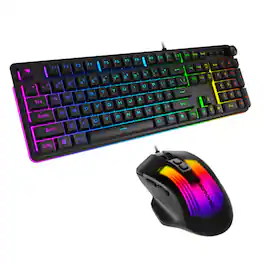
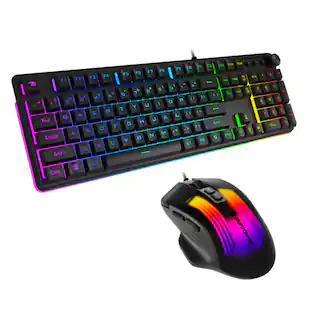
Showcase your gaming PC setup on the new iBUYPOWER Black KM10 Keyboard and Mouse, adding accessibility and RGB while still empowering the essentials. iBUYPOWER's new 2026 peripherals feature 104 different keyboard buttons/keys, a new keyboard volume wheel, and new 3D RGB lighting on the KM10 mouse to enable better gameplay experiences.
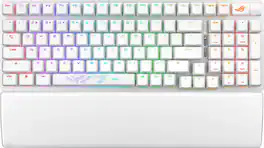
ROG Strix Scope II 96 Wireless gaming keyboard with tri-mode connection, streamer hotkeys, multifunction controls, hot-swappable pre-lubed ROG NX Snow & Storm mechanical switches, ROG keyboard stabilizers, PBT doubleshot keycaps and silicone dampening foam, three tilt angles, and wrist rest.

Introducing iBUYPOWER's new generation gaming peripherals, the Chimera KM7 RGB Gaming Keyboard and Mouse Bundle. The Chimera KM7 Gaming Keyboard is a 104 key membrane switch gaming keyboard with 24 RGB lighting zones. While the Chimera KM7 mouse is a palm grip ambidextrous wired mouse with an RGB diffuser. The HYTE Nexus software can be used for adjusting the perforamcne and 24 RGB lighting zone of the mouse and keyboard.
| Pros for iBUYPOWER - MK9 RGB Mechanical Gaming Keyboard and Mouse Combo - Tactile Brown Switches - White | |||
|---|---|---|---|
| There were no pros for this product— | There were no pros for this product— | Build Quality, Size, Noise Level, Feel, Battery Life | Product Quality, RGB Lighting |
| Cons for iBUYPOWER - MK9 RGB Mechanical Gaming Keyboard and Mouse Combo - Tactile Brown Switches - White | |||
| There were no cons for this product— | There were no cons for this product— | Backlighting, Software Performance | There were no cons for this product— |
Specs
Be the first to ask a question.
We’ll try to get your question answered within 24 hours by a Best Buy customer or brand representative.
Customers often buy these together
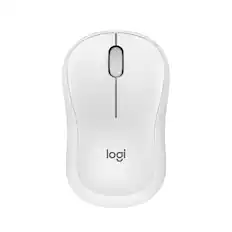
Logitech - M240 Silent Bluetooth Wireless Optical Ambidextrous Mouse - Wireless - Off-White
$18.99The price was $22.99
![Esc 1 ! F1 2 @ F2 3 # F3 4 $ F4 5 % F5 6 ^ F6 7 & F7 8 * F8 9 ( F9 0 ) F10 - F11 = F12 Del Tab Q W E R T Y U I O P [ ] \ CapsLk A S D F G H J K L ; ' Shift Z X C V B N M , . / Shift P9 Dn Ctrl Win Alt Fn PNT Ct VI VIE](https://pisces.bbystatic.com/image2/BestBuy_US/images/products/962168df-b88d-4432-869f-adce46d6e8c7.jpg;maxHeight=232;maxWidth=233?format=webp)






Customers ultimately bought
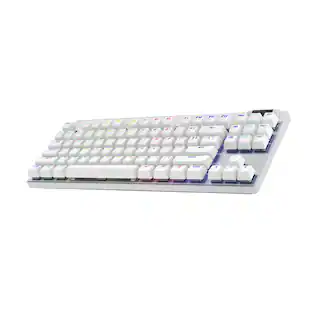 $162.99The price was $219.99
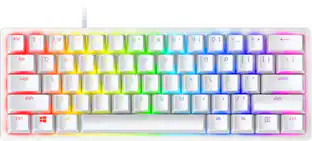 $69.00The price was $119.99

Explore tech essentials Sponsored
 $179.99The price was $249.99

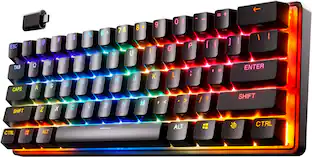

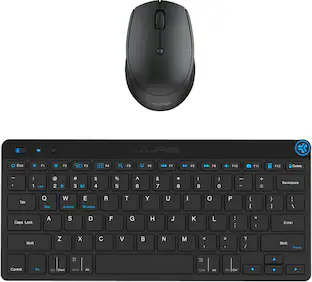
Keep exploring
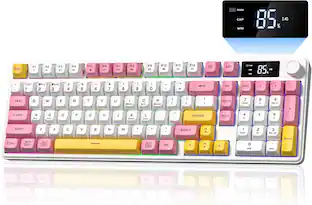 $37.99The price was $58.99
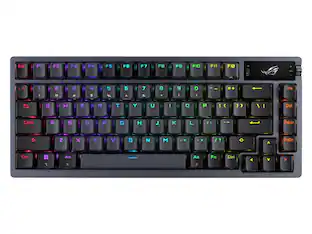 $228.99The price was $283.49
 $143.99The price was $144.99
 $49.99The price was $69.99