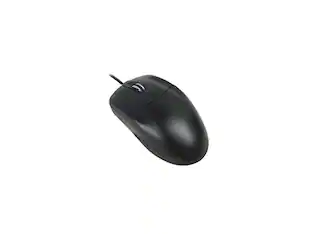
Incipio - Microsoft Basic Optical Mouse - USB/PS2 - 800 dpi - 3 Buttons - Wired - Black
Reviews coming soon
About this product
Microsoft Basic Optical Mouse - Optical - Cable - Black - USB, PS/2 - 800 dpi - Scroll Wheel - 3 Button(s) - Symmetrical - 1
Features
Common Connection Interfaces
USB, PS/2
Optical
Cable
Black
800 dpi
Specifications
- Connection TypeWired
Reviews
This product doesn't have any reviews yet.





Compare similar products
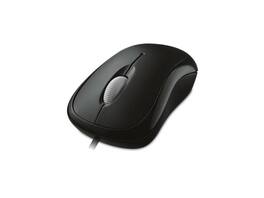
Microsoft Basic Optical Mouse - Optical - Cable - Black - USB, PS/2 - 800 dpi - Scroll Wheel - 3 Button(s) - Symmetrical - 1
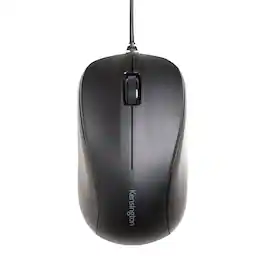
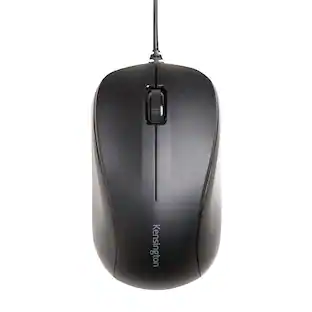
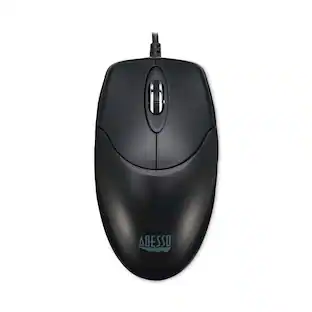
Roam the web faster with this wired USB Kensington mouse. The special button plus scroll wheel acts as three controls for greater efficiency, and its silent-click feature minimizes disturbance. The contoured ergonomic shape of this Kensington mouse makes it comfortable for both left- and right-handed users, adding to its flexibility.
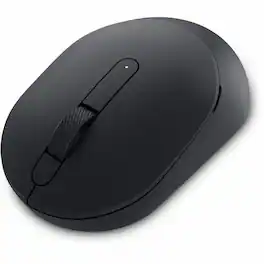
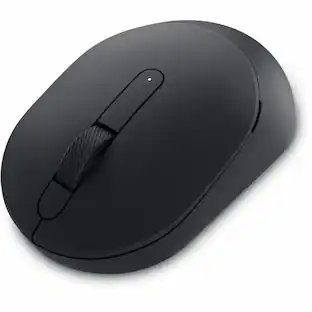
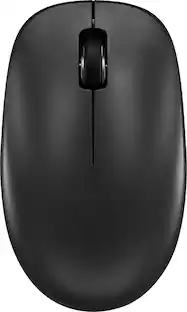
Dell Silent Mouse - MS355 - Optical - Wireless - Bluetooth/Radio Frequency - 2.40 GHz - Black - USB - 4020 dpi - Scroll Wheel - 3 Button(s) - Symmetrical - 3 Year Battery Run Time Box
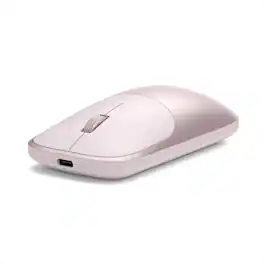
The Satechi Slim EX Wireless Mouse is designed for modern professionals who move seamlessly between devices and workspaces. Featuring dual Bluetooth channels and a 2.4GHz USB-C receiver, it allows instant switching across MacBook, desktops, laptops, and tablets, with no re-pairing required. Quiet click switches and a precision-machined scroll wheel deliver smooth, focused control, while its anodized aluminum construction adds durability and refined style. USB-C rechargeable with a removable battery, Slim EX Wireless Mouse combines long-lasting performance with thoughtful, future-ready design - the perfect companion for a clean, connected workflow.
Specs
Be the first to ask a question.
We’ll try to get your question answered within 24 hours by a Best Buy customer or brand representative.
Customers often buy these together
Computer Keyboards

![esc ~ ! 1 tab caps lock shift ctrl F2 Fl # 2 3 Q W A S Z start opt L F3 $ 4 E D X alt cmd3 ) FS F4 A % 5 6 R T F G V C logi 44 HI & F9 FID FB F7 F6 * ) - - & 0 8 9 7 O P U I Y K L H J > < N M 1 B PM + = { [ : I ; ? I alt cmd D 2 4 300 3 1 F12 . * page I insert home up clear backspace 8 9 + 7 page A pg up end down home } I delete ] / 6 4 5 4 enter 2 3 enter 1 dn Pg end shift = 0 del ins etrl fn opt](https://pisces.bbystatic.com/image2/BestBuy_US/images/products/6539/6539505_sd.jpg;maxHeight=232;maxWidth=233?format=webp)
![Esc F1 F2 F3 F4 F5 F6 F7 F8 F9 F10 F11 F12 Print Screen Scroll Lock Pause Break 1 2 3 4 5 6 7 8 9 0 - + = Backspace Insert Home H Page Up A Num Look 1 I Tab Q W E R T Y U I o P { [ } ] I I Delete End IN Page Down 7 Home 8 9 Pg Up Caps A Lock A S D F G H J K L ; : DE g Enter 4 5 6 Shift Z X C V N M < > ? I Shift 1 End 2 3 Pp Dn Enter Ctrl Alt Alt Ctrl 0 Ins Del](https://pisces.bbystatic.com/image2/BestBuy_US/images/products/a588d446-5678-40ae-86b8-1f15e0026e66.jpg;maxHeight=232;maxWidth=233?format=webp)






Mouse Pads



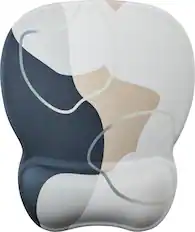


More to consider
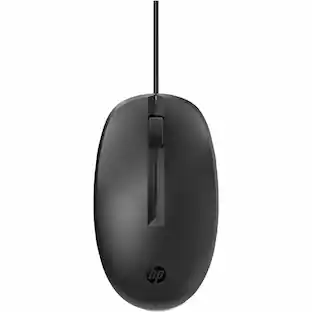 $25.01The price was $28.43



Explore tech essentials Sponsored
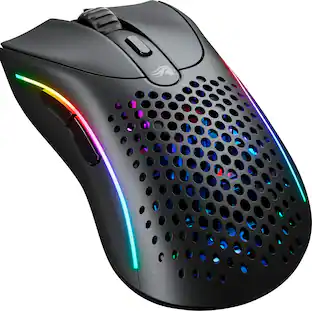 $69.99The price was $99.99




Keep exploring
 $139.95The price was $187.95