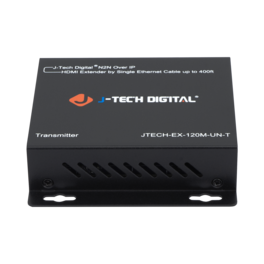
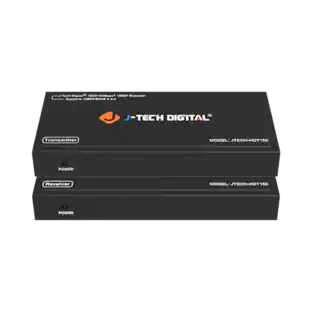
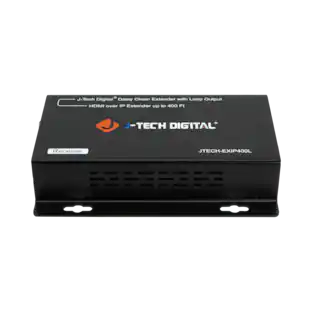
J-Tech Digital - 1080P 60Hz HDMI Extender Balun Over Ethernet For AV Over IP System - 400ft. (Transmitter) - Black
Reviews coming soon
About this product
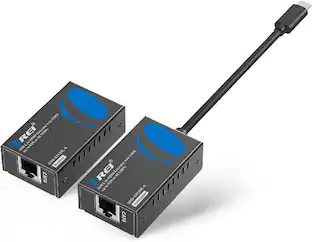
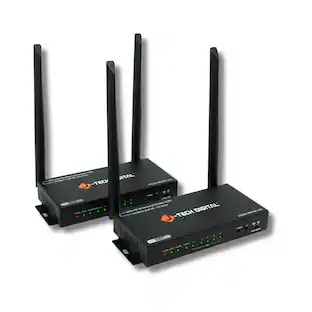
J-Tech Digital ProAV Unlimited HDMI by Single Ethernet Cable up to 400ft is most advanced TCP/IP HDMI extender matrix on the market. It is a flexible and powerful alternative and combination of HDMI extender and HDMI matrix. Three Working Modes Three modes includes point-to-point, point-to-many & many-to-many. For point-to-point mode, HDMI signal can be extended up to 120m (394ft) over a single Cat5E/6 cable. Any-to-Any Broadcasting Extend your HDMI signal from any source to any receiver can never be too easy. By configuring J-Tech Digital customised gigabit network switch (JTECH-EX-120M-UN-S), you can stream your HDMI signal to one receiver or many receivers; also, receiver can pick the signal from any of the transmitters. The network switch can be cascaded to form a many-layer network to support a large HDMI extender system. Standard TCP/IP Protocol HDMI signal is repacked into IP packets. Each receiver and transmitter has a unique IP address which you can manually set by logging into their web GUIs.
Please Note
This is a transmitter only that is designed to work with JTECH-EX-120M-UN-R (JTD-792) receiver
Various Setup Configurations
HDMI extender supporting One-to-One, One-to-Many, and Many-to-Many broadcasting. Extends 1080P HDMI signal up to 120m (394ft) over a single Cat5e/6 cable
Virtual N2N Setup
Can be cascaded for many layers by adding Ethernet switches
Flexible Control
Each receiver and transmitter has a unique IP address which you can manually set by logging into their web GUIs
Ensure Maximum Compatibility
Optimized to work with J-Tech Digital 24 / 48 Port Non-PoE AV Over IP Network Switches
- BrandJ-Tech DigitalModel NumberJTECH-EX-120M-UN-TProduct NameJ-Tech Digital 1080P 60Hz HDMI Extender Balun Over Ethernet For AV Over IP System - 400ft. (Transmitter)ColorBlackMaximum Video Resolution1080pMaximum Supported Resolution (Video Passthrough)1080p (Full HD) @ 60 Hz
Reviews
This product doesn't have any reviews yet.


Compare similar products
J-Tech Digital ProAV Unlimited HDMI by Single Ethernet Cable up to 400ft is most advanced TCP/IP HDMI extender matrix on the market. It is a flexible and powerful alternative and combination of HDMI extender and HDMI matrix. Three Working Modes Three modes includes point-to-point, point-to-many & many-to-many. For point-to-point mode, HDMI signal can be extended up to 120m (394ft) over a single Cat5E/6 cable. Any-to-Any Broadcasting Extend your HDMI signal from any source to any receiver can never be too easy. By configuring J-Tech Digital customised gigabit network switch (JTECH-EX-120M-UN-S), you can stream your HDMI signal to one receiver or many receivers; also, receiver can pick the signal from any of the transmitters. The network switch can be cascaded to form a many-layer network to support a large HDMI extender system. Standard TCP/IP Protocol HDMI signal is repacked into IP packets. Each receiver and transmitter has a unique IP address which you can manually set by logging into their web GUIs.

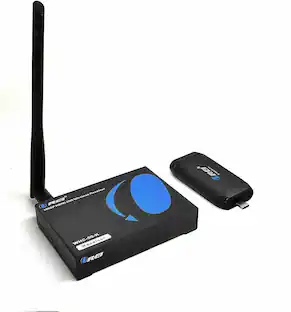
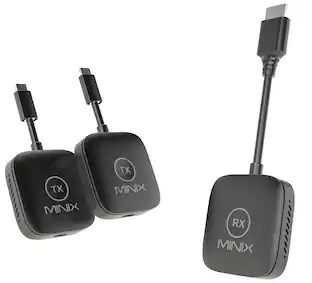
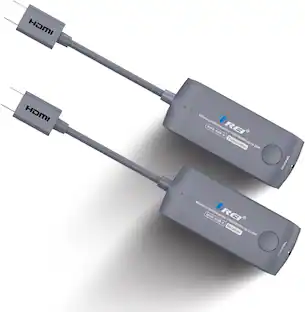
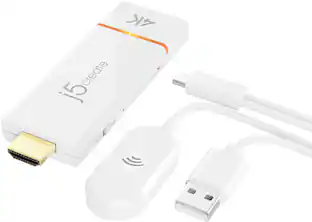
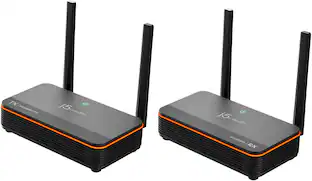
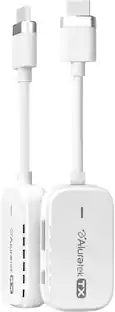
This WHD-66M-K is a 1080P Full HD HDMI wireless extender, including a transmitter and a receiver. Adopting ipcolor STREAM technology can realize high definition and low-latency transmission. Based on the 5G wireless frequency band, with stable anti-interference and safety performance. It supports 1-to-1 wireless transmission, and the transmission distance can reach 20 meters, effectively solving problems caused by complicated wiring. It's an ideal wireless video transmission solution for video conferences, home entertainment, multimedia education, etc
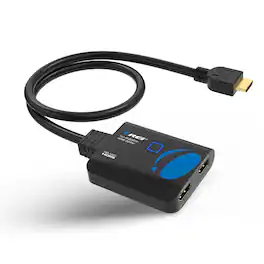
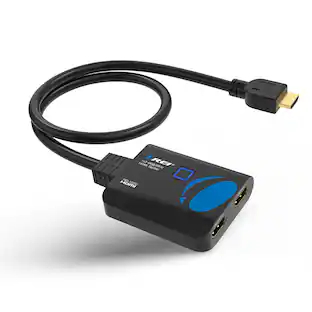
The HD-102C 1x2 HDMI splitter is a perfect solution for mirroring any media signal to two displays simultaneously. It supports video resolutions up to 4K@30Hz and is HDMI 1.4 and HDCP 1.4 compliant. It comes with an HDMI male connector for connecting to your input source. It also features 10.2Gbps video bandwidth with 12-bit deep colour support per channel. The device also allows for CEC control allowing you to turn on/off all devices by using the source remote. It supports uncompressed LPCM audio and compressed DTS and Dolby Digital formats. The device is made with durable ABS plastic body and is very compact and lightweight making it perfect for any home or commercial setups.

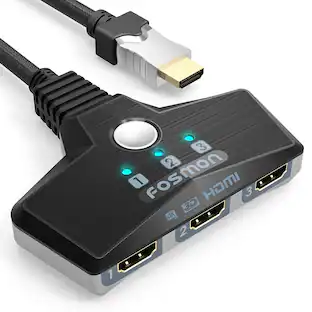
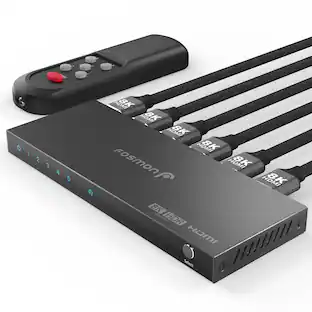
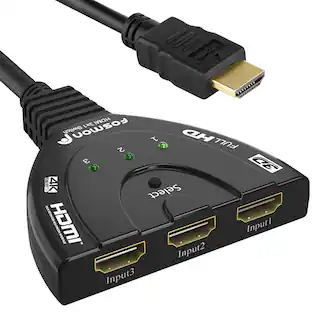
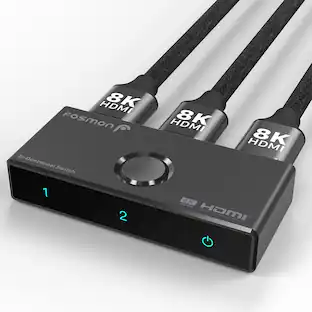
Connect up to 3 HDMI Devices Fosmon's 3x1 HDMI switch makes a single HDMI port into three, allowing you to use three HDMI devices from one HDMI port. Make your gaming and viewing experience a smoother adventure. No more worrying about not having enough HDMI ports. Powered from Connected Devices No power adapter is necessary to make this switch work, as long as the connected devices supply sufficient power. HDMI cables have the capability to deliver power from connected sources. 4K Support and HDMI Features Up to 4K resolutions at 30fps, 36-bit Deep Color, 3D, and uncompressed/compressed audio formats are some of the newer HDMI features supported on this switch. Metallic Alloy Plug The metallic alloy plug on the cable resists corrosion and reduces tarnish. Limited Lifetime Warranty This Fosmon product includes a limited lifetime warranty. Please visit our website for more details. Features and Specifications 3 HDMI inputs / 1 HDMI output Supports 12-bit Deep color per channel; maximum of 36-bits across all channels Supports 3D devices Supports up to 4K resolutions Supports HDCP pass-through Supports a total TMDS throughput of 8.91Gbps max Supports uncompressed audio such as LPCM Supports compressed audio such as DTS Digital, Dolby Digital, DTS-HS and Dolby TrueHD IMPORTANT COMPATIBILITY NOTE The auto-switching feature relies on connected devices fully powering down. Because streaming devices (such as Roku, Amazon Fire TV Stick, Apple TV, and Google Chromecast) stay in a constant "Always-On" or low-power standby mode, the switch will not automatically swap away from them. To switch between these devices, please use the manual toggle button on the unit. Do not repeatedly unplug HDMI cables to force a switch, as this can permanently damage the internal circuit board. May be incompatible with devices requiring HDCP 2.2 (such as the Amazon Fire Box). For 4K@30Hz and 1080p@60Hz resolutions, your HDMI cables must be 10 meters (32 feet) or less or you will experience potential issues.
| Pros for J-Tech Digital - 1080P 60Hz HDMI Extender Balun Over Ethernet For AV Over IP System - 400ft. (Transmitter) - Black | |||
|---|---|---|---|
| There were no pros for this product— | There were no pros for this product— | There were no pros for this product— | Connectivity |
Specs
Be the first to ask a question.
We’ll try to get your question answered within 24 hours by a Best Buy customer or brand representative.
More to consider
 $99.00The price was $159.99
Elevate your entertainment Sponsored
Discover related products
 $109.99The price was $159.97
 $15.99The price was $19.99


Keep exploring
- $99.00The price was $159.99