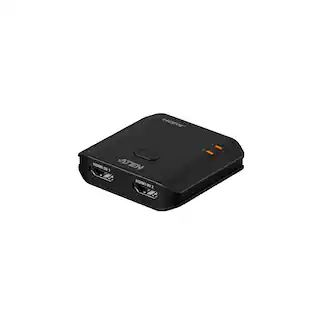
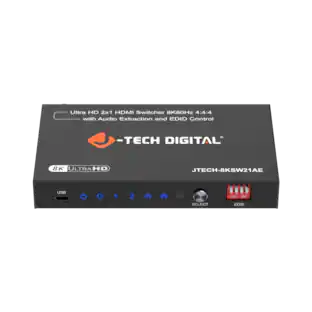
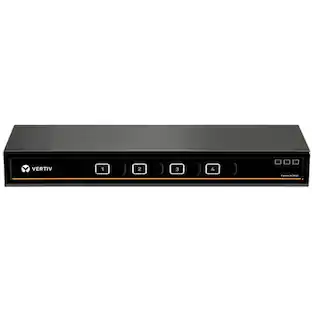
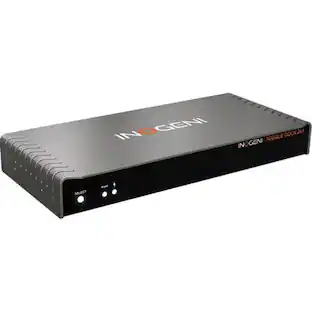
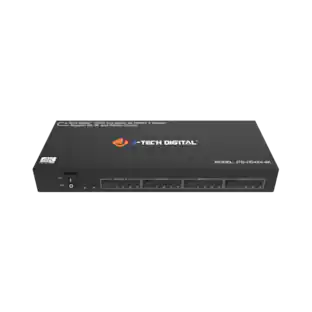
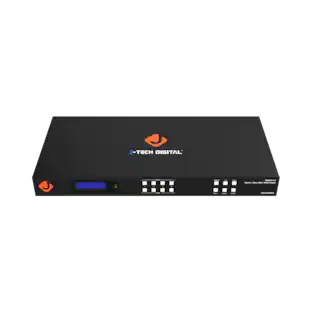
J-Tech Digital - 8K 60Hz 2x1 Display Port KVM Switcher - Silver
Reviews coming soon
About this product
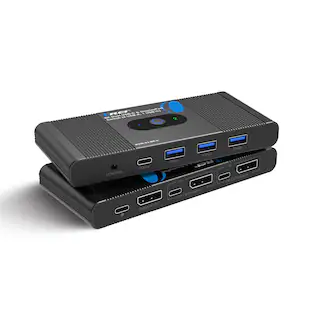
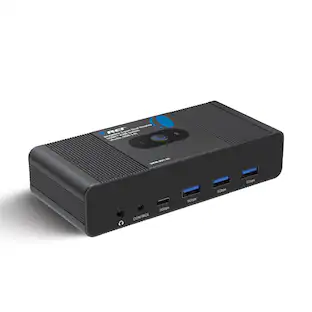
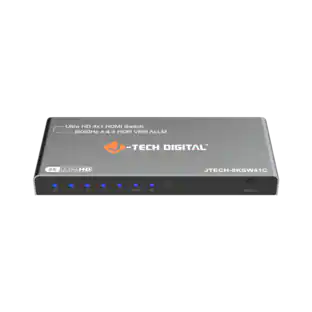
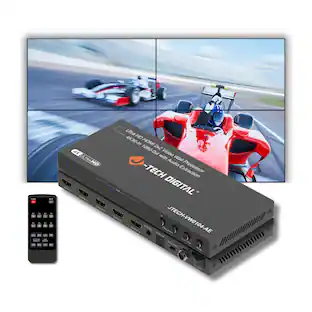
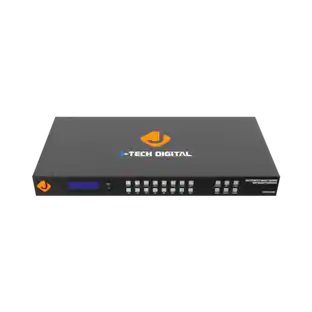
The J-Tech Digital JTECH-DKM21-8K DisplayPort 1.4 KVM Switch allows you to control two computers using one monitor, keyboard and mouse for a clean and efficient workspace. Designed for high performance setups, this 8K KVM switch supports resolutions up to 8K@60Hz and 4K@240Hz with ultra-high 32.4Gbps bandwidth, delivering sharp visuals, smooth performance and lag free transmission for gaming, creative work and professional multitasking. Equipped with four USB 3.0 ports including USB-A and USB-C, it enables fast sharing of peripherals such as keyboards, mice, printers and external storage devices between two systems. With simple button or wired remote switching, the J-Tech Digital JTECH-DKM21-8K provides a reliable DisplayPort KVM solution ideal for dual PC gaming stations, home offices and advanced workstation environments.
8K DisplayPort 1.4 KVM Switch 2 Computers 1 Monitor
Control two PCs or laptops using one monitor keyboard and mouse. Supports ultra high resolution up to 8K@60Hz and 4K@240Hz for gaming setups, home office workstations and professional multitasking environments
High Bandwidth DP 1.4 KVM Switch with Stable Transmission
Supports up to 32.4Gbps bandwidth, 12bit deep color and HDR visual output for sharp images and lag free performance ideal for gaming, video editing and graphic design workflows
USB 3.0 KVM Switch with 4 High Speed USB Ports
Features 3 USB A and 1 USB C ports supporting up to 5Gbps data transfer to share keyboard, mouse, printer, USB drive, webcam and external storage between two computers
Dual Computer DisplayPort and USB C KVM Solution
Designed for DP enabled desktops and USB C compatible laptops. Easily switch between work PC and gaming PC while sharing display and USB peripherals without reconnecting cables
Instant Switching via Button or Wired Remote Control
Quickly toggle between systems using front panel switch or wired controller. Ideal DisplayPort KVM switch for dual PC setup, remote work, streaming, programming and multi system desks
- BrandJ-Tech DigitalModel NumberJTECH-DKM21-8KProduct NameJ-Tech Digital 8K 60Hz 2x1 Display Port KVM SwitcherColorSilverSelector Switch Box TypeKVM SwitchIndicator LightsYes
Reviews
This product doesn't have any reviews yet.

Compare similar products
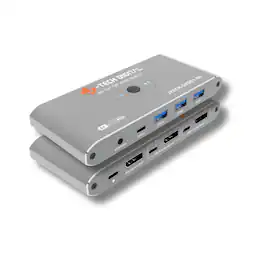
The J-Tech Digital JTECH-DKM21-8K DisplayPort 1.4 KVM Switch allows you to control two computers using one monitor, keyboard and mouse for a clean and efficient workspace. Designed for high performance setups, this 8K KVM switch supports resolutions up to 8K@60Hz and 4K@240Hz with ultra-high 32.4Gbps bandwidth, delivering sharp visuals, smooth performance and lag free transmission for gaming, creative work and professional multitasking. Equipped with four USB 3.0 ports including USB-A and USB-C, it enables fast sharing of peripherals such as keyboards, mice, printers and external storage devices between two systems. With simple button or wired remote switching, the J-Tech Digital JTECH-DKM21-8K provides a reliable DisplayPort KVM solution ideal for dual PC gaming stations, home offices and advanced workstation environments.
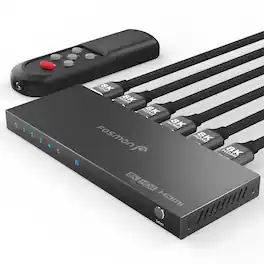
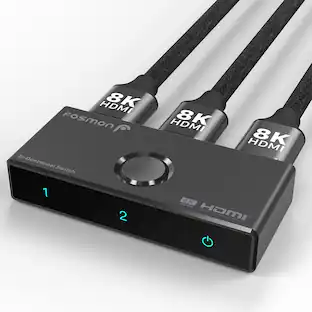
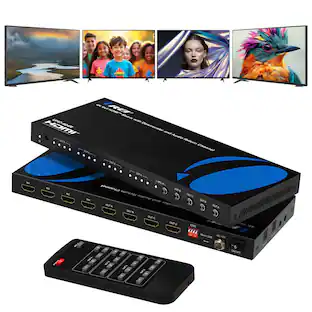
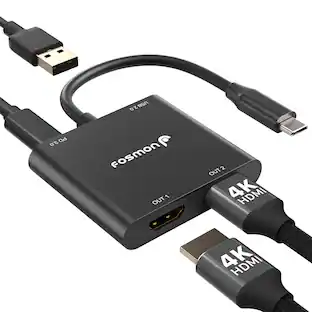
8K HDMI 2.1 Switch 5 In 1 Out Introducing our Fosmon HDMI 8K 5 in 1 out switch. Effortlessly switch with a simple press of a button on the switcher or the IR remote and control between 5 HDMI video sources on 1 HD display, reducing cable hassle and extending gear lifespan. Experience no delays or signal loss, thanks to the 48Gbps data transmission (Note: Requires HDMI 2.1 cable for 8K@60Hz resolution.) It is recommended to use 6.5ft or less HDMI cables for 8K resolutions, and 13ft or less HDMI cables for 4K resolutions. Plug & Play with One Key Switch Enjoy seamless work, gaming, video streaming and audio between five HDMI sources with one-button switching. The included USB-C charging cable ensures stable and quick transmissions. Use a 5V USB power adapter (not included) with the USB-C cable for best results. Keep your HDMI cables connected to the switch less than 2 meters each for optimal 8K resolution. Ultra-Fast and Stable Data Transmission Our 8K HDMI switch 2x1 delivers breathtaking visuals. Supports 8K@60Hz, 4K@120Hz, 1080P@240Hz with a 48Gbps transfer rate for a sharper, more realistic picture and enhanced gaming experience. Backwards compatible with all previous HDMI standards. Maximize your experience with seamless compatibility and enjoy the pinnacle of video and audio luxury. Ultimate 8K Gaming Elevate your entertainment with stunning 8K ultra-high-definition quality. Supports VRR, ALLM, QFT, QMS, Dynamic HDR Chroma 4:2:0/4:2:2/4:4:4, Dolby Vision, HDR10+ and HDCP 2.3 ensures seamless compatibility with various devices and latest consoles, enhancing your viewing and gaming experience with lifelike visuals and clarity. Sleek & Durable Design, Board Compatibility This HDMI switcher works seamlessly with devices featuring HDMI 2.1 ports or lower. Inputs: computers, XBox 360, XBox One, PS5/PS4/PS3, Xbox One Series X/S, Nintendo Switch, Apple TV, Fire Stick, Roku, Blu-Ray player and so on. Outputs: FHD TVs, monitors and projectors. The premium aluminum alloy housing guarantees durability, signal stability, heat dissipation and smudge resistance. Specifications • Input Ports HDMI x5 • Output Ports HDMI x1 • Video Amplifier 12Gbps/1200MHz per channel • Bandwidth (48Gbps all channels) • Interlaced (50&60Hz) 480i, 576i, 1080i • Progressive (50&60Hz) 480p, 576p, 720p, 1080p, 2K@144Hz, 4K@24/30/50/60/120Hz • 8K@24/30/50/60Hz • HDCP 2.3 • Power Consumption 5W (Max) • Dimensions (LxWxH) 160.3mm x 61.5mm x 14.5mm • Weight 200g Package Includes • 1x 5x1 HDMI Switch • 1x USB Type-C Power Cable (power supply/brick not included) • 1x IR Remote Control • 2x AAA Battery • 1x User Manual NOTE: Keep your input and output HDMI cables connected to the switch less than 6.5ft / 2m each for optimal 8K resolution, and less than 13ft / 4m each for optimal 4K resolution.

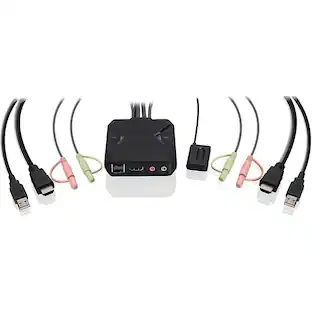
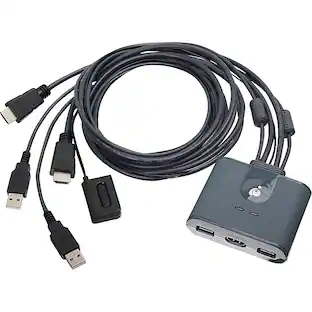
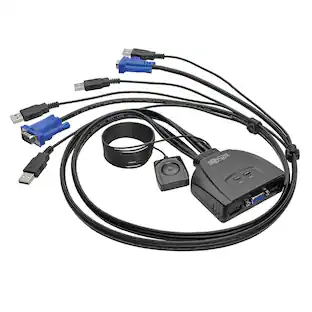
The 2-Port Full HD KVM Switch is plug-and-play. And all the cables you need are included. The KVM shows which computer you are using with a light on the unit (either PC1 or PC2). Toggling between two HDMI computers is as easy as clicking the remote port selector button allowing the user to multitask with two computers. Place the 6 ft remote port cable behind your computer set-up so the selector button can be placed on your desk for easy reach.

One of the most compact KVMs IOGEAR has to offer, the 2-Port 4K KVM Switch with HDMI Connection, USB and Audio is for users with two computers using one monitor, keyboard and mouse. It is perfect for a home office or small to medium-sized business that need to conserve workspace and streamline desktop setups. The 2-Port 4K KVM Switch is plug-and-play. And all the cables you need are included. Easily switch between two computers with a touch of the remote button on your desktop. The KVM shows which computer you are using with a light on the unit. Additionally, the KVM was designed with a hook design for a space-saving and organized workstation.
| Pros for J-Tech Digital - 8K 60Hz 2x1 Display Port KVM Switcher - Silver | |||
|---|---|---|---|
| There were no pros for this product— | There were no pros for this product— | There were no pros for this product— | Ease of use |
Specs
Customers often buy these together
 $114.99The price was $129.99