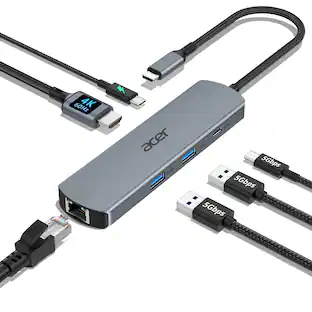
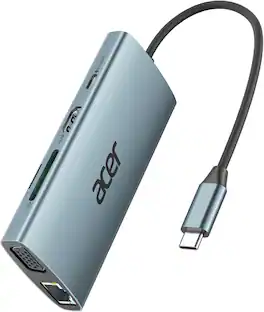
j5create - 4K60 Elite USB-C Triple-Monitor 10Gbps Mini Dock - Space Gray
Customers are saying
Customers are positive about the overall performance, ease of use, and the USB-C connectivity of the 4K60 Elite USB-C Triple-Monitor Mini Dock. Many find the size convenient and appreciate the monitor support it offers. However, customers have expressed concerns regarding the device's heat generation, compatibility issues, and insufficient power delivery. Some also feel the price is high and the cable length could be longer.
11-in-1 Functions
All the connections you need for maximum productivity.
E-Mark chip
Advanced USB-C E-Mark chip integrates USB4, Thunderbolt 3 and Thunderbolt 4 compatibility.
4K HDMI output
2-port HDMI and DisplayPort support a maximum display resolution of 4K60Hz when using only a single port. When using 3 ports at the same time, it supports up to 4K30Hz.
Triple 4K display support
Create a dual or triple 4K workstation with two HDMI and a DisplayPort output on compatible USB-C laptops with DisplayPort 1.4 and Multi-Stream Transport (MST).
Connect a high-refresh gaming monitor
Supports 144 Hz at 1440p QHD resolution via HDMI or 1920 x 1080 @ 240 via DP Port for a smooth gaming experience with sharp images.
Three SuperSpeed USB 10Gbps data transfer ports
1 USB-C and 2 USB Type-A for peripheral connectivity or charging.
SD & microSD 4.0 memory card
Allows for external memory access up to 2TB and UHS-II supports up to 312MB / s speeds.
High-speed ethernet port
Easily add a wired network connectivity with the Gigabit Ethernet port.
Quick setup
Use the device immediately - no driver installation required.
* Only Windows is compatible with multiple displays. On macOS, the extended monitor will have the same screen. * The number of expanded displays and resolution will vary depending on the GPU performance of the PC.
- Maximum Number of Displays Supported3Maximum Supported Resolution4K (2160p), Full HD (1080p)Number of DisplayPort Outputs (Total)1Passthrough PowerYes
Reviews
Rating 4.1 out of 5 stars with 280 reviews
- Overall Performance (34)
- Ease of use (32)
- USB-C (18)
- Connectivity (12)
- Size (12)
- Heat (27)
- Compatibility (12)
- Power Delivery (11)
- Price (5)
- Cable Length (3)
Customer Images
The vast majority of our reviews come from verified purchases. Reviews from customers may include My Best Buy members, employees, and Tech Insider Network members (as tagged). Select reviewers may receive discounted products, promotional considerations or entries into drawings for honest, helpful reviews.
Compare similar products

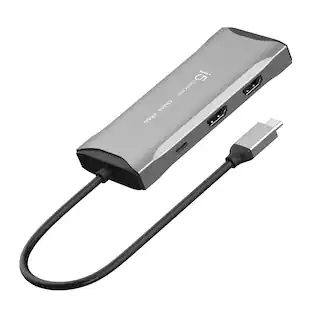
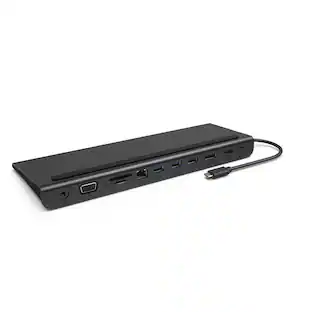
Equipped with an advanced USB-C E-Mark chip, this multi-monitor mini dock is compatible with USB4 hosts and devices, featuring everything you need, from triple video outputs to 10Gbps USB ports, as well as 100W Power Delivery pass-through charging. This USB-C mini dock supports DisplayPort 1.4 and Multi-Stream Transport (MST), giving you the ability to create a dual or triple 4K workstation with two HDMI and a DisplayPort output. It provides three USB SuperSpeed 10 Gbps ports (2 USB-C and 1 USB Type-A) for peripheral connectivity or downstream charging, an SD & microSD 4.0 memory card reader/writer to manage your media files, and a Gigabit Ethernet port to access a wired network. It also supports Power Delivery 3.0, providing up to 100W pass-through charging to power the connected peripherals and charge your host laptop with a USB-C power adapter.
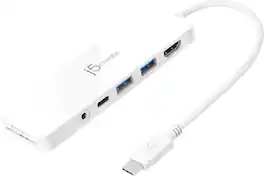
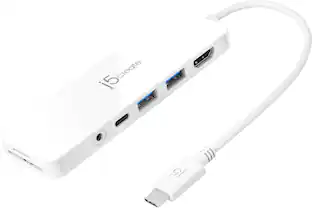
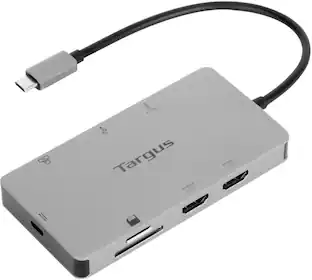
Our USB-C Multi-Port Hub with Power Delivery provides extra connectivity for your computer. This pocket-sized multi-adapter with 2 USB 3.1 Type-A ports allow you to connect an external keyboard, mouse, or USB flash drive. With high-speed transmission up to 5 Gbps, data transfer is quick and easy. The HDMI port allows you to mirror or extend your screen and directly output 4K UHD @ 30 Hz or Full HD 1080p video to an HDTV, monitor, or projector. Equipped with a USB-C Power Delivery 3.0 charging port. It offers charging up to 60W when connected to a USB-C power adapter. The hub also provides direct access to your SD & microSD memory cards. The audio/mic combo jack allows you to connect your headphone set or speakers.
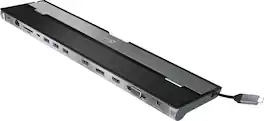
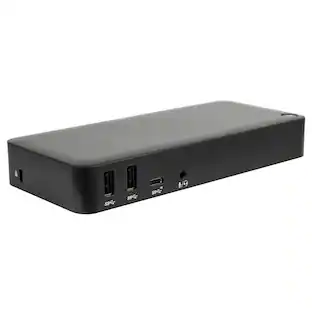
This triple display docking station turns your Mac or Windows laptop into a full workstation with a DisplayPort output, two HDMI outputs, and a VGA output, with resolution support up to 4K (3840 x 2160) on two displays and 1080p on the other one. You can also use your laptop screen for four displays in total, making it easy to access multiple applications at once. With 100W Power Delivery, three USB 3.0 ports, and a USB-C port, this docking station is perfect for your MacBook, Dell XPS, or other USB-C laptop requiring additional ports. This USB 3.0 docking station is also equipped with a RJ45 Gigabit Ethernet port, memory card reader/writer, and combo audio jack for maximum productivity. The elevated design assists with heat dissipation and, with its double-sided cable storage compartment, ensures an easy connection regardless of your USB-C port’s location. All 13 ports are combined into one slim docking station, so you’ll have all the connections you need to stay productive!

This compact multi-port dock is ideal for office application, featuring everything from the essential two HDMI outputs, USB ports, Gigabit Ethernet, SD/microSD card reader, Audio Jack and an upgraded Power Delivery 3.1 specification. It comes with a mount for saving-space vertical placement and gives you the ability to connect your MacBook or other USB-C compatible laptops to a 4K monitor or TV. With USB Power Delivery 3.1 it’ll take you to a new flexible power application, you'll be able to charge your laptop and power your peripherals with a single USB-C power adapter even if your laptop only has one USB-C port. The top of the dock functions as a wireless charging pad that supports up to 15W fast charging. Access a wired network through the Gigabit Ethernet port for a fast and stable network connection. It is also equipped with a cable storage compartment which ensures an easy connection regardless of your USB-C port’s location. Power Adapter to support Wireless Charging Sold Separately.
| Pros for j5create - 4K60 Elite USB-C Triple-Monitor 10Gbps Mini Dock - Space Gray | |||
|---|---|---|---|
| Overall Performance, Ease of use, USB-C, Connectivity, Size | Overall Performance, Ease of use, Connectivity, Ports, USB-C | Ease of use, USB-C, Overall Performance, Ports, Connectivity | Ease of use, Overall Performance, Ports, Wireless Charging, HDMI |
| Cons for j5create - 4K60 Elite USB-C Triple-Monitor 10Gbps Mini Dock - Space Gray | |||
| Heat, Compatibility, Price, Power Delivery, Cable Length | Heat, Audio Quality | Compatibility, Power Supply | Compatibility, Power Supply, Price, Noise Level |
Specs
Customers often buy these together
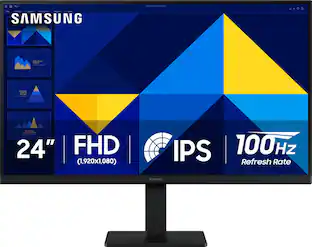 Black Friday in July Deal$89.99The price was $119.99
 Black Friday in July Deal$49.99The price was $59.99
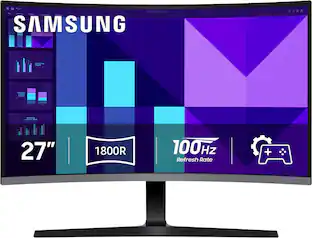 Black Friday in July Deal$139.99The price was $199.99
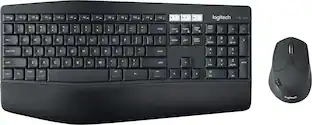 Black Friday in July Deal$79.99The price was $99.99
 Black Friday in July Deal$22.99The price was $29.99
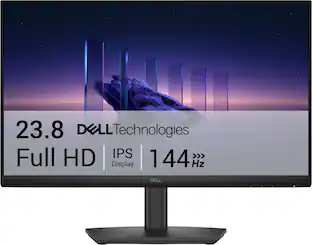 $89.99The price was $119.99






Customers ultimately bought
 Black Friday in July Deal$34.99The price was $39.99
 Black Friday in July Deal$124.99The price was $139.99
 $44.99The price was $59.99



Explore tech essentials Sponsored
- Black Friday in July Deal$124.99The price was $139.99
 Black Friday in July Deal$36.99The price was $49.99

Discover related products
 $13.99The price was $19.99
 $229.99The price was $239.99





Keep exploring
 Black Friday in July Deal$309.99The price was $399.99
 $169.99The price was $269.99
 Black Friday in July Deal$15.99The price was $21.99
Anker - Prime Docking Station (DL7400), 14-Port Triple Display with DisplayLink, 140W Max USB-C Port
$227.99The price was $299.99 Black Friday in July Deal$18.98The price was $24.99
 Black Friday in July Deal$37.99The price was $49.99
 Black Friday in July Deal$179.99The price was $289.99