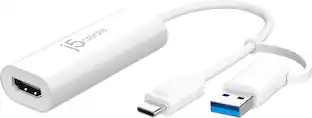
j5create - VGA to HDMI Video/Audio Adapter - White
About this product
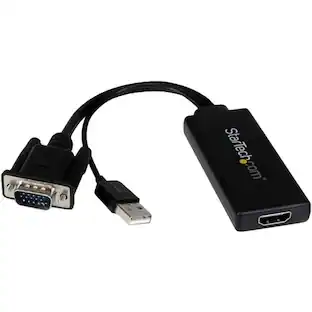
The VGA to HDMI Video/Audio Adapter allows you to connect the VGA input from your laptop or desktop to the HDMI output of a monitor or projector by converting the VGA video signal from the input device into an HDMI output. With a built-in USB power cable, the device is powered using the USB port on your computer. This adapter supports resolutions including high definition 1080p, up to 1920x1080. The Video Adapter can also increase your productivity by extending your computer's desktop onto a secondary monitor, doubling available workspace. With its plug-and-play technology, there is no need to download any drivers.
Features
VGA to HDMI Video adapter
Connects the VGA input from your laptop, Desktop to the HDMI output of a monitor or projector.
Supports Full HD monitors
With resolutions including high definition 1080p, up to 1920x1200.
Built-in USB power cable
Device is powered using the USB port on your computer.
Specifications
- Connector Type (End 1)VGAGender (End 1)MaleConnector Type (End 2)HDMI Type AGender (End 2)Female
Reviews
Rating 4.5 out of 5 stars with 368 reviews
The vast majority of our reviews come from verified purchases. Reviews from customers may include My Best Buy members, employees, and Tech Insider Network members (as tagged). Select reviewers may receive discounted products, promotional considerations or entries into drawings for honest, helpful reviews.
Compare similar products
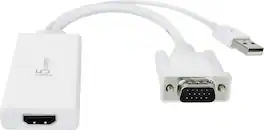
The VGA to HDMI Video/Audio Adapter allows you to connect the VGA input from your laptop or desktop to the HDMI output of a monitor or projector by converting the VGA video signal from the input device into an HDMI output. With a built-in USB power cable, the device is powered using the USB port on your computer. This adapter supports resolutions including high definition 1080p, up to 1920x1080. The Video Adapter can also increase your productivity by extending your computer's desktop onto a secondary monitor, doubling available workspace. With its plug-and-play technology, there is no need to download any drivers.

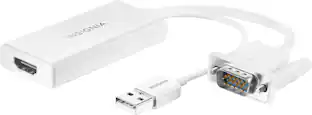
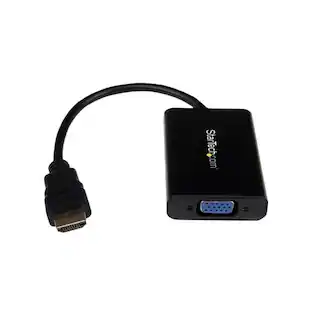
The Insignia VGA to HDMI Adapter mirrors the display from a VGA computer or laptop to any HDMI-enabled monitor, TV, Projector. Or extend your existing display to a second monitor, making it easier to organize programs and windows for day-to-day use at work or while browsing. This adapter supports resolutions up to 1920 × 1080 at 60 Hz for high-quality video, and an attached USB cable lets you hook up your audio and enables video output. Its hassle-free setup requires no additional software. This product can’t support HDMI to VGA output. To enable the adaptor correct setting up, the VGA port need to be connected your PC or laptop, a HDMI cable (not included) is required to connect the monitor, TV, projector, and the USB cable need to be connected with USB port of computer.
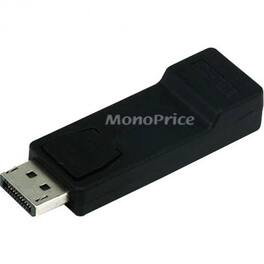
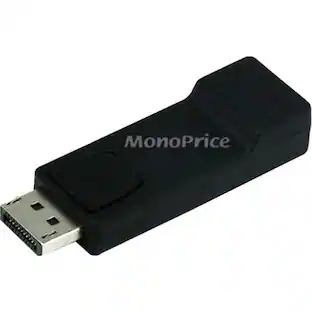
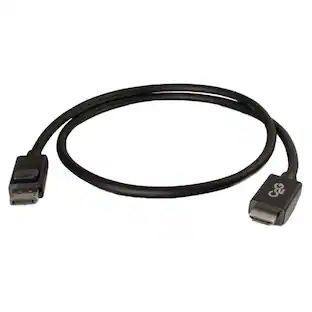
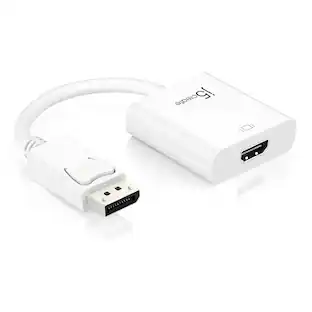
Monoprice DP (DisplayPort) Male to HDMI Female Adapter - 1 x DisplayPort Digital Audio/Video Male - 1 x HDMI Digital Audio/Video Female
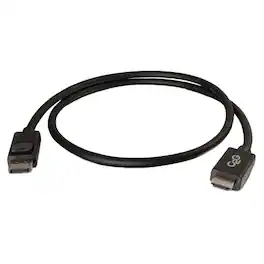
Connect the Display Port output of a computer to the HDMI input of a HDTV or projector This adapter cable is an ideal solution for connecting the Display Port output of a laptop to a HDTV or projector which accepts a HDMI input. This cable carries a digital audio/video signal, supports up to a 1080p resolution and meets the requirements of high performance applications.
| Pros for j5create - VGA to HDMI Video/Audio Adapter - White | |||
|---|---|---|---|
| There were no pros for this product— | Overall Performance, Ease of use, Compatibility, HDMI, Price | There were no pros for this product— | There were no pros for this product— |
| Cons for j5create - VGA to HDMI Video/Audio Adapter - White | |||
| There were no cons for this product— | Resolution | There were no cons for this product— | There were no cons for this product— |
Specs
Customers often buy these together
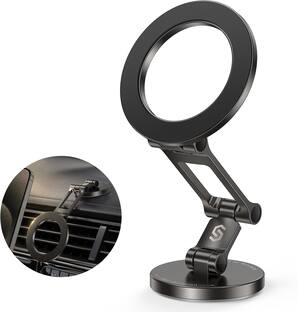
Syncwire Magnetic Car Mount for MagSafe, Tri-Fold Rotatable Metal Phone Holder for Dashboard and Tesla
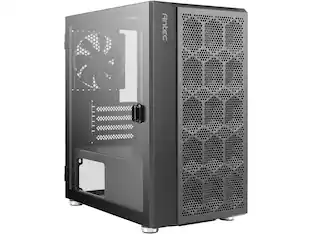
$23.99The price was $39.99Antec NX200M Micro-ATX Tower, Mini-Tower Case with 120mm Fan, Mesh Vent, Black
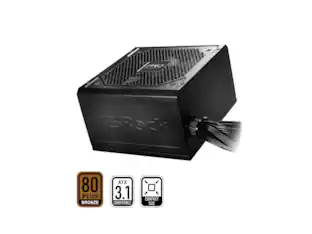
$46.49The price was $53.99ASRock PRO Series PRO-650B 650 W ATX 3.1 Compatible 80 PLUS BRONZE Certified Power Supply
$43.49The price was $48.99





More to consider
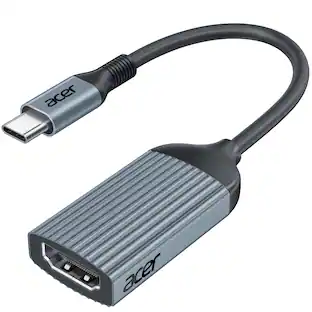
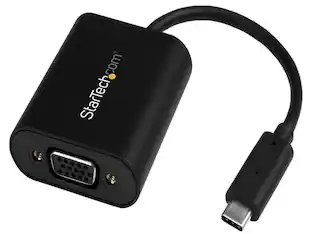
StarTech.com StarTech CDP2VGASA USB-C to HDMI/VGA Adapter w/ Stay Awake & Presentation Mode
$44.49The price was $51.49
Explore related products Sponsored
Discover related products
Entronix Card Holder Compatible with iPhone/Galaxy/All Phones - [Silicone] Sticky Wallet Back Pocket
$8.95The price was $10.52