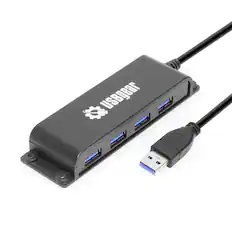
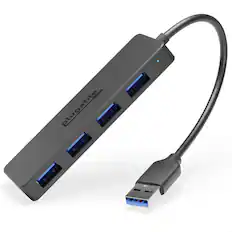
Kensington - UH4000 USB 3.0 4-Port Hub - USB Type A - External - 4 USB Port(s) - 4 USB 3.0 Port(s) - PC, Mac - Unknown
Reviews coming soon
About this product
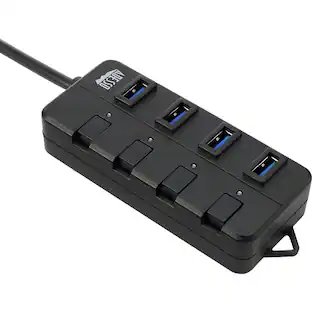
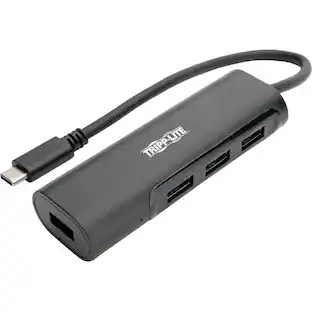
With USB ports on laptops becoming a precious commodity, an external hub can be the answer to maintaining optimal productivity. The UH4000 USB 3.0 4-Port Hub ensures you can connect all your peripheral desktop accessories so you can perform at your peak. Leveraging USB 3.0 technology, each of the four ports can support lightning fast transfer speeds so you can work more efficiently. And because there are no drivers to download, simply insert the USB cable on the hub into your laptop and you're ready to go.
Kensington UH4000 USB 3.0 4-Port Hub - USB Type A - External
With USB ports on laptops becoming a precious commodity, an external hub can be the answer to maintaining optimal productivity. The UH4000 USB 3.0 4-Port Hub ensures you can connect all your peripheral desktop accessories so you can perform at your peak. Leveraging USB 3.0 technology, each of the four ports can support lightning fast transfer speeds so you can work more efficiently. And because there are no drivers to download, simply
SuperSpeed Data Transfer Up to 5Gbps Max
USB 3.0 supports data transfer up to 5 Gbps for quick file moves and responsive peripherals; great for backups and docs daily.
Plug & Play Setup—No Drivers Needed Ever
No drivers required—plug the built-in USB-A cable into your computer and start using all four ports immediately.
Bus-Powered—No Additional Power Sources
Bus-powered design draws power from your USB connection, so you can expand ports without carrying an external adapter.
Wide Compatibility: Windows & macOS PCs
Compatible with Windows XP or later and macOS 10.6 or later—ideal for shared desks, hot desks, and mixed OS fleets.
- BrandKensingtonModel NumberK39121WWProduct NameKensington UH4000 USB 3.0 4-Port Hub - USB Type A - External - 4 USB Port(s) - 4 USB 3.0 Port(s) - PC, MacColorUnknownWarranty - Parts2 yearsWarranty - Labor2 years
Reviews
This product doesn't have any reviews yet.
Compare similar products
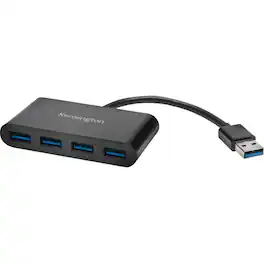
With USB ports on laptops becoming a precious commodity, an external hub can be the answer to maintaining optimal productivity. The UH4000 USB 3.0 4-Port Hub ensures you can connect all your peripheral desktop accessories so you can perform at your peak. Leveraging USB 3.0 technology, each of the four ports can support lightning fast transfer speeds so you can work more efficiently. And because there are no drivers to download, simply insert the USB cable on the hub into your laptop and you're ready to go.
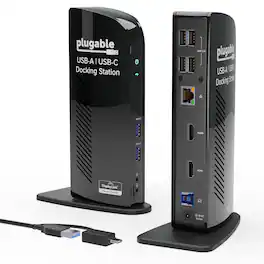
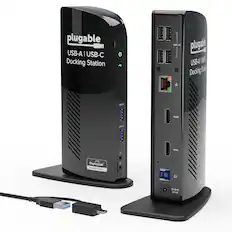
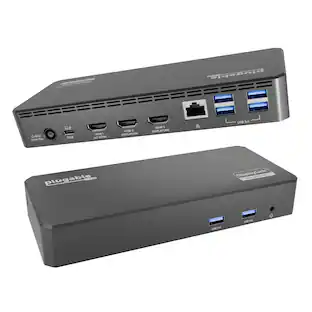
The TAA-compliant Plugable UD-3900 docking station is designed to expand your laptop or desktop’s capabilities by connecting up to ten accessories through a single cable. Whether you’re working with a Windows, Mac, or Chromebook system, the UD-3900 offers a convenient way to connect multiple displays, peripherals, and network access in one hub. It features two HDMI video output ports, to support dual HDMI displays. This setup allows you to mirror or extend your desktop with resolutions up to 1920×1200 @ 60Hz for dual displays, or up to 2560×1440 @ 50Hz on a single native HDMI display. Please note that 4K resolution is not supported. In addition to video outputs, the UD-3900 provides a wired Gigabit Ethernet port with full-duplex support, audio input and output jacks, two USB 3.0 ports for high-speed devices, and four USB 2.0 ports for peripherals like keyboards and mice. The dock is powered by a robust 20W UL-certified power supply to ensure reliable performance for connected devices, though it does not provide charging to the host laptop. Users should keep their laptop charger connected if charging is required. Compatibility is broad but requires specific setup steps for certain systems. Windows 11, 10, 8.x, and 7 support plug and play driver installation via Windows Update, while macOS 10.14 or later requires a manual DisplayLink driver installation, with instructions provided. ChromeOS 100 or later works without additional setup. The dock is not compatible with Linux/Unix systems, DisplayPort outputs, or mixed USB graphics chipsets. HDCP-protected content, such as Blu-ray playback, is not supported, and this dock is not intended for gaming or other graphics-intensive applications. For best results, use the UD-3900 for web browsing, office work, and productivity applications. If you encounter issues such as the dock not powering on or stopping after a short period, try the following steps: confirm the power adapter is securely connected to both the dock and a working outlet, check the power indicator light, reseat all cable connections, update your DisplayLink drivers from Plugable.com, and, if possible, test with another computer. These quick checks resolve most issues, but our U.S.-based support team is ready to help if you need further assistance. In the Box, you will find a UD-3900 docking station, a hybrid USB 3.0 and USB-C cable, a 20W UL-certified power adapter with a AC wall plug, and a quick install guide to get you set up right away. With its combination of connectivity, compatibility, and dedicated customer support, the UD-3900 is built to help you create a more efficient and reliable workspace.
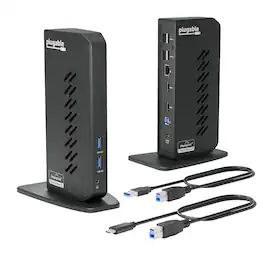
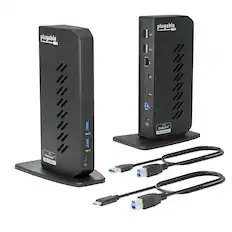
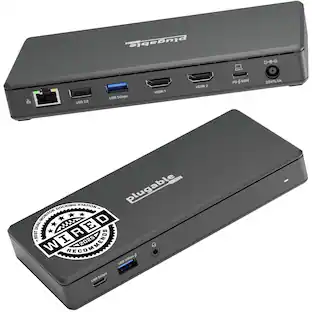
The Plugable UD-3900Z USB 3.0 and USB-C docking station is a reliable USB docking station designed for standardized workstation deployments across Windows, macOS, and ChromeOS environments. As a universal docking station, it enables consistent desk setups across mixed device fleets, expanding laptops and desktops with dual monitors, wired networking, audio, and USB peripherals through a single connection. This USB docking station dual monitor solution supports two HDMI displays up to 1920x1200 @ 60Hz and uses DisplayLink technology to enable extended or mirrored desktops on compatible Windows and ChromeOS systems, as well as on Apple Silicon MacBooks including M1, M2, M3, M4, M5, and MacBook Neo models, even on systems that are typically limited to a single native external display. The UD-3900Z provides 10 expansion ports, including 2 HDMI outputs, 2 USB 3.0 ports for high-speed devices, 4 USB 2.0 ports for keyboards, mice, and receivers, Gigabit Ethernet for stable wired network connectivity, and 3.5mm audio input/output. Both USB-C and USB-A host cables are included, allowing this USB A docking station to support legacy systems while also functioning as a modern USB C docking station. The compact vertical design helps reduce cable clutter and fits easily between monitors, making it well suited for hot-desking and shared workspace environments. This dock is HDMI-only and does not support DisplayPort. HDCP is not supported, so encrypted content such as Netflix, Hulu, or Blu-ray will not play. Designed for business applications rather than GPU-intensive workloads, it is not recommended for gaming or full-screen video playback. The included 24W external power supply powers connected accessories but does not charge the host laptop. In the box: UD-3900Z dock (7.5” x 2.8” x 5.3”), 24W power adapter with US wall plug (100-240V, 50/60Hz, 1.5m / 5ft), USB-A (USB 3.0) to USB-B cable (0.9m / 2.95 ft), USB-C to USB-B host cable (2.9m / 9.5 ft), and quick-install guide.

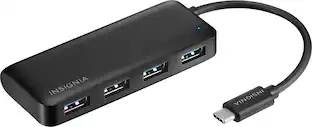
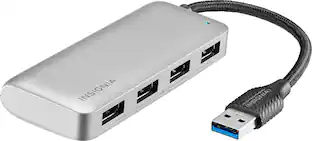
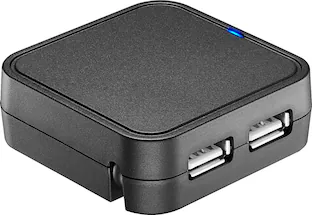
The Insignia 4-Port USB 3.0 Hub lets you connect up to four USB devices with the use of a single USB 3.0 port. An LED indicator light lets you know when the hub has been plugged in and is ready for your keyboard, mouse, or other USB accessories. A 5 V, 900 mA total output delivers quick and consistent power, while a data transfer speed of up to 5 Gbps performs quickly so you can get more done. Its compact design makes this hub easy to store and carry.
| Pros for Kensington - UH4000 USB 3.0 4-Port Hub - USB Type A - External - 4 USB Port(s) - 4 USB 3.0 Port(s) - PC, Mac - Unknown | |||
|---|---|---|---|
| There were no pros for this product— | There were no pros for this product— | There were no pros for this product— | Overall Performance, USB Ports, Ease of use, Connectivity, Size |
| Cons for Kensington - UH4000 USB 3.0 4-Port Hub - USB Type A - External - 4 USB Port(s) - 4 USB 3.0 Port(s) - PC, Mac - Unknown | |||
| There were no cons for this product— | There were no cons for this product— | There were no cons for this product— | Cable Length, Power |
Specs
Be the first to ask a question.
We’ll try to get your question answered within 24 hours by a Best Buy customer or brand representative.
Customers often buy these together
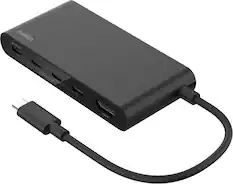
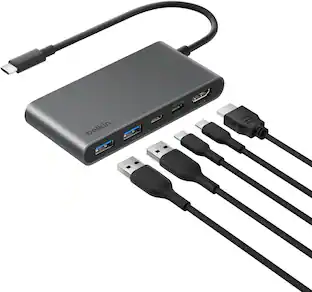
Belkin - 5-Port Hub w/ 4K HDMI, 7.8 inch tethered USB-C cable, 100W Power Delivery for MacBook, iPad Pro, Chromebook & More - Black
Clearance$31.99The price was $51.99