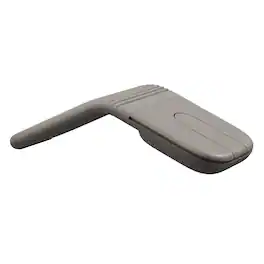
Microsoft - Surface Arc Bluetooth BlueTrack Ambidextrous Mouse for PC - Wireless - Black
Customers are saying
Customers love the portability, sleek design, and comfortable fit of this mouse, which many users find significantly improves their daily productivity. While the device is praised for its impressive battery life, lightweight feel, and reliable Bluetooth connectivity, some users have noted concerns regarding the smoothness of the scrolling experience. Additionally, while some feel the product is a bit expensive, it remains a popular choice for those seeking a compact and compatible peripheral.
Color
BlackUltra slim and lightweight
Goes anywhere without the weight or bulk of traditional mice.
Snaps flat for travel
The unique ability to flatten and store this Microsoft Arc mouse means you can easily slip it into your pocket or bag.
Optimized design for natural interaction
The overall design is optimized for a comfortable, natural interaction.
Scroll in every direction
The innovative full-scroll plane lets you scroll both vertically and horizontally.
Clear, defined actions
Enjoy precise tracking with optimized left and right click
Smooth and elegantly crafted
From scroll plane to tail, this Microsoft Arc mouse is soft to the touch and sits comfortably in your hand.
Connects wirelessly
It connects wirelessly to your Windows 11 PC via Bluetooth. Pair it with your Windows 11 PC right out of the box when you enable Swift Pair.¹
Compatibility
Windows 11 Home/Pro/10/8.1/8* Host must support Bluetooth 4.0 or higher. (Note: many Apple and Windows 7 devices do not support Bluetooth 4.0.)
- Lighting TypeNoneMaximum Sensitivity1000 dots per inchNumber of Buttons (Total)2Connection TypeWireless
Reviews
Rating 4.6 out of 5 stars with 4455 reviews
- Portability (1085)
- Design (496)
- Comfort (219)
- Overall Performance (201)
- Size (186)
- Scrolling (53)
- Price (48)
- Right Click (28)
Customer Images
The vast majority of our reviews come from verified purchases. Reviews from customers may include My Best Buy members, employees, and Tech Insider Network members (as tagged). Select reviewers may receive discounted products, promotional considerations or entries into drawings for honest, helpful reviews.

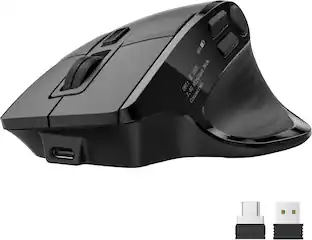
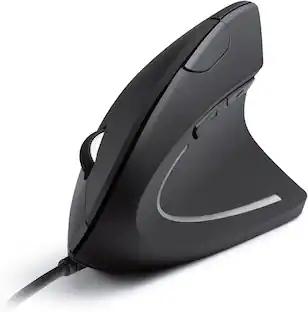
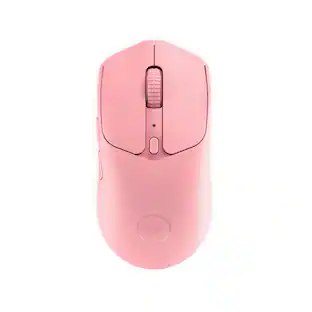
Compare similar products

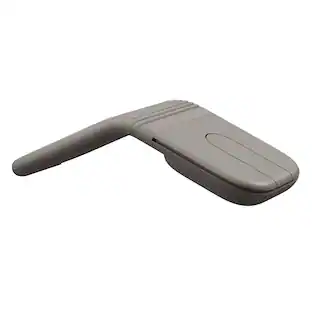
The Surface Arc mouse is designed to conform comfortably to your hand - and snaps flat to fit easily in your bag. The next generation of the Arc Touch mouse, the Surface Arc mouse features numerous refinements, including the ability to scroll both vertically and horizontally. Connects via Bluetooth. Now available in a choice of rich colors to complement your style.
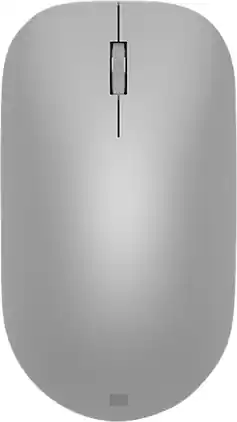
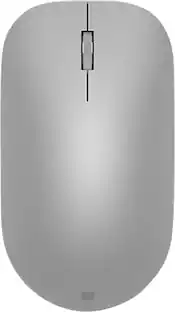
Maintain steady control over your internet browsing and other computing tasks with this Microsoft Surface mouse. It's ergonomically sculpted for comfort, and it has a metal scroll wheel for accurate navigation. This Microsoft Surface mouse is suitable for both left-handed and right-handed users, and Bluetooth connectivity lets you connect wirelessly to your computer.

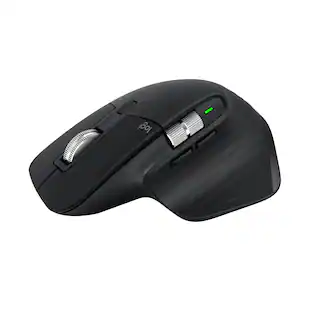
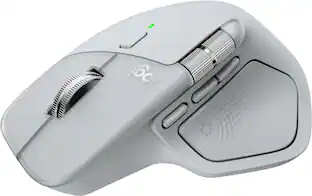
The Logitech MX Master 4 brings immersive control and precision you can feel with haptic feedback. Experience haptic feedback on specific actions, shortcuts, notifications like switching desktops, slider adjustments and more. Customize vibration intensity in Logi Options+. With Actions Ring shortcuts and MX Master 4, save up to 33% of your time by accessing tools and filters at your cursor, reducing repetitive movements by up to 63%. Experience uninterrupted performance with 2X more powerful connectivity, powered by an advanced radio chip, optimized antenna placement, and a new USB-C dongle.
Meet Mobi Fold, the ultra-portable mouse that makes travel effortless. The slim, compact design unfolds to fit naturally in your hand, with 22% less muscle strain versus a trackpad. Get accurate tracking with 4K DPI, and line-by-line precision with Adaptive Touch Scrolling. Fast charge offers 22 hours of use on a 1-minute charge, and one month on a full charge. Customize 2 buttons with Logi Options+ App to streamline tasks. Pair up to 3 devices and switch between them with Easy-Switch. Mobi Fold is compatible with laptops, tablets, and phones across most major operating systems. For remote work, capturing ideas, or giving presentations, Mobi Fold keeps you productive and creative—anywhere.
| Pros for Microsoft - Surface Arc Bluetooth BlueTrack Ambidextrous Mouse for PC - Wireless - Black | |||
|---|---|---|---|
| Design, Overall Performance, Portability, Comfort, Size | Design, Battery Life, Ease of use, Bluetooth, Compatibility | Overall Performance, Battery Life, Ergonomics, Button Functionality, Haptic Feedback | There were no pros for this product— |
| Cons for Microsoft - Surface Arc Bluetooth BlueTrack Ambidextrous Mouse for PC - Wireless - Black | |||
| Scrolling, Price, Right Click | Connection, Scroll Wheel | Weight, Size | There were no cons for this product— |
Specs
Customers often buy these together
Computer Keyboards
![esc ~ ! 1 tab caps lock shift ctrl F2 Fl # 2 3 Q W A S Z start opt L F3 $ 4 E D X alt cmd3 ) FS F4 A % 5 6 R T F G V C logi 44 HI & F9 FID FB F7 F6 * ) - - & 0 8 9 7 O P U I Y K L H J > < N M 1 B PM + = { [ : I ; ? I alt cmd D 2 4 300 3 1 F12 . * page I insert home up clear backspace 8 9 + 7 page A pg up end down home } I delete ] / 6 4 5 4 enter 2 3 enter 1 dn Pg end shift = 0 del ins etrl fn opt](https://pisces.bbystatic.com/image2/BestBuy_US/images/products/6539/6539505_sd.jpg;maxHeight=232;maxWidth=233?format=webp)
Logitech - MX Keys S Universal Full-size Wireless Scissor Keyboard for PC and Mac with Backlit keys - Black
Top Deal$119.99The price was $129.99
![logi esc 1 F1 2 F2 3 F3 F4 F5 F6 F7 F8 x F9 NI F10 x F11 F12 ins del ~ ! 1 2 # 3 $ 4 % 5 ^ 6 & 7 8 ( 9 ) 0 e - + = backspace tab Q W E R T Y U I O P { [ } ] I / caps lock A S D F G H J - K L : ; " enter shift Z X C V B N M < > ? / shift ctrl fn L start opt H alt cmd alt cmd ctrl opt](https://pisces.bbystatic.com/image2/BestBuy_US/images/products/6478/6478163_sd.jpg;maxHeight=232;maxWidth=233?format=webp)
Mouse Pads

Laptop Docking Stations
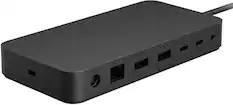
Microsoft - Surface Thunderbolt 4 Dock - Black
$269.99The price was $299.99
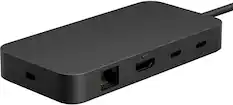
Microsoft - USB-C Travel Hub - Black
$104.99The price was $119.99

Customers ultimately bought
 Top Deal$89.99The price was $99.99


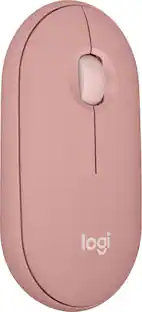
Explore tech essentials Sponsored
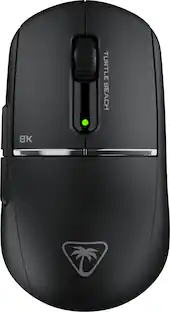
Turtle Beach - Burst II Pro High-Performance Ultra-Lightweight Wireless Optical Esports Gaming Mouse
$99.99The price was $139.99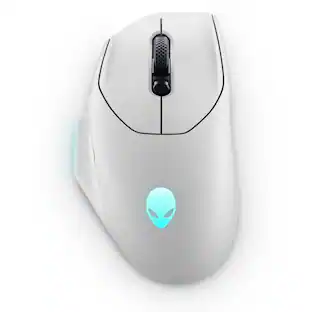 $59.99The price was $99.99
 $129.99The price was $159.99
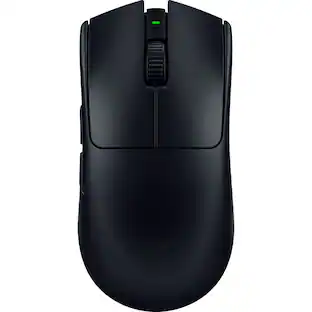 $129.99The price was $159.99
 $75.99The price was $99.99

Discover related products
 $12.99The price was $13.99










Keep exploring
 $149.95The price was $215.95