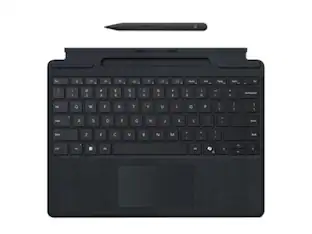
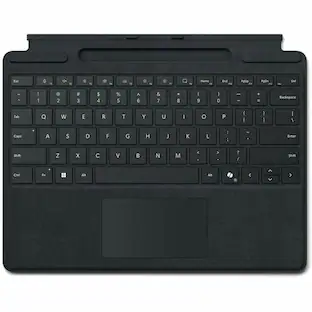
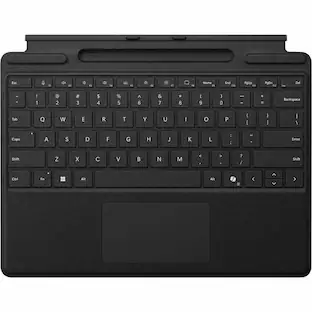
Microsoft - Surface Pro Keyboard for Pro 13" (11th Edition), Pro 9, and Pro 8 - Black
Customers are saying
Customers value the overall performance of this product, with many users noting that it has become an essential part of their daily workflow. The device is also highly praised for its sleek design, lightweight build, and exceptional portability, making it very easy to use on the go. While the experience is largely positive, some users have expressed frustration regarding the reliability of the connectivity with their computers.
Features
Instant Copilot
Unlock new possibilities with the dedicated Copilot key, which gives you instant access to experiences that can enhance your productivity¹.
Enhance your experience
With the new microphone mute key and snipping key
Full keyboard experience
Features a full mechanical keyset, backlit keys, and a large trackpad for precise navigation and control. Optimal key spacing allows fast, fluid typing.
Slim and compact
Performs like a traditional, full-size keyboard.
Clicks in place instantly
Use in combination with the Surface Pro (11th Edition), Pro 9 and Pro 8* kickstand for a perfect laptop experience anywhere.
Protective and power saving
Close to protect the screen and conserve battery, or fold back completely for a take-anywhere tablet.
Enhanced magnetic stability
Adjusts to almost any angle.
Specifications
- Model CompatibilityMicrosoft Surface Pro (11th Edition), Microsoft Surface Pro 9, Microsoft Surface Pro 8Operating System CompatibilityWindowsInterface(s)BluetoothIlluminatedYes
Reviews
Rating 4.7 out of 5 stars with 74 reviews
- Overall Performance (24)
- Portability (14)
- Weight (4)
- Design (3)
- Connectivity (4)
Customer Images
The vast majority of our reviews come from verified purchases. Reviews from customers may include My Best Buy members, employees, and Tech Insider Network members (as tagged). Select reviewers may receive discounted products, promotional considerations or entries into drawings for honest, helpful reviews.

Compare similar products
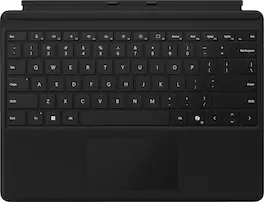
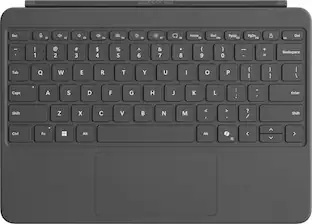
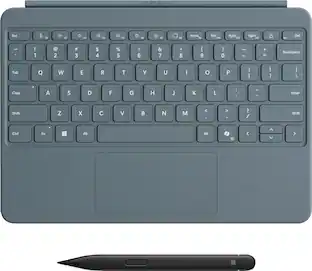
For a full keyboard and comfortable typing experience anywhere, pair this Surface Pro keyboard with Surface Pro (11th Edition), Pro 9 and Pro 8.* Sleek, compact and adjustable, it includes a complete mechanical keyset and a large trackpad for precise navigation and control.
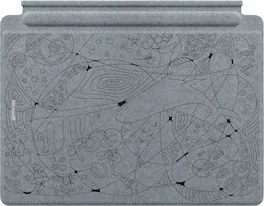
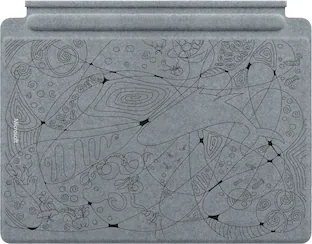
Next-level versatility meets next-gen creativity in this limited-edition keyboard and pen set, featuring a custom design by a teen artist from the Best Buy Teen Tech Centers. Inspired by the prompt “A Vision of a Sustainable Future,” this exclusive design celebrates innovation, imagination, and a better tomorrow. Surface Slim Pen (2nd Edition) stores securely and recharges in the premium keyboard, featuring a large glass touchpad and luxurious Alcantara material covering. Ready to pair with Surface Pro (11th Edition), Surface Pro 9, and Surface Pro 8.

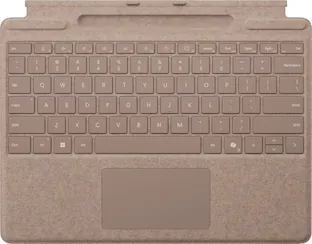
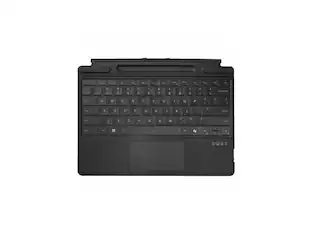
Next-level versatility comes in the perfect, premium keyboard, featuring a large glass trackpad and luxurious, Alcantara material covering. Ready to pair with Surface Pro (11th Edition), Surface Pro 9 and Surface Pro 8.*
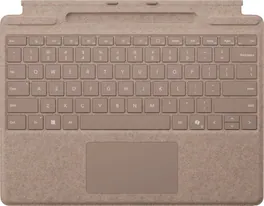
Next-level versatility comes in the perfect, premium keyboard, featuring a large glass trackpad and luxurious, Alcantara material covering. Ready to pair with Surface Pro (11th Edition), Surface Pro 9 and Surface Pro 8.*
| Pros for Microsoft - Surface Pro Keyboard for Pro 13" (11th Edition), Pro 9, and Pro 8 - Black | |||
|---|---|---|---|
| Overall Performance, Portability, Weight, Design | There were no pros for this product— | Connectivity, Portability, Keyboard Quality | Overall Performance, Portability, Connectivity, Weight, Pen Storage |
| Cons for Microsoft - Surface Pro Keyboard for Pro 13" (11th Edition), Pro 9, and Pro 8 - Black | |||
| Connectivity | There were no cons for this product— | Battery Life | There were no cons for this product— |
Specs
Customers often buy these together
Samsung Internal SSD 990 1TB, Read/Write Speeds Up to 7,250/6,450 MB/s (MZ V9V1T0B/AM)
$189.99The price was $229.99INVZI MagHub Dual 16" Laptop Screen Extender with Two Detachable 1920 x 1200 IPS Displays, USB-C & Mini HDMI
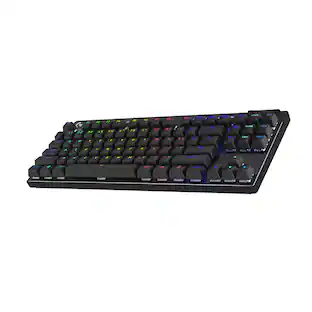
$399.99The price was $499.99Logitech PRO X TKL LIGHTSPEED Wireless Mechanical Tactile Switch Gaming Keyboard with LIGHTSYNC RGB for PC
$173.99The price was $219.99


Customers ultimately bought
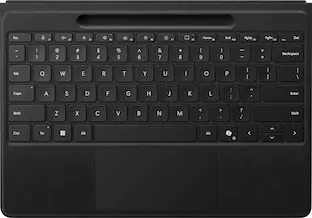
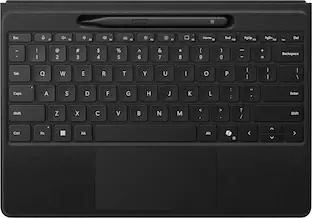
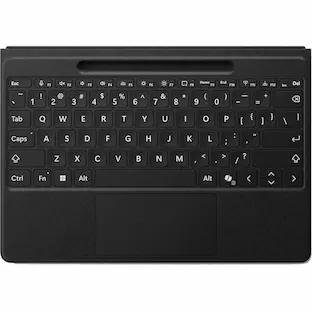
Microsoft Surface Pro 13" Flex Keyboard for Pro 13" (11th Edition), Pro 9, and Pro 8 with Pen Storage
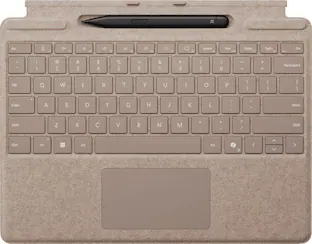
$339.99The price was $399.99Microsoft Surface Slim Pen (2nd Edition) and Pro 13" Flex Keyboard for Pro 13" (11th Edition), Pro 9, Pro 8
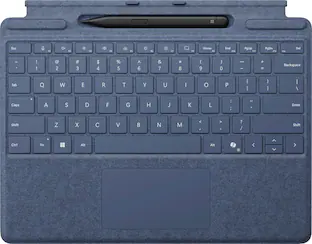
$439.99The price was $499.98Microsoft Surface Slim Pen (2nd Edition) and Pro Keyboard for Pro (11th Edition), Pro 9, and Pro 8
$249.99The price was $279.99
Explore tech essentials Sponsored

Discover related products
Microsoft Srfc Pro KB w/ Slim Pen CM SC English US/Canada Commercial 1 License
$237.50The price was $265.23Acer USB C Docking Station With 2 HDMI, 9-IN-1 Docking Hub with USB A&C 3.0, SD/Micro SD, 100W Charging
$42.99The price was $47.99Acer USB C to HDMI Cable for Home Office 6.6FT (4K@60Hz), High-Speed Type C to HDMI 2.0 Braided Cord
$12.99The price was $13.99Logitech X56 HOTAS Microsoft Flight Simulator RGB Dual-Throttle and Joystick
$247.00The price was $275.00