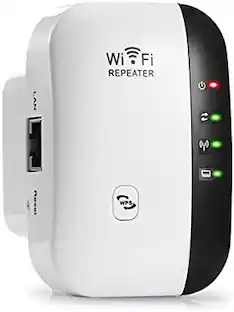
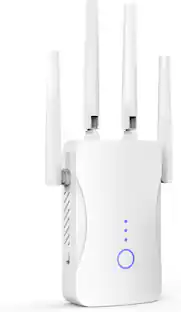
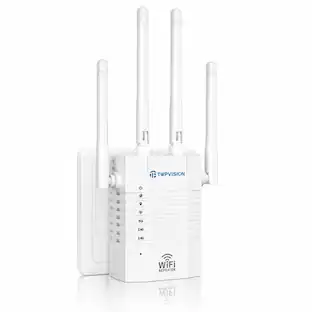
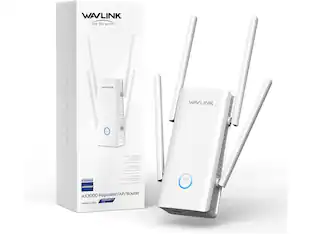
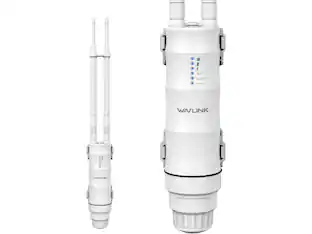
NETGEAR - WiFi 5 Extender EX6250, 1.75 Gbps, adds up to 2,100 sq ft - White
About this product
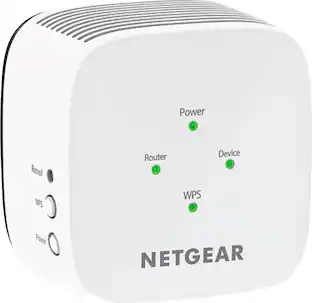
The NETGEAR WiFi Range Extender is a WiFi booster for rooms your router cannot reach, adding up to 2,100 sq ft of coverage from any wall outlet. Dual Band WiFi 5 carries speeds up to 1.75 Gbps with FastLane technology and capacity for 35 devices, so HD streaming and gaming stay smooth. Smart Roaming keeps your existing WiFi name, and a Gigabit Ethernet port wires a PC, console or 4K TV. Works with any router and extends your network rather than replacing it, and sets up quickly in the Nighthawk app.
Highlights
DEAD ZONES, ELIMINATED
Bring WiFi 5 to the rooms your router cannot reach - bedrooms, garage, basement, and backyard - with up to 2,100 sq. ft. of added coverage for up to 35 devices, from any wall outlet
EASY SET UP
Use the NETGEAR Nighthawk app for guided setup, or press WPS on your router and the extender
STREAM AND GAME WITHOUT THE LAG
Handle demanding HD streaming and online gaming across the home, with up to 1.75 Gbps (AC1750) with FastLane technology. Real-world speeds vary depending on connected devices and internet plan
WIRED CONNECTION WHEN YOU NEED IT MOST
Connect a smart TV, game console, or desktop straight to the extender for a full-speed wired link through the Gigabit Ethernet port
WORKS WITH THE ROUTER YOU ALREADY HAVE
Connects to any router or gateway from Xfinity, Spectrum, AT&T, Cox, or Verizon and rebroadcasts its signal. It extends your router, it does not replace it, with no closed ecosystem to lock you in
SECURE AND READY TO GO
WPA2 security protects every device on your extended network, with automatic firmware updates to help keep it protected. Compatible with WPA2 or WPA/WEP routers. FCC Certified for use in the United States
- Wi-Fi Speed1750 gigabits per secondWireless StandardAC, NWi-Fi Range10000 square feetForm FactorPlug-inBand TechnologyDual
Reviews
Rating 4.1 out of 5 stars with 827 reviews
Customer Images
The vast majority of our reviews come from verified purchases. Reviews from customers may include My Best Buy members, employees, and Tech Insider Network members (as tagged). Select reviewers may receive discounted products, promotional considerations or entries into drawings for honest, helpful reviews.

Compare similar products
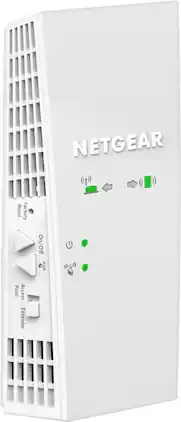
The NETGEAR WiFi Range Extender is a WiFi booster for rooms your router cannot reach, adding up to 2,100 sq ft of coverage from any wall outlet. Dual Band WiFi 5 carries speeds up to 1.75 Gbps with FastLane technology and capacity for 35 devices, so HD streaming and gaming stay smooth. Smart Roaming keeps your existing WiFi name, and a Gigabit Ethernet port wires a PC, console or 4K TV. Works with any router and extends your network rather than replacing it, and sets up quickly in the Nighthawk app.

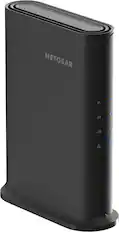
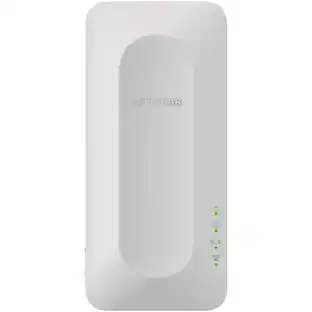
The Nighthawk WiFi 7 Range Extender is a WiFi booster for rooms your router cannot reach, with three high-performance antennas adding up to 1,500 sq ft of coverage. Dual Band WiFi 7 carries speeds up to 5 Gbps with capacity for 45 devices, so streaming and gaming stay smooth. Smart Roaming keeps your existing WiFi name, and a 2.5 Gig Ethernet port wires a PC, console or 4K TV. Works with any router and extends your network rather than replacing it, and sets up quickly in the Nighthawk app.
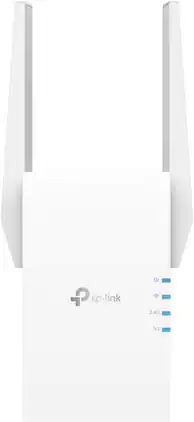
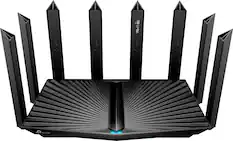
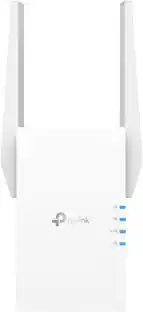
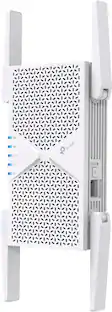
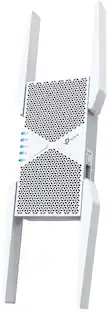
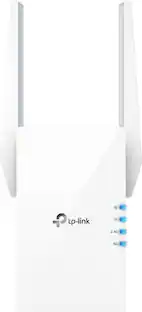
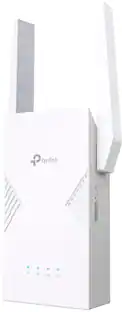
Extend high-performance Wi-Fi across your home to remove dead spots and Wi-Fi drop zones with RE705X Wi-Fi 6 range extender. High-gain antennas extend your routers’ Wi-Fi signal so you can enjoy smoother and more reliable streaming, gaming, downloading, and more with dual-band Wi-Fi speeds up to 3 Gbps (2402 Mbps on 5 GHz band and 574 Mbps on 2.4 GHz band) with the wider 160 MHz channel. Pair RE705X with a TP-Link OneMesh compatible router to create a network that only needs one name and password. Easily set up and manage RE705X with TP-Link Tether app (Android, iOS). Plus, the intelligent signal indicator will help you find the best placement for your range extender.
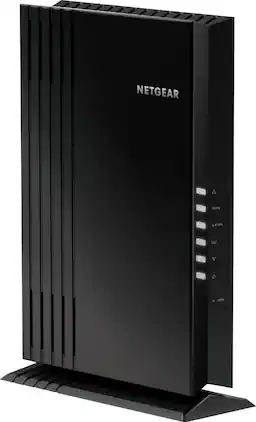
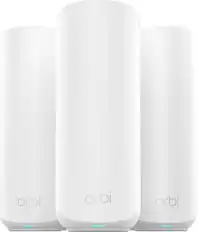
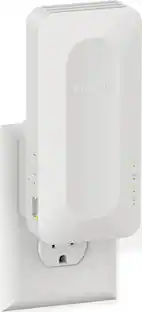
The NETGEAR 4-stream Wi-Fi 6 mesh extender EAX20 is built for the future of Wi-Fi to create a powerful mesh Wi-Fi network for increased coverage to every corner of your home. Experience the power of the latest-generation Wi-Fi 6 (802.11ax) for dramatically faster Wi-Fi to your smartphones, tablets, computers and so many more devices. Even more capacity plus backward compatibility with your current- and previous-generation routers and devices (Wi-Fi 5, Wi-Fi 4, and earlier-generation Wi-Fi standards) means that you'll enjoy ultrafast Wi-Fi in the farthest corners of your home today and for all your future tech purchases for years to come.
| Pros for NETGEAR - WiFi 5 Extender EX6250, 1.75 Gbps, adds up to 2,100 sq ft - White | |||
|---|---|---|---|
| There were no pros for this product— | Overall Performance, Signal Strength, Connectivity, Coverage | Overall Performance, Signal Strength, Ease of use, Range, Setup | There were no pros for this product— |
| Cons for NETGEAR - WiFi 5 Extender EX6250, 1.75 Gbps, adds up to 2,100 sq ft - White | |||
| There were no cons for this product— | Setup Process | Compatibility, Heat, Size | There were no cons for this product— |
Specs
Customers often buy these together
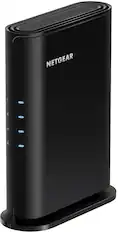



Customers ultimately bought
Explore tech essentials Sponsored
 $229.99The price was $259.99

Discover related products
 $12.99The price was $13.99
 $249.00The price was $275.00
 $189.99The price was $197.23