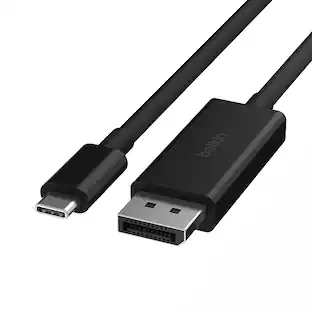
Plugable - USB-C to DisplayPort Cable, 6ft, 4K@60Hz, Bi-Directional, Thunderbolt & USB-C Compatible, Driverless - Black
About this product
Plugable USB-C to DisplayPort Bi Directional Adapter Cable The Plugable USB-C to DisplayPort Adapter Bi Directional Cable enables you to connect USB-C and Thunderbolt 3 / 4 enabled devices that support “VESA DisplayPort Alternate Mode over USB-C" ("Alt Mode") to external displays with DisplayPort (DP). 6 foot display cable supports resolutions up to 3840x2160@60Hz (4K) on DisplayPort displays. Alt Mode adapters like this USB-C to DisplayPort cable are a convenient option for adding an additional display output on supported systems. Since DisplayPort Alternate Mode is a direct pipeline to the host graphics processor (GPU) in your system, the connected display will function with the same performance of a native display. Video and photo editing, gaming, and other resource-intensive tasks are possible assuming that the system's GPU capabilities are sufficient. Compatible Systems Works with Windows 10/11, macOS 11+, ChromeOS 100+, and Linux. Requires a system with DisplayPort Alt Mode over USB-C, USB4, or Thunderbolt 3/4. Fully compatible with DisplayPort source devices and full-featured USB-C displays.M1–M4 MacBooks (base and Pro/Max), Intel Thunderbolt Macs (late 2016+), iPhone 15/16 and Pro models, iPad Pro/Air/mini, HP ProBook/EliteBook/Spectre x360, Dell XPS/Latitude/Inspiron, Lenovo ThinkPad/IdeaPad/Yoga, Microsoft Surface Pro/Go/Book/Laptop, LG Gram, and thousands of standards-compliant USB-C laptops. Incompatible Systems Most current phones and tablets with USB-C ports do not support Alt Mode video output. ASMedia USB 3.1 controllers do not support Alt Mode video at this time. DisplayPort connector cannot be converted to HDMI, DVI, or VGA. Motherboards with dual USB-C/Thunderbolt 3 ports are limited to a single Alt Mode output; only one Alt Mode adapter supported per system.
Bi-Directional USB-C to DisplayPort
Bi-Directional USB-C to DisplayPort – This versatile cable supports both USB-C to DisplayPort and DisplayPort to USB-C video output, offering maximum flexibility for connecting monitors or docking setups. Now supports DisplayPort 1.2, enabling resolutions up to 4K at 60Hz (3840x2160).
Plug-and-Play Simplicity – No drivers or software needed. En
ideal for productivity, streaming, and gaming. Works seamlessly as both a USB-C to DisplayPort and DisplayPort to USB-C cable. Ideal for IT deployments, hot-desking, and hybrid conference room setups.
Use it with
M1–M4 MacBooks (base and Pro/Max), Intel Thunderbolt Macs (late 2016+), iPhone 15/16 and Pro models, iPad Pro/Air/mini, HP ProBook/EliteBook/Spectre x360, Dell XPS/Latitude/Inspiron, Lenovo ThinkPad/IdeaPad/Yoga, Microsoft Surface Pro/Go/Book/Laptop, LG Gram, and thousands of standards-compliant USB-C laptops.
Compatibility
Works with Windows 10/11, macOS 11+, ChromeOS 100+, and Linux. Requires a system with DisplayPort Alt Mode over USB-C, USB4, or Thunderbolt 3/4. Fully compatible with DisplayPort source devices and full-featured USB-C displays.
Lifetime Support
This device has been designed with reliability at its core and was built to meet the deployment demands of IT departments and the ease of use necessary for home offices. Includes lifetime support from our North American team of connectivity experts
- Connector Type (End 1)USB-CGender (End 1)MaleConnector Type (End 2)USB-CGender (End 2)MaleMaximum Data Transfer Rate5000 megabits per secondJacket MaterialRubber
Reviews
Rating 5 out of 5 stars with 2 reviews
The vast majority of our reviews come from verified purchases. Reviews from customers may include My Best Buy members, employees, and Tech Insider Network members (as tagged). Select reviewers may receive discounted products, promotional considerations or entries into drawings for honest, helpful reviews.
Compare similar products
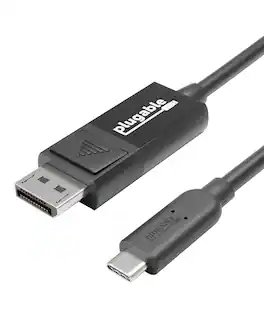
Plugable USB-C to DisplayPort Bi Directional Adapter Cable The Plugable USB-C to DisplayPort Adapter Bi Directional Cable enables you to connect USB-C and Thunderbolt 3 / 4 enabled devices that support “VESA DisplayPort Alternate Mode over USB-C" ("Alt Mode") to external displays with DisplayPort (DP). 6 foot display cable supports resolutions up to 3840x2160@60Hz (4K) on DisplayPort displays. Alt Mode adapters like this USB-C to DisplayPort cable are a convenient option for adding an additional display output on supported systems. Since DisplayPort Alternate Mode is a direct pipeline to the host graphics processor (GPU) in your system, the connected display will function with the same performance of a native display. Video and photo editing, gaming, and other resource-intensive tasks are possible assuming that the system's GPU capabilities are sufficient. Compatible Systems Works with Windows 10/11, macOS 11+, ChromeOS 100+, and Linux. Requires a system with DisplayPort Alt Mode over USB-C, USB4, or Thunderbolt 3/4. Fully compatible with DisplayPort source devices and full-featured USB-C displays.M1–M4 MacBooks (base and Pro/Max), Intel Thunderbolt Macs (late 2016+), iPhone 15/16 and Pro models, iPad Pro/Air/mini, HP ProBook/EliteBook/Spectre x360, Dell XPS/Latitude/Inspiron, Lenovo ThinkPad/IdeaPad/Yoga, Microsoft Surface Pro/Go/Book/Laptop, LG Gram, and thousands of standards-compliant USB-C laptops. Incompatible Systems Most current phones and tablets with USB-C ports do not support Alt Mode video output. ASMedia USB 3.1 controllers do not support Alt Mode video at this time. DisplayPort connector cannot be converted to HDMI, DVI, or VGA. Motherboards with dual USB-C/Thunderbolt 3 ports are limited to a single Alt Mode output; only one Alt Mode adapter supported per system.
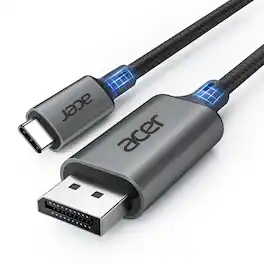
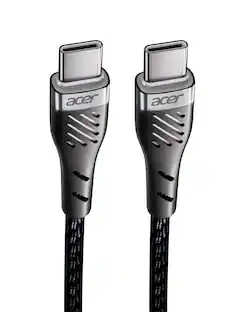
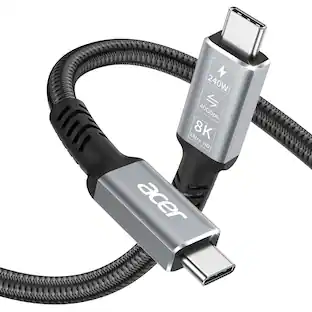
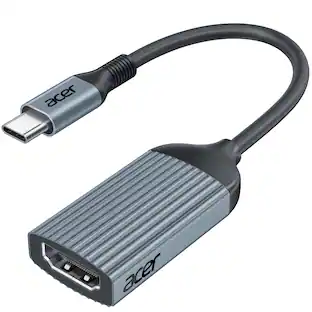
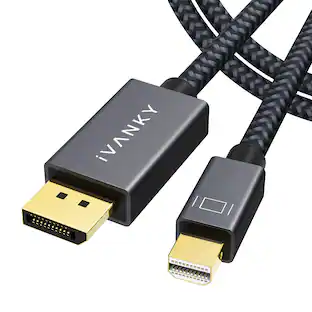
acer USB C to DisplayPort Cable 6.6 FT (4K@60HZ 2K@165Hz), Type-C to DisplayPort Cord (Sturdy Aluminum, Plug & Play) Thunderbolt 3/4/5 Compatible with MacBook Pro/Air, iPhone 16 Pro/Max, XPS, Surface
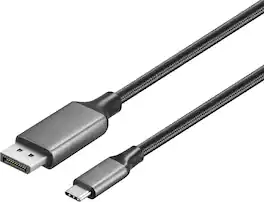
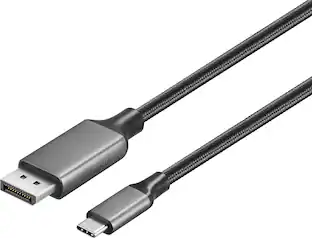
Improve your workstation by connecting your laptop to an external monitor with this Insignia 6 ft. USB-C to DisplayPort Cable. The cable supports 4K Ultra HD to prevent loss in quality when transferring between screens. It features a sleek braided cable jacket for protection, and the plug-and-play design makes setup a breeze.
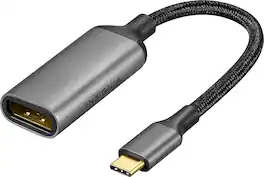
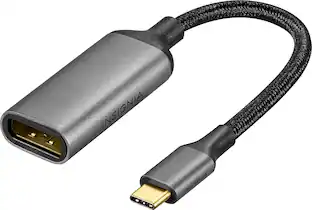
Improve your workstation by connecting your laptop to an external monitor with this Insignia 8K USB-C to DisplayPort Adapter. The adapter supports 8K Ultra HD to prevent loss in quality when transferring between screens. It features a sleek braided cable jacket that flexes and bends to easily connect, and the plug-and-play design makes setup a breeze.
| Pros for Plugable - USB-C to DisplayPort Cable, 6ft, 4K@60Hz, Bi-Directional, Thunderbolt & USB-C Compatible, Driverless - Black | |||
|---|---|---|---|
| There were no pros for this product— | Cable Length, Build Quality | Overall Performance, Cable Length, Functionality | Overall Performance, Connectivity |
Specs
Customers often buy these together
 $59.99The price was $72.99



Customers ultimately bought

Explore tech essentials Sponsored




Discover related products










Keep exploring
 $12.99The price was $13.99