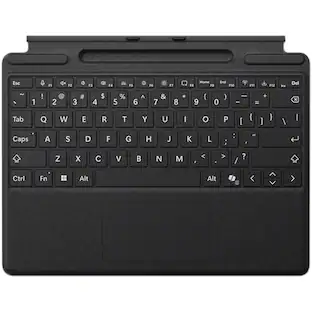
PRIMEPLUS - Wireless Keyboard Mouse Combo, Ergonomic Full-Size with Wrist Rest, Phone Holder, Silent Sleep Mode for Windows/Mac - Mint Green
Reviews coming soon
About this product
Work comfortably all day with this ergonomic wireless keyboard and mouse combo. The keyboard features a generous palm rest and tilt legs to reduce wrist pressure, while the mouse offers a natural handshake angle with contoured grips. The full‑size keyboard includes a built‑in cradle to prop up your phone or tablet – never miss messages or watch videos while you type. Quiet membrane keys keep typing smooth and distraction‑free, with 95% less noise than traditional mice. One USB receiver connects both devices – stable 2.4G wireless up to 33 feet. Smart sleep mode saves battery: keyboard sleeps after 15 minutes, mouse after 10 – wake with any key. Six hotkeys and a 6‑button mouse with forward/back functions boost your efficiency. A comfortable, quiet, and organized setup for any workspace.
Color
Mint GreenFeatures
1. Ergonomic Wave Keyboard with Wrist Rest
Wave key design and padded wrist rest naturally support your hands – reduces wrist strain during long typing sessions. Adjustable stand for personalized comfort.
2. Contoured Wireless Mouse with Forward/Back Buttons
Designed to fit your right hand naturally. Forward and back buttons let you navigate web pages faster and more efficiently. All controls easily within reach.
3. Plug‑and‑Play 2.4G Wireless – One Receiver for Both
Single USB receiver connects both keyboard and mouse – or use separately. No software download required. Reliable signal up to 33 feet (10 meters) without delays.
4. Auto‑Sleep Power Saving & Wide Compatibility
Keyboard sleeps after 30 seconds of inactivity, mouse after 15 minutes – greatly extends battery life. Press any key to wake. Works with Windows, Mac, and Chromebooks. Switch between Windows and Mac layouts with FN+Q or FN+W.
Specifications
- Lighting TypeNoneForm FactorErgonomicConnection TypeWireless
Reviews
This product doesn't have any reviews yet.


Be the first to ask a question.
We’ll try to get your question answered within 24 hours by a Best Buy customer or brand representative.
Customers often buy these together
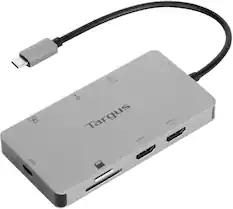
Targus - USB-C Dual HDMI 4K Docking Station with 100W PD Pass-Thru - Silver
Clearance$79.99The price was $99.99


More to consider
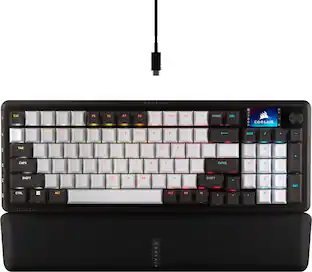
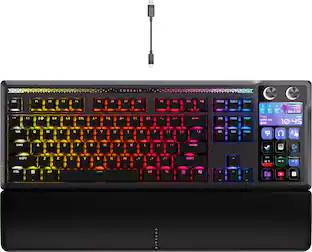
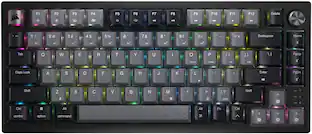
CORSAIR GALLEON 100 SD Stream Deck-Integrated Mechanical Gaming Keyboard
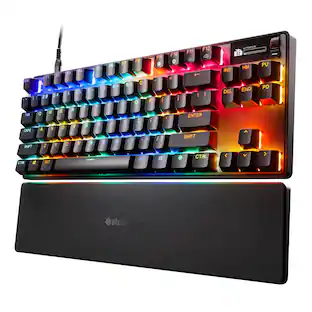
Holiday Deal$299.99The price was $349.99SteelSeries Apex Pro TKL Gen 3 Wired Magnetic Hall-Effect OmniPoint Adjustable Gaming Keyboard with Rapid Tap
$199.99The price was $239.99

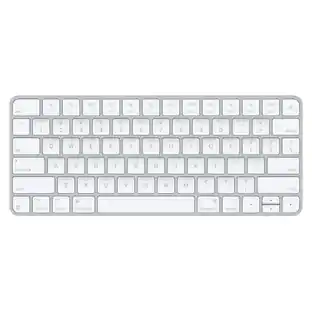
Explore tech essentials Sponsored
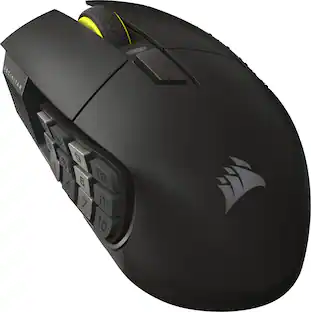
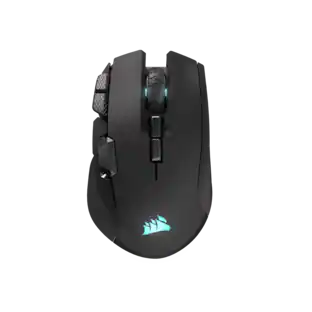
CORSAIR Scimitar Elite Wireless SE MOBA/MMO Optical Gaming Mouse with 16 Programmable Buttons
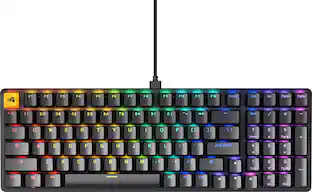
Holiday Deal$99.99The price was $139.99CORSAIR GALLEON 100 SD Stream Deck-Integrated Mechanical Gaming Keyboard
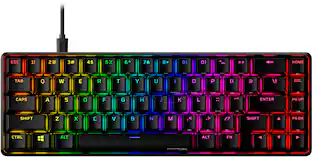
Holiday Deal$299.99The price was $349.99HyperX Alloy Origins 65% Compact Wired Mechanical Red Linear Switch Gaming Keyboard with RGB Lighting
$68.99The price was $114.99
Keep exploring
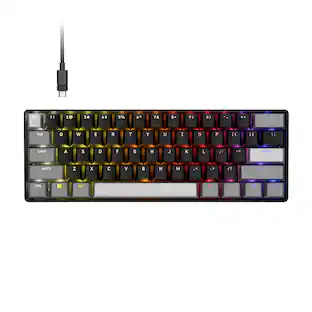
GravaStar Mercury V60 60% Wired Hall Effect Gaming Keyboard with 8000Hz Polling Rate
$129.95The price was $159.95Logitech Wave Keys Ergonomic Wireless Membrane Keyboard for Windows/Mac with Integrated Palm Rest
$78.76The price was $99.99GravaStar Mercury V75 Wireless Hall Effect Gaming Keyboard, 75% Layout, 8000Hz Polling, Dynamic RGB
$189.95The price was $259.95