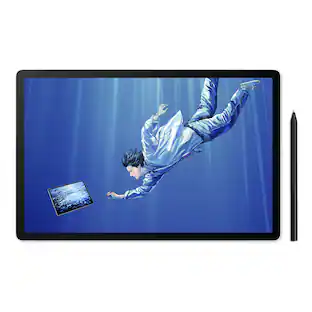
reMarkable - Paper Pro - 11.8" Paper Tablet with Marker Plus and Premium Leather Book Folio - Black
Customers are saying
Customers are delighted by the overall performance, ease of use, and the excellent writing experience provided by this device. Users frequently praise its long-lasting battery life, intuitive organization capabilities, and the high-quality design that feels even better than paper. While the product is highly regarded for note-taking and sketching, some users have noted that the software suite comes with inherent limitations.
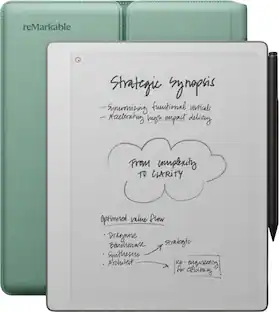
An unprecedented paper-like writing experience
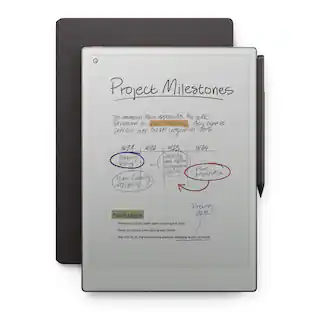
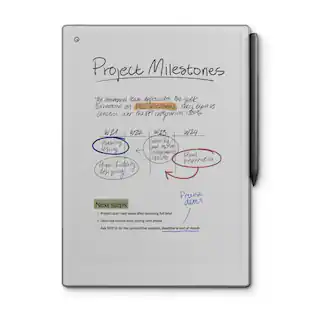
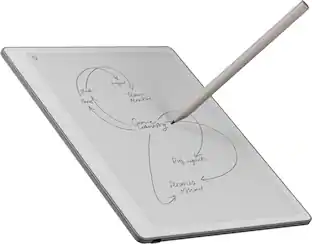
With its incredible responsiveness and finely textured display surface, reMarkable Paper Pro offers an unprecedented paper-like writing experience in a digital notebook
Designed to help you focus
Distraction-free by design. No notifications, pop-up ads, or social media. Just you and your thoughts, so you can find the focus to do your best work
All your notes, organized
Stay on top of your paperwork. Keep all your handwritten notes, to-do lists, PDFs, ebooks, and sketches organized and in one safe place — easily accessible on multiple devices and platforms
Mobile and desktop note-taking
Create, edit, and organize notes from your smartphone or laptop with the reMarkable apps. With a Connect subscription*, all your work is safely stored, up to date, and ready to use across your devices
Handwriting conversion
Make handwritten notes easy to reuse by converting them into typed text. You can then refine or expand your converted drafts with the Type Folio keyboard cover (sold separately). Upload documents to cloud storage services, or send by email to share them instantly
Google Drive, Dropbox, and OneDrive integration
Access popular cloud storage services right from your paper tablet to improve your workflow. Browse stored files, copy them to your paper tablet, and upload documents directly
Take notes directly on PDFs
Read and review reports and presentations on an immersive and eye-friendly display, and write your thoughts directly onto the page. Signing PDFs and annotating documents has never been easier
Send content to your paper tablet
Save any web page, Microsoft Word document, or PowerPoint presentation to your paper tablet for when you have time to focus and read in-depth. All it takes is a click with our Read on reMarkable extension
Share your screen live
Stream your notes and ideas directly onto a bigger screen. Turn your paper tablet into the perfect digital whiteboard to write, draw, and demonstrate tricky concepts live in meetings
Read in comfort. Day or night
Unlike most laptops and phones, reMarkable Paper Pro has a low-glare display that reflects natural light. A built-in adjustable reading light means you can keep working when the lights go out, too
Two weeks of battery life
With up to two weeks of battery life and 90 days of standby time, reMarkable Paper Pro is always ready to come out of your bag and get to work.
Marker Plus
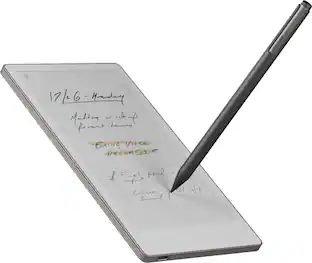
Take notes, sketch, and annotate with a premium digital pen designed to deliver realistic friction and natural writing feel. Attaches magnetically to your paper tablet, and features a built-in eraser
Book Folio
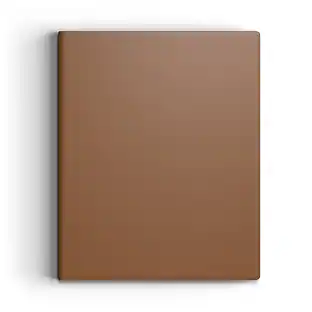
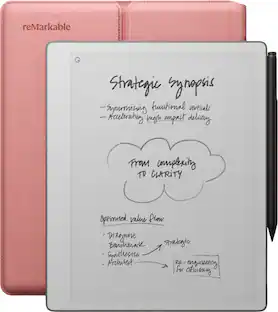
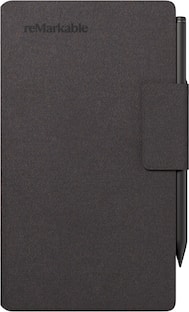
Keep your paper tablet and Marker Plus safe in style. With the magnetic Marker strap, you never have to worry about losing track of your digital pen
What's included
reMarkable Paper Pro - 11.8" paper tablet, Marker Plus, Book Folio - Premium leather - Black, 6 spare Marker tips, USB-C cable
- Screen Size11.8 inchesScreen Resolution2160 x 1620Active Area11.7Processor Model1.8 GHz quad-core Cortex-A53Total Storage Capacity64 gigabytesOperating SystemLinux
Reviews
Rating 4.5 out of 5 stars with 263 reviews
- Overall Performance (43)
- Ease of Use (32)
- Writing Experience (24)
- Battery Life (19)
- Organization (11)
- Software (3)
Customer Images
The vast majority of our reviews come from verified purchases. Reviews from customers may include My Best Buy members, employees, and Tech Insider Network members (as tagged). Select reviewers may receive discounted products, promotional considerations or entries into drawings for honest, helpful reviews.

Compare similar products

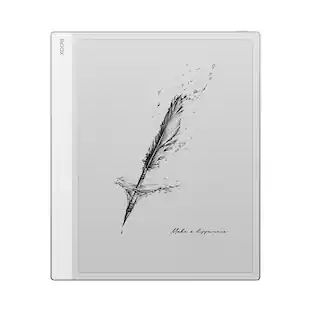
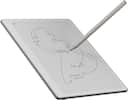
Bring paper into your digital workflow with reMarkable Paper Pro. Ultraslim and portable, but with a full-size 11.8” color display, adjustable reading light, and an unmatched paper-like writing experience.

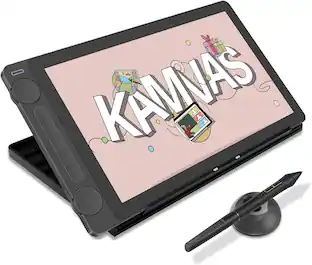
Bring paper into your digital workflow with reMarkable Paper Pro. Ultraslim and portable, but with a full-size 11.8” color display, adjustable reading light, and an unmatched paper-like writing experience.

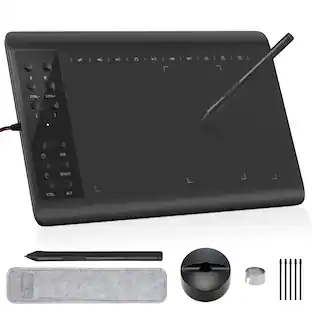
Bring paper into your digital workflow with reMarkable Paper Pro. Ultraslim and portable, but with a full-size 11.8” color display, adjustable reading light, and an unmatched paper-like writing experience.
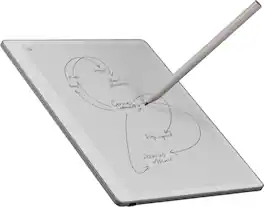
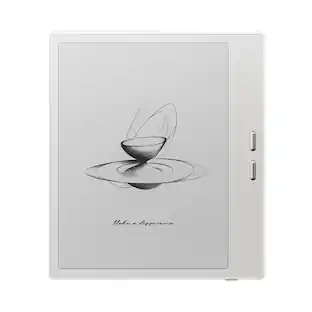
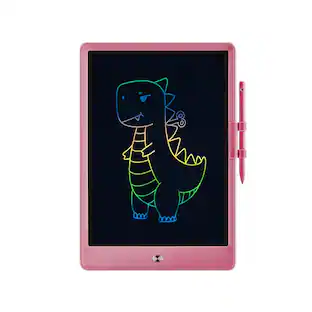
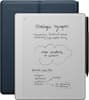
Close the gap between how you think and work with reMarkable Paper Pure. This paper tablet combines the proven benefits of handwriting with software that simplifies everyday work tasks, like getting your thoughts down on paper, reviewing documents, and staying focused in meetings. Write on a 10.3” display that feels like real paper, then refine your ideas with smart digital powers. It can even connect to cloud storage providers, productivity apps, and more, so work flows freely. And the battery lasts up to three weeks on a single charge, letting you focus on work without worrying about power.
| Pros for reMarkable - Paper Pro - 11.8" Paper Tablet with Marker Plus and Premium Leather Book Folio - Black | |||
|---|---|---|---|
| Overall Performance, Writing Experience, Battery Life, Ease of Use, Organization | Ease of use, Writing Experience, Battery Life, Overall Performance, Screen Size | Ease of use, Writing Experience, Battery Life, Note Taking, Color | There were no pros for this product— |
| Cons for reMarkable - Paper Pro - 11.8" Paper Tablet with Marker Plus and Premium Leather Book Folio - Black | |||
| Software | Price, PDF Support | Price, Display Quality, Lag, Refresh Rate | There were no cons for this product— |
Specs
More to consider
 Clearance$111.99The price was $139.00
 Clearance$118.99The price was $169.00

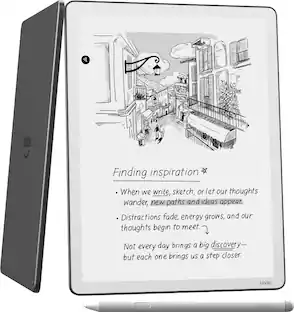
Explore tech essentials Sponsored
- Clearance$118.99The price was $169.00
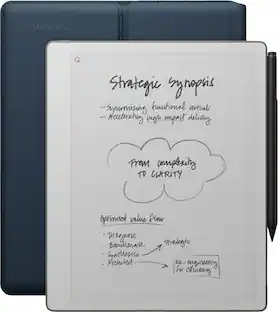
Discover related products
 $434.99The price was $499.00
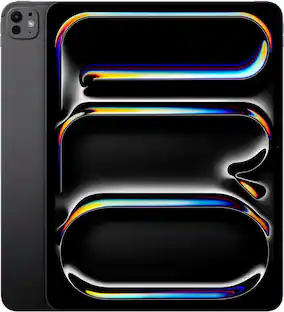 $1,299.99The price was $1,499.00