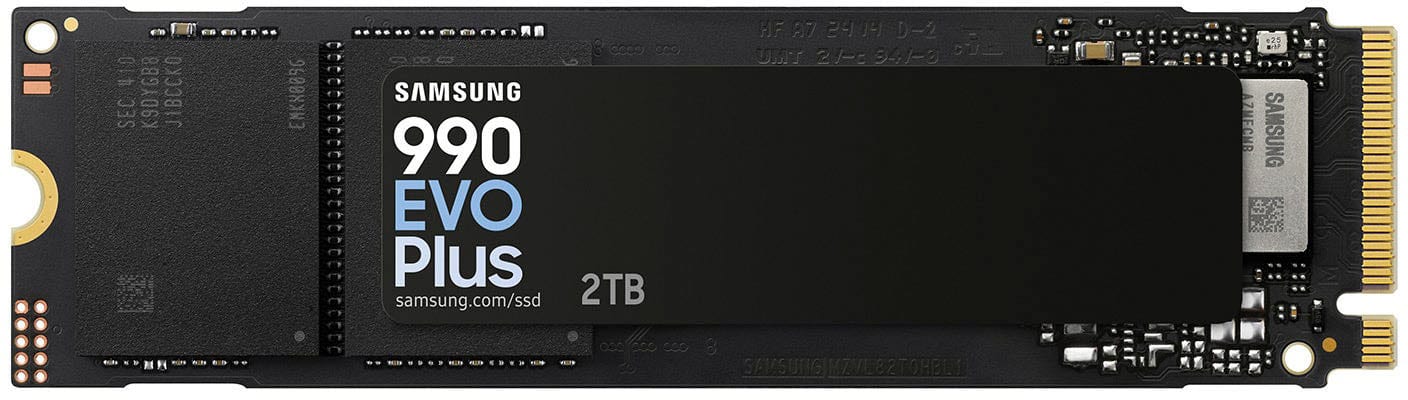
Samsung - 990 EVO PLUS SSD 2TB, PCIe Gen 4x4 | 5x2 M.2 2280, Speeds Up to 7,250 MB/s
Customers are saying
Customers recognize that this product delivers excellent overall performance and impressive read/write speeds, making it a popular choice for gaming. Users also appreciate the straightforward installation process and the significant boost in storage capacity it provides. While the drive performs well, some customers note that it can run warm under heavy workloads and advise checking if a separate heatsink is required for their specific setup.
Storage Capacity
2000GBRead/Write Speeds up to 7,250/6,300 MB/s
The 990 EVO Plus features the latest NAND memory, boosting sequential speeds up to 7,250/6,300MB/s*. With a read speed up to 45% faster than the 990 EVO and a similar write speed to our PRO series, allowing huge file transfers to be completed faster than ever.
Up to 4TB Capacity
Harness the full power of your drive with our first ever 4TB DRAMless SSD, featuring the enhanced large file performance of Intelligent TurboWrite 2.0. With a larger TurboWrite region and double the capacity of the 990 EVO, the 990 EVO Plus is the perfect upgrade for heavier tasks that require smooth and faster performance. Whether it’s heavy video editing, complex animations or game development, this SSD delivers the boost you need.
Power Efficiency & Thermal Control
Keep your cool as you work or play with no worries about overheating or battery life. Featuring an efficiency boosting nickel coated controller that increases MB/s per Watt by 73% ¹, the 990 EVO PLUS achieves the same power level and thermal control as the 990 EVO with 16% less power consumption.
PCIe 4.0 and Gen 5.0
Optimized to support the latest technology for SSDs 990 EVO Plus is compatible with PCIe 4.0 x4 and PCIe 5.0 x2. This means you get more bandwidth and higher data processing and performance. Overall, it does more to support smooth storage with less power consumption.
Always Up to Date via Magician Software
It’s not hocus pocus. Your 990 EVO Plus SSD performs like new with the always up to date Magician Software. Stay up to speed with the latest firmware updates, extra encryption and continual monitoring of your drive health it works like a charm.
¹ The nickel coated controller increases MB/s per Watt by 73%, achieving the same power level and thermal control with less power consumption.
- Storage Capacity2000 gigabytesStorage Drive TypeSSDMaximum Read Speed7250 megabytes per secondMaximum Write Speed6300 megabytes per secondForm FactorM.2 2280Interface(s)PCIe Gen 4 x4
Reviews
Rating 4.9 out of 5 stars with 597 reviews
- Overall Performance (225)
- Speed (210)
- Installation (96)
- Storage Capacity (91)
- Heat Sink (6)
- Heatsink (3)
Customer Images
The vast majority of our reviews come from verified purchases. Reviews from customers may include My Best Buy members, employees, and Tech Insider Network members (as tagged). Select reviewers may receive discounted products, promotional considerations or entries into drawings for honest, helpful reviews.
Compare similar products

With faster read/write speeds of up to 7,250/6,300 MB/s*, larger storage capacity of up to 4TB with TurboWrite 2.0 and 73% ** greater power efficiency compared with the 990 EVO, the 990 EVO Plus makes large editing, file transfer or gaming tasks go smoother and faster. It’s the perfect productivity boost helping you tackle a busy day full of work (or play).
With faster read/write speeds of up to 7,250/6,300 MB/s*, larger storage capacity of up to 4TB with TurboWrite 2.0 and 73% ** greater power efficiency compared with the 990 EVO, the 990 EVO Plus makes large editing, file transfer or gaming tasks go smoother and faster. It’s the perfect productivity boost helping you tackle a busy day full of work (or play).
With faster read/write speeds of up to 7,250/6,300 MB/s*, larger storage capacity of up to 4TB with TurboWrite 2.0 and 73% ** greater power efficiency compared with the 990 EVO, the 990 EVO Plus makes large editing, file transfer or gaming tasks go smoother and faster. It’s the perfect productivity boost helping you tackle a busy day full of work (or play).
Designed for tech enthusiasts, hardcore gamers and heavy-workload professionals who want blazing fast speed. Sequential read/write speeds up to 7,450/6,900 MB/s
| Pros for Samsung - 990 EVO PLUS SSD 2TB, PCIe Gen 4x4 | 5x2 M.2 2280, Speeds Up to 7,250 MB/s | |||
|---|---|---|---|
| Overall Performance, Speed, Installation, Storage Capacity | Overall Performance, Speed, Installation Ease, Storage Capacity, SSD Performance | Speed, Overall Performance, Storage Capacity, Installation Ease, Heat Dissipation | Speed, Installation, Performance, Storage, Ease of use |
| Cons for Samsung - 990 EVO PLUS SSD 2TB, PCIe Gen 4x4 | 5x2 M.2 2280, Speeds Up to 7,250 MB/s | |||
| Heat Sink, Heatsink | There were no cons for this product— | There were no cons for this product— | Heat, Firmware |
Specs
is this SSD compatable with a HD desktop ?
Answered by Samsungtabatha: Yes, the 990 EVO Plus SSD is compatible with most desktop PCs, including those with HDDs (hard disk drives). The 990 EVO Plus uses the M.2 form factor and supports PCIe 4.0 x4 and PCIe 5.0 x2 interfaces. As long as your desktop has an available M.2 slot and supports these interfaces, you should be able to use the 990 EVO Plus SSD without any issues. - Samsung Memory
Is the Samsung - 990 EVO PLUS SSD 2TB, PCIe Gen 4x4 | 5x2 M.2 2280 compatible with the MSI MAG Z390 Tomahawk LGA1151 motherboard ? i cuurently have a M2 Drive- Samsung 970 EVO M.2 2280 1 TB drive installed with works well but it too small.
Answered by Samsunghhecla: The Samsung 990 EVO PLUS SSD 2TB uses a PCIe Gen 4x4 or 5x2 interface, while the MSI MAG Z390 Tomahawk motherboard supports PCIe Gen 3.0 x4 for its M.2 slots. Although the 990 EVO PLUS is backward compatible with PCIe Gen 3.0, it will operate at reduced speeds compared to its full potential on a PCIe Gen 4.0 slot. Therefore, you can use the 990 EVO PLUS SSD with your motherboard, but you may not get the maximum performance out of it. - Samsung Memory

what is the tbw rating?
Answered by Samsungoldfatguy: TBW for the EVO Plus 2TB is 1,200. - Samsung Memory
Is the SSD compatible with PCIe Gen 4x4?
This SSD is compatible with PCIe Gen 4x4.
This question and answer was generated by AI based on customer and product data.What are the dimensions of the SSD?
The SSD has a height of 0.093 inches, a width of 0.87 inches, and a form factor of M.2 2280.
This question and answer was generated by AI based on customer and product data.

Customers often buy these together
Computer Memory

CORSAIR - VENGEANCE RGB 32GB (2x16GB) DDR5 6000MHz C36 UDIMM Desktop Memory - White
$529.99The price was $545.99
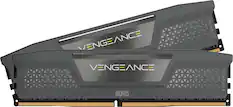
CORSAIR - VENGEANCE RGB 32GB (2x16GB) DDR5 6000MHz C36 AMD EXPO & Intel XMP UDIMM Desktop Memory - Gray
$499.99The price was $545.99
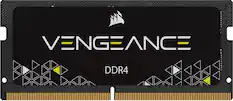
CORSAIR - VENGEANCE LPX 32GB (2x16GB) DDR4 3200MHz C16 UDIMM Desktop Memory - Black
$259.99The price was $315.99

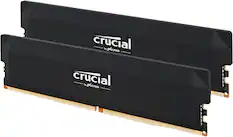


Drive Enclosures
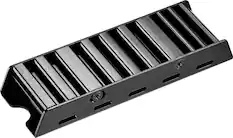
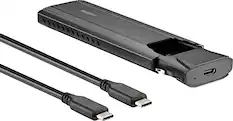
Insignia™ - Heatsink Enclosure for M.2 NVMe SSDs and PS5 - Black
Clearance$10.99The price was $14.99
More recommended items
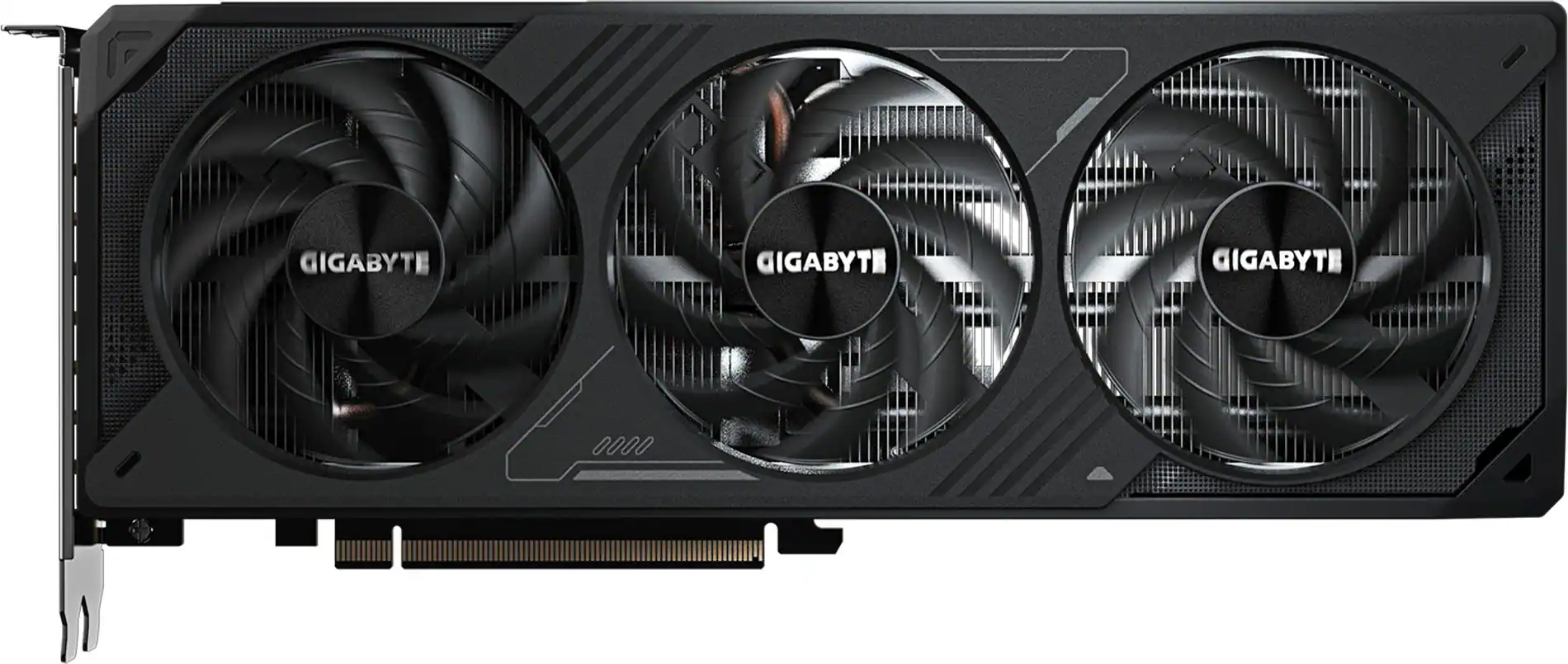 Graphics Cards
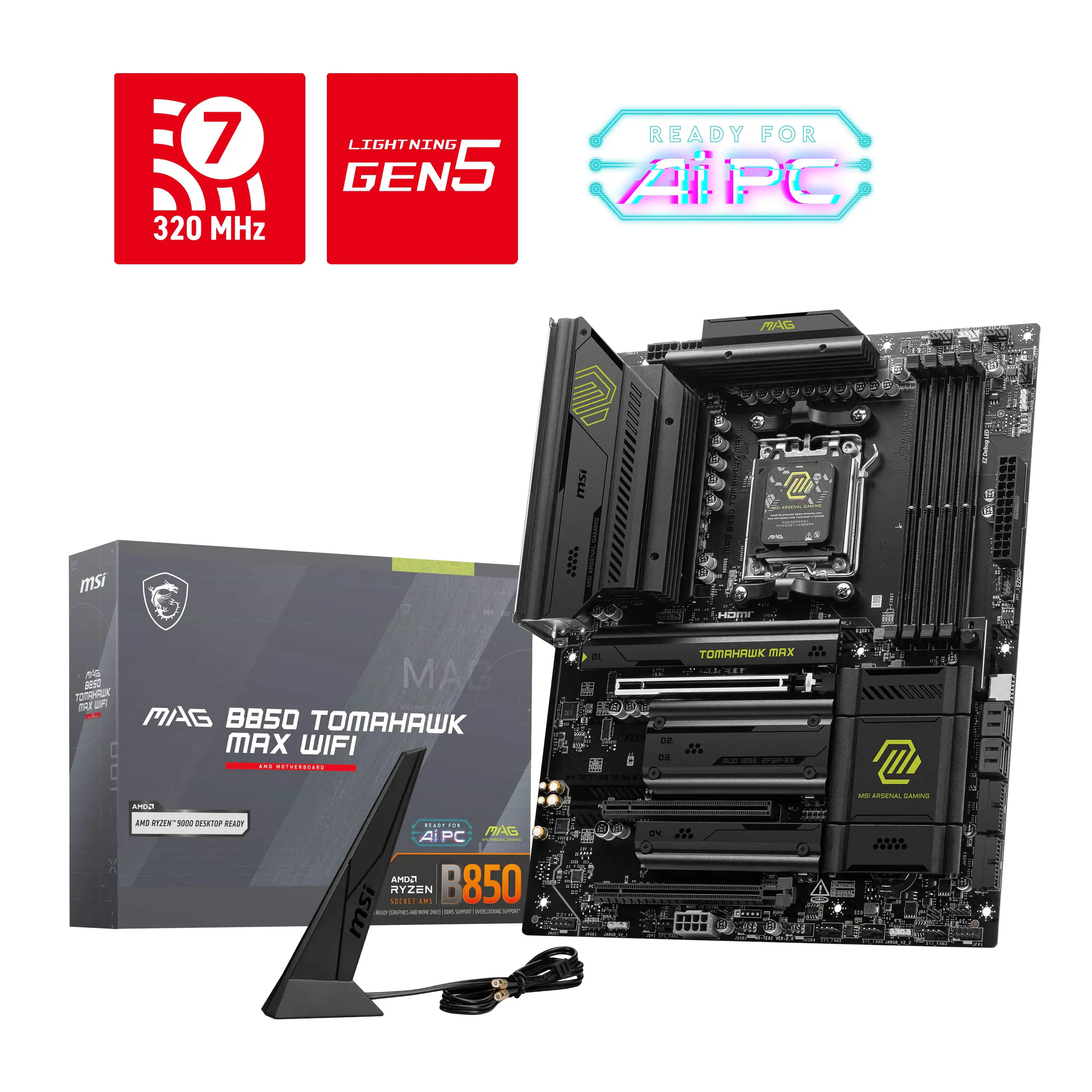 Motherboards
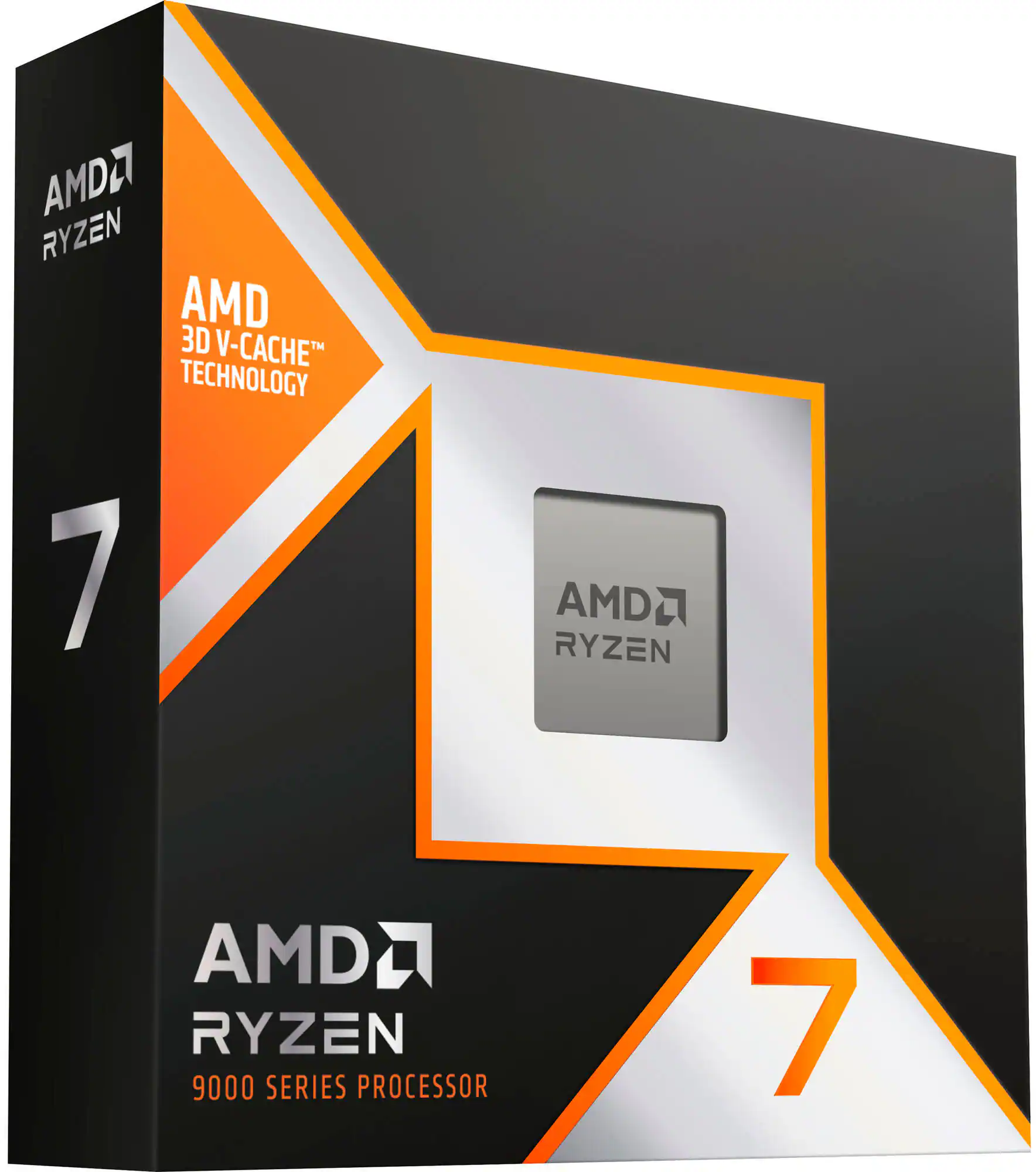 Processors
 Computer Power Supplies
 Computer Enclosures
 Computer Cooling Fans and Systems
 Operating Systems
 Computer Repair and Installation Tools
More to consider
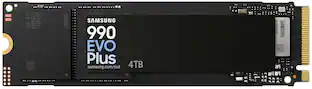 $579.00The price was $1,049.99
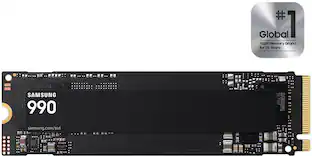 $369.99The price was $529.99
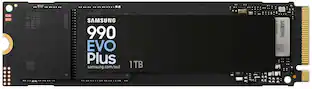 Top Deal$239.99The price was $289.99
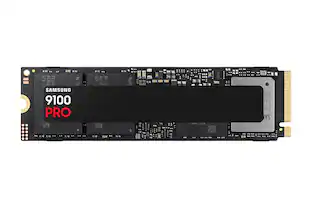 $399.99The price was $679.99
 $299.99The price was $364.99
 $299.99The price was $359.74


Explore tech essentials Sponsored
- Top Deal$239.99The price was $289.99
 $75.99The price was $99.99
 $183.99The price was $239.99

Discover related products
 $139.99The price was $191.99
 $249.00The price was $275.00






Keep exploring
- $299.99The price was $359.74
 $449.99The price was $518.15
 $429.99The price was $455.99
 $349.99The price was $373.80