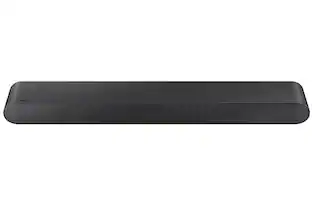
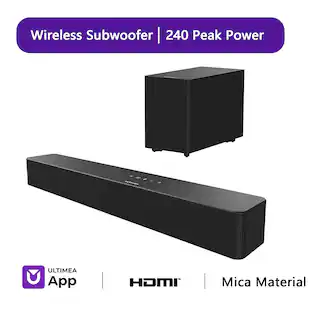
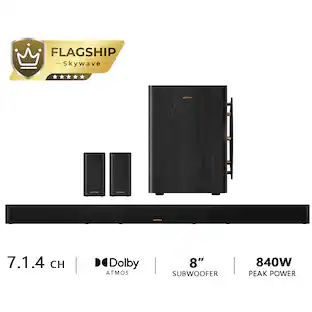
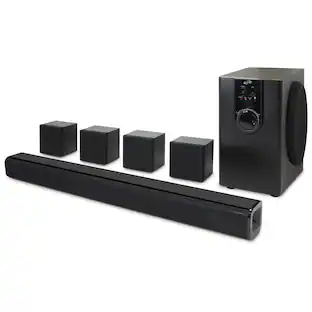
Sony - HT-A5000 5.1.2ch Dolby Atmos Soundbar, Chromecast built-in, AirPlay2, Bluetooth - Black

Key Accessories:
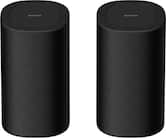
- Sony - BRAVIA Theater Sub 7 Wireless Subwoofer - Black$329.99
More Buying Options from Best Buy and Marketplace sellers
Specifications
- Wireless ConnectivityWi-Fi, BluetoothWireless Subwoofer ConnectivityYesWall MountableYesWorks WithAmazon Alexa, Google HomeVoice Assistant Built-inAmazon Alexa, Google Assistant
- Key Specs
- Wireless Connectivity: Wi-Fi, Bluetooth (The manner in which a device sends data to another device over a short distance without the use of wires or cables.)
- Wireless Subwoofer Connectivity: true
- Wall Mountable: true (The product is able to be secured to a wall. Some products are designed ready to mount, while others may require additional hardware/accessories for installation.)
- Works With: Amazon Alexa, Google Home (Compatible with or able to be connected to other smart devices or applications.)
- Voice Assistant Built-in: Amazon Alexa, Google Assistant (A digital assistant built into the device that uses voice commands to answer questions and control smart devices.)
- General
- Brand: Sony
- Model Number: HTA5000
- Product Name: HT-A5000 5.1.2ch Dolby Atmos Soundbar, Chromecast built-in, AirPlay2, Bluetooth
- Color: Black
- Audio
- Number of Channels: 5.1.2 (The number of discrete channels of sound output. This can be a single number or multiple numbers separated by decimal(s). The first number is the primary, horizontally directed audio channels. The number after the first decimal, if applicable, is the number of subwoofer outputs or channels. The number after the second decimal, if applicable, is the number of height or atmospheric channels designed to immerse the listener by producing overhead sound effects.)
- Surround Sound Supported: Dolby Atmos, DTS:X (Surround sound systems use multiple audio channels and speakers to create an immersive sound experience for the listener. There are also various proprietary technologies that imitate this kind of sound via a device's built-in speakers or soundbar.)
- High Resolution Audio: true (Hear music the way musicians and sound technicians intended it to be heard. Products that support hi-res audio deliver audio signals with a dynamic range and bandwidth far greater than that of a standard CD so you'll be able to enjoy pure music with outstanding sound quality. The device supports high-resolution audio signals, which more closely resemble the quality of music as it was originally recorded, with more texture and detail than can be heard via typical music streaming services or CDs.)
- RMS Power: 450 watts (The maximum amount of continuous power the device is able to handle.)
- Connectivity
- Wireless Connectivity: Wi-Fi, Bluetooth (The manner in which a device sends data to another device over a short distance without the use of wires or cables.)
- Wireless Subwoofer Connectivity: true
- HDMI Audio Return Channel (ARC): eARC
- Audio Only Inputs: 1 x Optical digital audio, 1 x USB-A
- Number of HDMI Inputs (Total): 1
- Number of USB Inputs: 1
- Number of HDMI Outputs (Total): 1
- Features
- Wall Mountable: true (The product is able to be secured to a wall. Some products are designed ready to mount, while others may require additional hardware/accessories for installation.)
- Speaker
- Subwoofer: Recommended (sold separately)
- Number of Tweeters: 2
- Number of Woofers: 2
- Dimensions
- Product Height: 2.75 inches (The out of box height of the item. Height is measured as the vertical distance from the bottom of the item to the top as it would be primarily used or placed.)
- Product Width: 47.75 inches (The out of box width of the item. Width is measured as the horizontal distance from one side of the item to the other as it would be primarily used or placed.)
- Product Depth: 5.62 inches (The out of box depth of the item. Depth is measured as the distance from the front of the item to the back as it would be primarily used or placed.)
- Product Weight: 13.8 pounds (The out of box weight of the item.)
- Included
- Remote Control Included: true
- Cable(s) Included: HDMI, AC power
- Mounting Hardware Included: true
- Certifications Listings & Approvals
- ENERGY STAR Certified: false (Devices carrying the ENERGY STAR service mark, such as computer products and peripherals, kitchen appliances, and other products, generally use 20% to 30% less energy than required by federal standards.)
- Warranty
- Warranty - Parts: 1 year
- Warranty - Labor: 1 year
- Compatibility
- Works With: Amazon Alexa, Google Home (Compatible with or able to be connected to other smart devices or applications.)
- Voice Assistant Built-in: Amazon Alexa, Google Assistant (A digital assistant built into the device that uses voice commands to answer questions and control smart devices.)
- Other
- UPC: 027242922471
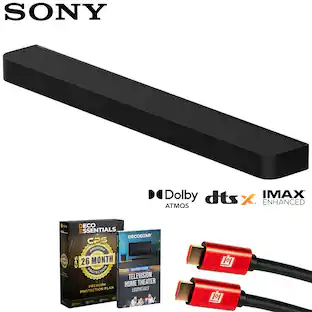
Take your entertainment to a new realm of surround sound audio immersion. The HT-A5000 sound bar envelops you in authentic 5.1.2ch surround sound with up-firing speakers, side beam tweeters, a built-in subwoofer and advanced technologies that bring you Dolby Atmos® and DTS:X® audio as well as 8K1 and 4K 1202 video passthrough. Smart features include AirPlay2, Chromecast built-in, Bluetooth audio streaming and works with Alexa and Google Assistant. Adding optional rear speakers adds support for 360 Spatial Sound Mapping12, taking movies, TV and music into a whole new realm.
- Immersive surround sound from our premium soundbar: With unique technology such as Vertical Surround Engine, S-Force Pro Front Surround and 360 Spatial Sound Mapping, the HT-A5000 soundbar offers immersive sound that comes from all around. Dolby Atmos and DTS: X bring multi-dimensional sound.
- Smart calibration matches your room: Built-in Sound Field Optimization smartly calibrates the HT-A5000 soundbar to your room environment to provide the best sound. Even if you move the soundbar from the main room to a bedroom, the HT-A5000 will adapt the sound to fit your space.
- Smart audio streaming: It’s never been easier to listen to your favorite tracks. The HT-A5000 sound bar supports audio streaming via Bluetooth, Wi-Fi, Chromecast built-in, Spotify Connect, and Apple AirPlay 2
- 360 Spatial Sound that adapts to your environment with optional rear speakers: 360 Spatial Sound Mapping technology with rear speakers creates multiple phantom speakers. With multiple phantom speakers all around you, it’s a new sensation of surround sound.
- High Quality Audio: The 5.1.2ch HT-A5000 sound bar is packed with class leading technology for all-dimensional immersive sound and voice clarity. X-Balanced speaker units minimize distortion while the up-firing speakers and beam tweeters fill the room to give an ultra-immersive listening experience.
- High quality video passthrough: The HT-A5000 soundbar is equipped with 8K and 4K/120 passthrough to support the latest video formats including Dolby Vision. From vivid visuals to smoother, clearer movement for responsive video game play, the HT-A5000 has you covered.
- Immerse yourself in supreme music quality: Enjoy music the way the artists truly intended with High-Resolution Audio for crystal clear precision or discover a new way of listening with 360 Reality Audio for a truly immersive live concert or studio session experience.
- Get fuller, richer sound with optional equipment: Two wireless subwoofer choices (SA-SW3 and SA-SW5) and rear speakers (SA-RS3S or SA-RS5) accessories are designed to help you enhance the immersion of your content by adding extra bass and surround sound.
- Effortless Control and Immersion with BRAVIA XR TV's: With an integrated UI, home theater system settings automatically appear on the BRAVIA Quick Settings menu for easy control of sound modes, sound field, and volume.
- Easy UI and setup: An OLED front panel display is on the soundbar for quick viewing of the volume level, sound mode or input. The HT-A5000 is almost ready to go straight out of the box. Simply plug it in, connect to your TV using the HDMI eARC connection and power on or connect wirelessly to the TV.
- Voice Assistant Compatibility: Connect to your home’s other devices with Google Assistant or Amazon Alexa
- Boost your surround sound: Add our optional subwoofer and rear speakers. Subwoofers SA-SW3 and SA-SW5 and rear speaker SA-RS3S and SA-RS5 are sold separately.
Whats Included
- Sound Bar
- Remote Commander
- HDMI cable
- Warranty Card
- Quick Setup Guide
- Manual
- Wall Hanging Bracket
Q: Does this soundbar support Dolby Atmos surround sound?
A: Yes, this soundbar supports Dolby Atmos surround sound.
Q: Does this soundbar have a remote control included?
A: Yes, a remote control is included with this soundbar.
Q: Can this soundbar work with Amazon Alexa?
A: Yes, this soundbar works with Amazon Alexa.
Q: Are HDMI cables included with the soundbar?
A: Yes, HDMI cables are included with the soundbar.
Q: Can I mount this soundbar on the wall?
A: Yes, this soundbar is wall mountable.
Q: Does this soundbar support high resolution audio?
A: Yes, this soundbar supports high resolution audio.
Q: Does this soundbar support wireless connectivity?
A: Yes, this soundbar supports Wi-Fi wireless connectivity.
A: One is 5.1 while the other is a 7.1. I have both & the 5.1 is better if in a smaller room but for living room or bigger space as seems like you may have the 7.1 would be better. The 7.1 also has a nicer looking glossy top & the remote has a few more sound modes to choose from directly without going inti the menu but I found them obsolete as the main sound mode is best in my preference. I would also go for the nicer sub if in your budget & the rear speakers as they provide even more depth but all in all they are both great. I would mainly choose by the size of room going in.
Compare similar products

Take your entertainment to a new realm of surround sound audio immersion. The HT-A5000 sound bar envelops you in authentic 5.1.2ch surround sound with up-firing speakers, side beam tweeters, a built-in subwoofer and advanced technologies that bring you Dolby Atmos® and DTS:X® audio as well as 8K1 and 4K 1202 video passthrough. Smart features include AirPlay2, Chromecast built-in, Bluetooth audio streaming and works with Alexa and Google Assistant. Adding optional rear speakers adds support for 360 Spatial Sound Mapping12, taking movies, TV and music into a whole new realm.

The Bose TV Speaker is a small soundbar that clarifies speech and improves overall TV sound. Inside there are two full-range drivers angled to deliver wide, spatial sound, while the center tweeter specifically focuses on clarifying speech. And built-in Dolby decoding enhances the audio capabilities of your TV Speaker to deliver a more realistic and satisfying listening experience. Designed with simplicity in mind, a single connection to your TV has you up and running in no time. This connection can be either an optical audio cable (included) or an HDMI cable (sold separately). At just over 2″ (5 cm) tall, this TV Speaker is small enough to fit just about anywhere. Place it in front of your TV or mount it to the wall. Plus small LED lights on the front turn on and/or change color when certain features are enabled or when the volume is adjusted. The Bose TV Speaker also has HDMI-CEC, which allows the TV and soundbar to communicate when connected by an HDMI cable. So when you turn the TV on, the soundbar will automatically turn on too, and you can even continue using your current TV remote to control the volume of the soundbar. However, the Bose TV Speaker also has its own remote. On it, you can pair your Bluetooth device to wirelessly stream your favorite music or podcasts, enable Dialogue Mode to further elevate center vocals, or add a bass boost for some extra depth. And the Bose TV Speaker is Roku TV Ready certified. Meaning, it’s designed to work seamlessly with a Roku TV. When connected to a Roku TV via an HDMI cable, you’ll enjoy smooth, automatic setup, easy access to the TV Speaker sound settings in the Roku TV on-screen menu, and compatibility with the Roku TV remote. If you’re looking for even more bass or just want to expand your system, you can add a subwoofer for more theater-quality home theater sound. The Bose TV Speaker requires a wired connection and is compatible with the Bose Bass Module 500 or 700 (Bose Bass Module Connection Cable sold separately).

Hear a remarkable theater-like surround sound experience at home with BRAVIA Theater Bar 8. Featuring 11 speakers and 360 Spatial Sound Mapping, rediscover your favorite movies with perfectly optimized spatial audio designed to envelope you with every intricate sound just as the creator intended. And expand the experience with optional wireless subwoofer and rear speakers.

Introducing BRAVIA Theater Bar 9, our top-of-the-line soundbar that takes surround sound technology to new heights. Featuring 13 speakers and 360 Spatial Sound Mapping, hear the room filled with truly immersive theater-like surround sound perfectly optimized to your space. And unlock sound with even greater impact with optional wireless subwoofer and rear speakers.
| Pros for Sony - HT-A5000 5.1.2ch Dolby Atmos Soundbar, Chromecast built-in, AirPlay2, Bluetooth - Black | |||
|---|---|---|---|
| Sound Quality, Setup Ease, Design | There were no pros for this product— | There were no pros for this product— | There were no pros for this product— |
| Cons for Sony - HT-A5000 5.1.2ch Dolby Atmos Soundbar, Chromecast built-in, AirPlay2, Bluetooth - Black | |||
| Connectivity, Durability, Size, Equalizer, Volume Control | There were no cons for this product— | There were no cons for this product— | There were no cons for this product— |
Specs
Reviews
Rating 4.5 out of 5 stars with 903 reviews
Top Mentions
- Sound Quality (559)
- Setup Ease (74)
- Design (10)
- Connectivity (26)
- Durability (15)
- Size (11)
- Equalizer (3)
- Volume Control (3)
Customer Images
The vast majority of our reviews come from verified purchases. Reviews from customers may include My Best Buy members, employees, and Tech Insider Network members (as tagged). Select reviewers may receive discounted products, promotional considerations or entries into drawings for honest, helpful reviews.
Customers often buy these together
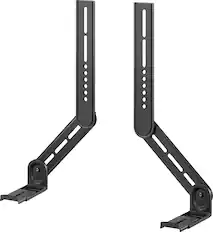
Speaker Mounts
Subwoofers

Sony - SA-SW3 200W Wireless Subwoofer - Black
$349.99The price was $449.99
More recommended items
 Speakers
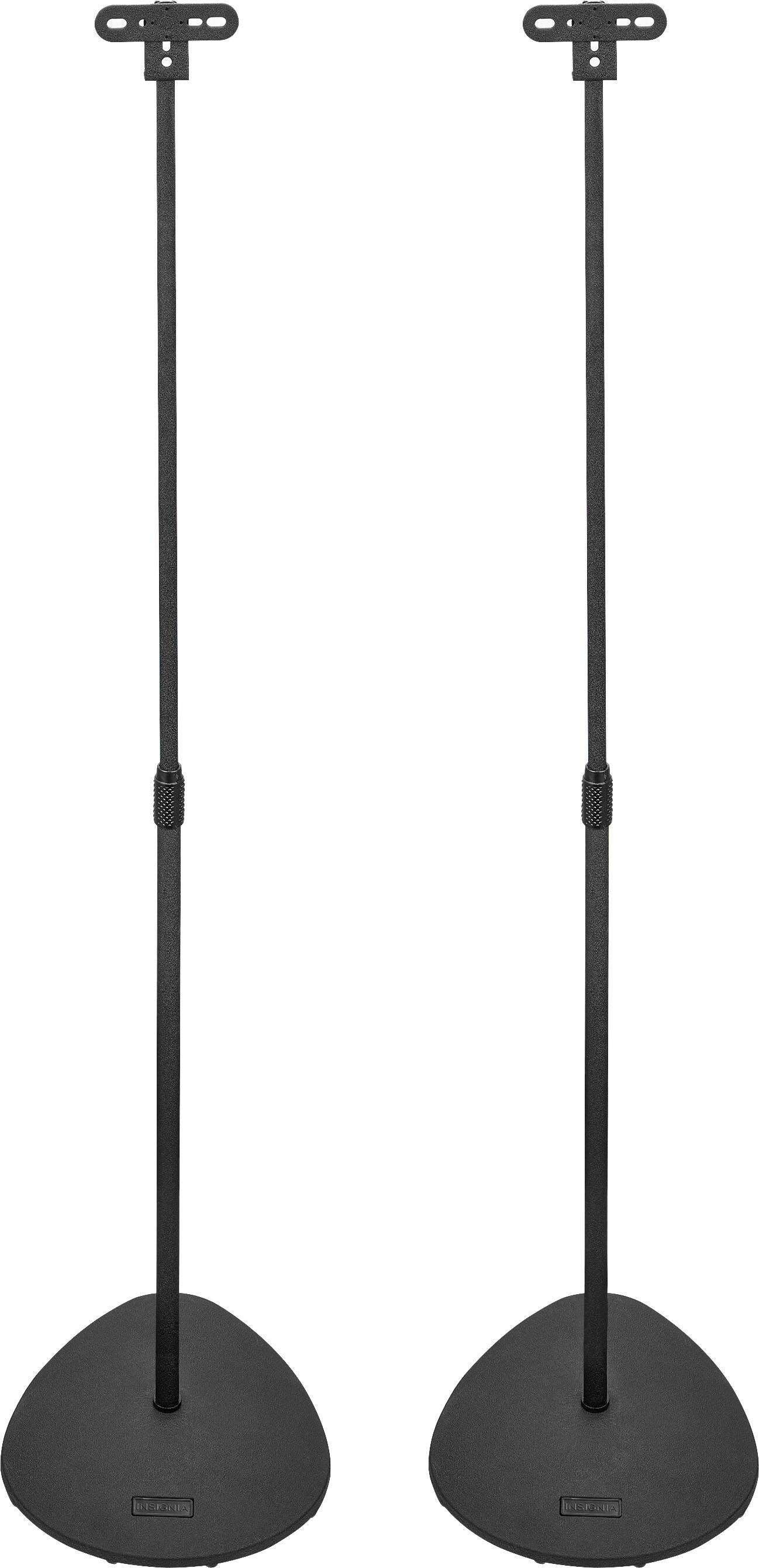 Speaker Stands
 Surge Protectors
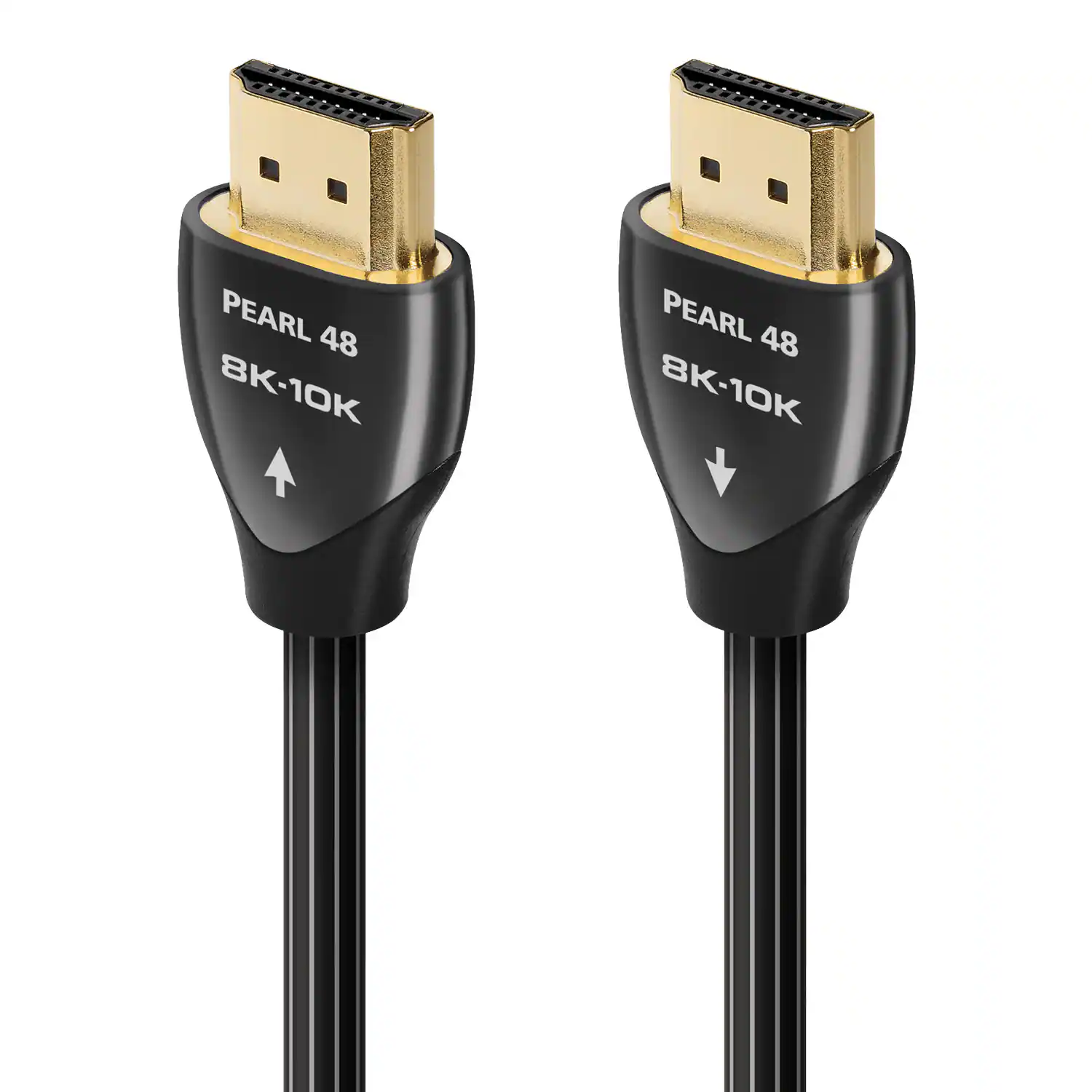 Cables and Adapters
More to consider
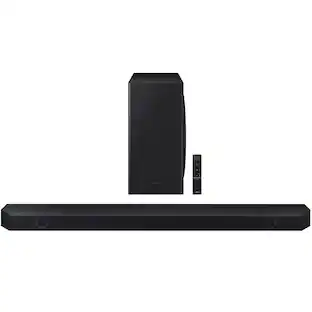 $685.00The price was $695.00
 $868.00The price was $1,029.91






Your sound, your style Sponsored
 $249.99The price was $399.99
 Top Deal$699.99The price was $899.99




Discover related products
 $84.99The price was $103.95
 $199.99The price was $279.99
 $20.28The price was $24.99
 $26.49The price was $32.99




Keep exploring
 $4,099.00The price was $4,299.00
 $2,977.00The price was $3,088.00
 $1,229.95The price was $1,742.45
 $1,597.99The price was $2,217.91
 $199.99The price was $249.99