Sony Interactive Entertainment - PlayStation Portal Remote Player - White
Customers are saying
Customers recognize the device for its immersive gameplay performance and convenient portability, which are frequently highlighted as its strongest attributes. Users also appreciate the high screen quality and comfortable design, though some note that battery life remains reliable. While the overall experience is positive, some customers have expressed concerns regarding occasional connectivity issues and minor input lag.
Features
Put Your PS5 in the Palm of Your Hand
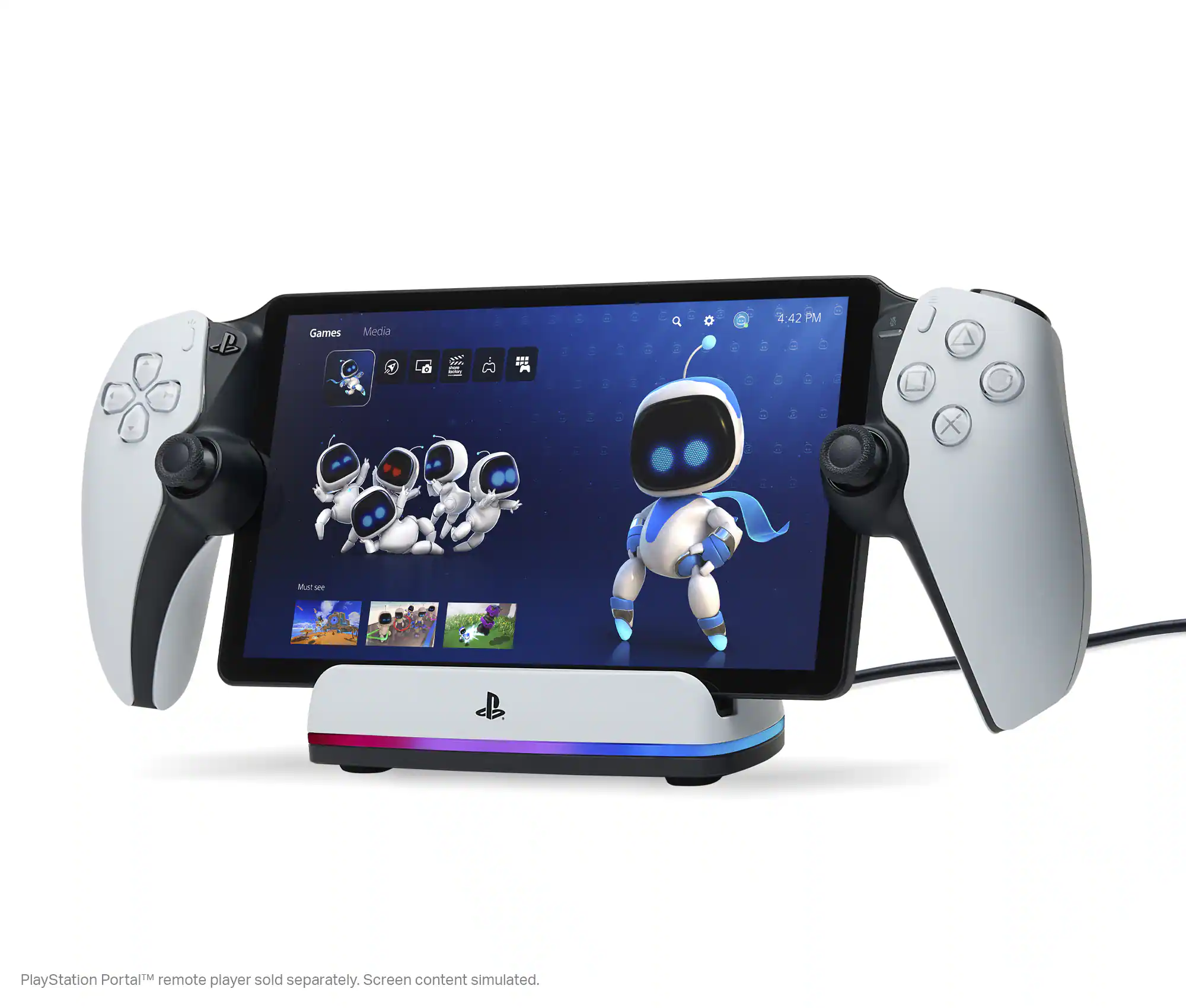
PlayStation Portal™ Remote Player gives you access to the games on your PS5 over a WiFi network, letting you jump right into gaming without needing to play on a TV.
Play Your Game Collection with Remote Play
PlayStation Portal Remote Player can play compatible games you have installed on your PS5 console, including your favorite games for PS5 and PS4.
Cloud Streaming from the Game Catalog and Classics Catalog
Discover an awesome library of PS5® games on the PlayStation Portal™ Remote Player with PlayStation®Plus Premium. Access hundreds of games from the Game Catalog6 and Classics Catalog, streamed directly to your PlayStation Portal™ Remote Player with new games added every month.
Cloud Streaming for PS5® Games in Your Library
With PlayStation®Plus Premium, stream select digital PS5® games in Your Library from PlayStation™Store directly to your PlayStation Portal™ Remote Player, with no downloads required. Enjoy instant access to some of the latest and greatest PS5® games in the palm of your hand.
Experience Breathtaking Immersion with DualSense® Wireless Controller Features
Feel the immersive power of haptic feedback and adaptive triggers in supported games. Responsive vibrations react to your in‑game choices and simulate environmental factors. Dynamic resistance mimics the tension of interactions with in‑game gear and objects in select PS5® games.
60fps Capable at 1080p Resolution
Remote Player can deliver silky smooth gameplay at up to 60fps with high image clarity on its 1080p resolution screen.3
Get Gaming Fast
PlayStation Portal Remote Player is a purpose-built device dedicated to delivering an incredible remote play experience. That means you can turn it on, press a button to connect to your PS5 console and get right to playing with remarkable speed.
Specifications
- WirelessYesBattery SizeBattery packCompatible Platform(s)PlayStation 5
Reviews
Rating 4.5 out of 5 stars with 5287 reviews
- Overall Performance (3143)
- Portability (1654)
- Screen Quality (803)
- Battery Life (182)
- Comfort (89)
- Connectivity (929)
- Input Lag (60)
Customer Images
The vast majority of our reviews come from verified purchases. Reviews from customers may include My Best Buy members, employees, and Tech Insider Network members (as tagged). Select reviewers may receive discounted products, promotional considerations or entries into drawings for honest, helpful reviews.
About Open Box


Compare similar products

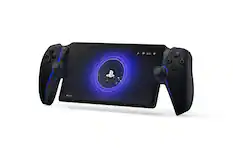
PlayStation Portal Remote Player. Play your PS5 console over your home Wi-Fi with console quality controls using PlayStation Portal Remote Player. Experience the incredible immersion of DualSense wireless controller features like haptic feedback and adaptive triggers in supported games. Put your game collection on PS5 in the palm of your hand— PlayStation Portal Remote Player can play compatible games you have installed on your console without needing to play on a TV. PlayStation Portal Remote Player can stream compatible games installed on your PS5 console. PlayStation Portal Remote Player requires broadband internet Wi-Fi with at least 5Mbps for use. For a better play experience, a high-speed connection of at least 15Mbps is recommended. The quality and connectivity of your play experience may vary depending on your network environment. A PS5 console and account for PlayStation Network is required. The PS5 console must be connected to a broadband internet connection, powered on fully or in Rest Mode, and it must be paired with your PlayStation Portal Remote Player. Games that require a VR headset (PlayStation VR or PlayStation VR2) or additional peripherals (other than a DUALSHOCK 4, DualSense, or DualSense Edge wireless controller) are not compatible. Games that must be streamed on PS5 using a PS Plus Premium membership are not compatible. Haptic feedback and adaptive trigger features available when supported by game. Individual game performance will vary based on the specific game being played, and the quality of connectivity in your network environment. Haptic feedback and adaptive trigger features are only available when those features are supported by the game being played.

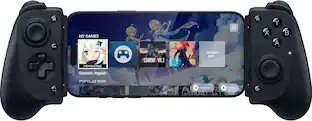
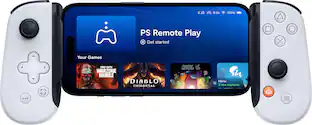
Inspired by the look and feel of the PS DualSense wireless controller, the Backbone One PlayStation Edition transforms your iPhone device into the ultimate gaming console. Snap in your iPhone and play any game or service that supports controllers, including App Store, GeForce NOW or even stream from PlayStation with PS Remote Play or PC. Our Second Generation device features two sets of magnetic adapters that allow for even better phone fit along with a reshaped D-pad which enhances responsiveness, resulting in superior feel and control across multiple genres of gameplay. The Backbone app organizes your content library and game streaming services into an integrated user experience. Uncover a new world of premium gaming in seconds.
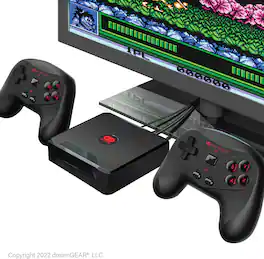
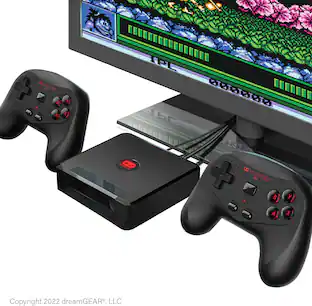
MY ARCADE® brings you the best in Data East™ and Jaleco titles with the GameStation Wireless HD. The console also includes over 250 retro-inspired video games and connects with an HD cable to bring you high-definition gameplay. 2 wireless controllers are included for head-to-head competition to see who is the best gamer! Features 15 officially licensed Data East™ and Jaleco™ titles + over 250 retro-inspired video games. Connect via the included HD cable and enjoy high-definition game play. Includes two 2.4 GHz wireless controllers. Console powered by the included USB power cable. Controllers require 3 AAA batteries each (not included). Data East™ titles include Bad Dudes™, Caveman Ninja™, BurgerTime™, Karate Champ™,Heavy Barrel™, BreakThru™, Side Pocket™ and B-Wings™. Jaleco™ titles include GOAL!™, BASES LOADED™ 1, 2, 3 and 4, RACKET ATTACK™ and HOOPS™. Includes Gamestation Wireless HD 2 wireless controllers HD cable USB power cable User guide PACKAGE LANGUAGES English, French and Spanish | USER GUIDE LANGUAGES English, French, Spanish, Portuguese, Italian, German, Dutch, Japanese and Arabic
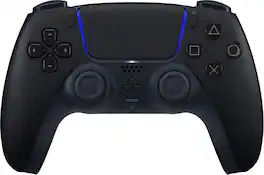
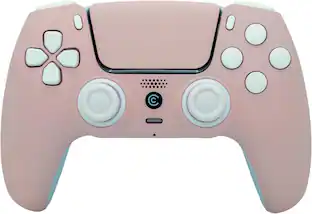
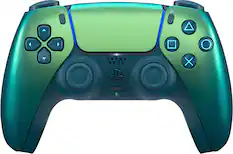
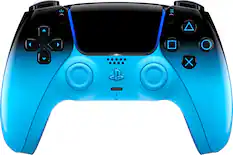
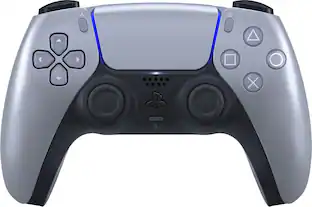
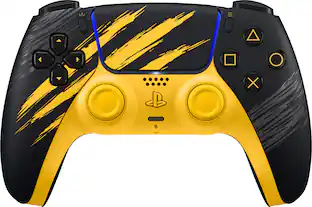
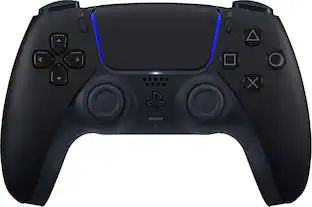
Discover a deeper, highly immersive gaming experience1 that brings the action to life in the palms of your hands. The DualSense wireless controller offers immersive haptic feedback2, dynamic adaptive triggers2 and a built-in microphone, all integrated into an iconic comfortable design.
| Pros for Sony Interactive Entertainment - PlayStation Portal Remote Player - White | |||
|---|---|---|---|
| Overall Performance, Portability, Battery Life, Comfort, Screen Quality | Overall Performance, Portability, Comfort, Button Quality | There were no pros for this product— | Overall Performance, Battery Life, Color, Design, Feel |
| Cons for Sony Interactive Entertainment - PlayStation Portal Remote Player - White | |||
| Connectivity, Input Lag | Connectivity, Compatibility | There were no cons for this product— | Stick Drift, Price, Size, Button Quality, Weight |
Specs
Customers often buy these together
Gaming Controllers
Video Games






More recommended items
 Gaming Controller Accessories
 Gaming Headsets
 Video Game Console and Controller Cases
 Power Adapters and Chargers
 PC Gaming Headsets
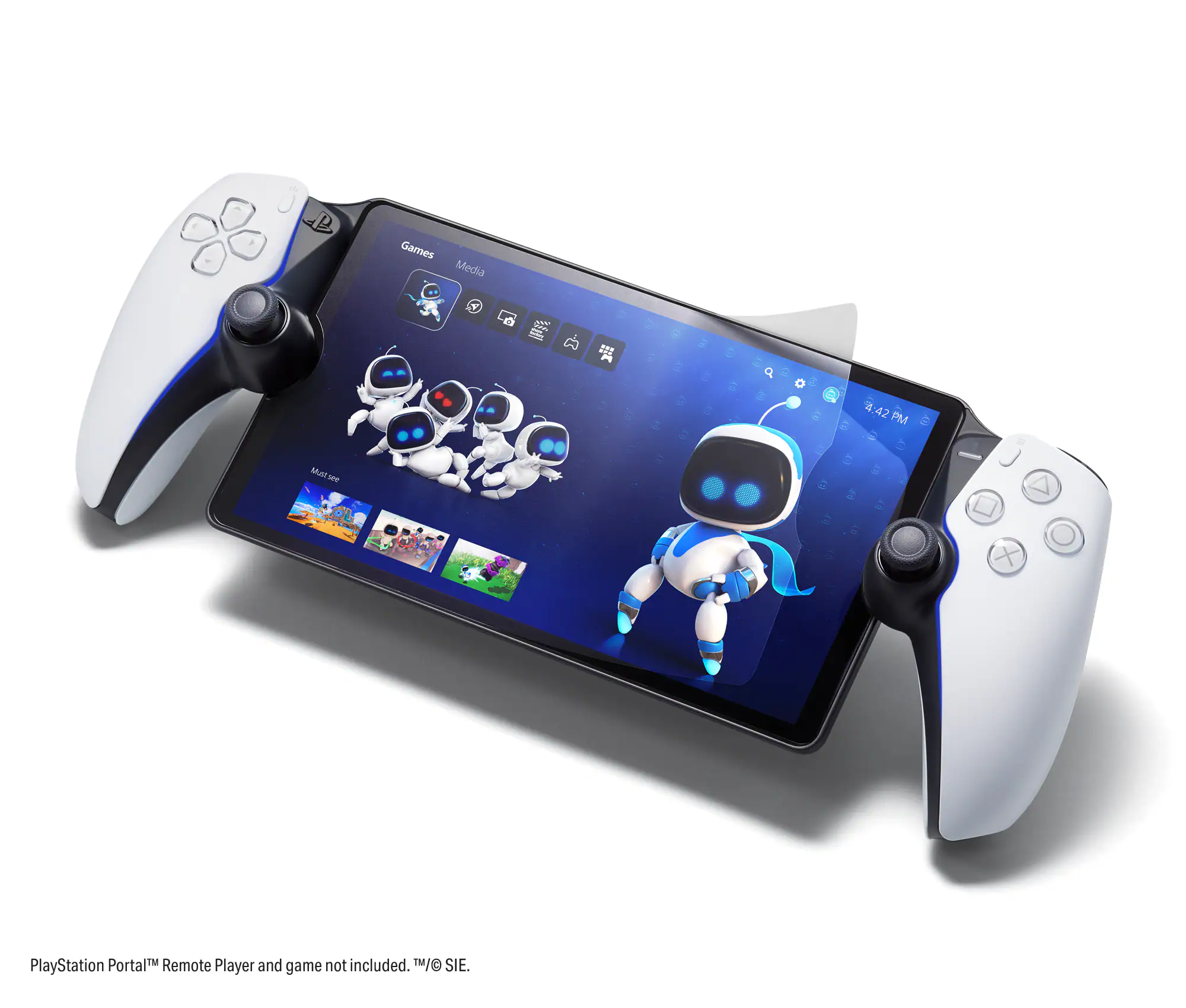 Gaming Screen Protectors
More to consider
Backbone One - PlayStation Edition (Lightning) - Mobile Gaming Controller for iPhone - 2nd Gen
Clearance$89.99The price was $99.99Sony Interactive Entertainment DualSense Wireless Controller for PS5, PC, Mac & Mobile
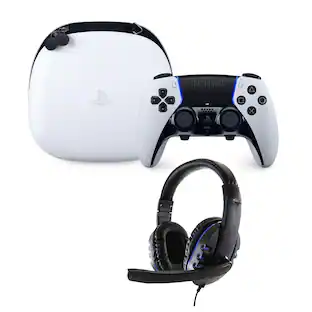
$69.99The price was $89.99Sony Interactive Entertainment DualSense Edge Controller with Universal Headset
$219.99The price was $269.99
Level up your game Sponsored
Discover related products



Keep exploring
Logitech X56 HOTAS Microsoft Flight Simulator RGB Dual-Throttle and Joystick
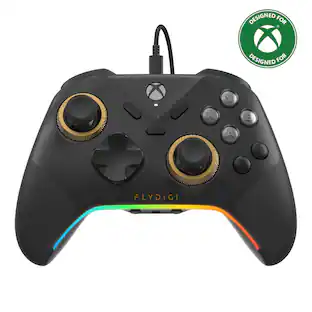
$247.00The price was $275.00FLYDIGI Apex 5 PC Controller, Forceflex Joystick 2.0, ForceAdapt Triggers, 3ms Ultra-Low Latency
$135.99The price was $159.99Logitech G923 Racing Wheel and Pedals Trueforce Sim Driving Wheel For PC, PS4, PS5 with Logitech Shifter
$514.95The price was $529.95Sony Interactive Entertainment DualSense Wireless Controller for PS5, PC, Mac & Mobile
$79.99The price was $91.99